Home Contact and Quote
Quote request
Wall Printer Price and Quote: Tell Us Your Business and Get a Configuration
WallPrintJet is MAXWAVE's wall printer brand: machines from the MAXWAVE line, with remote training and after-sales support, for new wall printing businesses and for print shops, decorators, mural artists and distributors.
Every quotation is built for one configuration: the series, printhead setup and ink setup that fit the walls you print and the business you run.
Send a photo of a wall you want to print, its width and height, and one line about your business. Already know the series you want? Email [email protected] or message +86 15327155363 on WhatsApp.
- Tested before dispatchEvery machine is tested by a technician before it leaves the factory.
- 2-year warrantyOn the machine, from the date of purchase.
- CE certificatesHeld by MAXWAVE (Wuhan Maxwave Laser Technology Co., Ltd) under the EMC and Machinery Directives.
- About 10 minutesto learn the basic print workflow; training runs remotely.
Six types of business
Details to Send for a Wall Printer Price, by Type of Business
Pick the card that describes you and send the three or four details listed. That is enough for a first recommendation. The card you chose in the form above lights up here.
- You picked this
Starting a wall printing business
- A photo of the first wall you want to sell, with its width and height.
- What the client wants on it.
- The price per m² you plan to charge in your area.
Start a Wall Printing Business - You picked this
Print shop, sign maker or advertising company
- The graphics you produce now and the RIP you run.
- One client wall you would quote first, with its height and surface.
- Who would run the machine on site: someone from your production team or a new operator.
Wall Printer for Sign Shops - You picked this
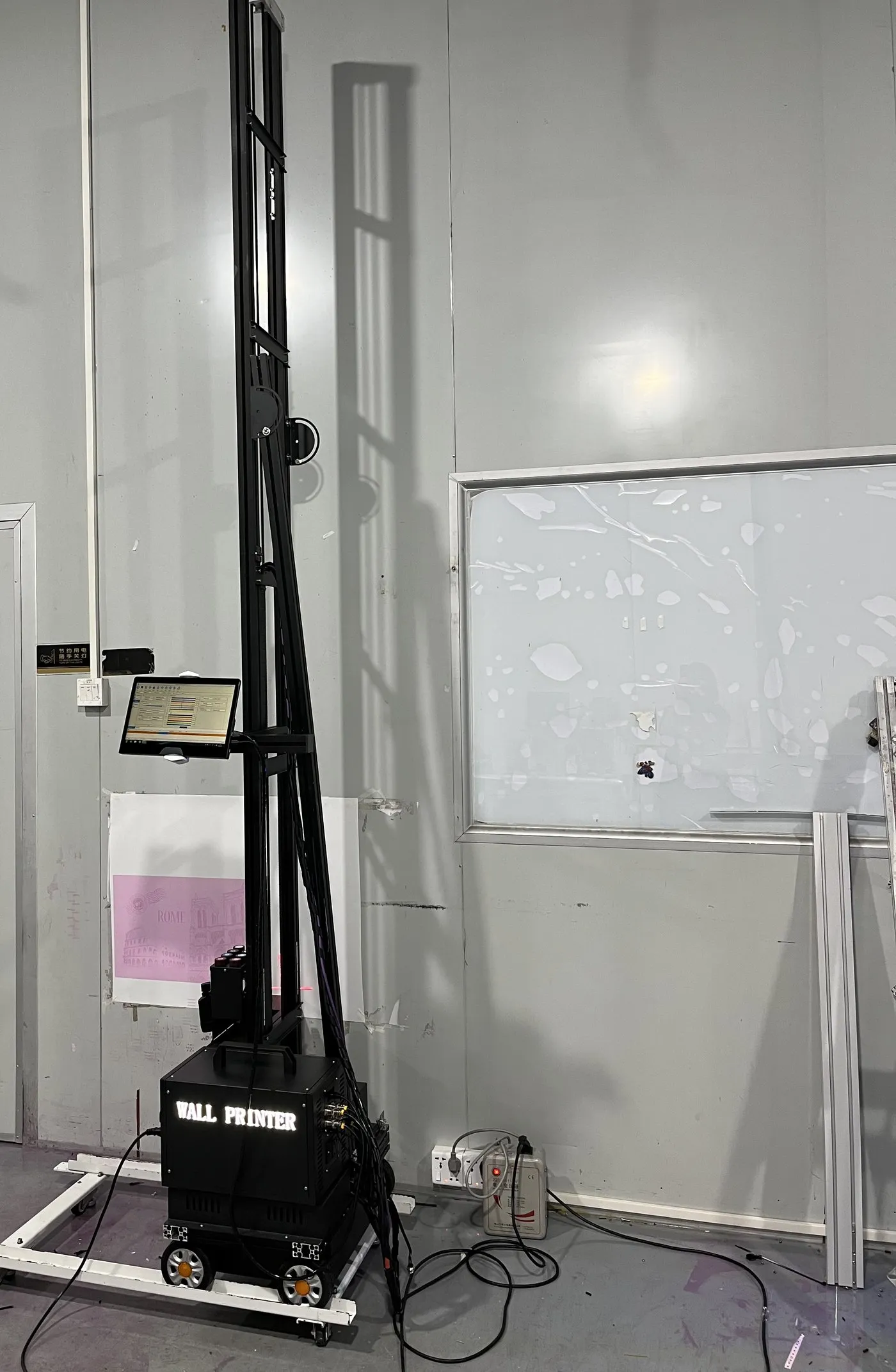
Decoration, painting or renovation contractor
- The room list from a job you are pricing now, with a photo of each wall.
- How many sites the machine would move between in a week.
- Whether any of your sites also need printed floors.
Wall Printer for Decorators - You picked this

Mural artist or design studio
- The first artwork file you would print, and its original size if it is a painting.
- A photo of a wall you often work on, with its colour and surface.
- Whether you finish walls by hand after printing.
Wall Printer for Mural Artists - You picked this
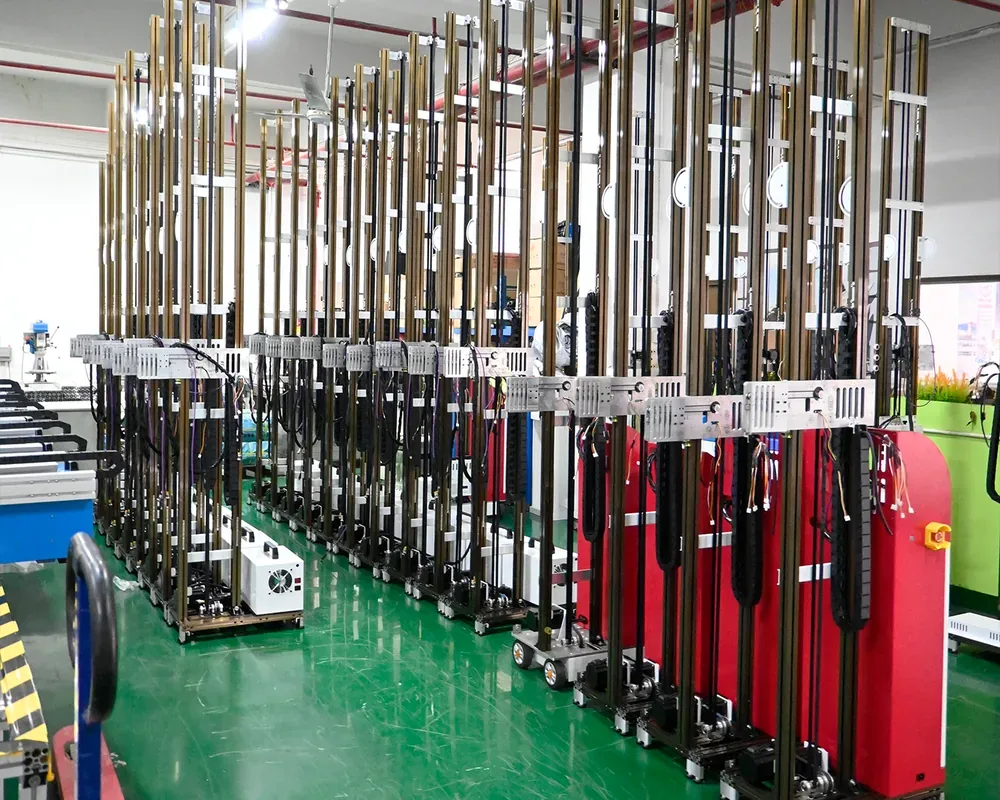
Distributor, importer or brand owner
- Your country and the customers you sell to.
- The series you want to carry.
- Whether you want your logo on the GP200B or UP200P.
- The quantities you plan for a first order.
Become a Distributor - You picked this
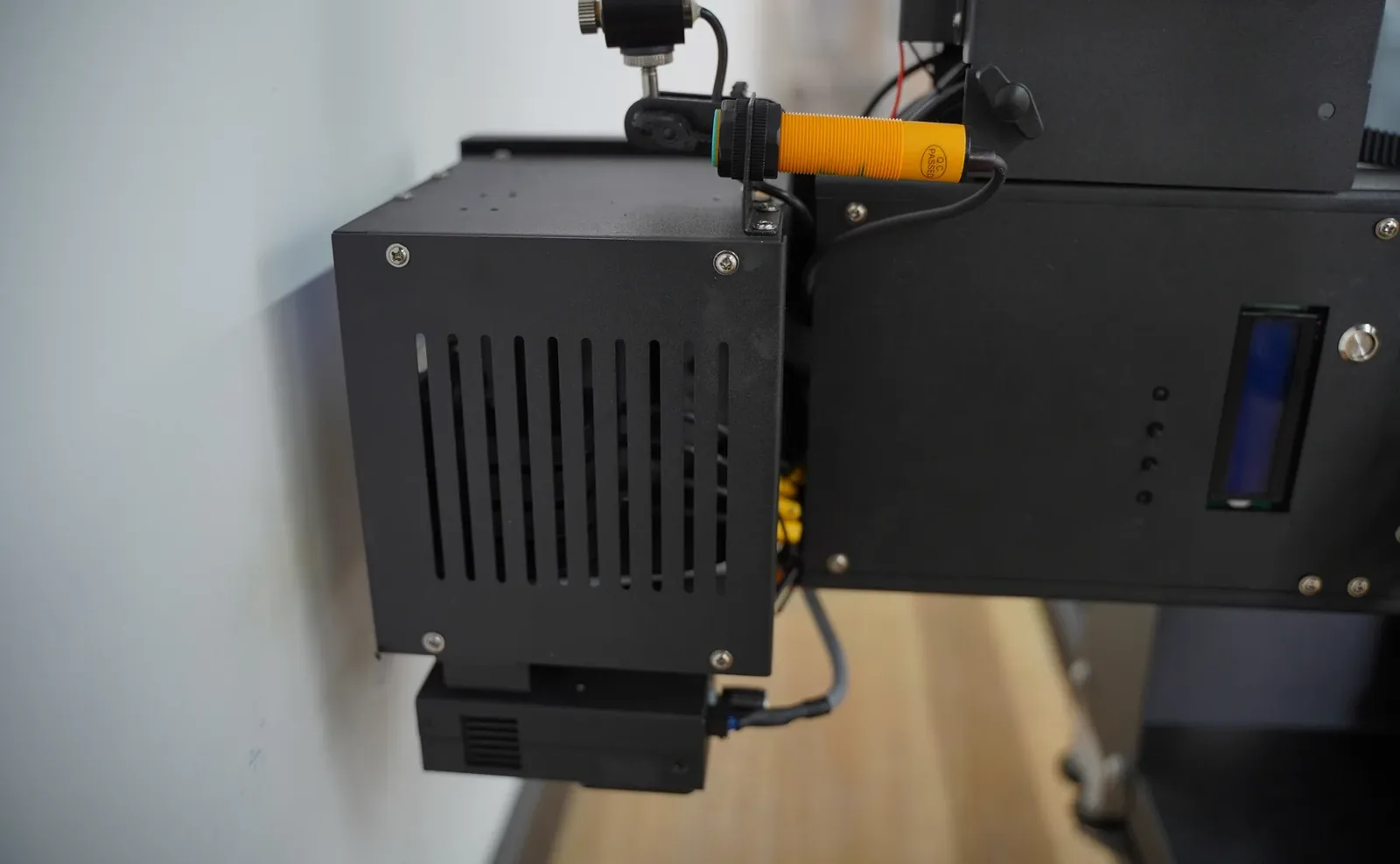
Already running a wall printer from another supplier
- The machine and the printhead you run now.
- What you want to change: print speed, image detail, the walls you can print, or parts and support.
- The walls you print most, with their heights and surfaces.
- The area you print in a typical month.
One quotation, one configuration
Wall Printer Price and Quotation: Six Lines Set from Your Details
The quotation names the series, printhead setup, ink setup, build height, options and quantity. Each line is set from the details you send, and the wall printer price is given for that configuration.
- 01Series
- GP200, GP200B, UP200 or UP200P, chosen from your wall heights, how often the machine moves between sites and whether floors are part of your work.
- 02Printhead setup
- The printhead type and the number of printheads, chosen from the size of your walls and the area you expect to print each month.
- 03Ink setup
- CMYK, or CMYK + W when your jobs include dark walls or glass.
- 04Build height
- The standard height for the series, or a taller build where the series offers one.
- 05Options
- A UPS for sites with shared or unreliable power, a custom logo on the GP200B or UP200P, and the software language your operators use.
- 06Quantity
- One machine, or the configurations and quantities a distributor plans to stock.
- Price
- Quoted for the configuration above.
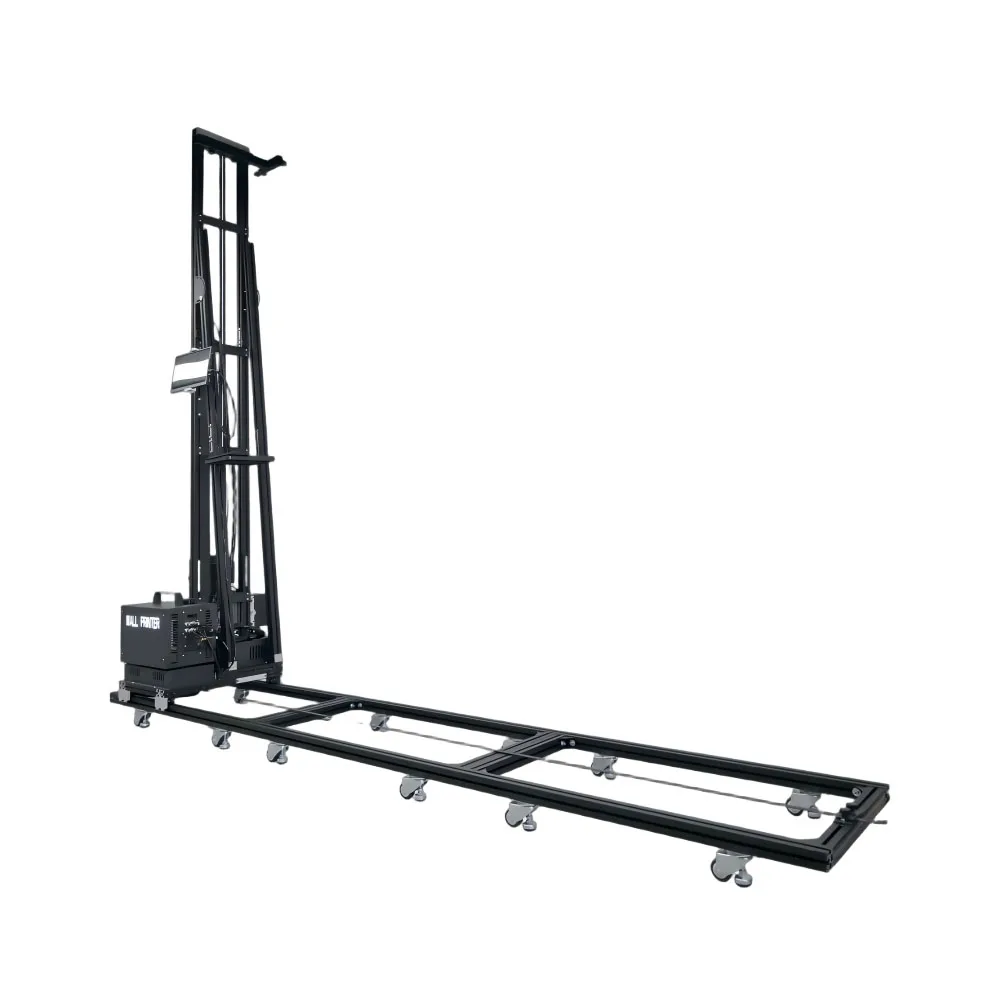
Listed as shipping in the box
- A set of ink
- Moisturising fluid
- Cleaning fluid
- Electric ink pump
- Ink sacs
- Manual ink pump
- Ink tubes
- Flat cables
- Belts
- Wheels
- Fixing crossbar
- Hex tools
The certificate set that comes with the quotation
The certificates list the model codes they cover, so you can check them against the machine on your quotation.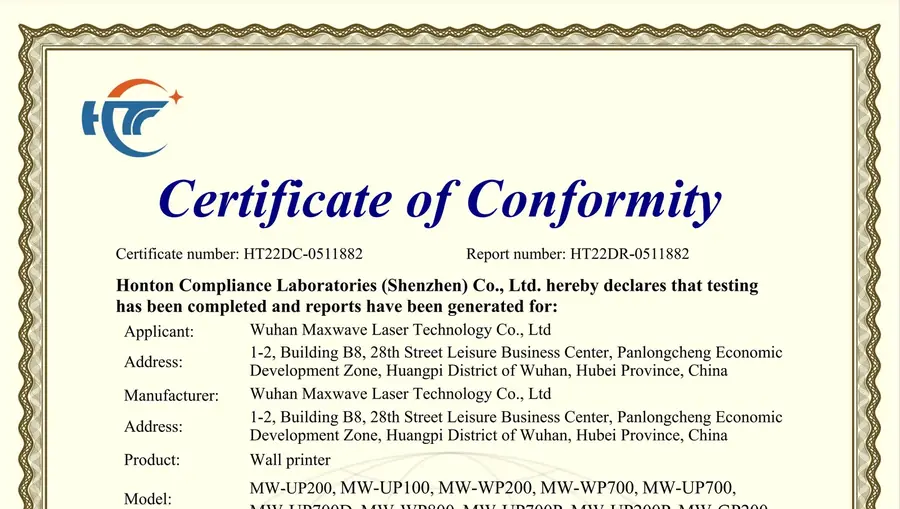 CE certificate, EMC Directive 2014/30/EU
HT22DC-0511882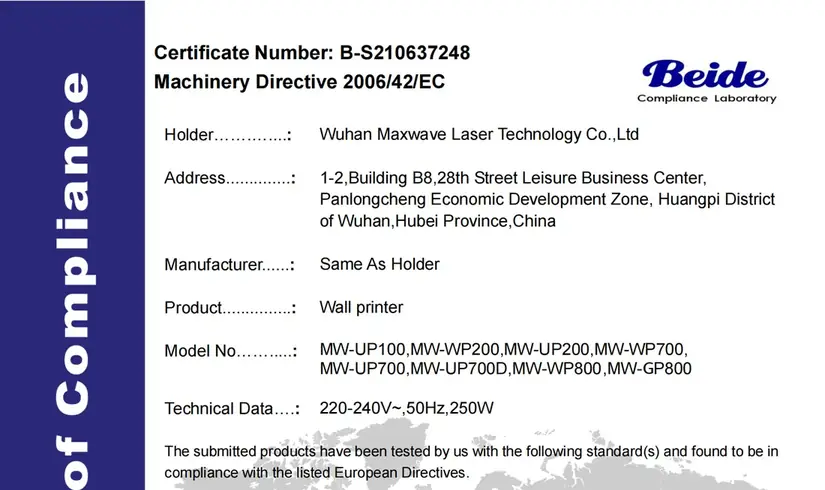 CE certificate, Machinery Directive 2006/42/EC
B-S210637248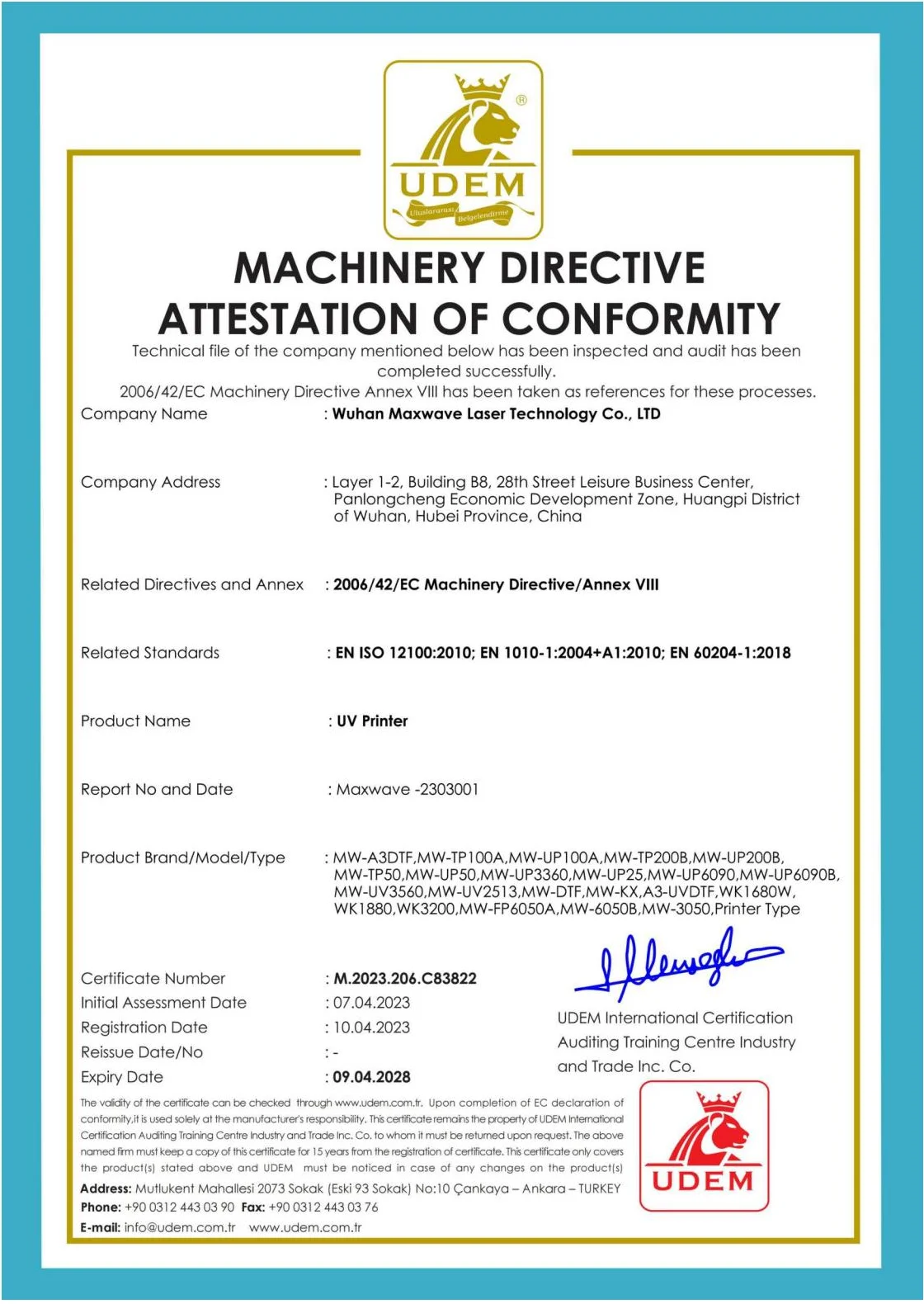 Machinery Directive attestation of conformity
M.2023.206.C83822- SGS test report on our black UV ink against EU RoHS substance limits
GZHL2303007145OT 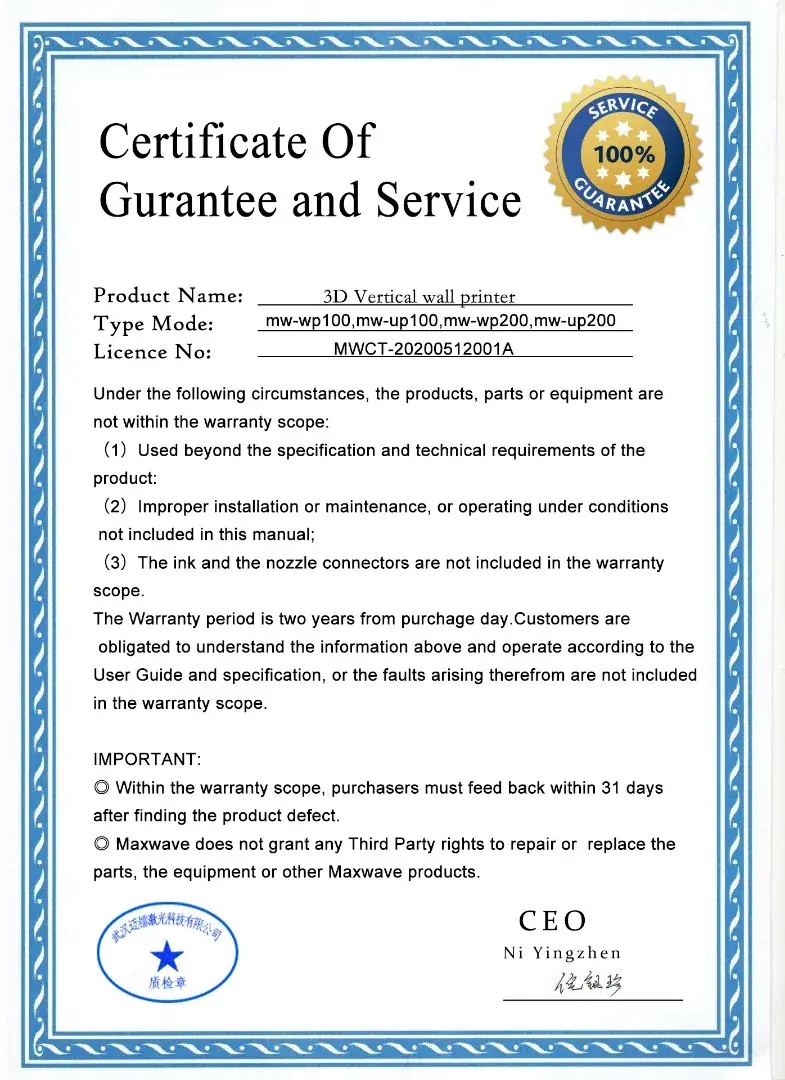 Warranty certificate
2-year machine warranty
Three routes in
Email, WhatsApp and the Wall Printer Price Enquiry Form
Use the route that fits what you are sending. All three reach the same WallPrintJet sales team.
- [email protected]
- Phone and WhatsApp
- +86 15327155363
- MAXWAVE factory address
- 1-2, Building B8, 28th Street Leisure Business Center, Panlongcheng Economic Development Zone, Huangpi District, Wuhan, Hubei, China

 Our after-sales engineers, your contact once the machine arrives.
-
WhatsApp: photos and short videos
WhatsApp suits photos and short videos of the walls you want to print. Take the wall photo with a tape measure in the frame, or write the width and height on the message. Message +86 15327155363 -
Email: files and documents
Email suits artwork files, room lists, drawings and any document you want checked, and it is the route for receiving the quotation and the certificate set as files. Email [email protected] -
The enquiry form on this page
Country, type of business, the series in mind and the jobs you plan to print. Photos and files follow by WhatsApp or email. Back to the form
After you send it
From Your Enquiry to a Working Machine
Six stops, the same contact from the first wall photo to the first print.
- You sendyour business type and the details listed for it, with a wall photo.
- The replyis the recommended configuration, the quotation and the certificate set.
- You confirmthe configuration and place the order. WallPrintJet passes it to the factory.
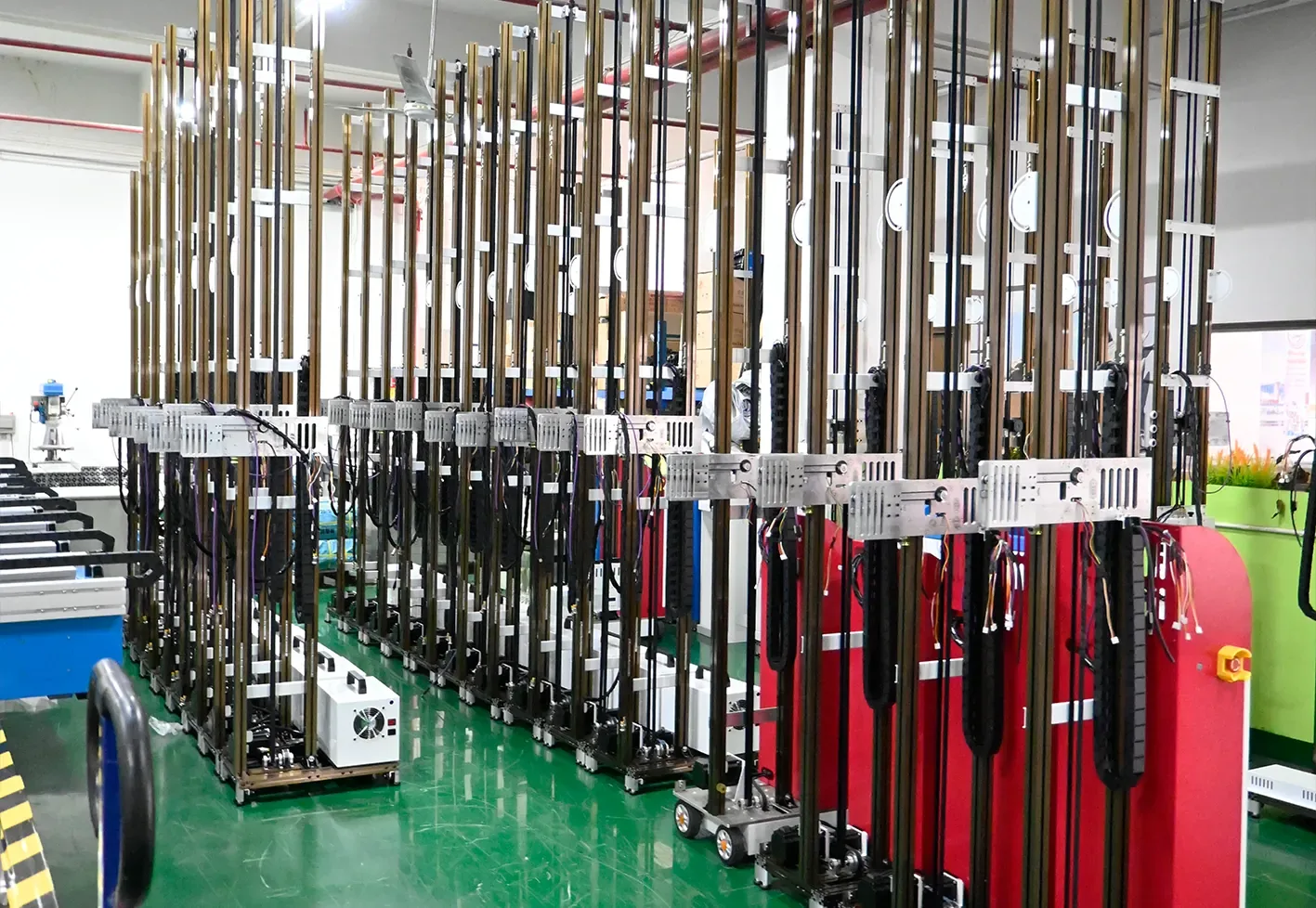
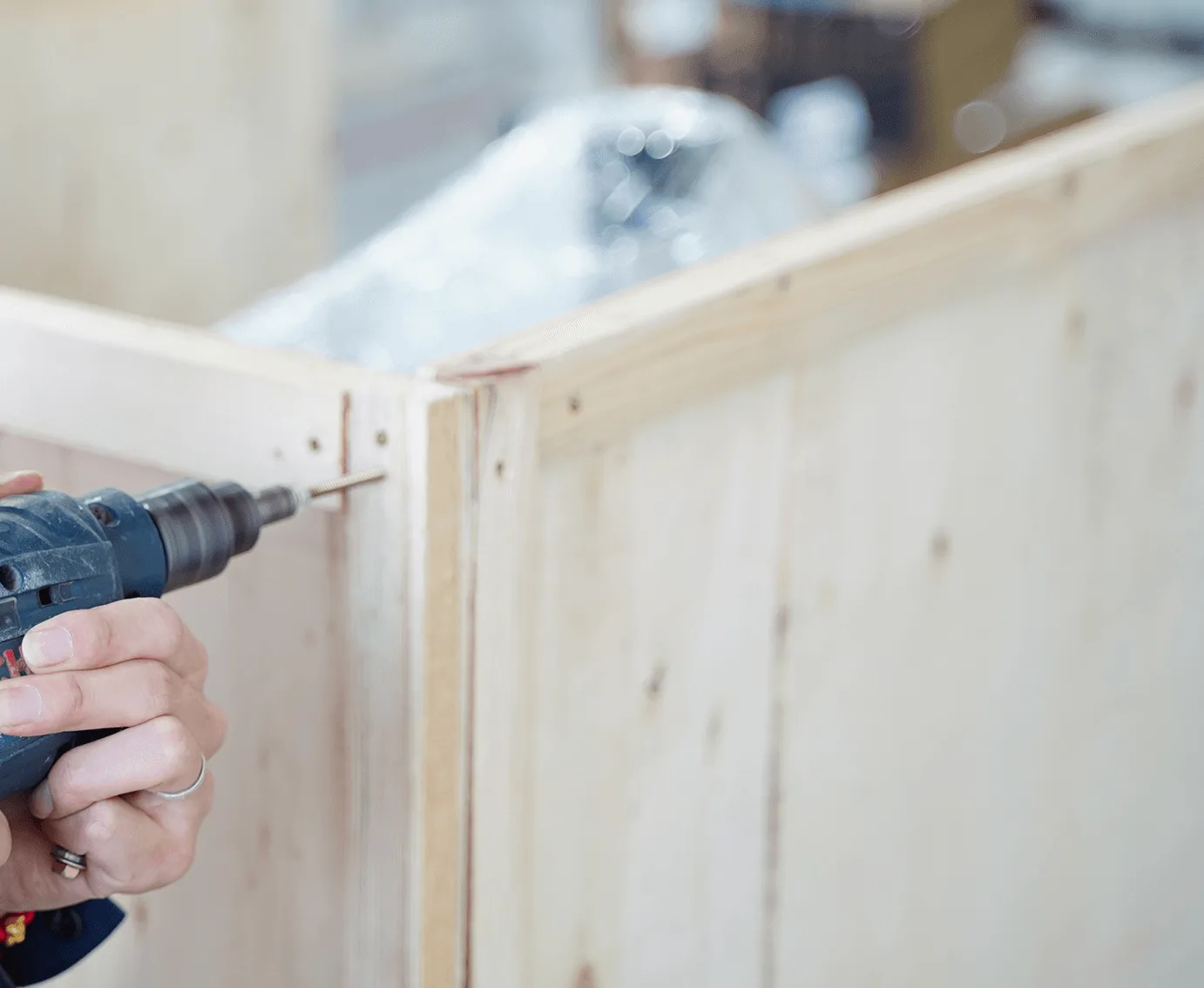
- The factorycalibrates the software, tests the machine and crates it.
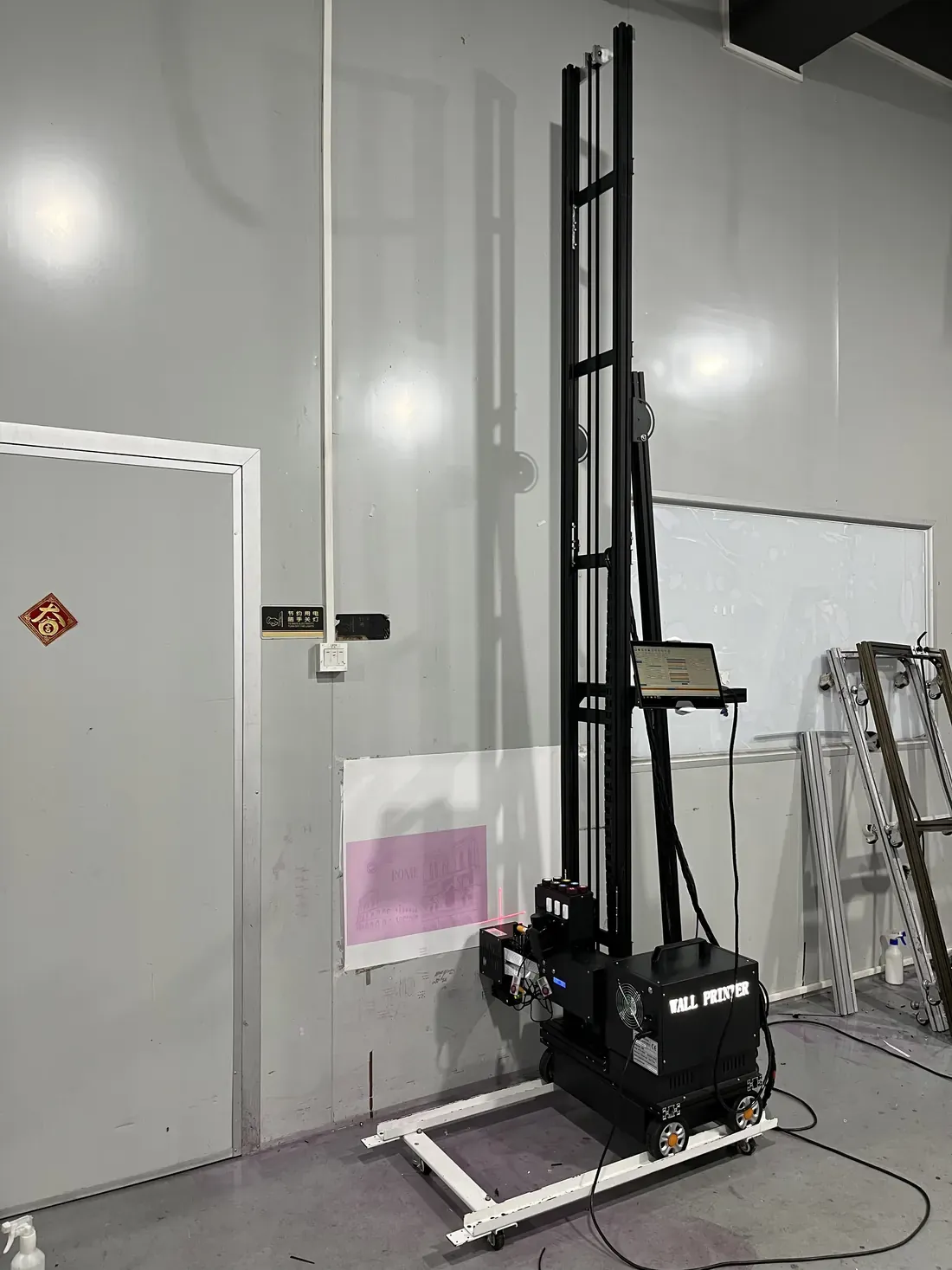
- You assemblethe machine with the illustrated installation manual and record a video of it. Our after-sales engineers check that video remotely.
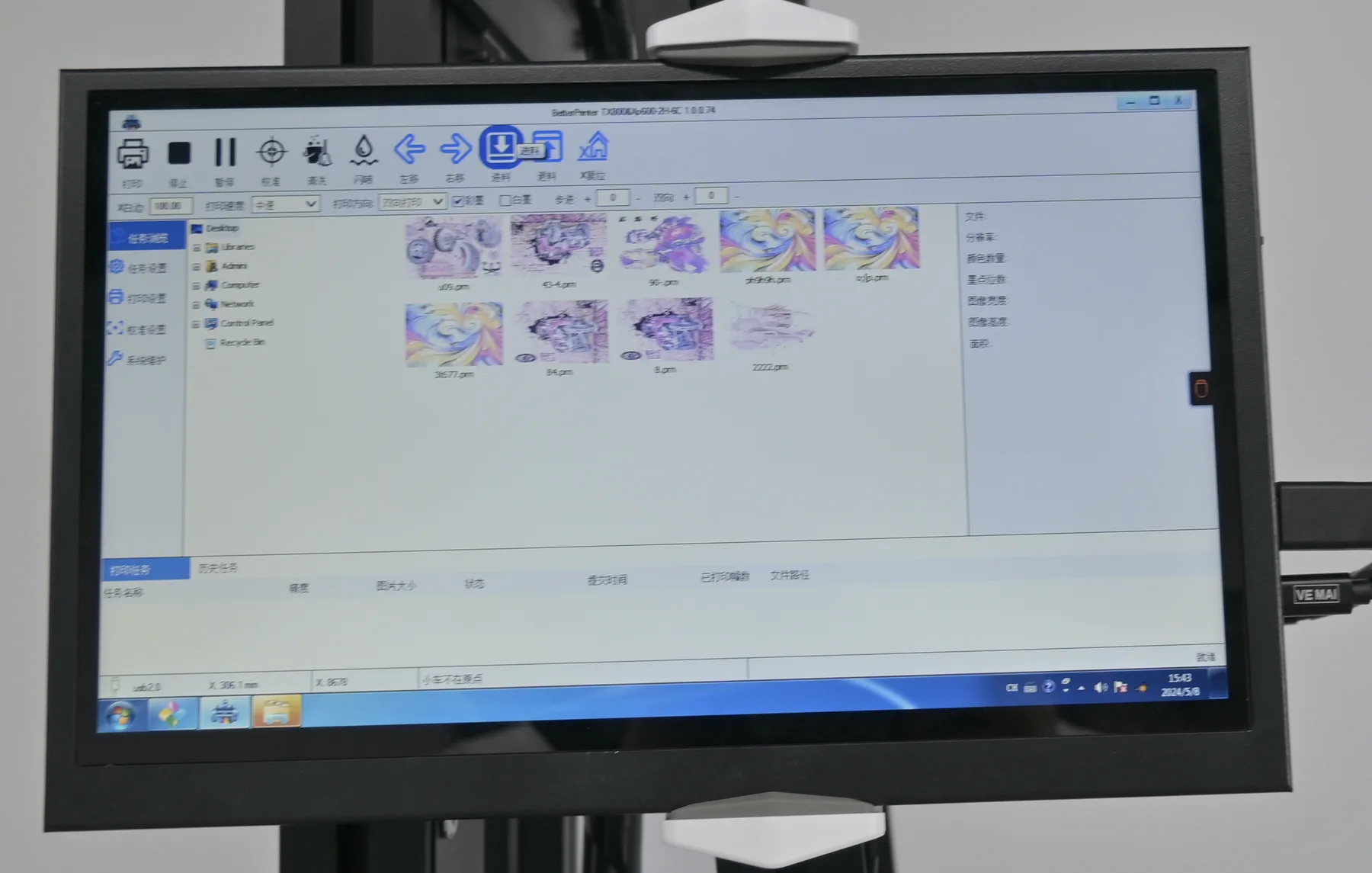
- Remote trainingfollows the video check, with the video library for daily tasks.
Start here
Send Your First Wall
One wall photo with its width and height, and which of the six businesses you are. The configuration, the quotation and the certificate set come back together, ready to compare with any other machine you are looking at.