UP200 · MW-WP/UP(200X-800X)
The Value Commercial Wall Printer for Long Walls and Multi-Day Jobs
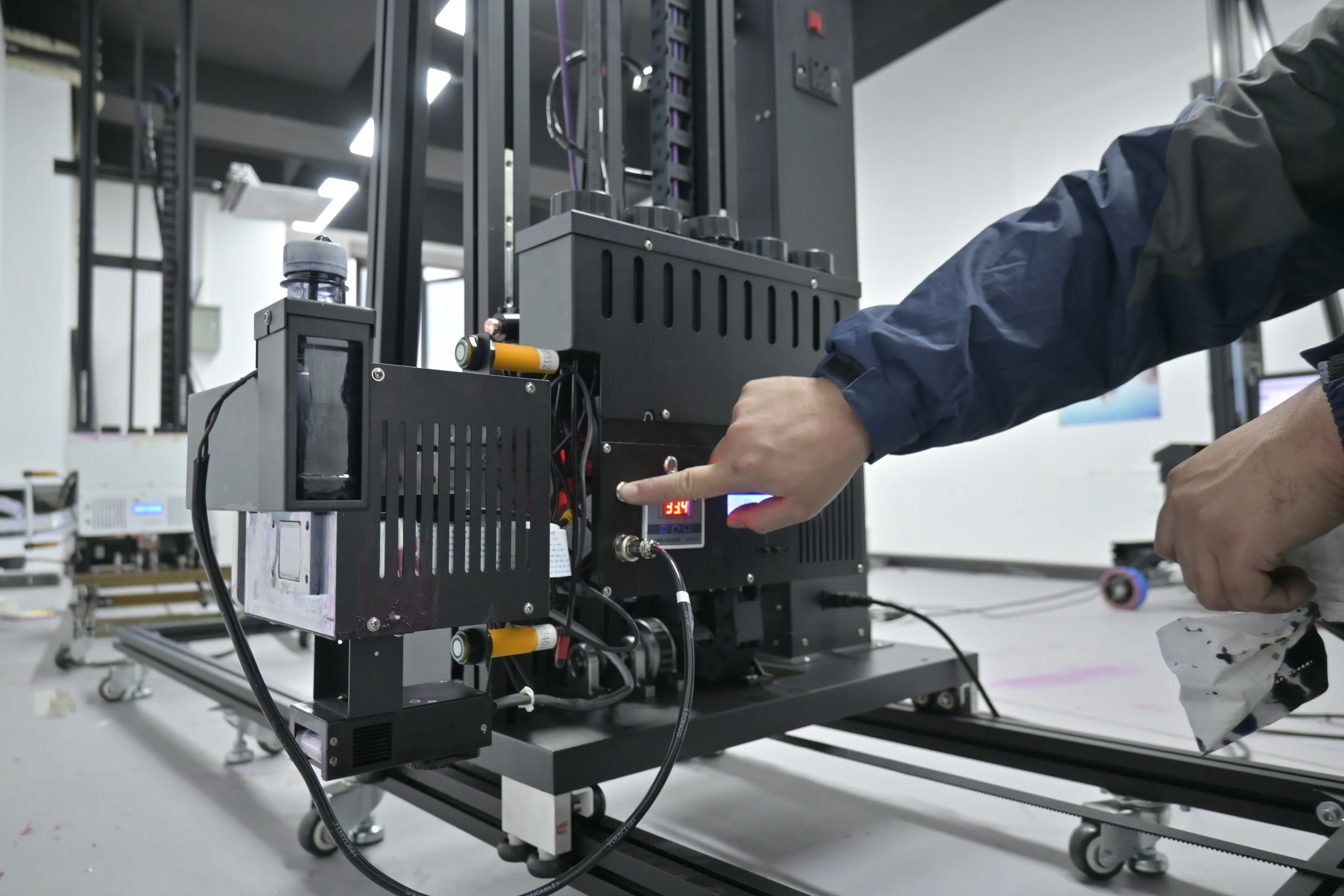
The UP200 is the value wall printer in the WallPrintJet range: a black 70 kg column on rails that prints long walls panel after panel, keeps going through a power cut and cleans its own printheads, so a small team can take big commercial walls on a starting budget.

- 70 kg columnon rails, one track along the wall
- 2.5 m highas standard, 3 m build available
- 8 m²/hin standard mode
- Power-loss resumebuilt in, no UPS to buy
- 2-year warrantyon the machine
Who it is for
Studios and Site Crews That Buy the UP200 Commercial Wall Printer
One well-priced machine that earns on large walls: for small print studios, sign and decoration crews adding wall printing, and first-time business owners whose first jobs are big ones.
- Mall corridors
- School halls
- Showrooms
- Brand walls across an office floor
-
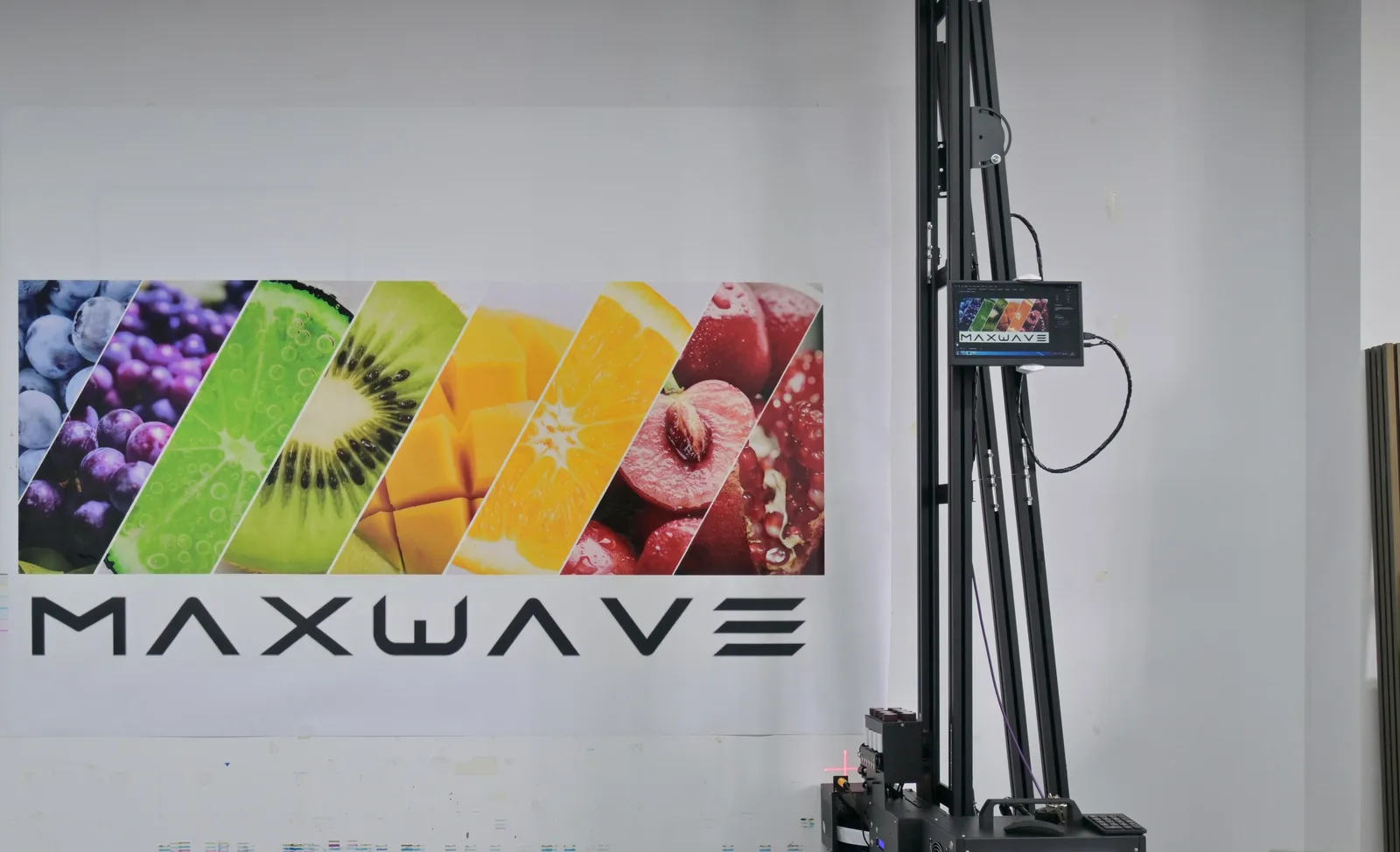 Small studios and start-ups
Start on a modest printhead budget, move up as the work grows
The UP200 takes the lower-priced Epson DX10 as well as the DX7 and I1600. Ink runs at about $0.40 per m² in standard mode, CMYK, and more with a white underbase or full coverage.- Entry printheadEpson DX10
- Ink, standard modeabout $0.40 / m²
-
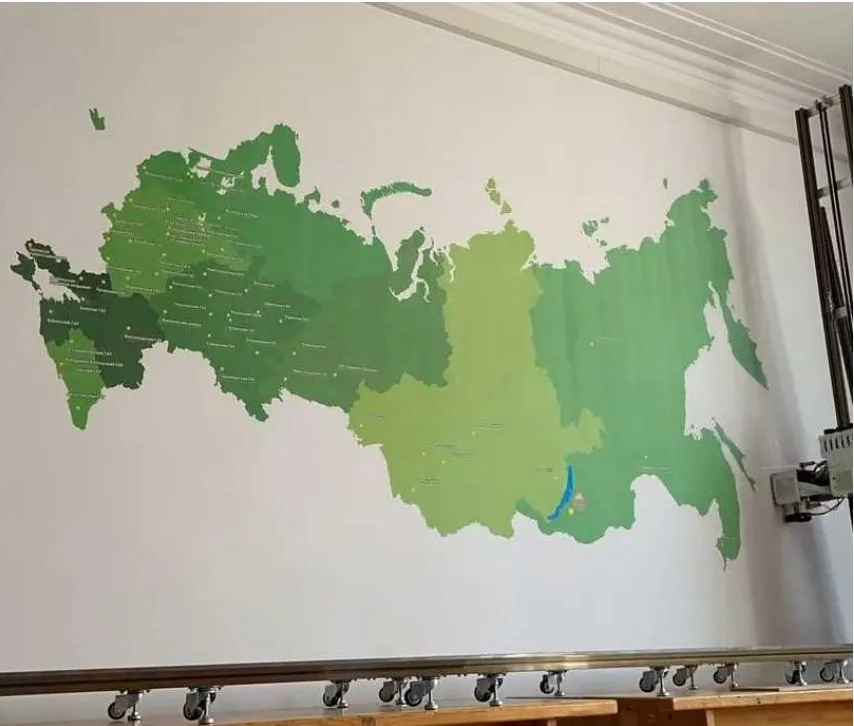 Crews on one site for several days
Set up once, then band after band along the same rail
On a long commercial wall the machine is set up once and prints band after band along the same rail. It stays on its rail overnight and continues in the morning.- Setup per wallonce
- Overnightstays on the rail
How a long wall adds up
Worked example: a wall 2.5 m high and 24 m long is 2.5 m × 24 m = 60 m². Change the size to see your own wall.All four of our machines are compared side by side on our Wall Printers page.
Specifications
UP200 Commercial Wall Printer Specifications
| Body and print area | |
|---|---|
| Model code on the spec sheet | MW-WP/UP(200X-800X) |
| Body | Black column, 70 kg net |
| Base | Orbit (rail) type, supplied with or without rails |
| Print size | 2.5 m high × 6 m wide standard; 3 m high build available |
| Print width | Extends by joining more rail sections |
| Unprinted margin | Top 20 cm, bottom 40 cm, left 20 cm, right 45 cm |
| Printheads, ink and output | |
| Printheads | Epson DX10, DX7 or I1600 |
| Default print resolution | 720 × 1200 with I1600; 720 × 1080 with DX10 |
| Colour mode | CMYK or CMYK + W |
| Ink | Wall UV ink, cured by LED UV lamp as it prints |
| Ink droplet | 3.0 pl |
| Precision (spec sheet) | 2880 dpi |
| Speed | Draft 8 m²/h, Standard 8 m²/h, High resolution 5 m²/h |
| Sensing, control and software | |
| Surface tracking | Ultrasonic distance sensing, follows relief up to 1.5 cm |
| Control | Portable HD colour touchscreen, Windows 7 to 11 |
| Software | BetterPrint control software, Ultraprint RIP; Maintop also supported |
| Data interface | USB 3.0 |
| Power, site and warranty | |
| Power | Single-phase AC 110-220 V, 2000 W, 50/60 Hz |
| Working environment | 10-35 °C, wind up to force 5 |
| Weight | 70 kg net, 120 kg packed |
| Warranty | 2 years on the machine from the date of purchase |
Key features
Eight Key Features of the UP200 Commercial Wall Printer
Most of these run on all four series. Each card shows what the feature does on a long wall printed over several days; the parts only the UP200 has follow below.
-
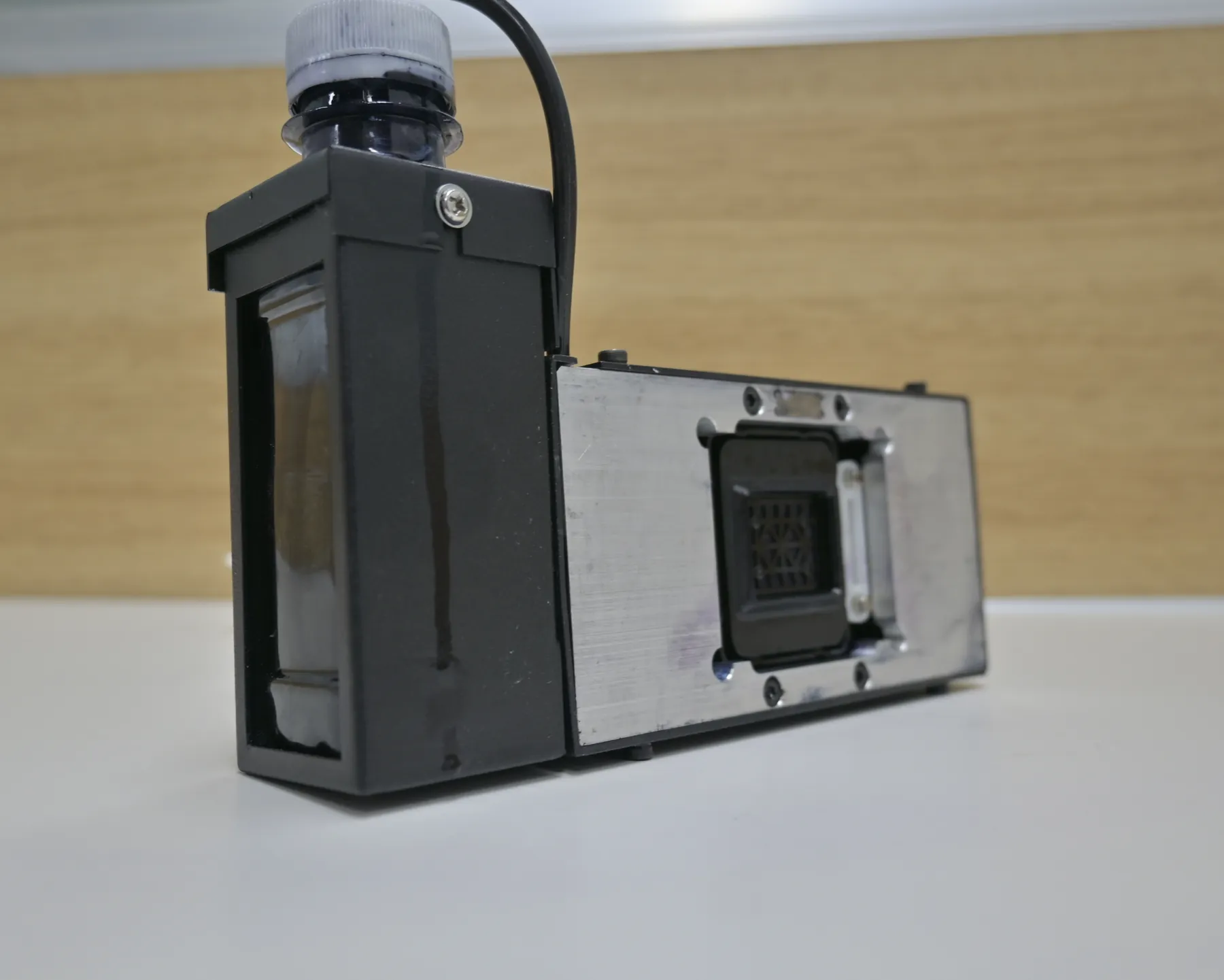
Electric ink suction
The electric suction unit draws ink through the printhead faster than a hand syringe. With the cap on, it keeps a DX10 printhead moist overnight, so the machine prints straight away the next morning. DX7 and I1600 heads follow the moisturising routine in the video library. -
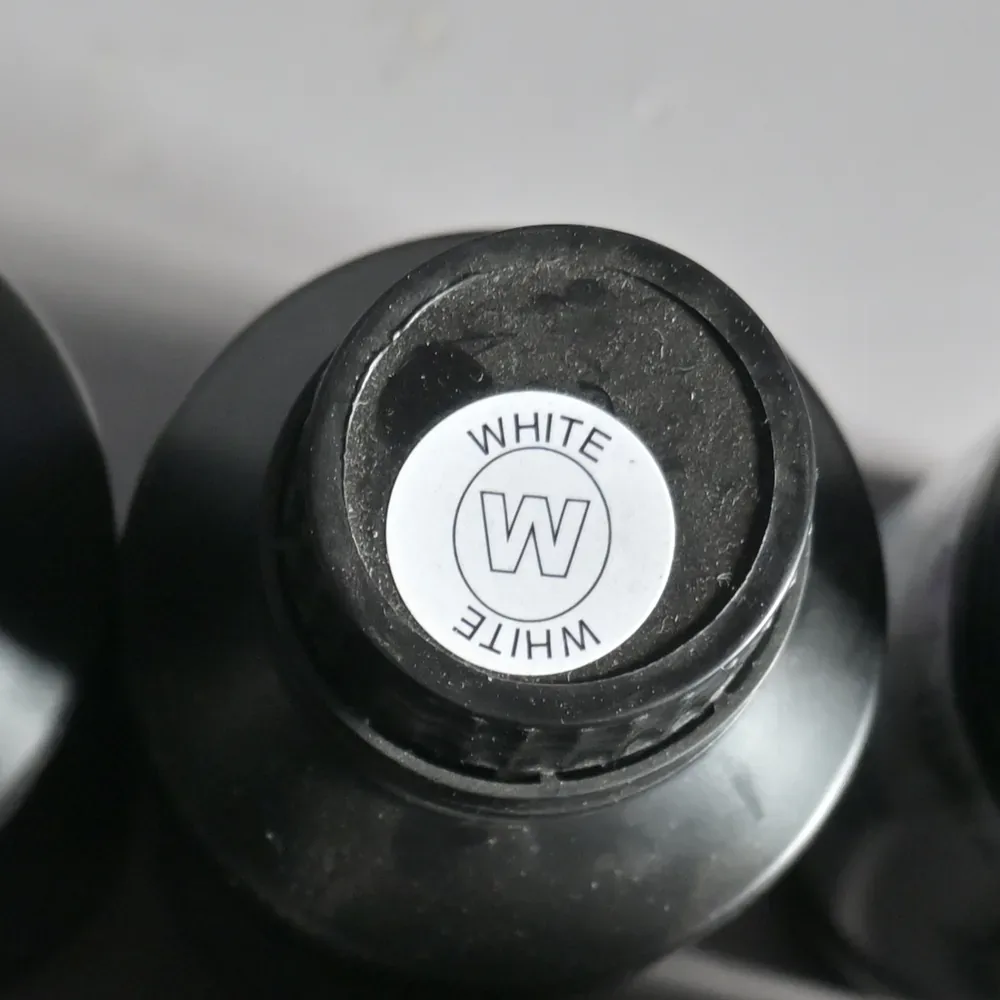
White ink stirring
The UP200 stirs the white ink in the system, so it does not settle and block the nozzles while a dark wall takes its white underbase band after band. -
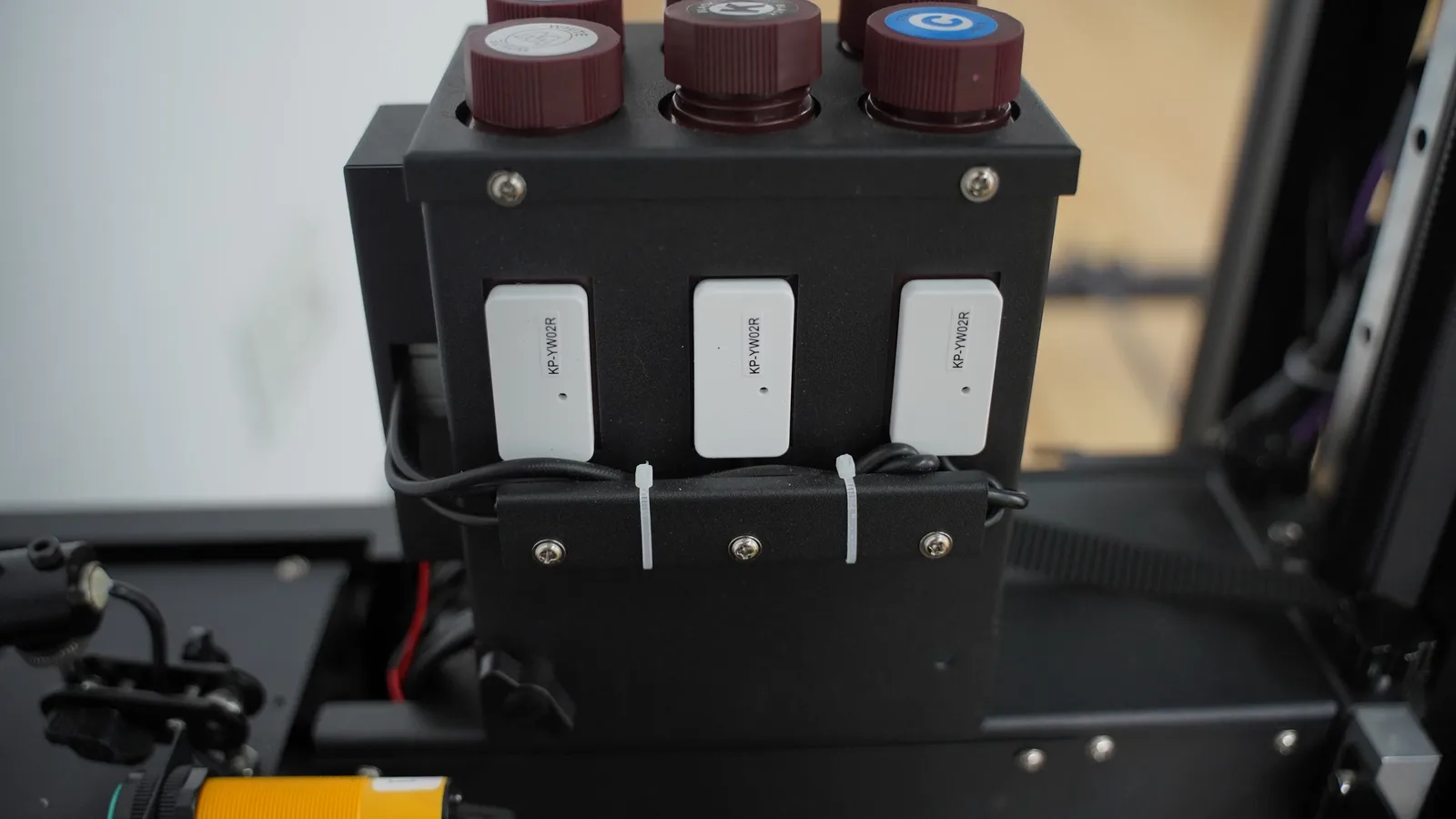
Low-ink alarm
The machine warns you when ink is running low, so a long band is not printed on an empty supply and then printed again. -
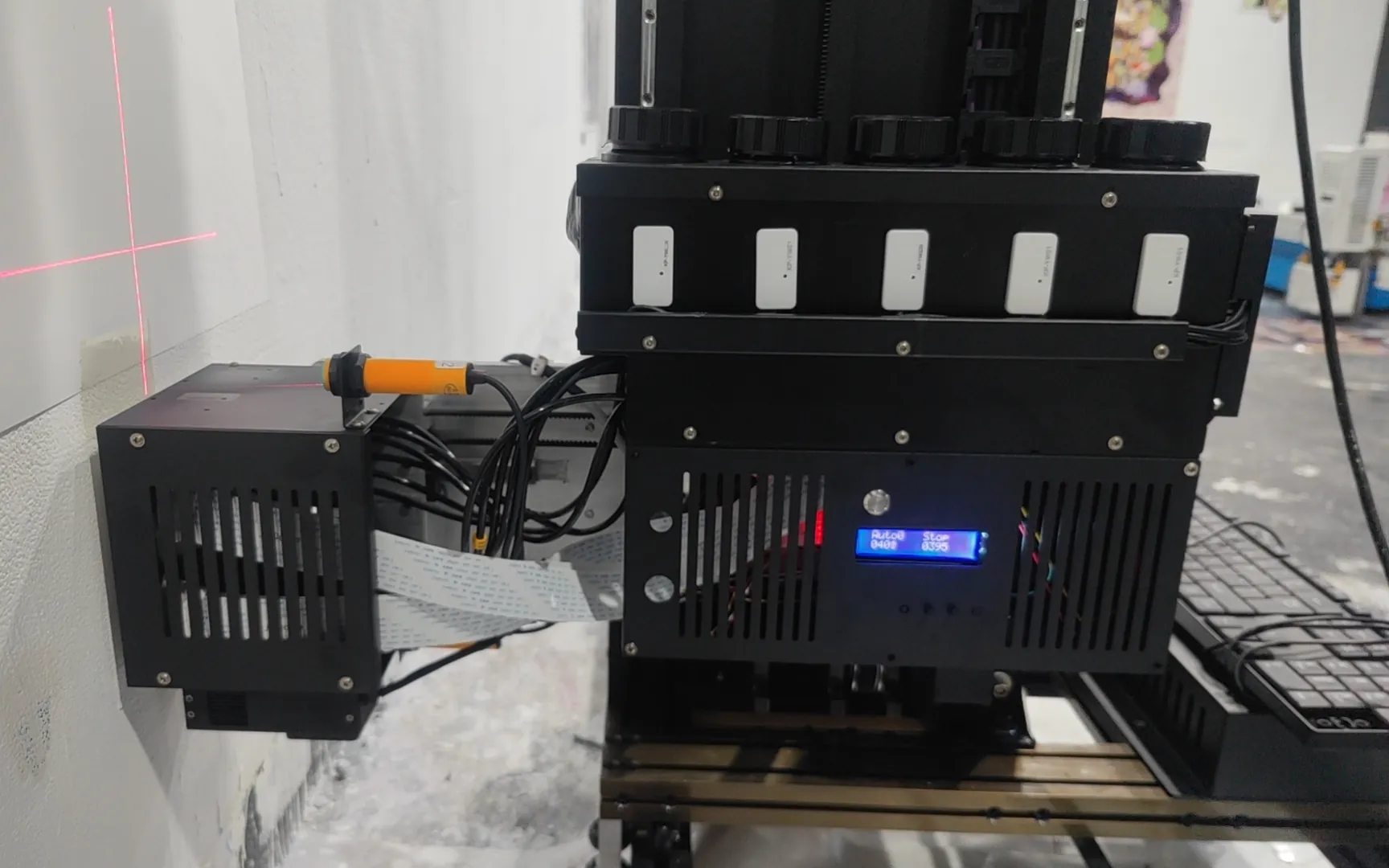
Constant-temperature printhead
The printhead is held at a steady temperature, which keeps ink output even from the first band of the day to the last. -
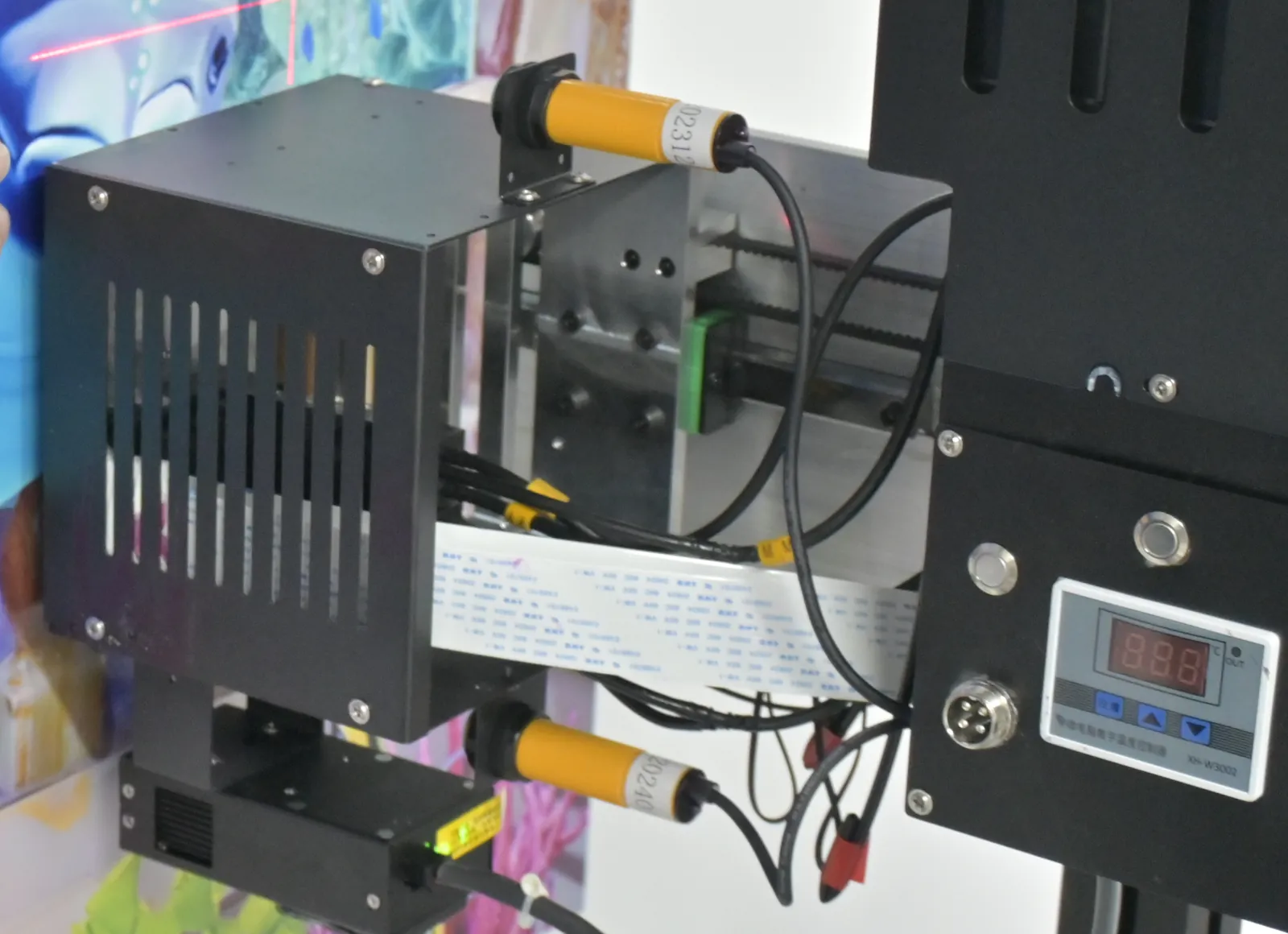
Dual-sensor obstacle avoidance
Sensors on the carriage detect sockets, brackets and pipes in its path, so the printhead does not strike fittings on the wall. -
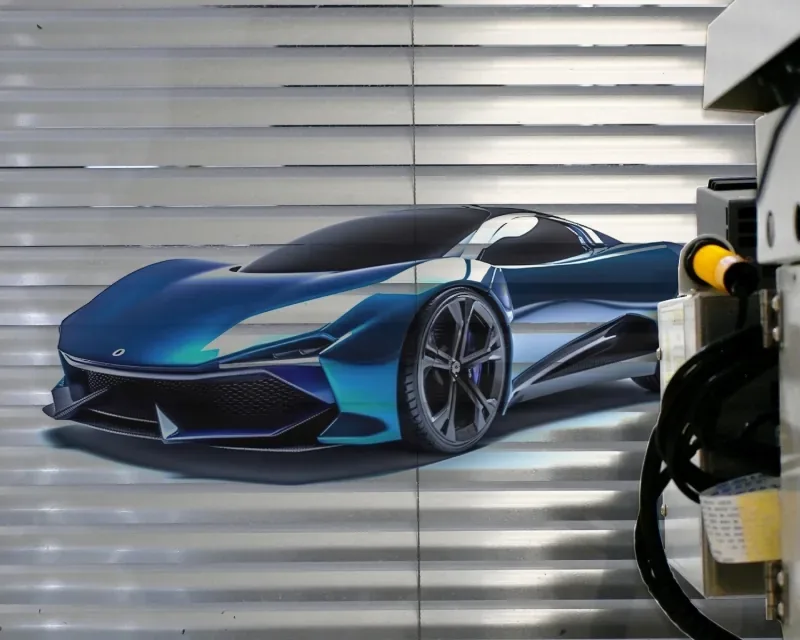
Ultrasonic surface tracking
Separate from obstacle avoidance: ultrasonic sensors measure the distance to the wall and move the printhead in and out over brick joints, textured plaster and panel seams up to 1.5 cm deep, with no hand adjustment. -
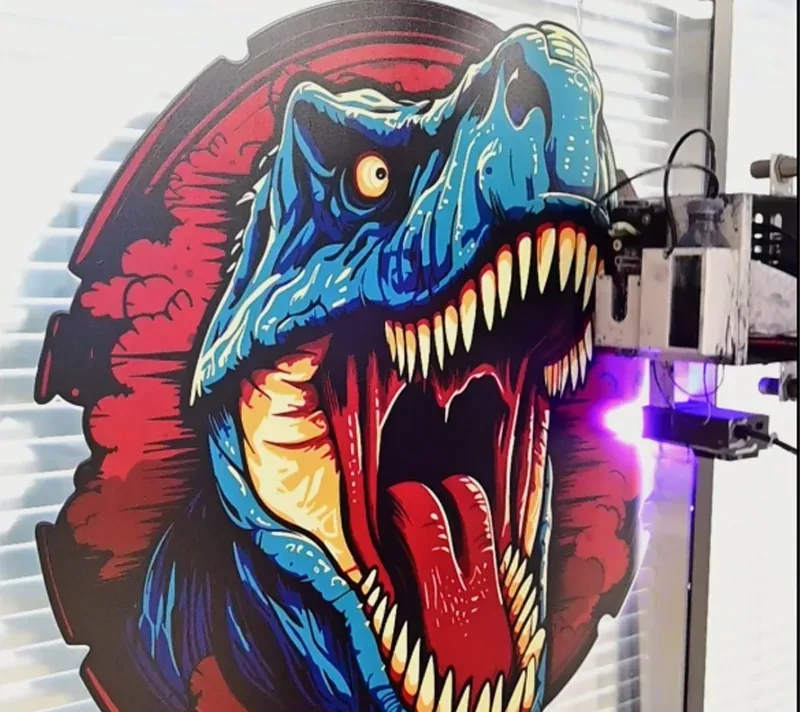
 Brick
 Glass
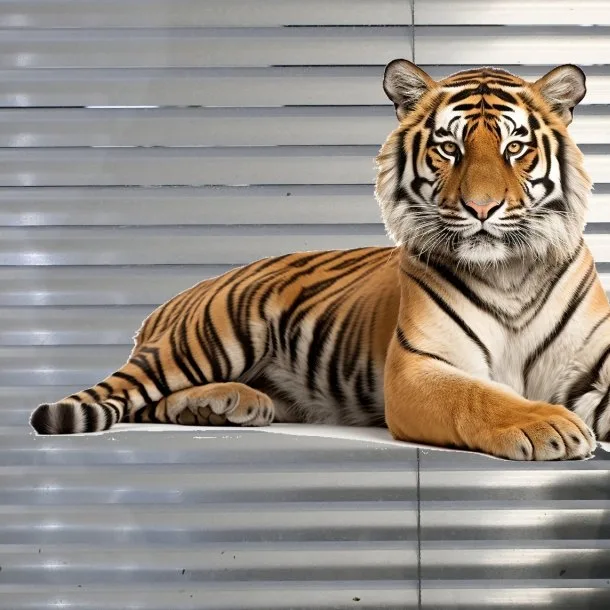 Metal
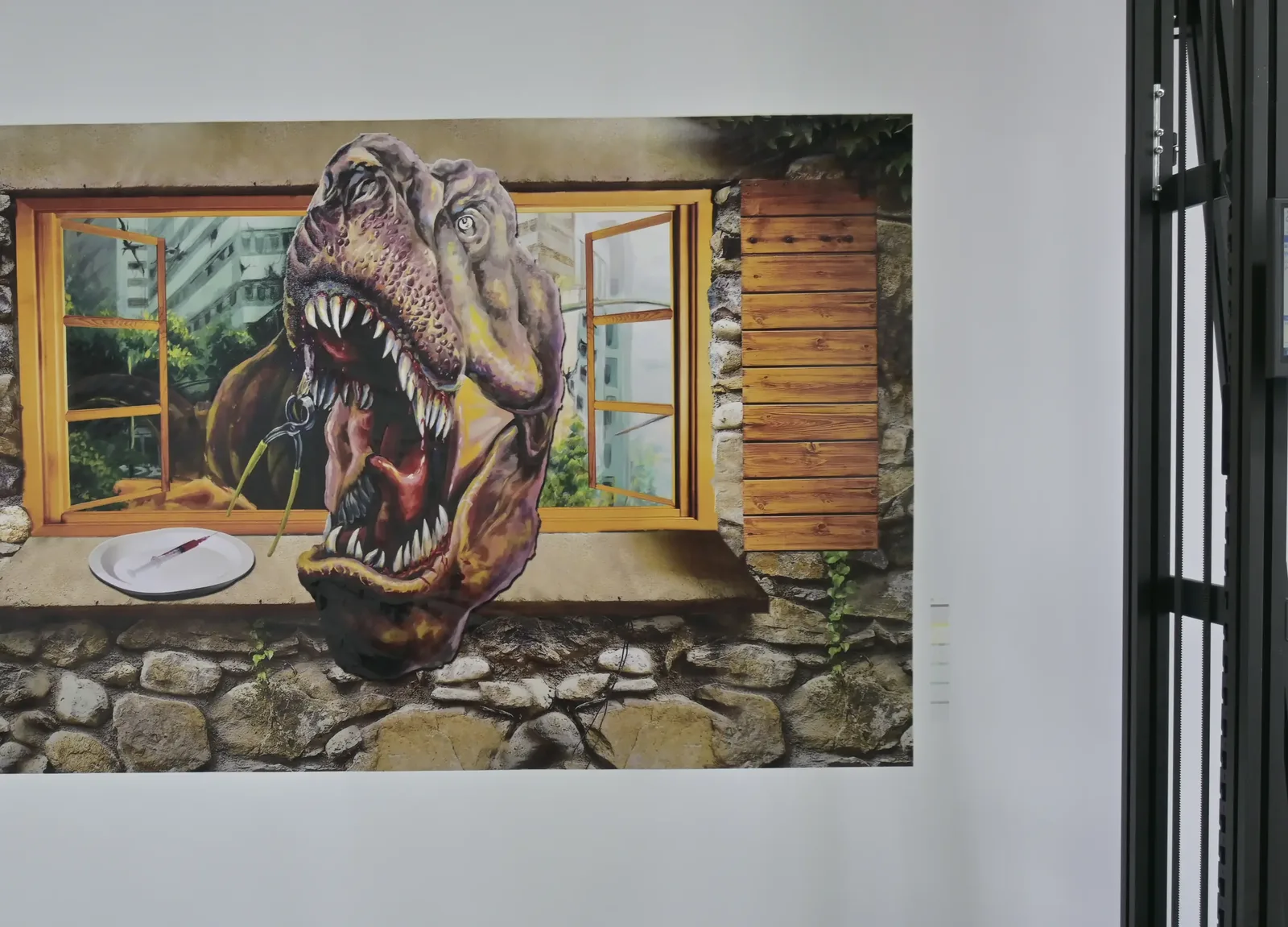 Painted wall
UV-cured ink on many surfaces
The LED UV lamp cures as it prints, for a water- and UV-resistant finish on paint, brick, glass, tile, wood and metal. Glass and tile are coated first; test-print the client's wall before you take the job. -
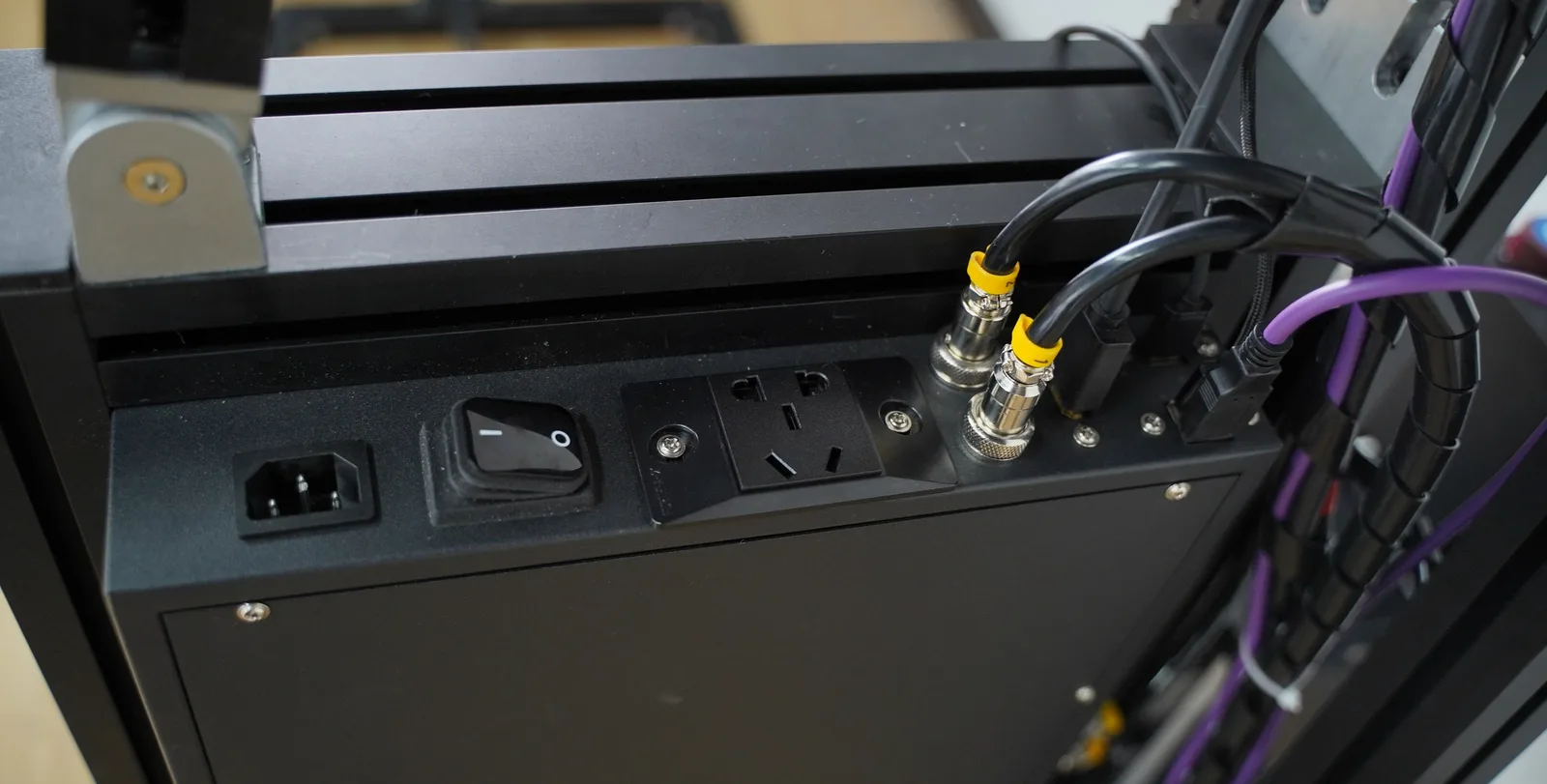
Aviation plug connections
The cables join with aviation plugs, so setup and pack-down are plug-in work.
Unique configuration
Four Parts Built Into the UP200 Commercial Wall Printer
Four parts of the UP200 build are specific to this machine: the column on rails, power-loss resume with carriage lowering, automatic head cleaning and the portable touchscreen.
70 kg column on rails
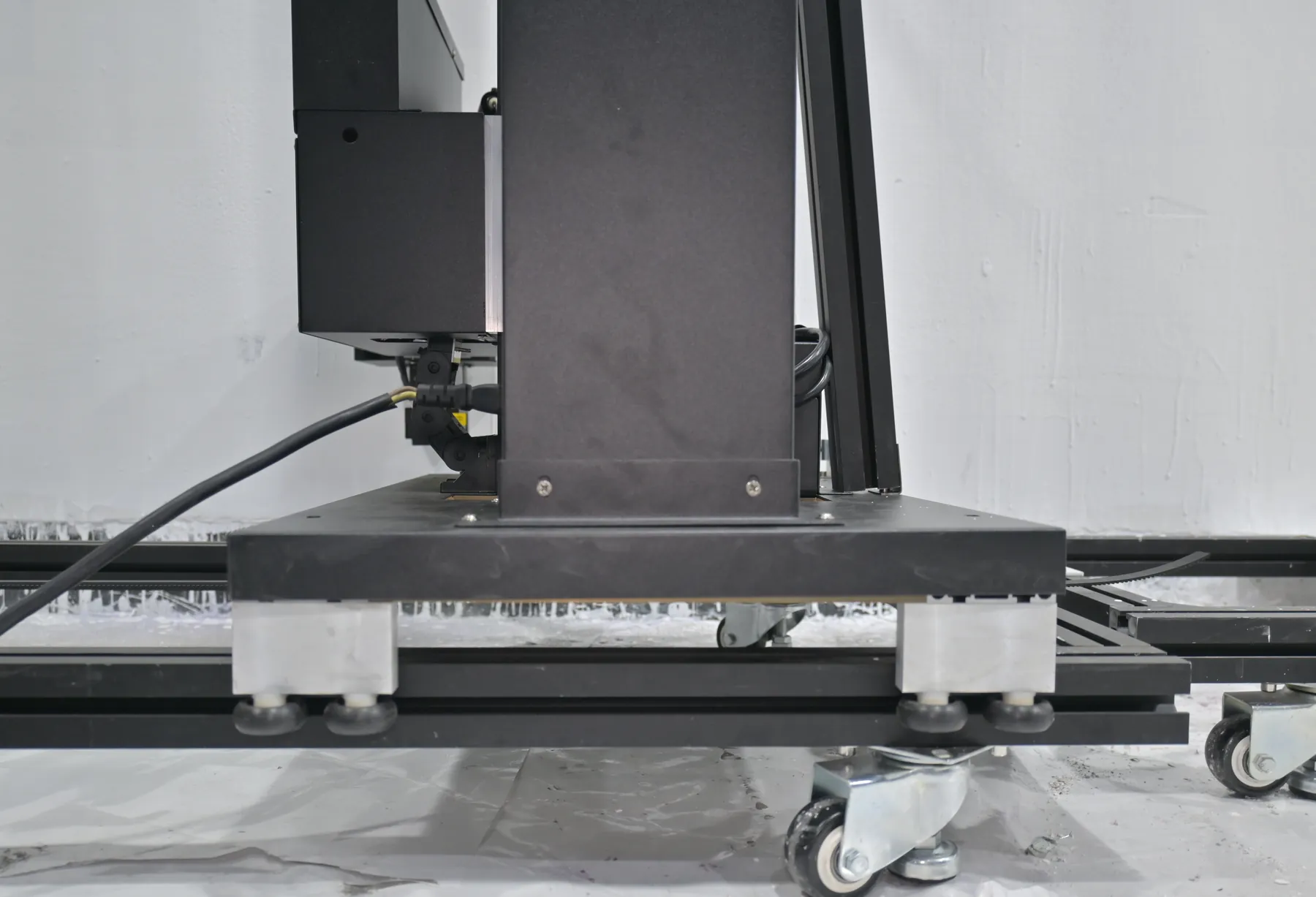
The UP200 is built around one black column. The carriage travels up and down the column, and the column moves along the rail laid at the foot of the wall: it prints a vertical band, moves on and prints the next band beside it, so every band of a long image comes from the same track.- 5 mmcolumn parallel to the wall, top to bottom, set once at setup
- 3 mmprinthead to wall, close without touching
Built-in power-loss resume and carriage lowering
Both are built in; the GP200, GP200B and UP200P need a UPS added to resume after a cut. When the site power cuts, the carriage lowers itself slowly down the column, protecting the printheads, the carriage and the printed wall below it. When the power returns, the print resumes from where it stopped.- Power cutsThe carriage lowers itself slowly down the column.
- Power returnsThe print resumes from where it stopped.
- Bands keptThe bands already on the wall stay as they are.
Automatic printhead cleaning
The UP200 cleans its own printheads as part of its routine, so the printheads stay ready through a multi-day wall while the crew prepares the next section.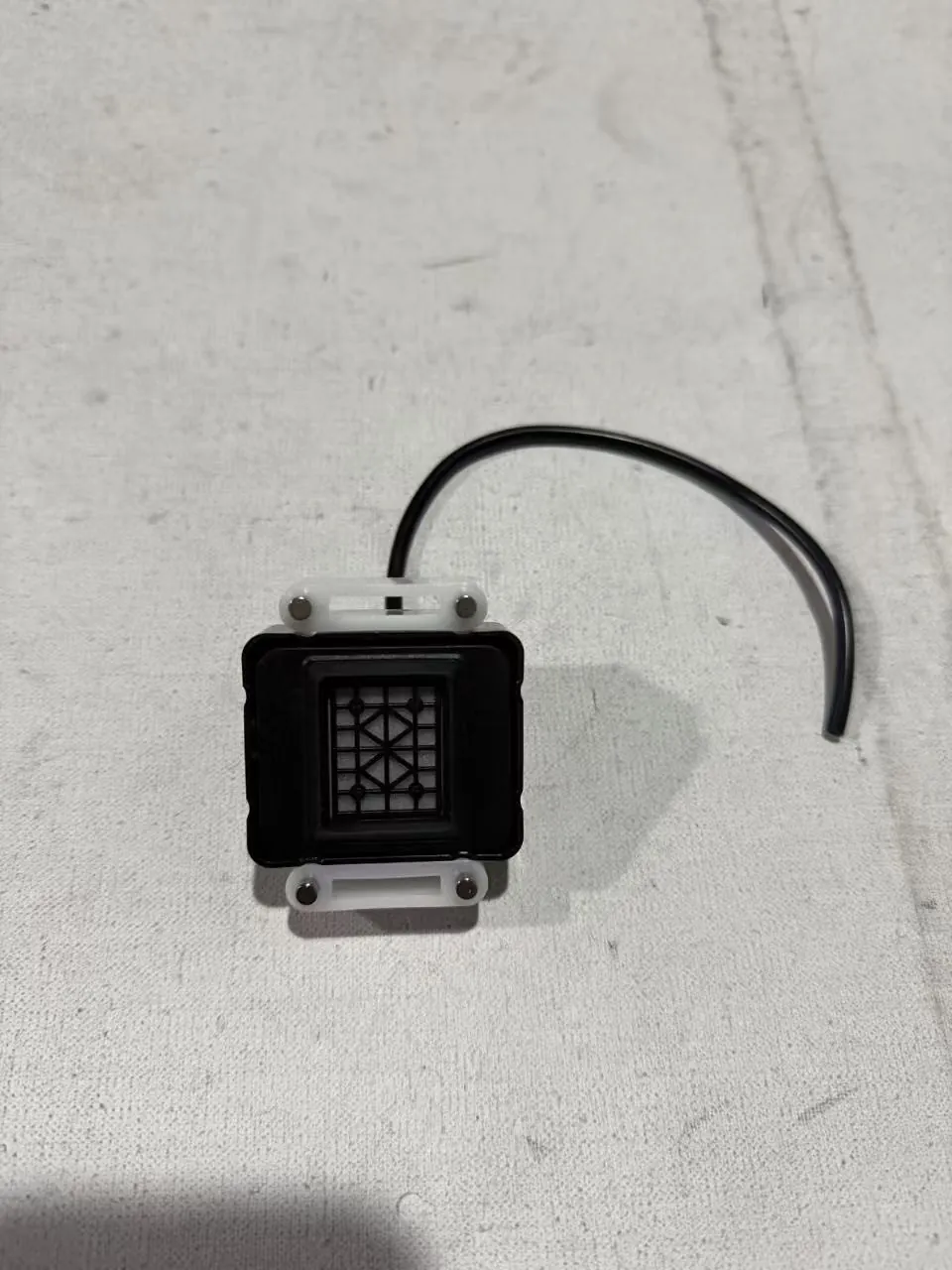
Portable HD colour touchscreen
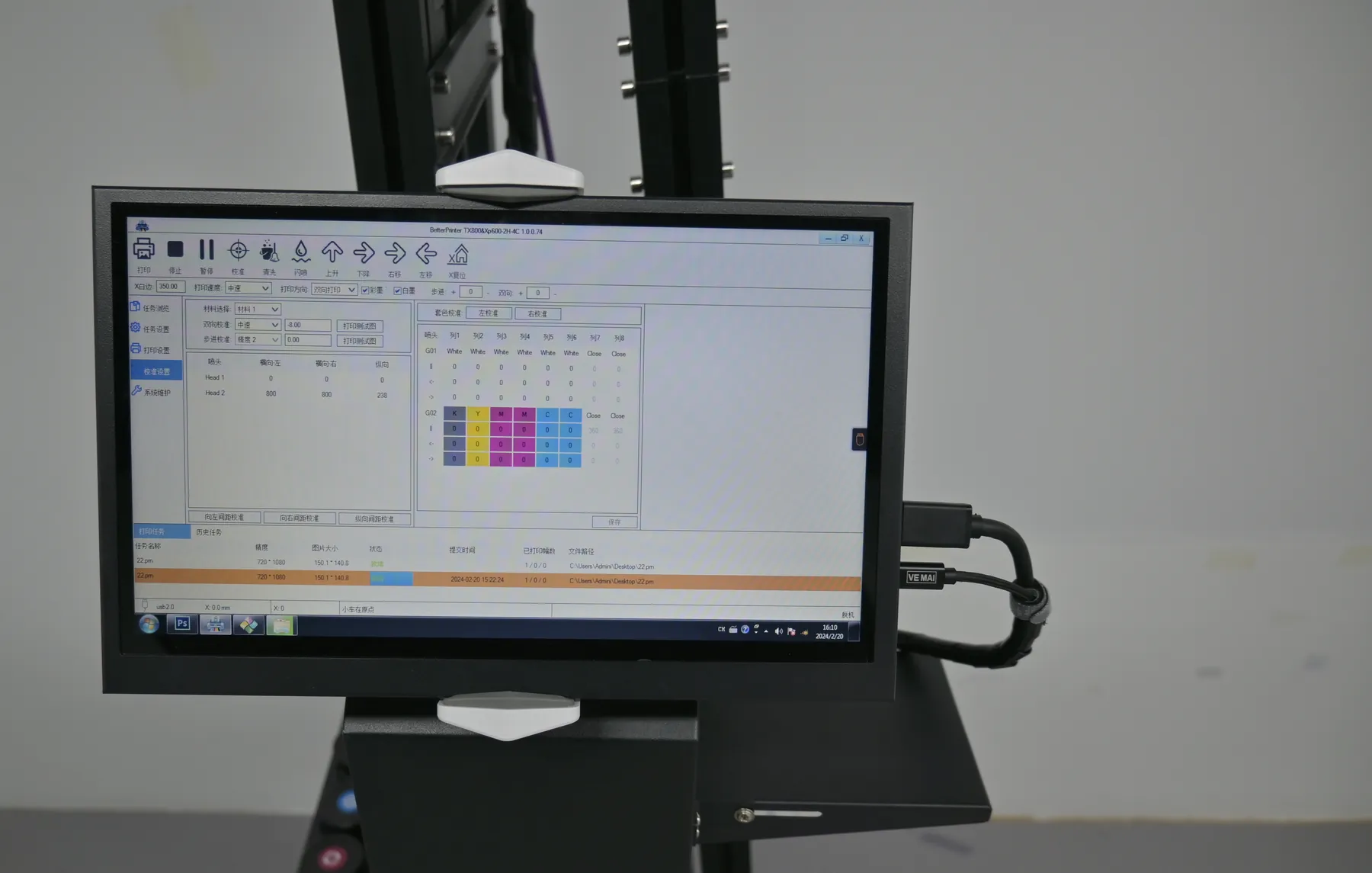
Run the machine from a portable touchscreen, with no keyboard and mouse to set up at the column. It runs on Windows 7 to 11 and works with a range of design software, so studio files go over USB 3.0 unchanged.- English
- Chinese
- Russian
Options
UP200 Options: Printhead, Height, Logo Sign and White Ink
Choose one printhead, then tick the extras your work needs. All three printheads are original Epson parts, and each option is priced in your quotation.
Printhead
-
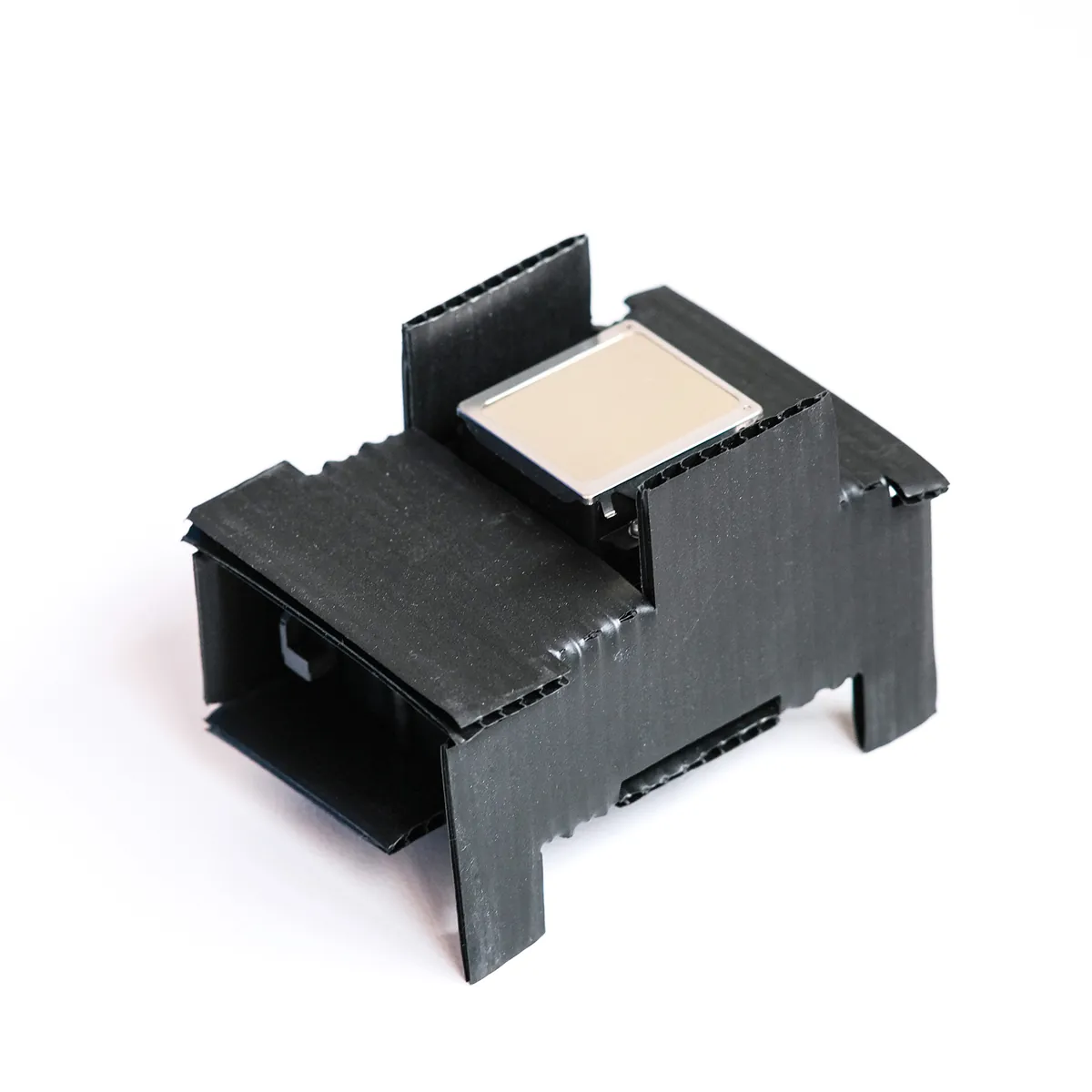
Epson DX10 Lowest price
Also sold as the TX800, with the lowest printhead price, for buyers starting on a tight budget.1080 nozzles -
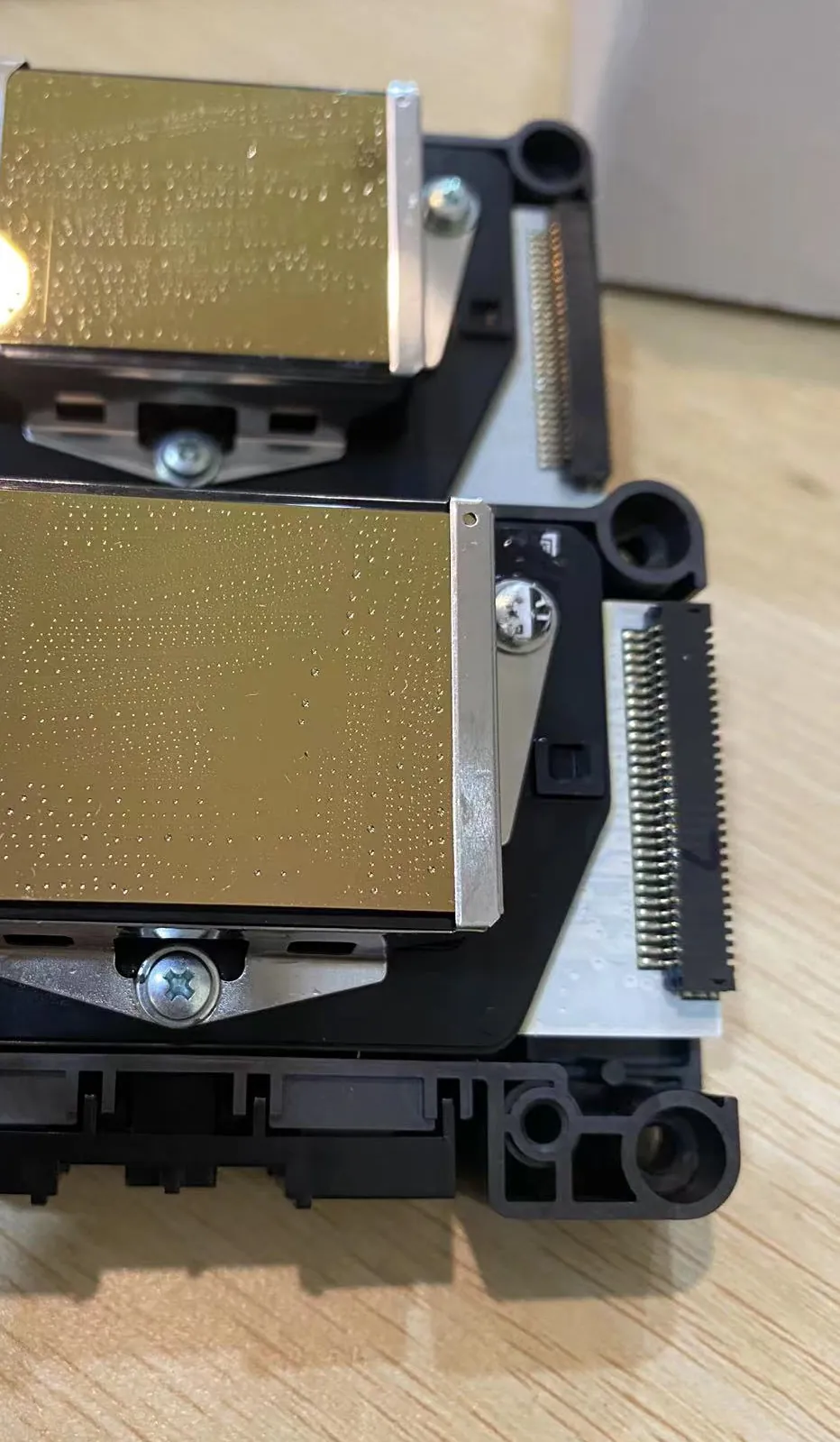
Epson DX7
In the middle of the three on speed, printhead life and price.1440 nozzles -
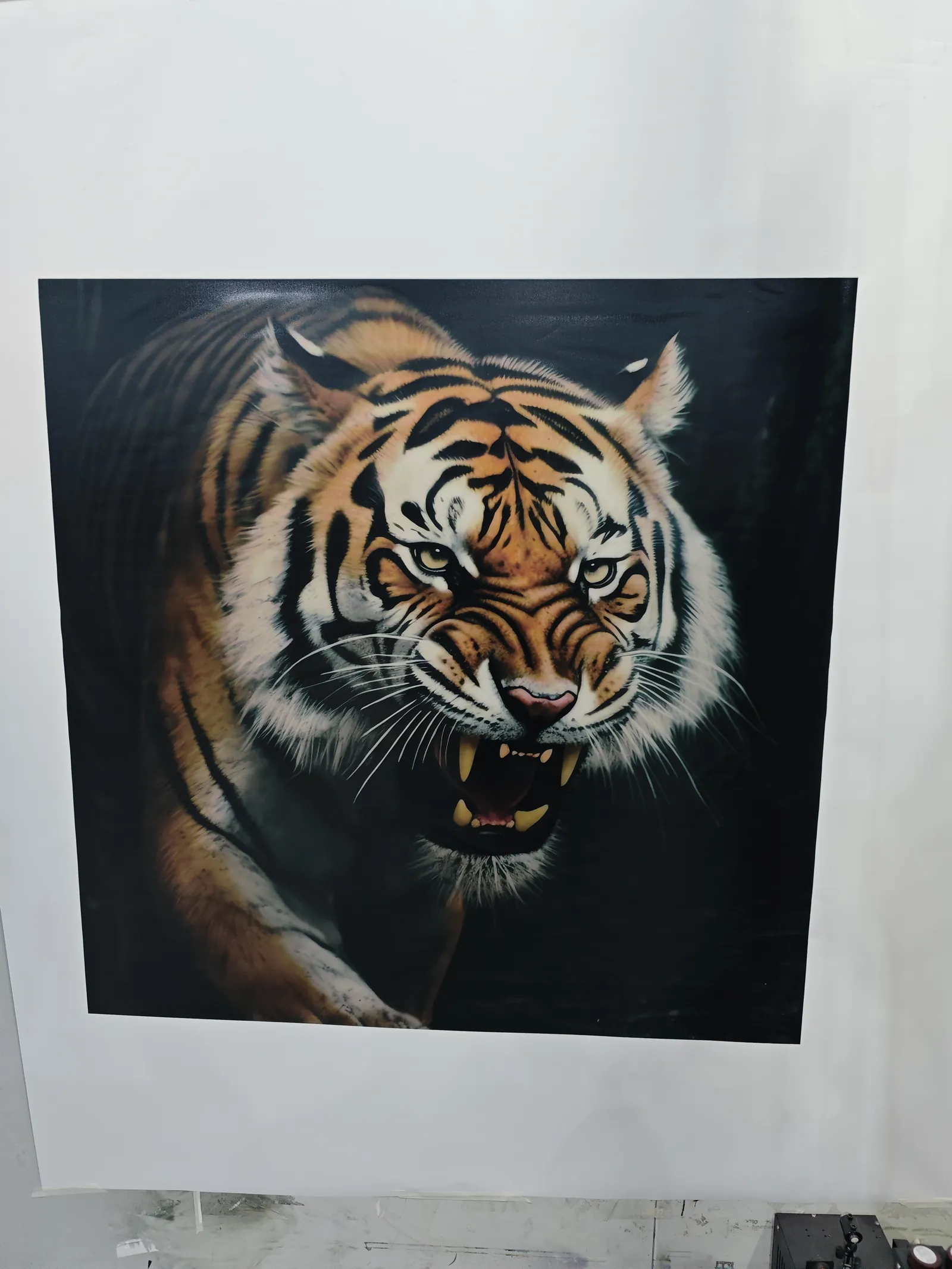
Epson I1600 Longest life
Larger openings that resist clogging and fire steadily: the fastest of the three, for crews printing many hours a day.1600 nozzles
Build and extras
-
3 m build height
A column built to print 3 m high, for halls, lobbies and car park walls. Ask for it when you order. -
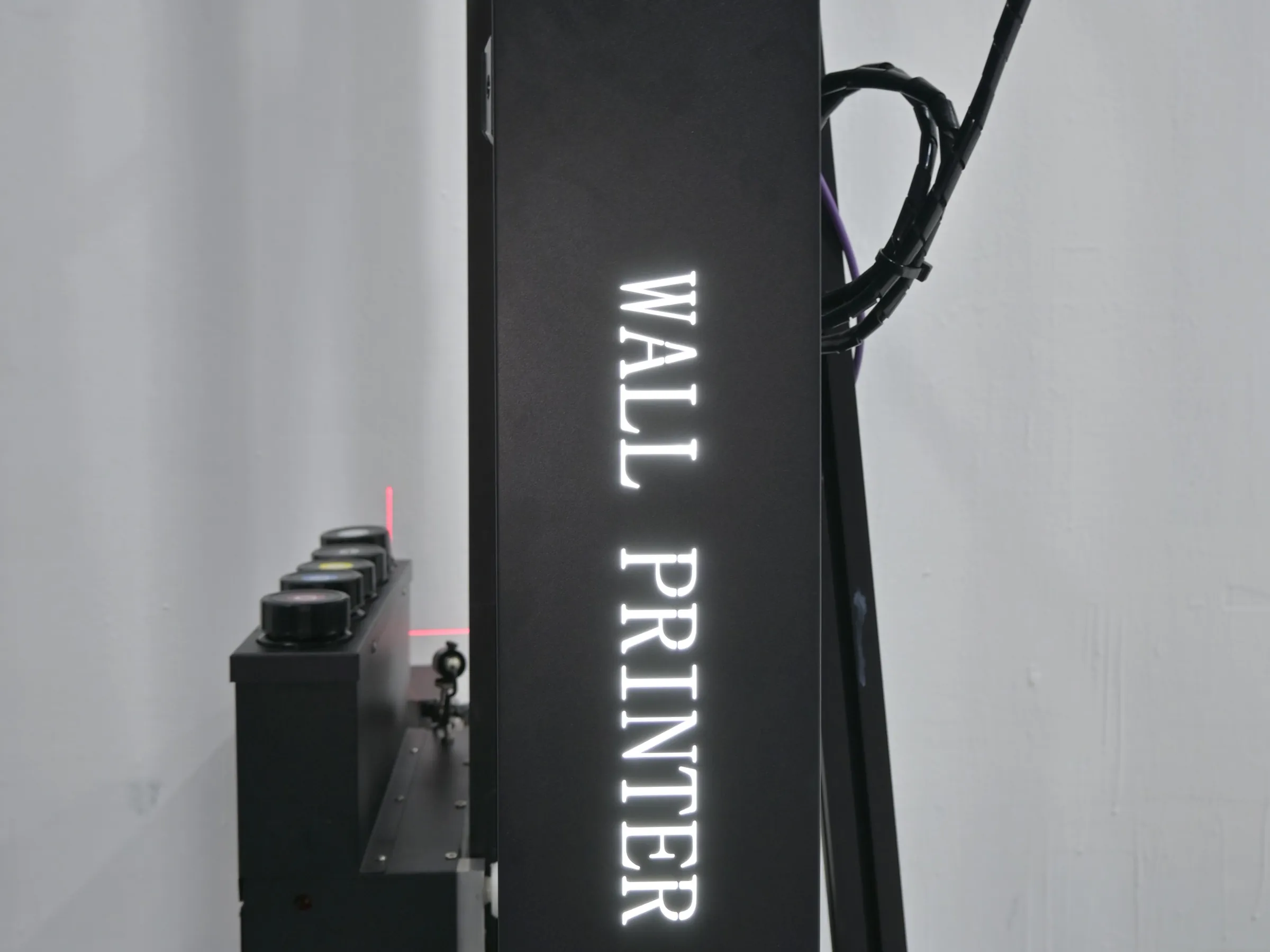
Custom logo light sign
A lit sign with your logo, made to your design and fitted to the machine, so the printer carries your brand on every site. -
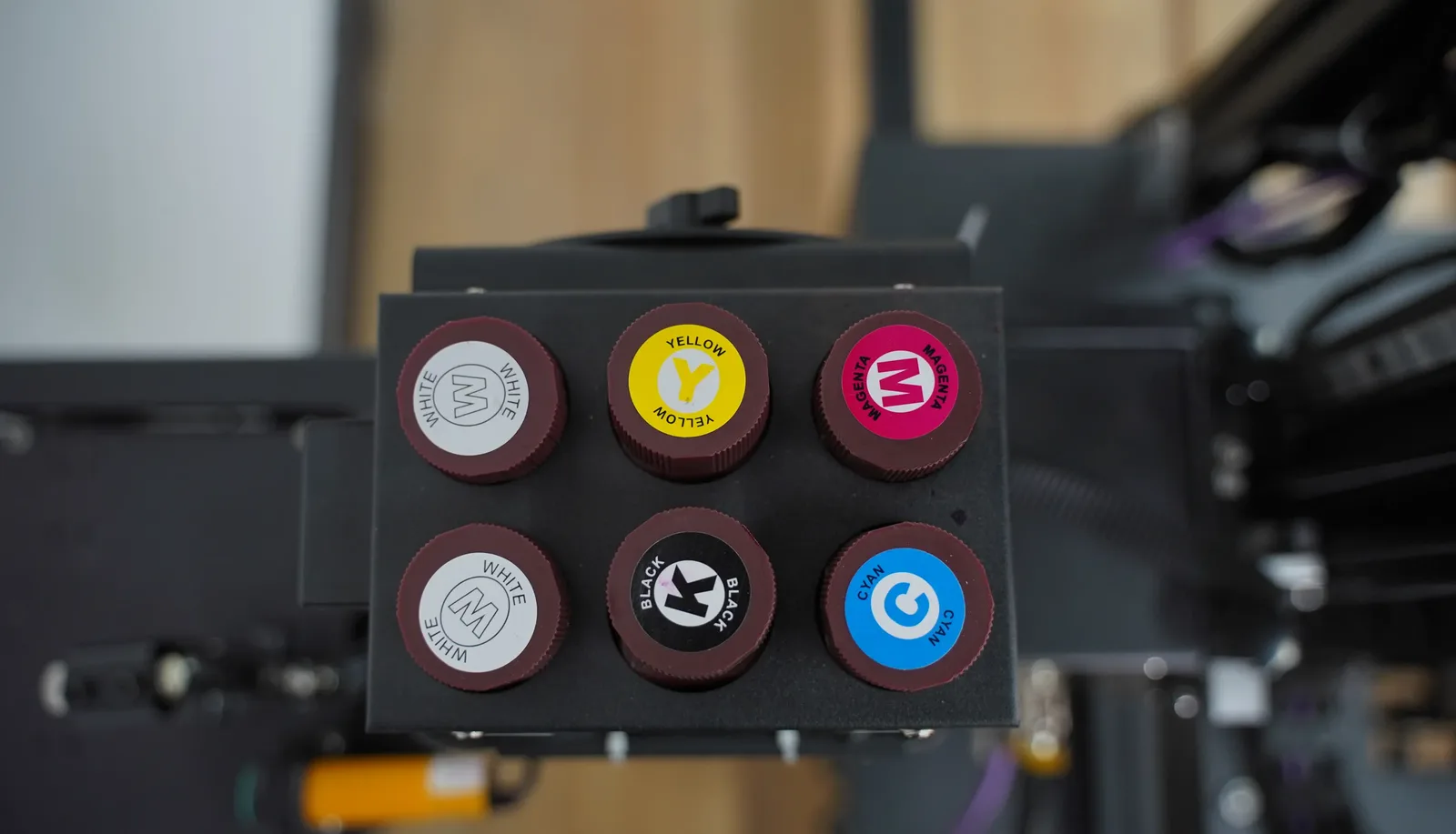
CMYK + W white ink
Adds a white ink channel for a white underbase on dark and coloured walls. More on the white ink wall printer page.
Quotation checklist
Six Details for a UP200 Quotation
Send us these details and we reply with the UP200 printhead setup, ink setup and rail length we recommend, and a quotation for that configuration.
Wall size
The height and length of the walls you are quoting, to set the build height and the rail length.Days on site and monthly volume
How long a typical large job runs and how many you take a month, so we recommend the printhead.Wall surfaces and colours
Dark and coloured walls need the CMYK + W setup; glass, tile and metal are coated before printing.Rails
With rails, or without for jobs where a rail is not used.Logo sign
Your logo file and the wording, if you want the custom light sign on the machine.Software language and destination
The language your operators use and the country the machine ships to.
What happens after delivery, from setup training to after-sales help, is on our Training and Support page.
UP200 quote
Get Your UP200 Commercial Wall Printer Quotation
Send the height and length of the walls you are quoting and the number of days you expect on site. The reply names the printhead setup we recommend, the build height and the rail length, plus a quotation.
- Your details reach the sales team the moment you press send.
- The recommendation names one printhead setup, one ink setup, the build height and the rails.
- Prices for each option you ask about come with the quotation.