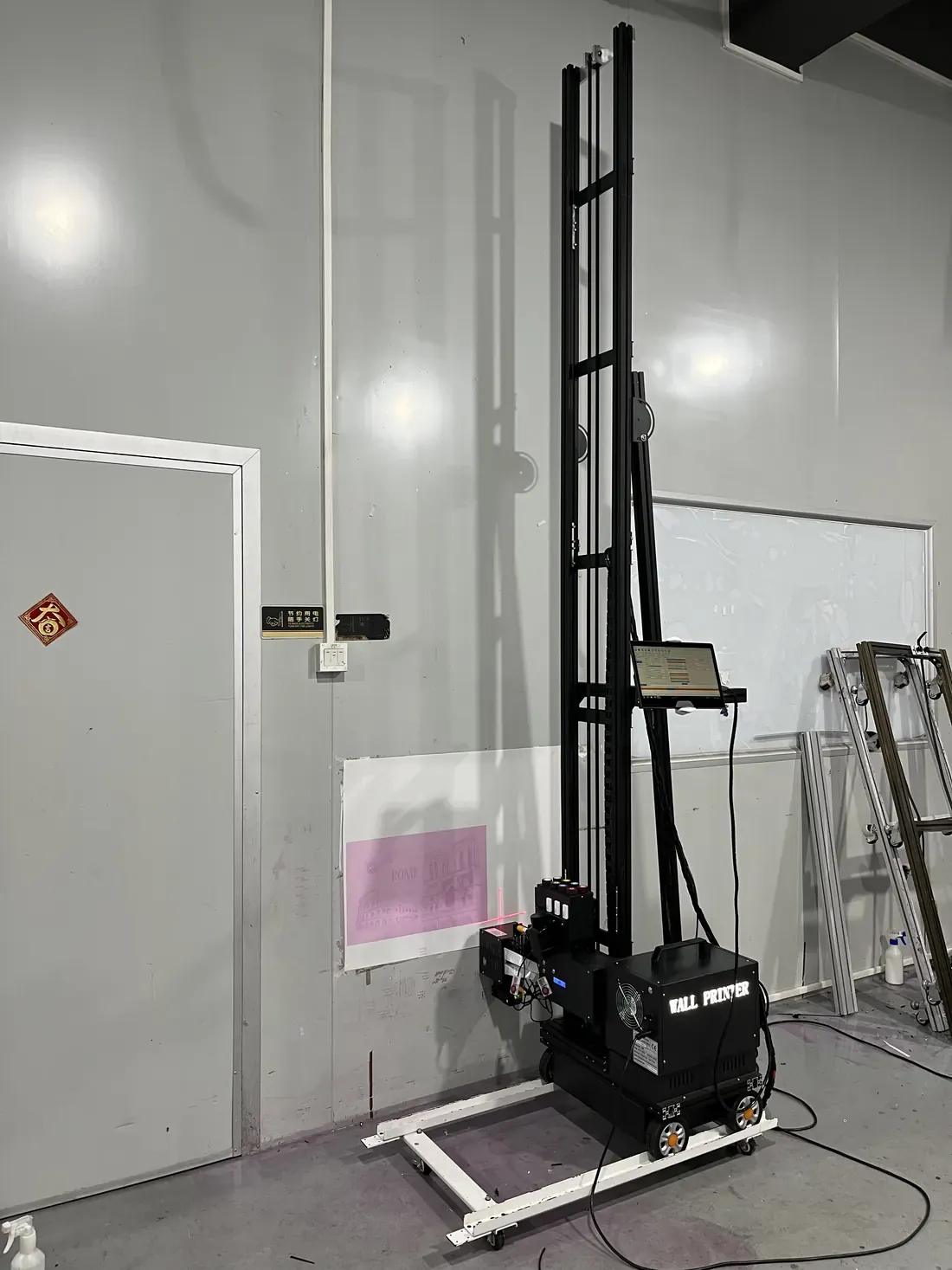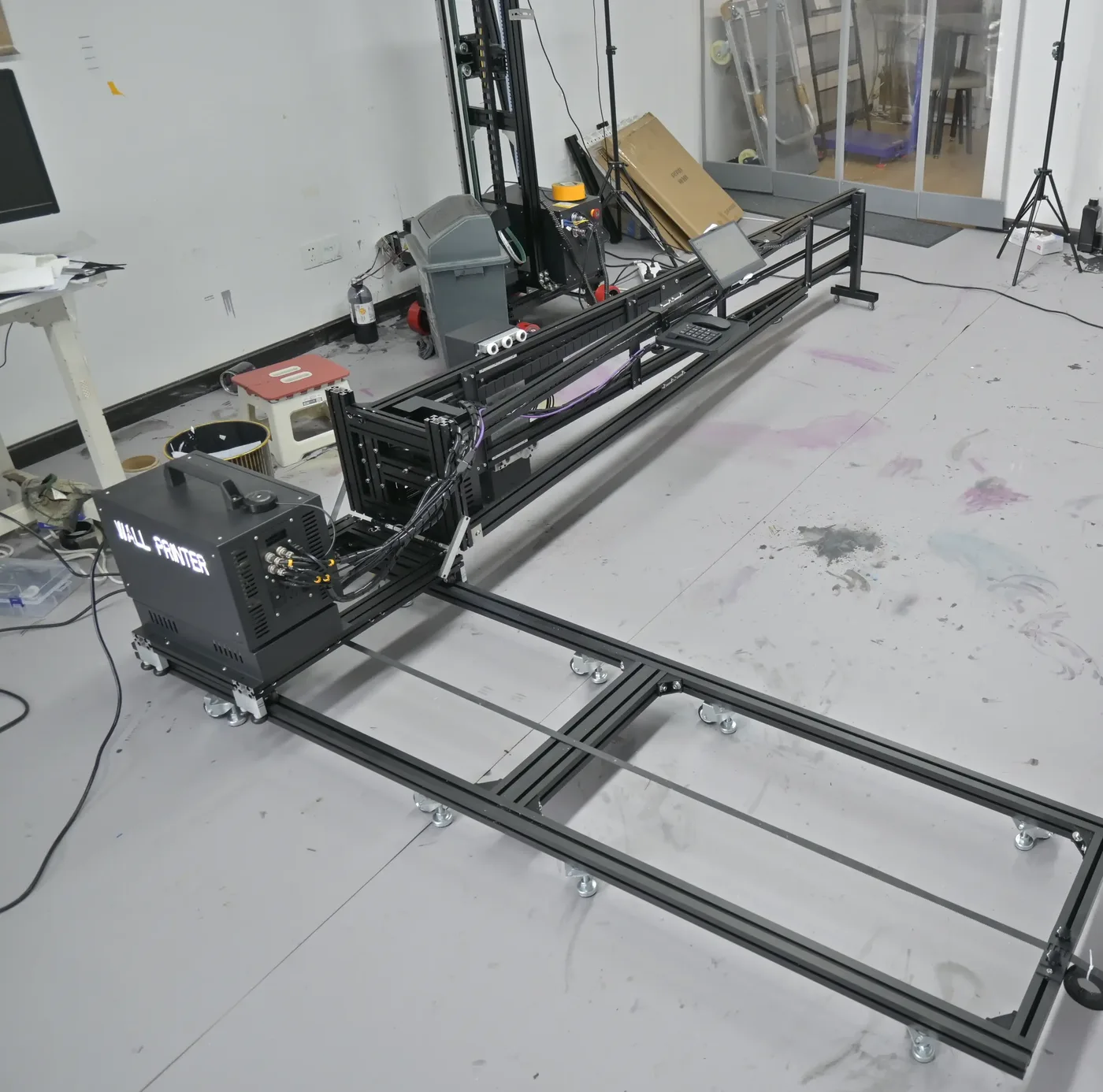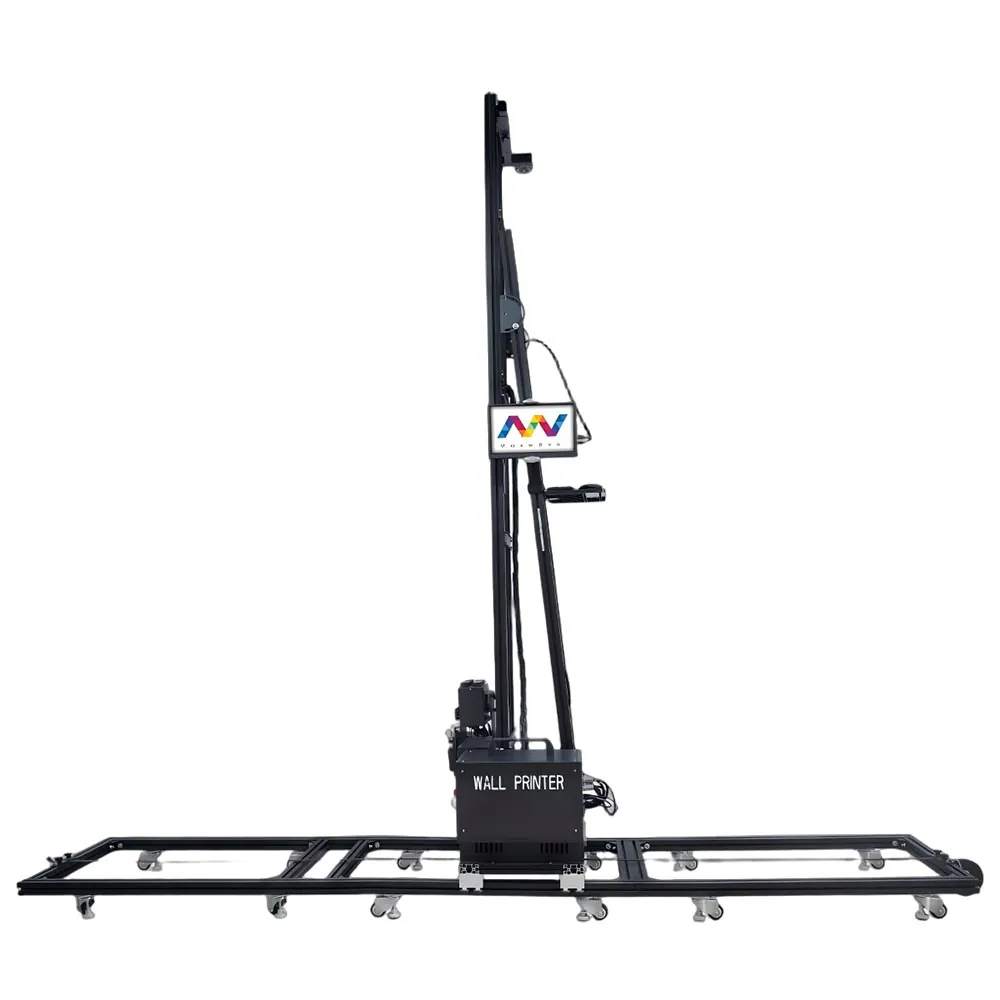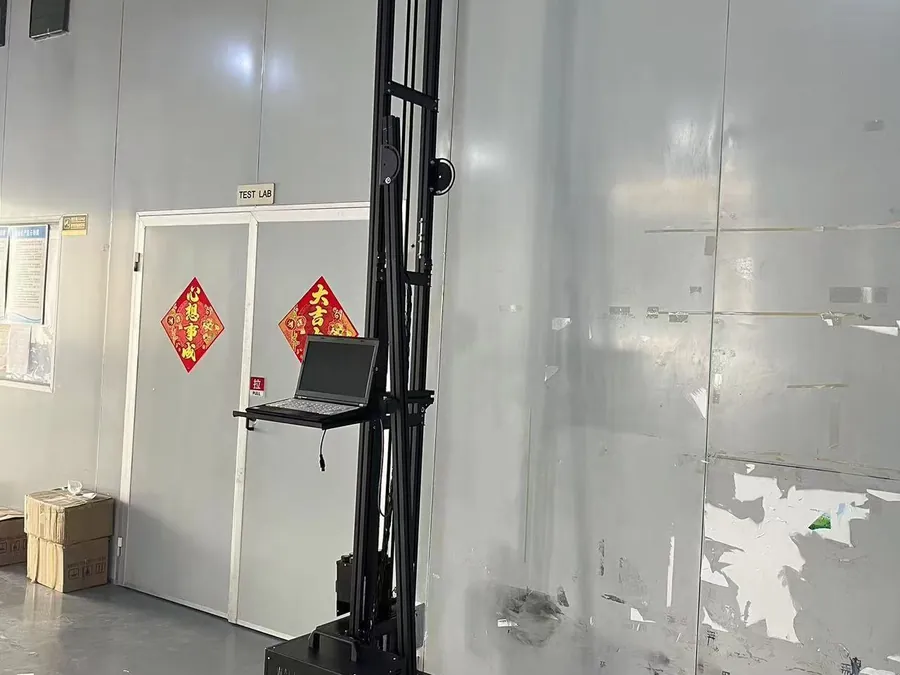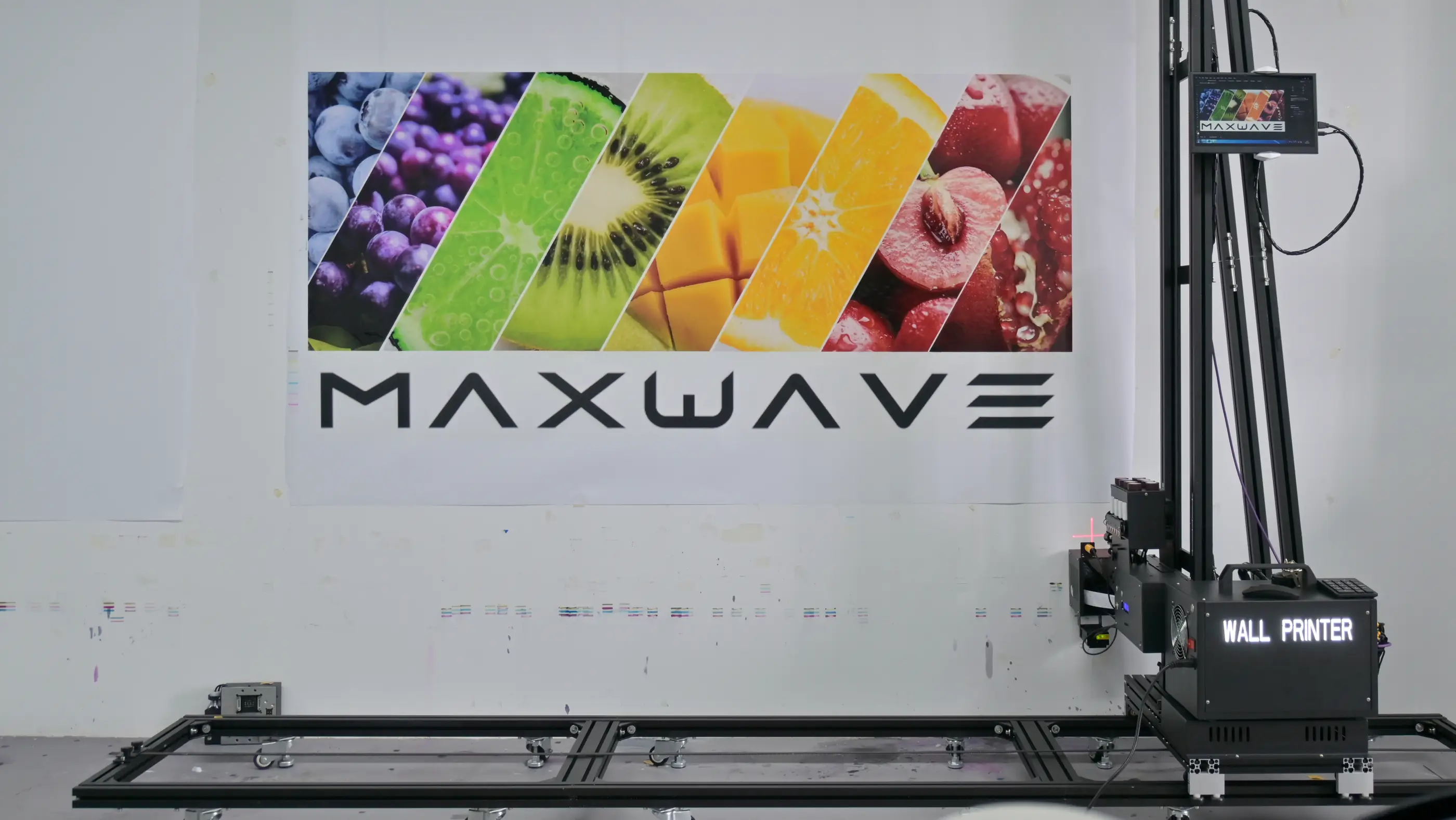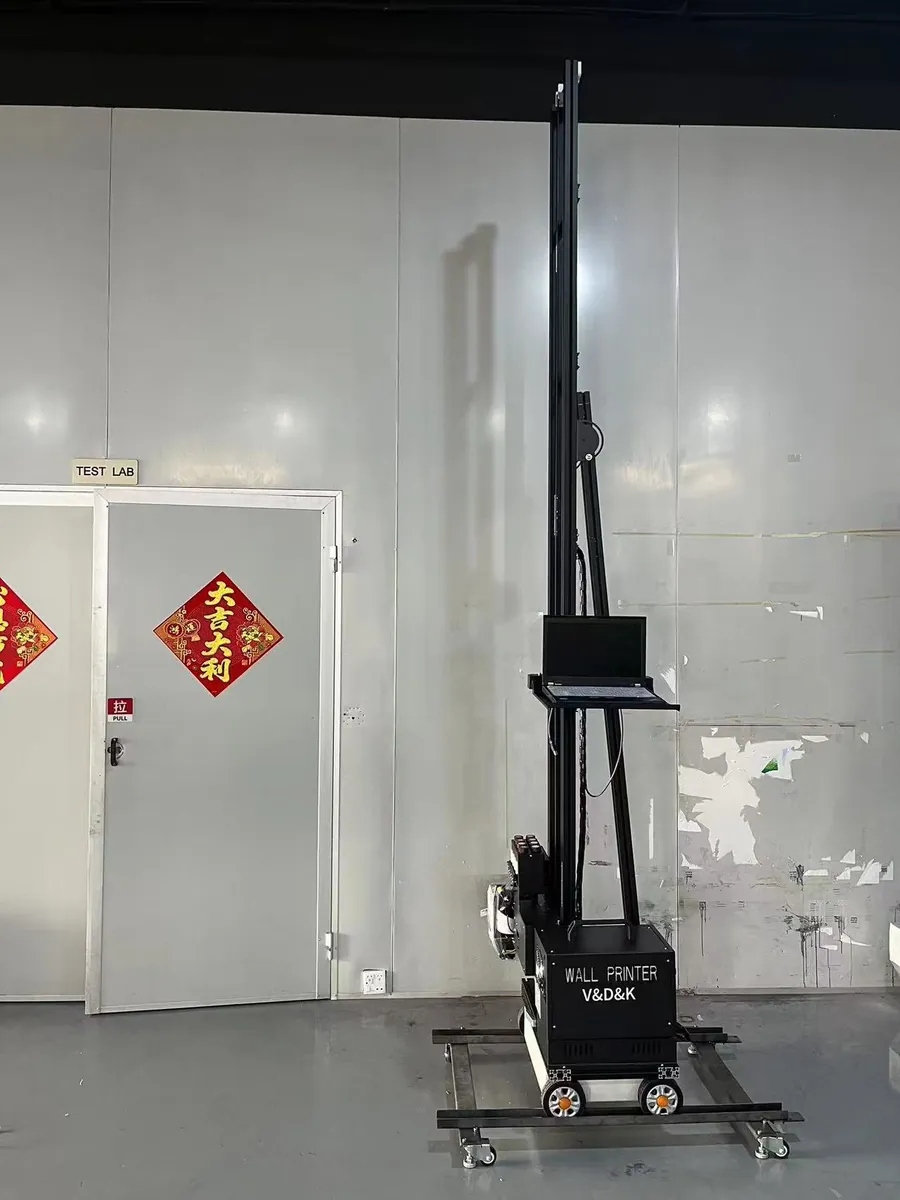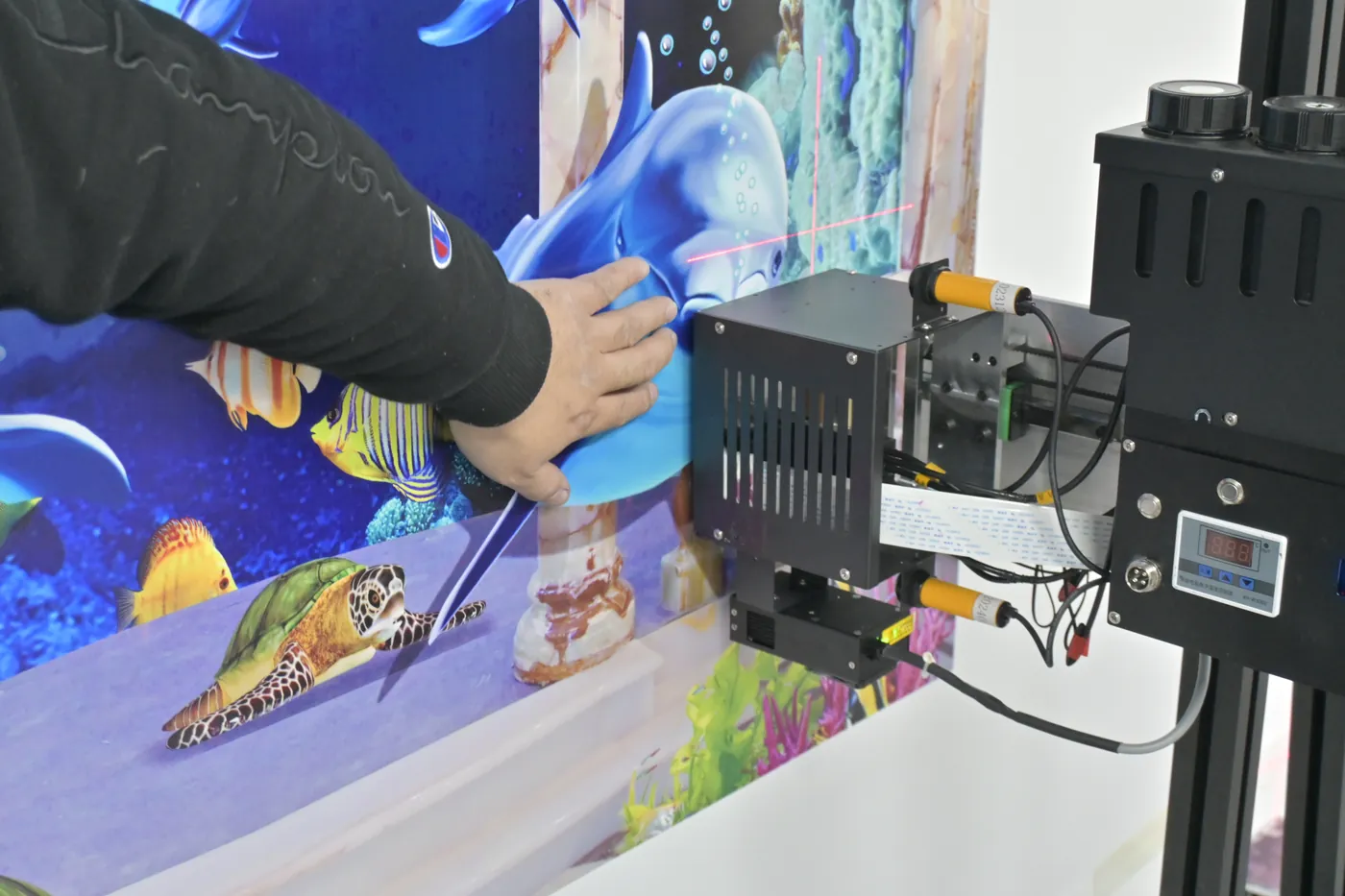
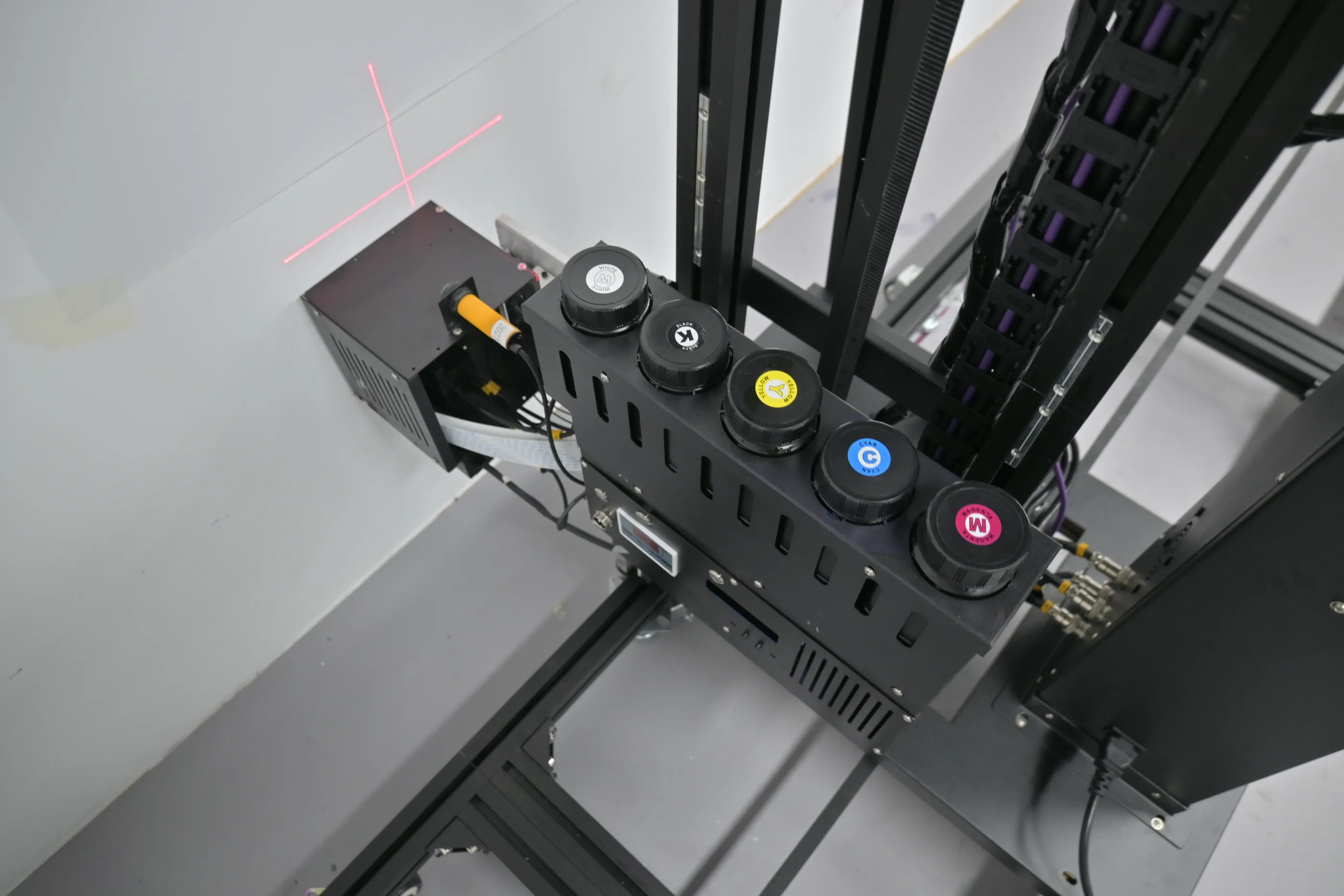
Red laser crosshair on a blank wall beside the CMYK ink caps of a wall printer, the first step to start a wall printing business

Startup plan · a MAXWAVE brand

Start a Wall Printing Business: Your Plan, Your Machine and Our Support

Sell the walls our machines print: café murals, classroom walls, hotel corridors, living-room feature walls, shop interiors, office logo walls and gym graphics. This page is the plan behind them: business model, kit, costs and price per m², first clients, and our support from delivery day.

Four MAXWAVE seriesBasic print workflow in about 10 minutesRemote training from your first print2-year machine warranty

Real prints from our machines

Walls You Sell from the First Month When You Start a Wall Printing Business

Each of these is a job a local client pays for by the square metre, sold by the people we equip to the businesses and homeowners around them.

Who we equip

  • First-time founders
  • Side-business owners
  • Family businesses
  • Sign shops
  • Decorators
  • Mural artists
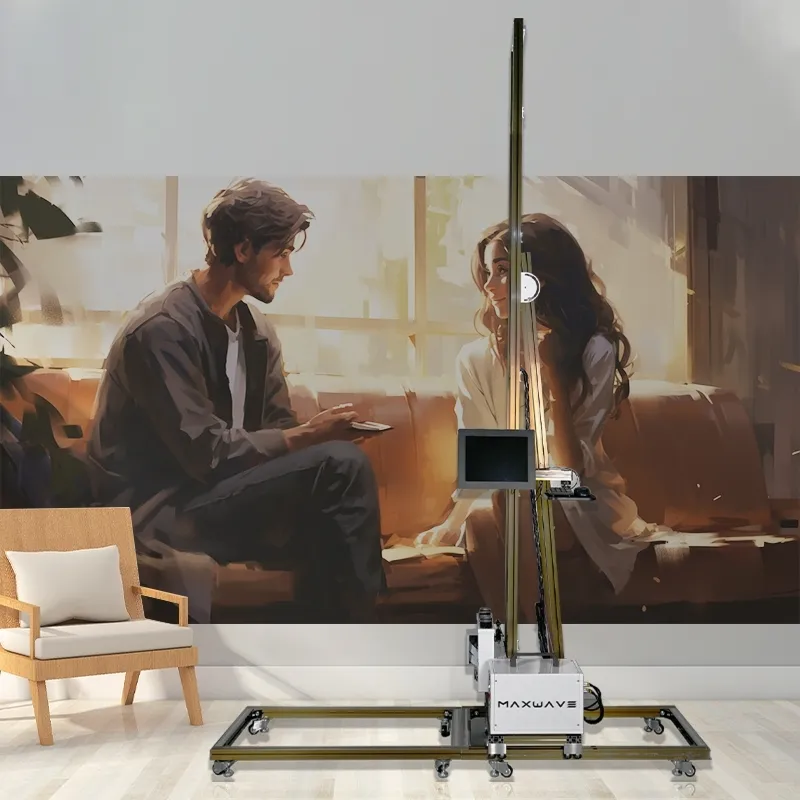
  1. Living-room feature wall printed on a light painted surface by a UP200P, a job you can sell when you start a wall printing business

    Living room

    Feature wall on a light painted surface, printed with a UP200P.
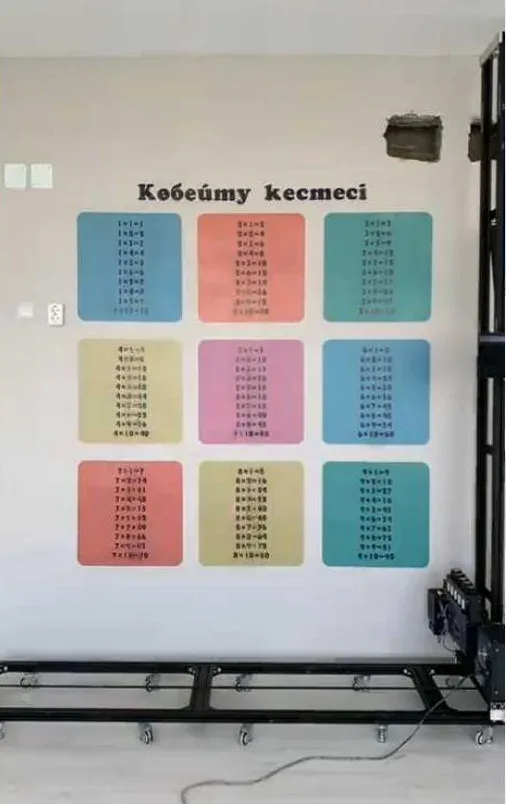
  2. Classroom multiplication table printed in nine colour blocks on a light wall

    Classroom

    A multiplication table in nine colour blocks.
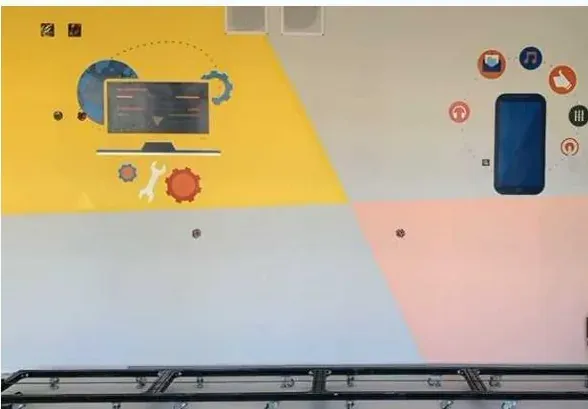
  3. Icons printed across yellow, grey and pink paint on one wall

    Three paint colours

    Icons printed across three different paint colours on one wall.
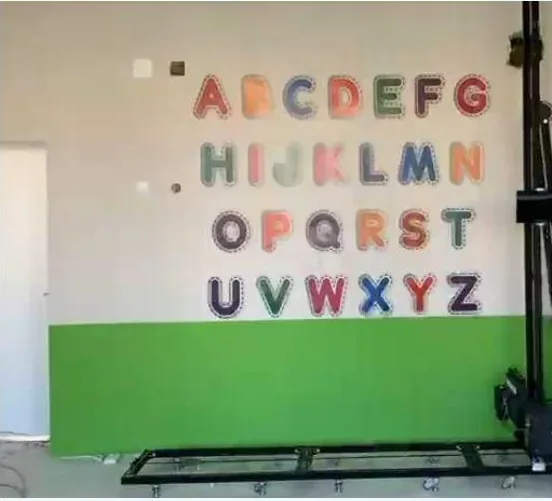
  4. Alphabet letters printed over a green dado band

    Alphabet wall

    Letters over a green dado band.
  5. GP200B wall printer beside its test print on a painted wall

    Test print

    A GP200B test print on a painted wall.

Plan 1 · Business model

Choose Your Business Model and Service Range

When you start a wall printing business, your plan starts from three facts about you: how much time you can give the business, who you already know locally, and whether you already run a business the walls can be added to.

  1. Starting from zero

    One wall type, one kind of client

    Feature walls for homes, or logo walls for shops and offices. Learn one surface, one set of file preparation steps and one price list before you add more.

  2. Running it on the side

    Evening and weekend jobs

    Residential rooms and small shop walls book into evenings and weekends. Keep the larger commercial walls that need several days on site for later.

  3. Adding it to a business you run

    A new line on your price list

    Sign, print, decoration and painting businesses already have the clients, and their teams already prepare walls or handle artwork files. Your existing clients are your first clients.

Then set your service range in four decisions

Each one changes the machine we recommend.
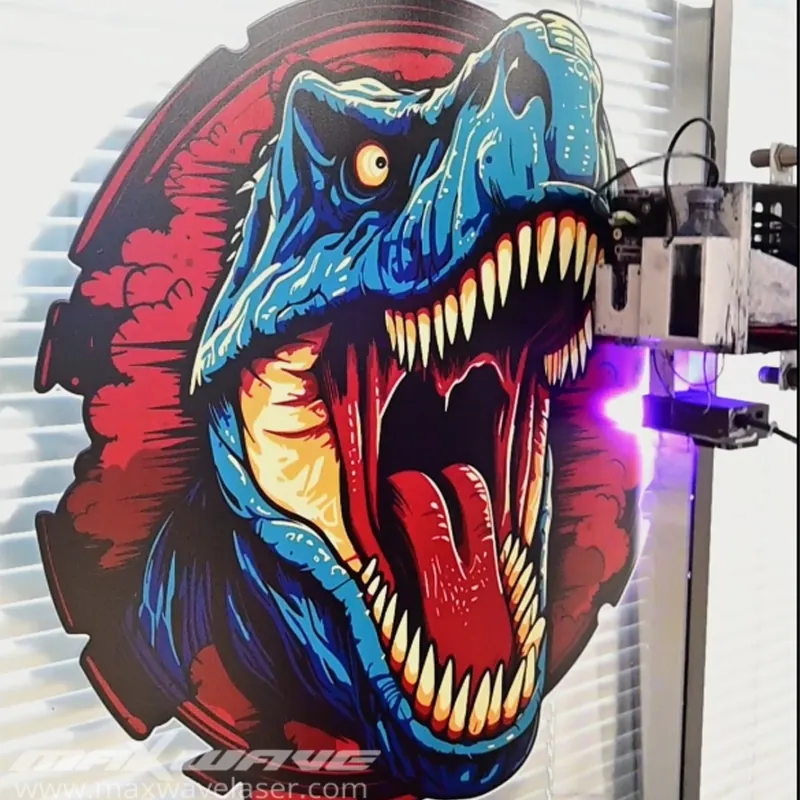
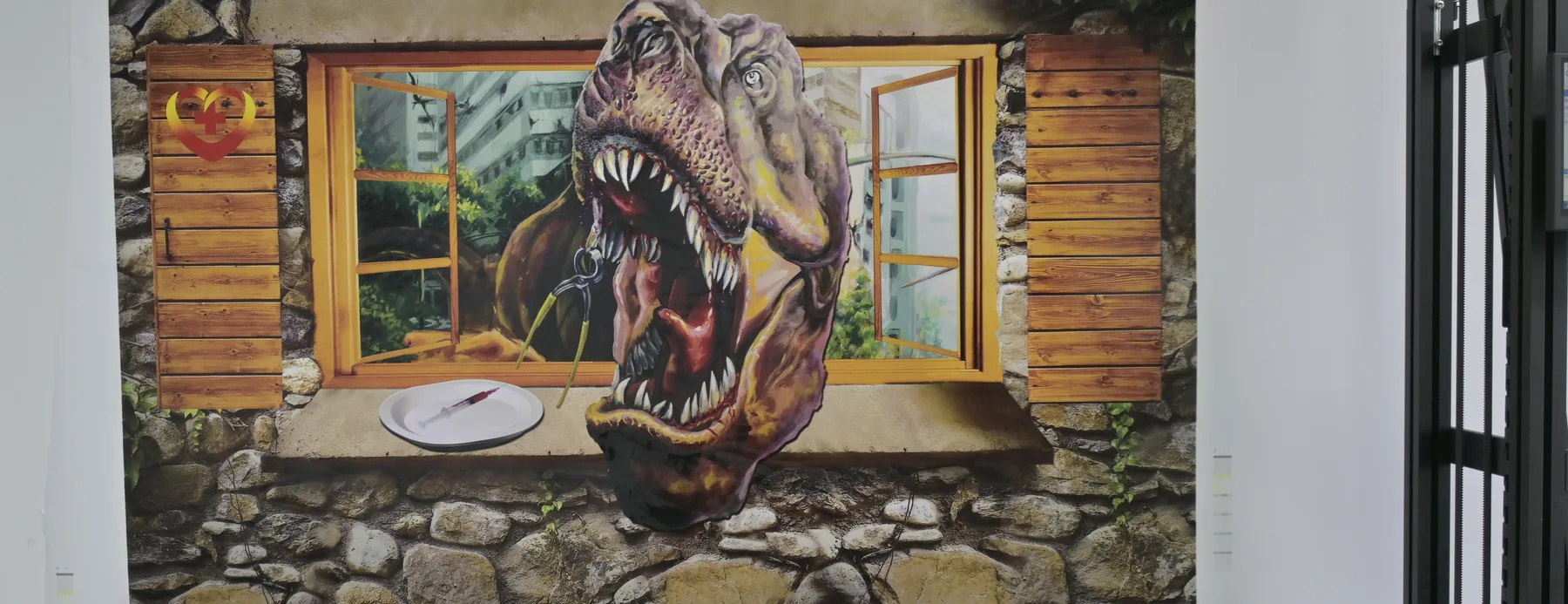
  1. Dinosaur printed on a glass panel, one of the surfaces added after a sample test

    Surfaces

    Painted walls, brick, metal, wood board, glass, canvas and advertising board. Start with painted interior walls, and add each further surface after a sample test.

    Grow it later
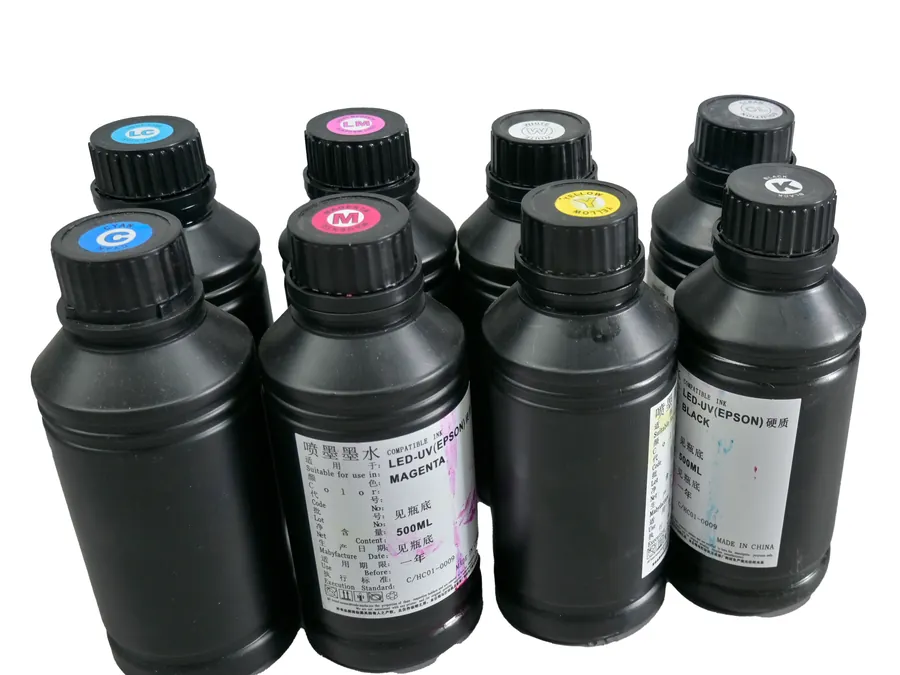
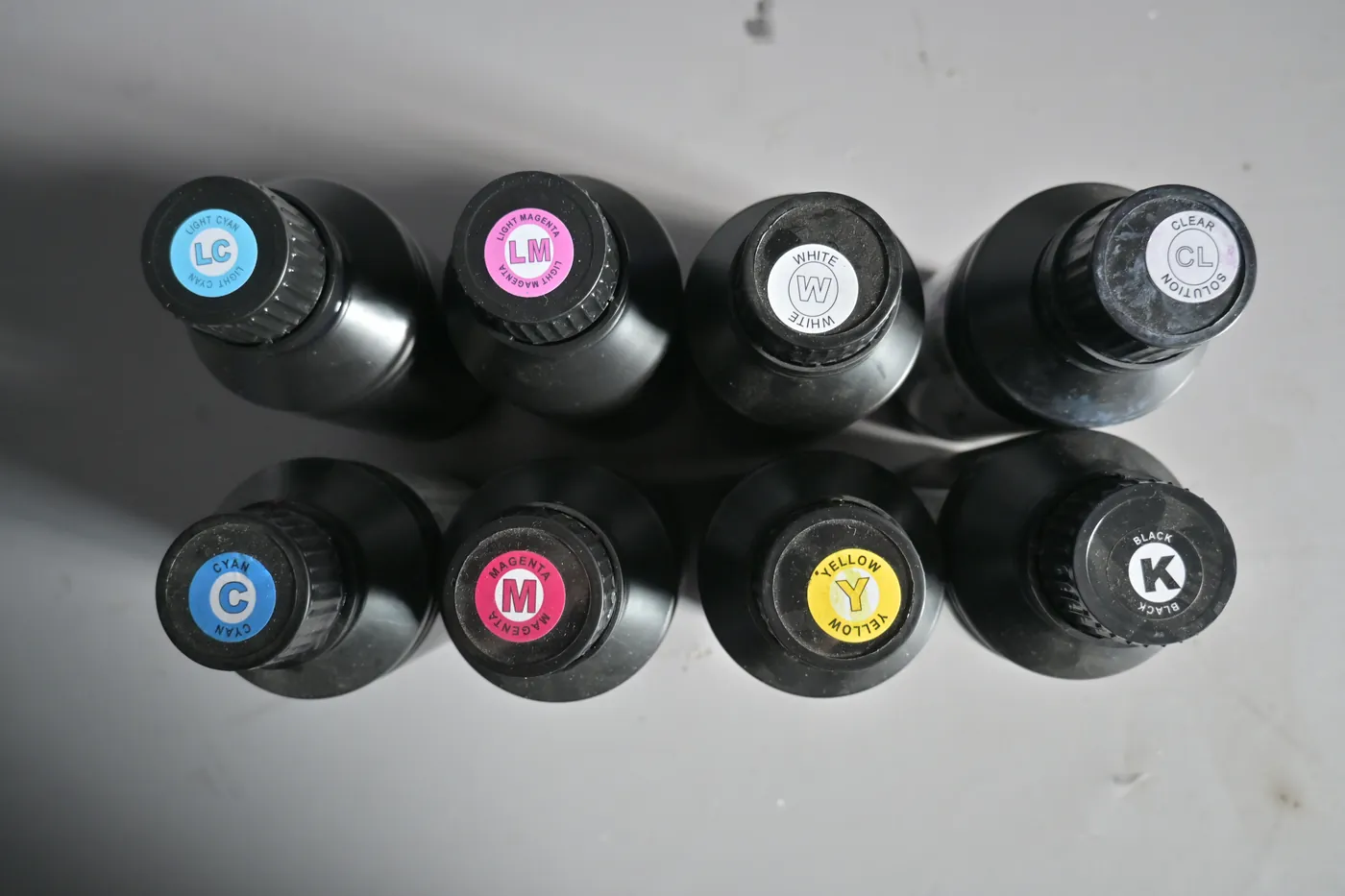
  2. UV ink bottles including white for the CMYK plus white setup used on dark walls

    Wall colours

    Light walls take a CMYK ink setup. Dark walls take CMYK + W, and the ink setup is chosen when you order the machine.

    Decide before you order
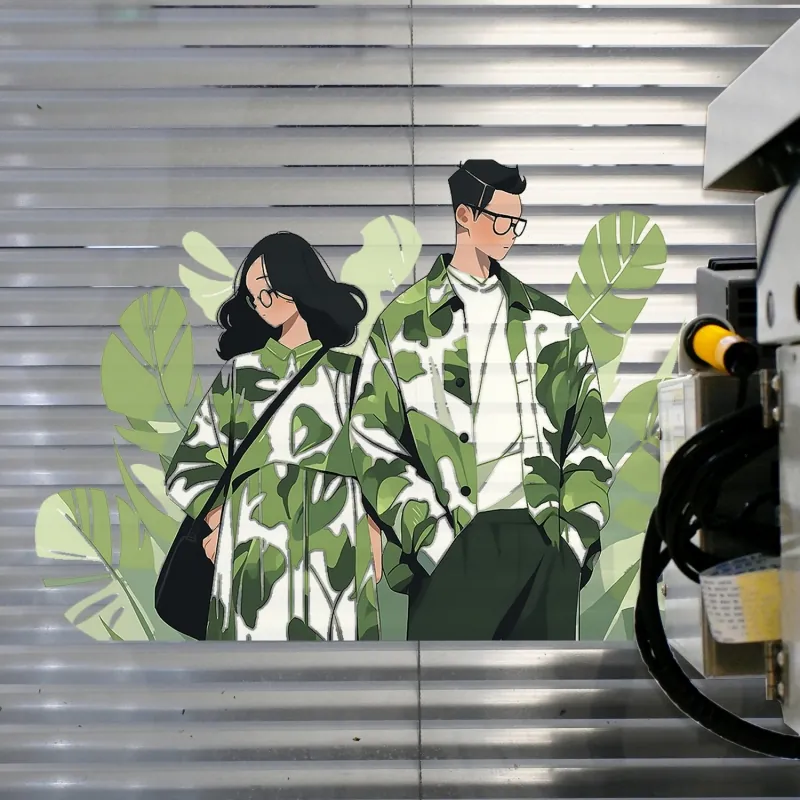
  3. Illustrated figures printed on a ribbed metal roller shutter outdoors

    Indoor or outdoor

    The machines work from 10 to 35 °C with wind up to force 5, so outdoor walls are booked for days inside that range.

    Plan the calendar
  4. GP200B wall and floor printer turned to the floor position on its floor rail

    Walls only, or walls and floors

    Floors are sold with the GP200B, which switches between wall and floor printing in 2 minutes.

    Decide before you order

Which series fits which business model is set out further down this page, and the full comparison is on our Compare Machines page.

Plan 2 · Space, staff, equipment

Space, Staff and Equipment to Start a Wall Printing Business

A wall printing business runs on the client's premises, so you need a place to keep the machine and consumables, a computer for artwork, a vehicle and one trained operator.

No shop front needed: one person sets up a GP200 and runs the print, so a one-person business can take its first jobs alone.

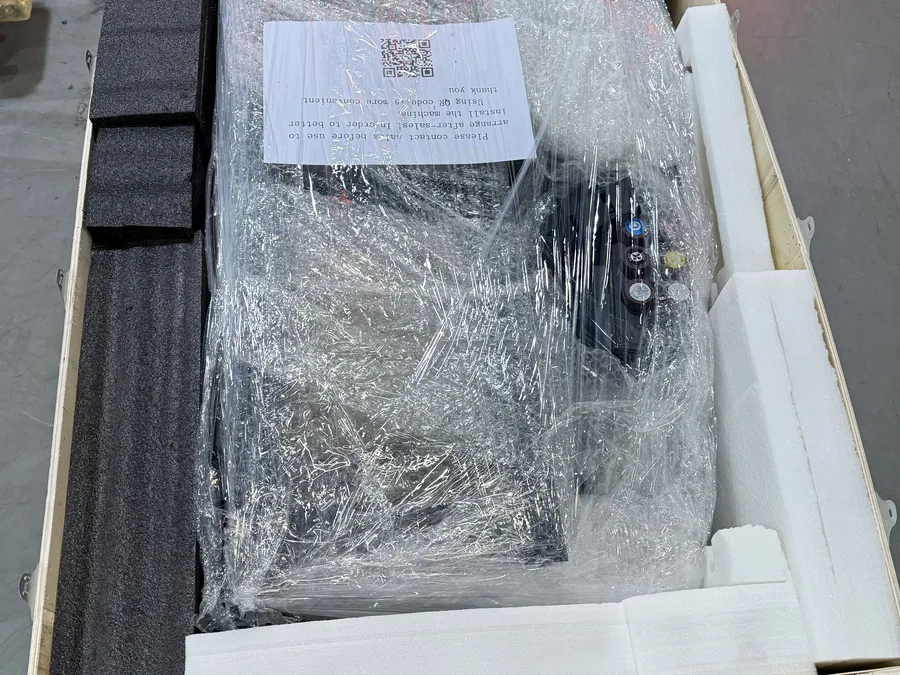
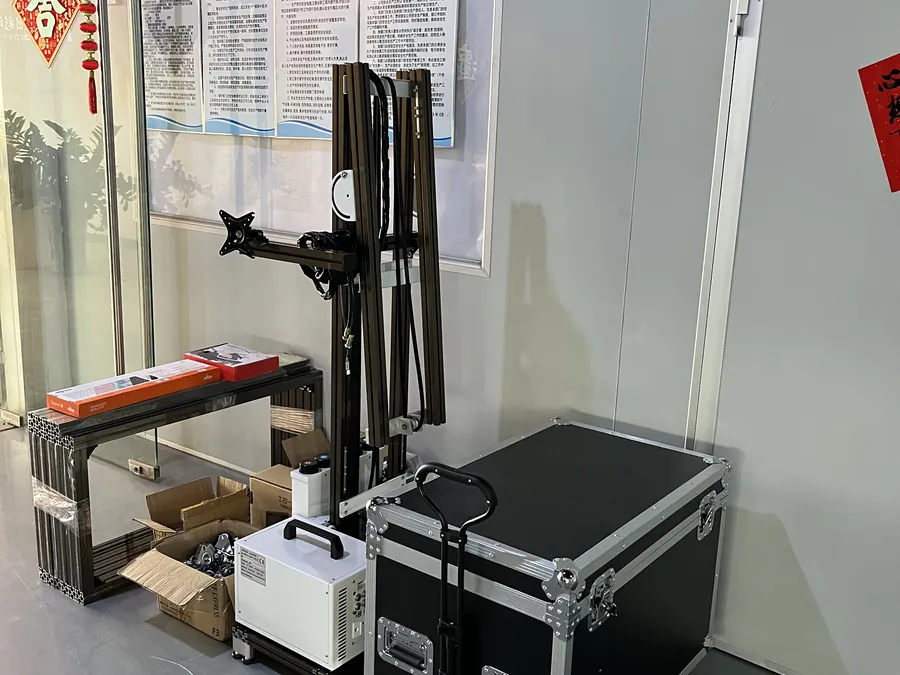
  • Wall printer parts film-wrapped and packed in their crate, kept in a storage room between jobs

    Storage

    The machine, ink and printhead care liquids need a room of their own between jobs. How to store UV ink is covered on our Consumables and Replacement Maintenance page.

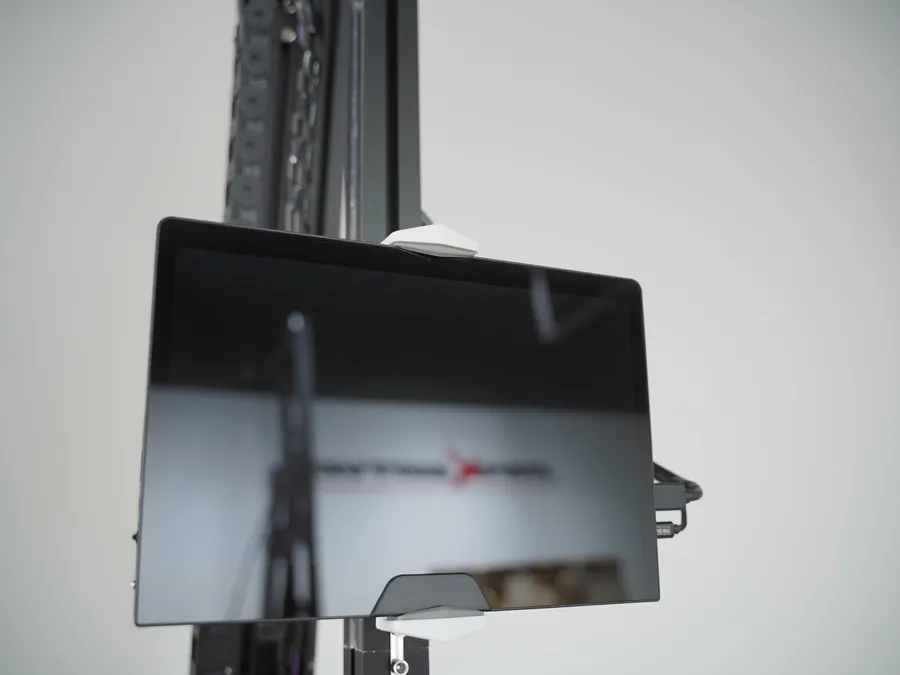
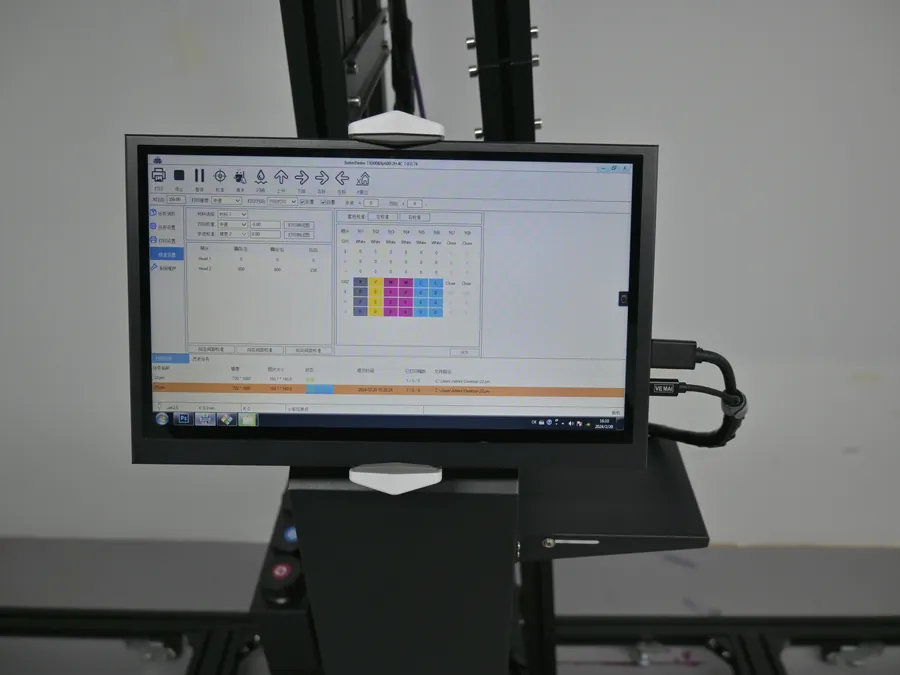
  • Control screen with the wall printer print software

    A computer for files

    The control and colour software run on it, and client artwork is prepared on it. Design it yourself, work with a freelance designer, or print the client's files after you check the resolution.

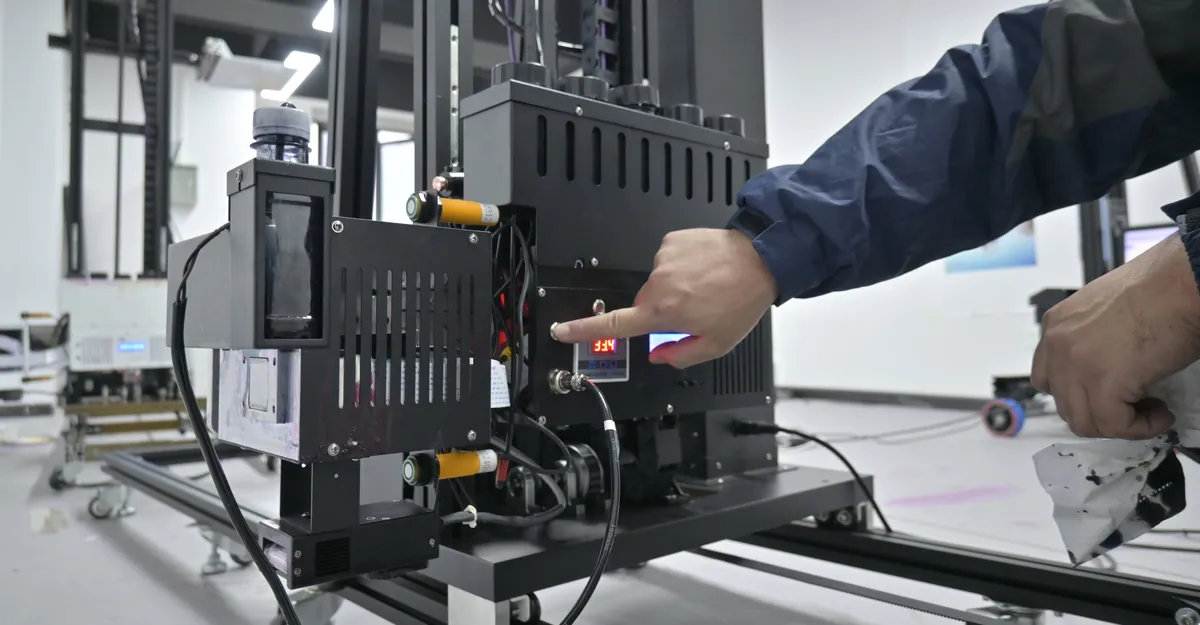
  • Operator pressing the printhead panel of a wall printer on its floor rail

    One operator

    A second pair of hands helps with wall preparation, carrying and talking to the client while the machine prints. A second operator learns from the same manual, colour settings, videos and engineer as you did.

  • GP200B wall and floor printer, the series that fits the boot of a car

    A vehicle

    The GP200B fits the boot of a car. The UP200, at 70 kg on a rigid column, suits a van and jobs where the machine stays on one site for days.

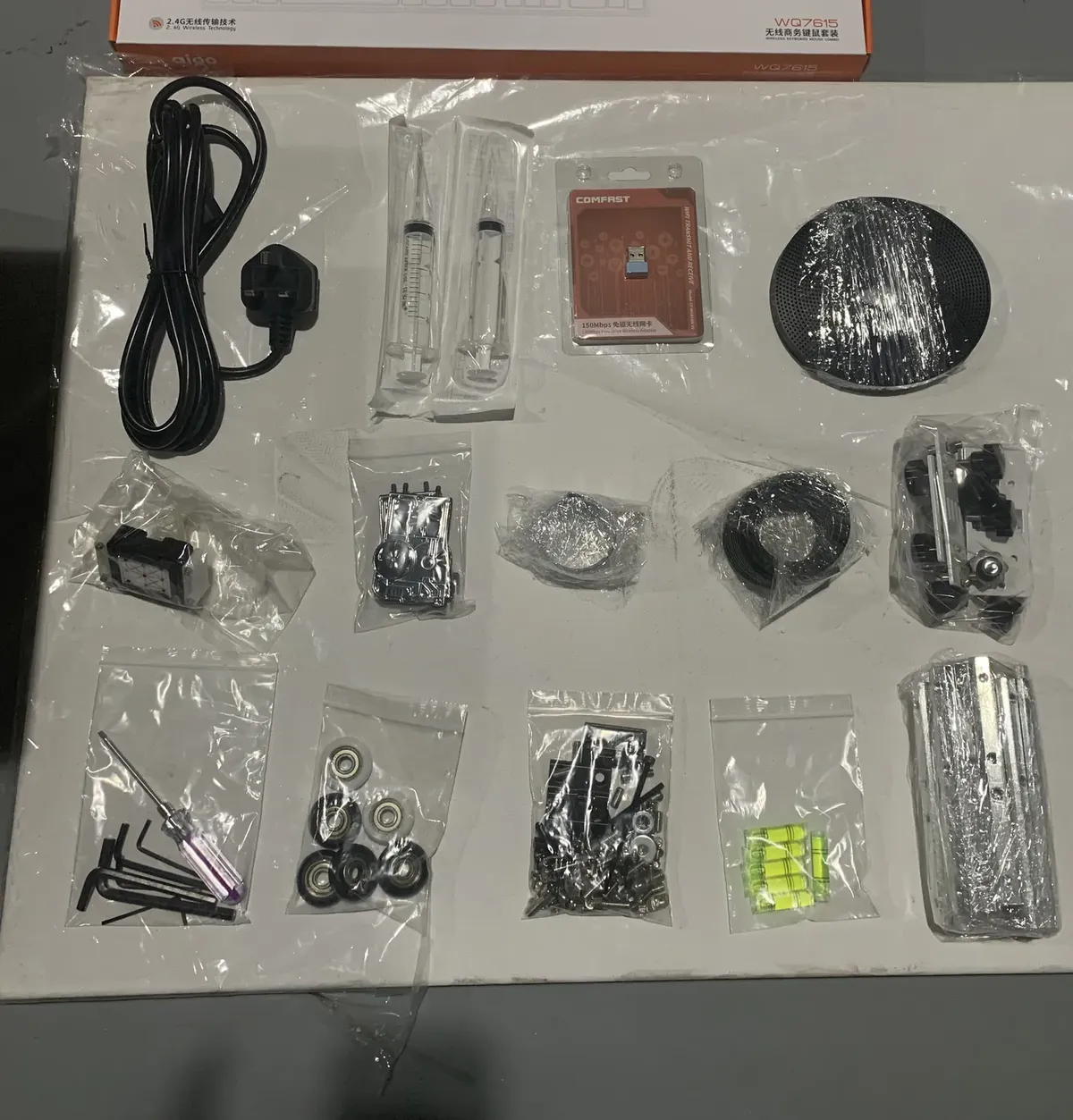
  • Site kit laid out on a board: power cable, syringes, ink tube, wheels and hex keys

    Small kit for site work

    A tape measure, a spirit level, hex keys and a screwdriver, cleaning materials for wall preparation, the coating for smooth surfaces and a sample board you carry to meetings.

Plan 3 · Money per square metre

Budget, Running Costs and Your Price per Square Metre

The budget to start a wall printing business has four parts. The machine price comes from the quotation for your configuration: the series, printhead and ink setup.

  1. The machineFrom your quotation. The first ink set, ink bags, tubes, care liquids and suction tools come in the crate.
  2. ConsumablesInk, care liquids, coating and printheads you keep buying.
  3. Vehicle and siteTravel and wall preparation on each job.
  4. First marketingYour showcase wall and sample board.

Running costs to plan after the first jobs

  • Capped bottles of CMYK UV ink for a wall printer

    Ink ≈ $0.40 per m²

    Based on roughly 2 ml/m² in standard mode with CMYK. A white underbase or a full-coverage image raises it.
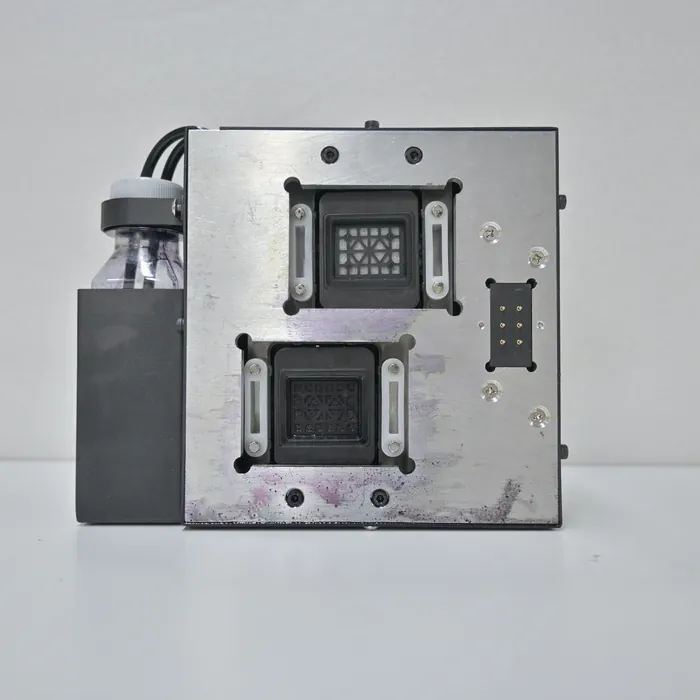
  • Electric ink suction unit with the printhead capping station

    Printhead care and coating

    Moisturising and cleaning liquids, plus the coating for smooth surfaces.
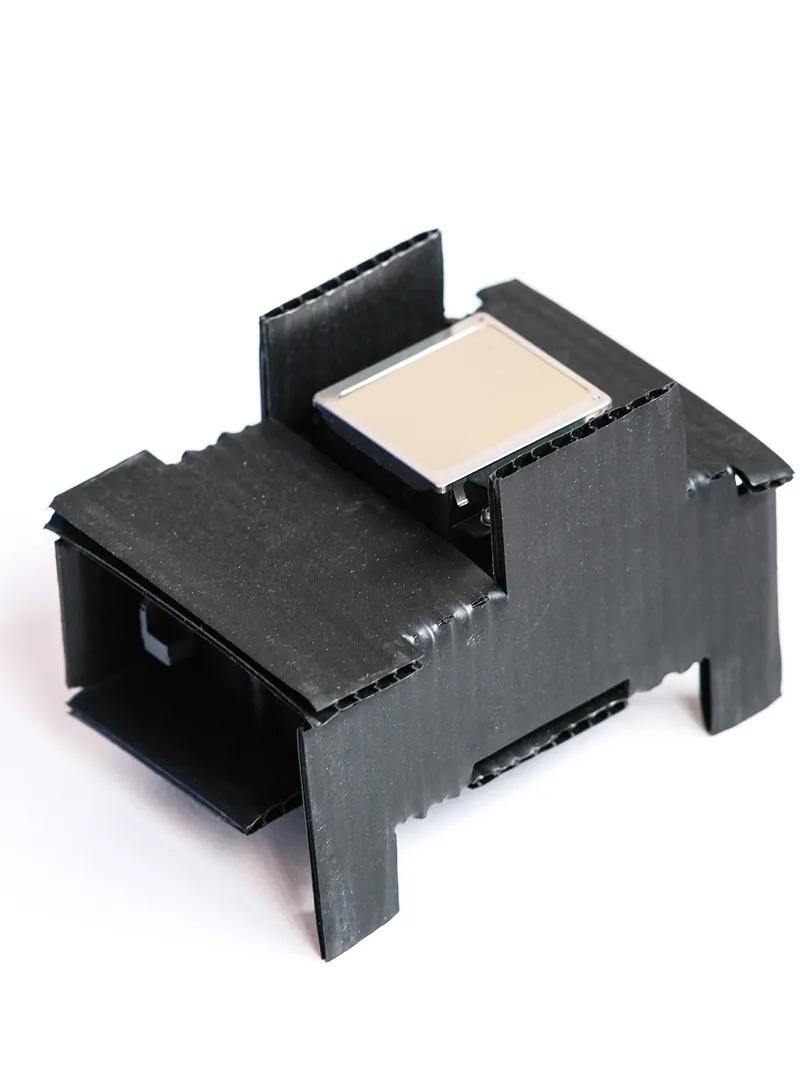
  • Epson DX10 printhead, a wear part of the wall printer

    Printheads as wear parts

    The DX10 costs less to replace and is replaced more often than the I1600 under heavy use.
  • Your own time

    Travel and wall preparation on each job.

Speed, price and payback

8 m²/hDraft or Standard mode, before setup and preparation
5 m²/hHigh resolution mode

A commonly quoted market range is USD 50–350 per m², and it varies by region, wall size, artwork and client. Set your own figure from what local painters and sign companies charge for a hand-painted mural or a printed wall graphic, what your clients' budgets look like, and how much design work you add to each wall.

The area that pays back the machine
machine price÷ (price per m²−ink per m²−other costs per m²) =m² that cover the machine

Put your own numbers into it before you order. It shows the area you need to sell; it does not predict how fast you sell it.

Plan 5 · Five ways to earn

Five Business Models You Can Build with One Machine

Each of these five models can be started with one machine and one operator.

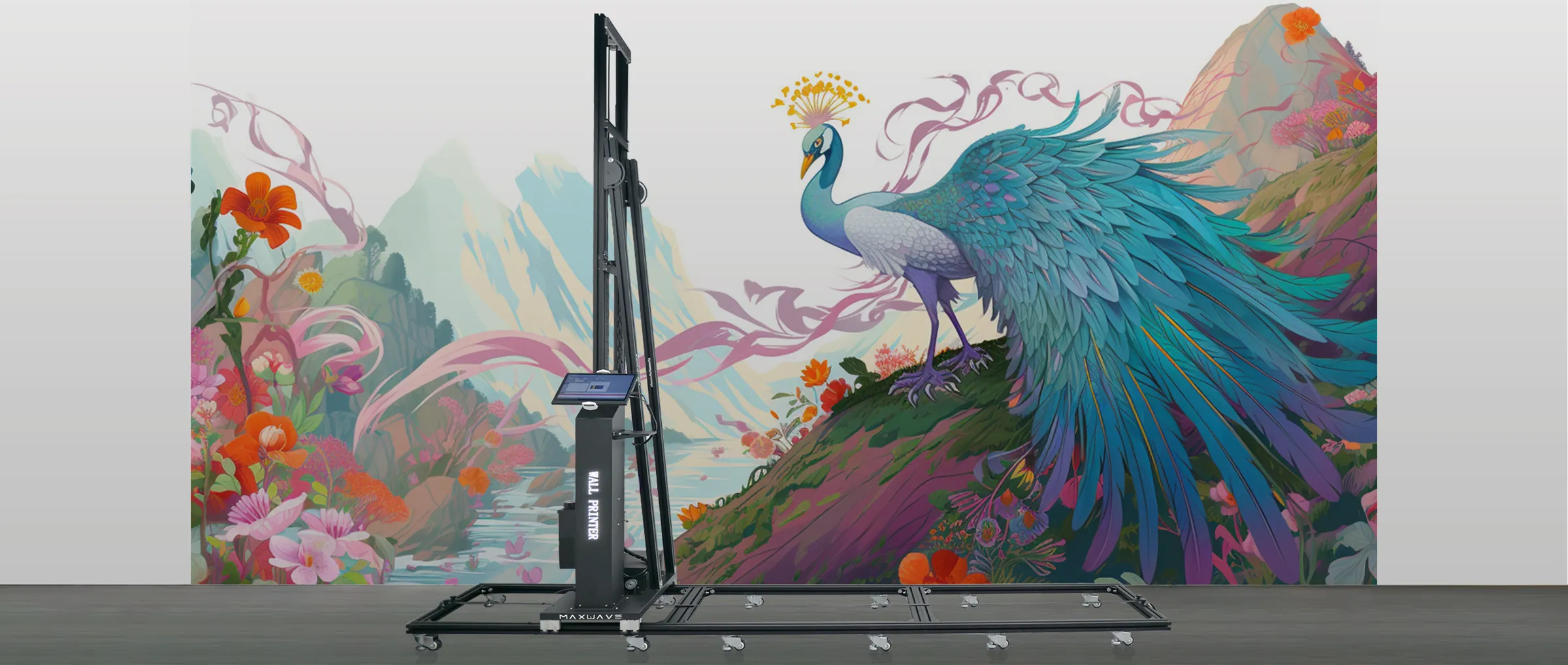
  1. Peacock and landscape mural printed across a venue wall by a column wall printer, the kind of event backdrop a seasonal wall business sellsModel 01

    Event and seasonal walls

    SuitsA founder who likes short, quick jobs. Backdrops for shop openings, holiday displays, pop-up stores and venue walls change every season, and the same client comes back for the next one.

    1. First jobs: event organisers, venues and shops preparing a seasonal window.
    2. Machine: the GP200 packs down small and one person sets it up at each venue.
    3. Pricing: per square metre plus a fixed setup and travel charge per visit, because these walls are often small.
    Get the setup for event walls
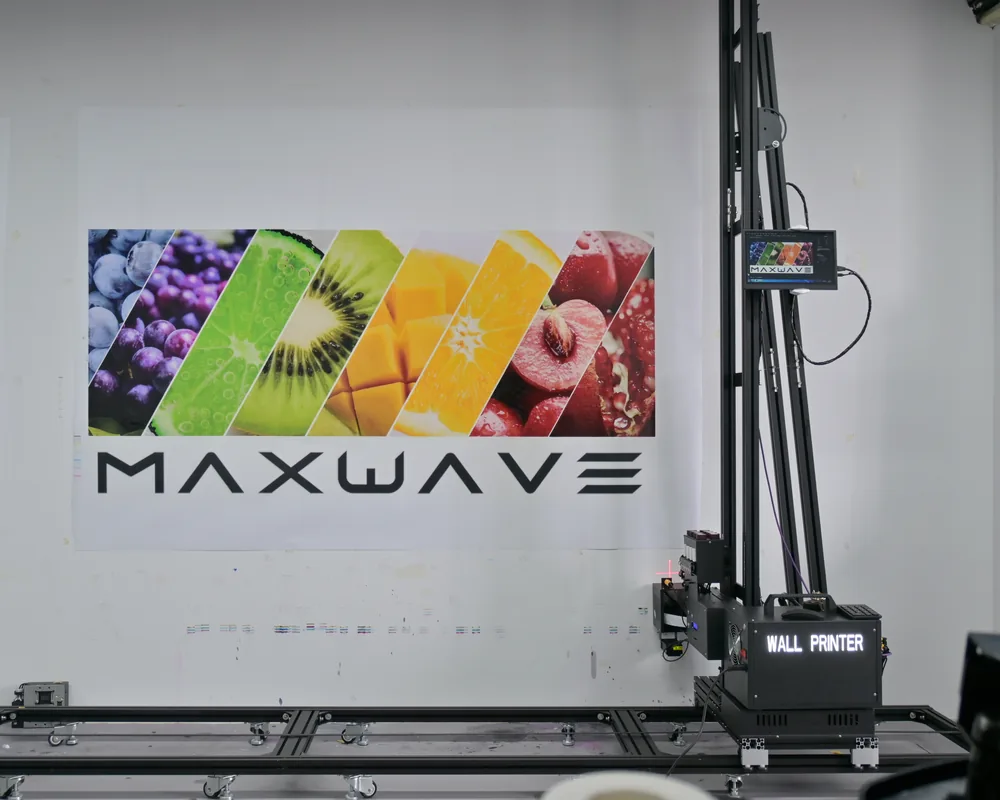
  2. Fruit logo and lettering printed on a white shop wall beside a GP200B wall printerModel 02

    Shop and brand walls

    SuitsSomeone with retail or design contacts: logo walls, product walls and brand graphics for shops, salons, cafés and offices.

    1. First jobs: walking into local businesses with your sample board.
    2. Machine: a GP200 or a UP200P covers most interior shop walls; brand colours on a dark wall need CMYK + W.
    3. Pricing: price close-up logo detail at high-resolution mode, which adds time on every square metre.
    Quote my brand-wall setup
  3. Framed landscape printed straight onto a living-room wall for a homeownerModel 03

    Custom walls for homes

    SuitsA side business or a family business: children's rooms, living-room feature walls and personal photographs.

    1. First jobs: your own home, friends, local parents' groups and interior designers.
    2. Machine: the UP200P is built for indoor rooms at standard ceiling height, prints 2 m high and packs into a trolley flight case.
    3. Pricing: check each client photo for resolution before you quote, and price personal artwork preparation separately.
    Quote my home-wall setup
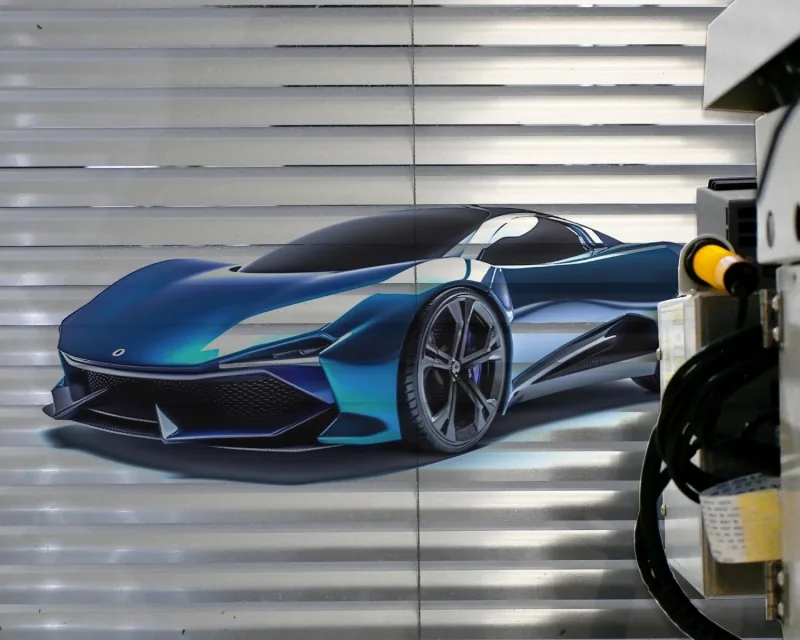
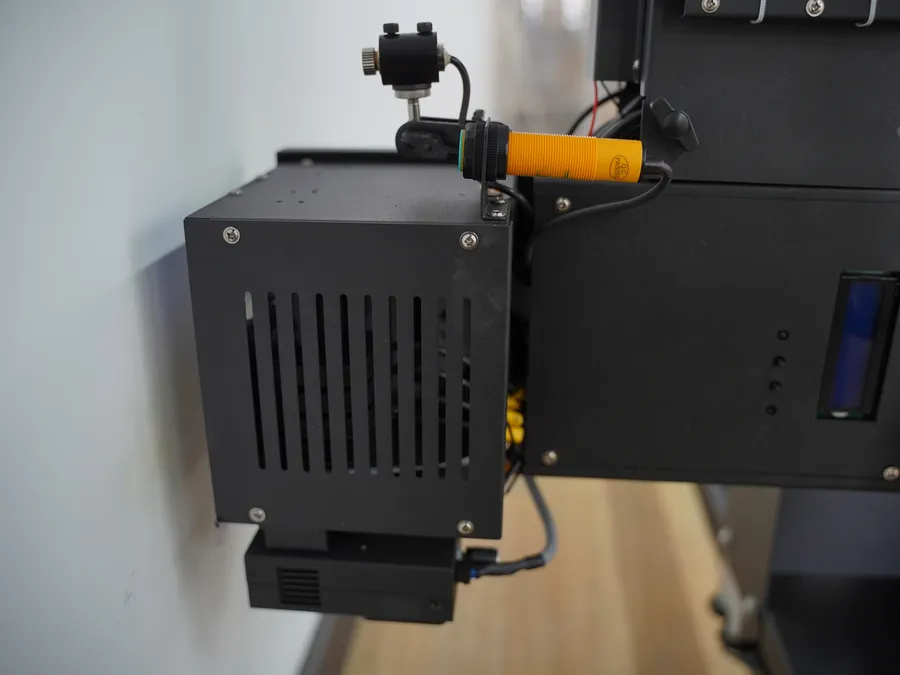
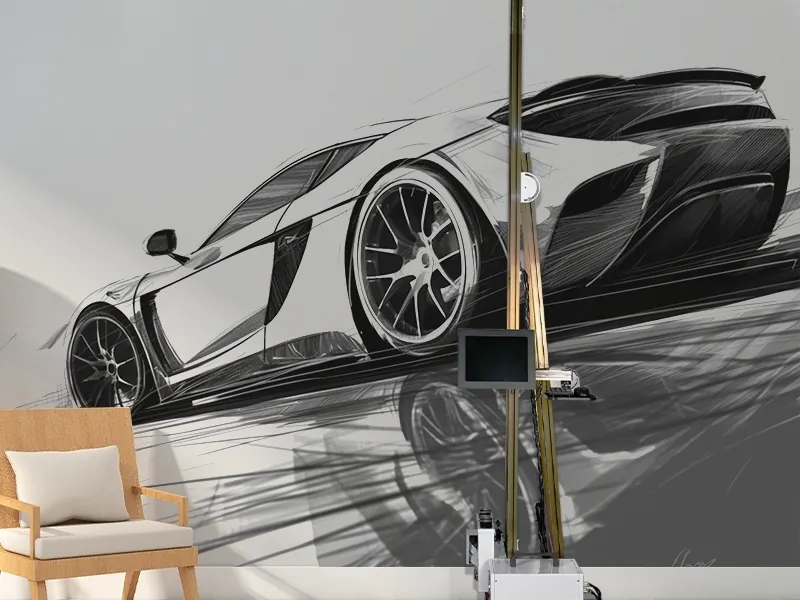
  4. Sports car printed on a ribbed metal roller shutter, with the ultrasonic sensor on the printhead carriageModel 04

    Subcontracting for decorators and sign companies

    SuitsA founder who prefers steady trade work to finding end clients. You print the walls, and sometimes the floors, that contractors sell.

    1. First jobs: contractors you meet through partnership visits.
    2. Machine: the GP200B prints walls and floors on the same site and switches in 2 minutes.
    3. Pricing: a trade rate per square metre; the contractor handles wall preparation and the end client.
    Quote my trade setup
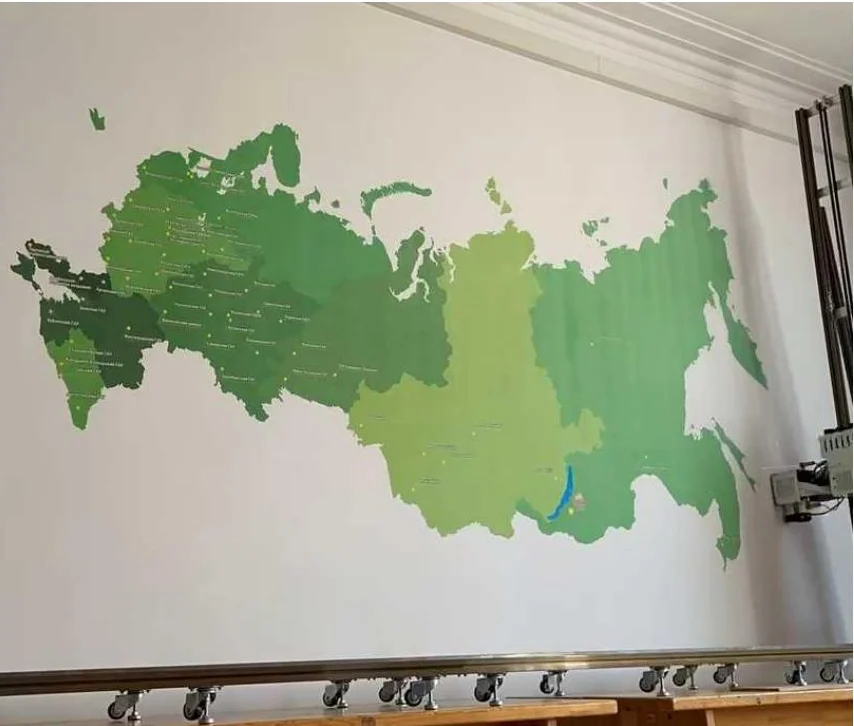
  5. Green regional map printed across a light school wall above the floor railModel 05

    Schools and institutions in batches

    SuitsSomeone who can manage larger projects: classroom walls, corridor murals, maps and learning walls, often several in one building.

    1. First jobs: one school that sees your sample, such as a multiplication table or an alphabet wall.
    2. Machine: the UP200 holds the carriage steady over long runs and resumes a print after a power drop.
    3. Pricing: price the batch per square metre, since one setup visit covers several walls.
    Quote my school-wall setup

Tell us which of the five you plan to start with, and the reply names the series, printhead and ink setup for it, with a quotation. The startup stories of six buyer profiles are on our Success Stories page.

After the machine arrives · Week 1

Your First Week: From Delivery to Your Own Showcase Wall

The order in which a first-time owner goes from a delivered machine to a printed showcase wall, which is also your first sales sample. Shown on a GP200.

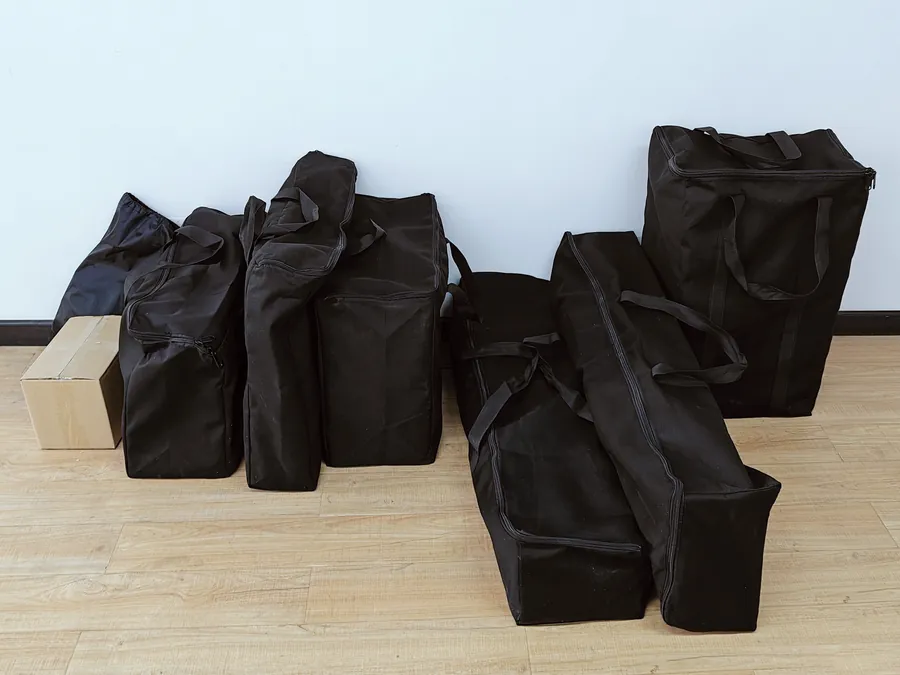
  1. GP200 wall printer delivered as seven small soft parcels

    Unpack

    A GP200 arrives as 7 small parcels and its printhead carriage weighs 6.9 kg, so one person carries every part in.
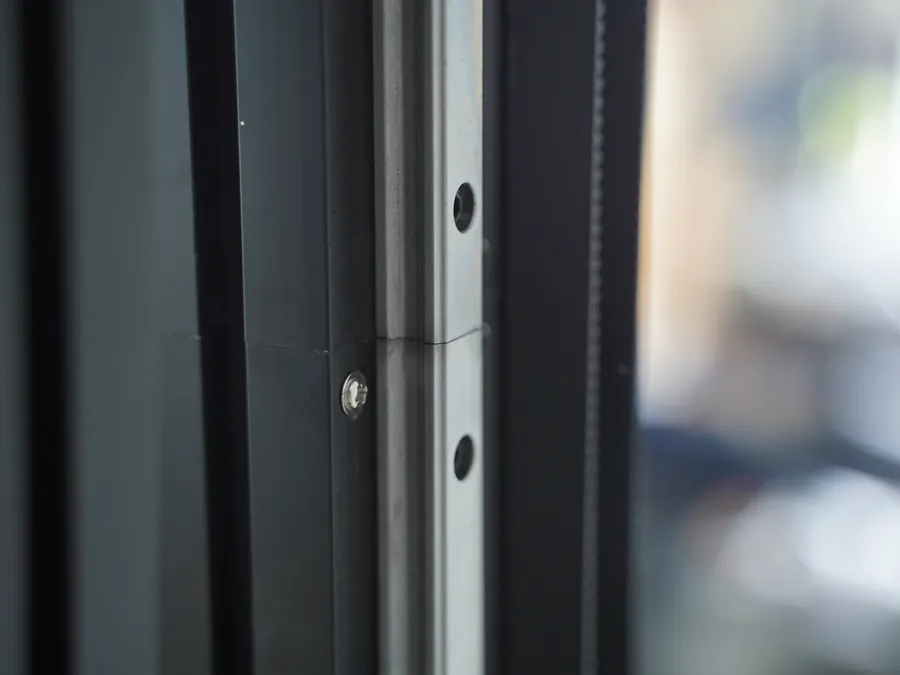
  2. Laser-cut upright rail sections meeting flush at the joint

    Assemble

    Plugs and clips hold the parts together and the printhead goes on with hardly any screws: one person, about 10 minutes.
  3. Wall printer assembled by its owner and filmed for the remote check

    Remote check

    Film the assembled machine and send us the video; an after-sales engineer reviews the setup. Keep the video as a reference for any later report.
  4. RIP software open on the wall printer screen

    Software

    BetterPrinter and Ultraprint arrive installed and calibrated; a technician trains you remotely on your first prints.
  5. Red-light locator on the printhead lining the image up on the wall

    Place the image

    Red-light locator and digital positioning put the image on the wall; image partition printing runs a large design section by section.
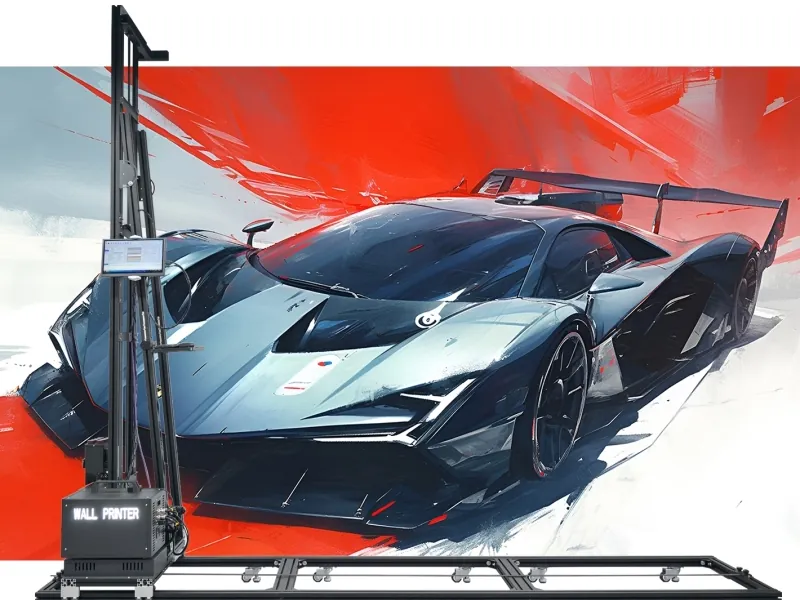
  6. GP200 wall printer beside a printed sports-car mural, the owner's first showcase wall

    Showcase wall

    Load, line up, print. The wall is dry when the print ends, and its setup time, print time and ink replace the estimates in your pricing formula.

Because the upright rail sections are laser-cut, the quick-release parts seat in the same place each time you rebuild the machine at a new wall.

The full training programme and video library are on our Wall Printer Training page, and printhead care is on our Consumables and Maintenance page.

Plan 4 · Marketing

Marketing Your First Walls

Clients for printed walls are local, and they buy what they have seen with their own eyes. Your marketing starts with walls people can look at.

3D window mural printed on a white wall as the showcase wall you print when you start a wall printing business

A showcase wall

Print one wall in your own shop, studio, home or a friend's café and bring prospects to see it. A printed sample board does the same job at meetings, on the surface the client has in mind: wood board, glass or advertising board.
GP200B printing a colour logo wall on its floor rail, the kind of pass-by-pass clip to film

Short videos

The machine printing a wall pass by pass is your strongest content. Film every job, post short clips where your local clients are, and tag the location when the client agrees. A time-lapse shows a 15 m² wall in seconds.
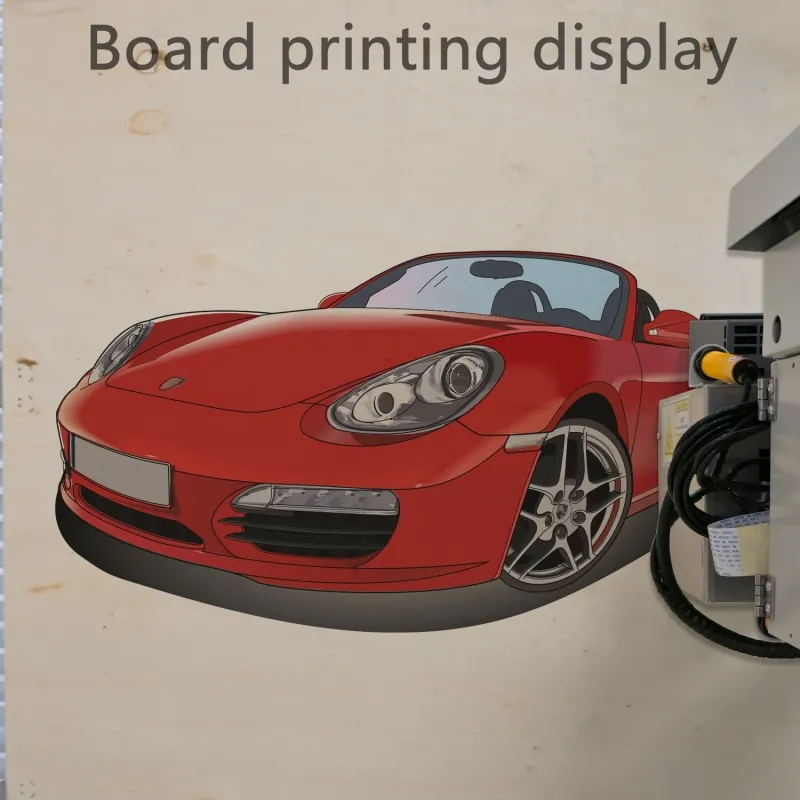
Red sports car printed on an advertising board, a sample board to carry into local businesses

Walking into local businesses

Cafés, restaurants, shops, offices, gyms and schools within your driving range pay for feature and logo walls. Visit with your sample board and offer to look at the wall they would print first. Which markets order which walls is on our Applications page.
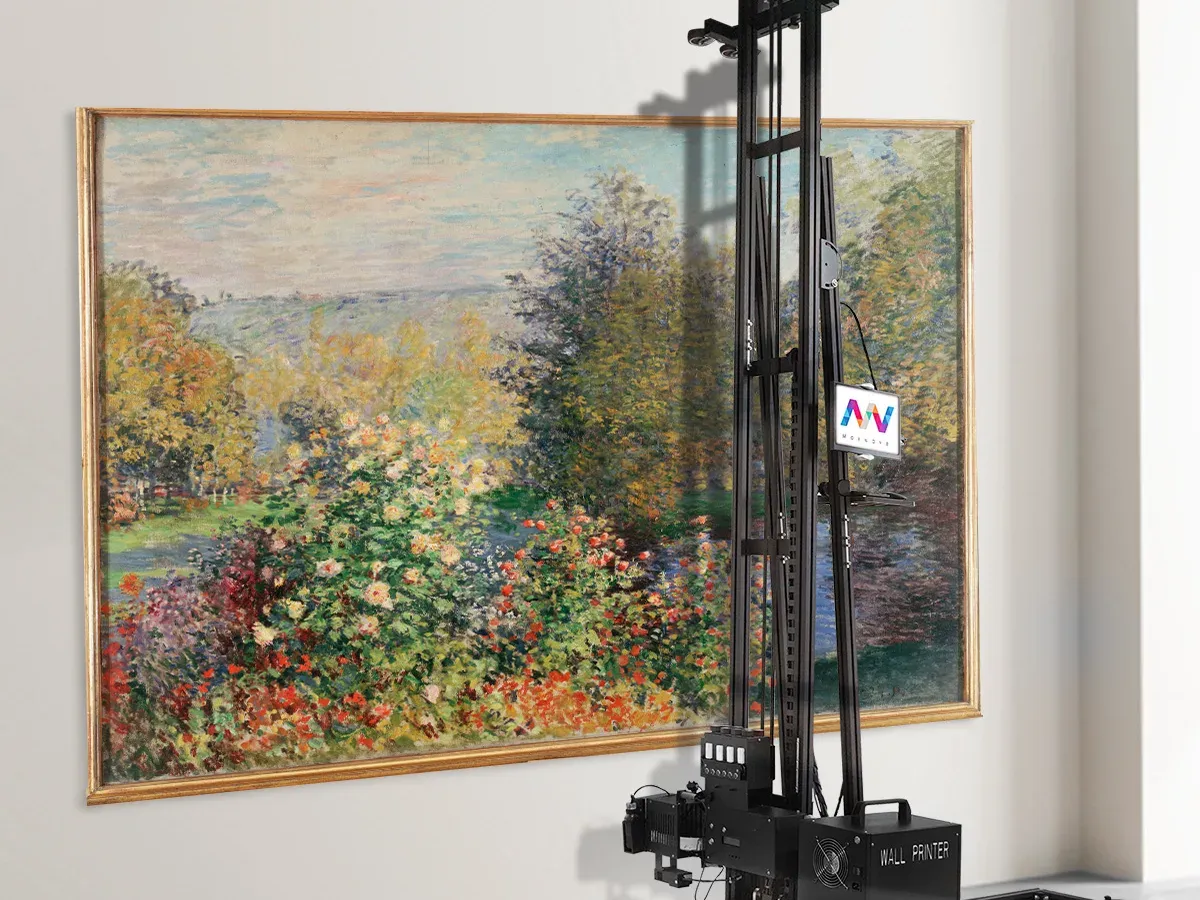
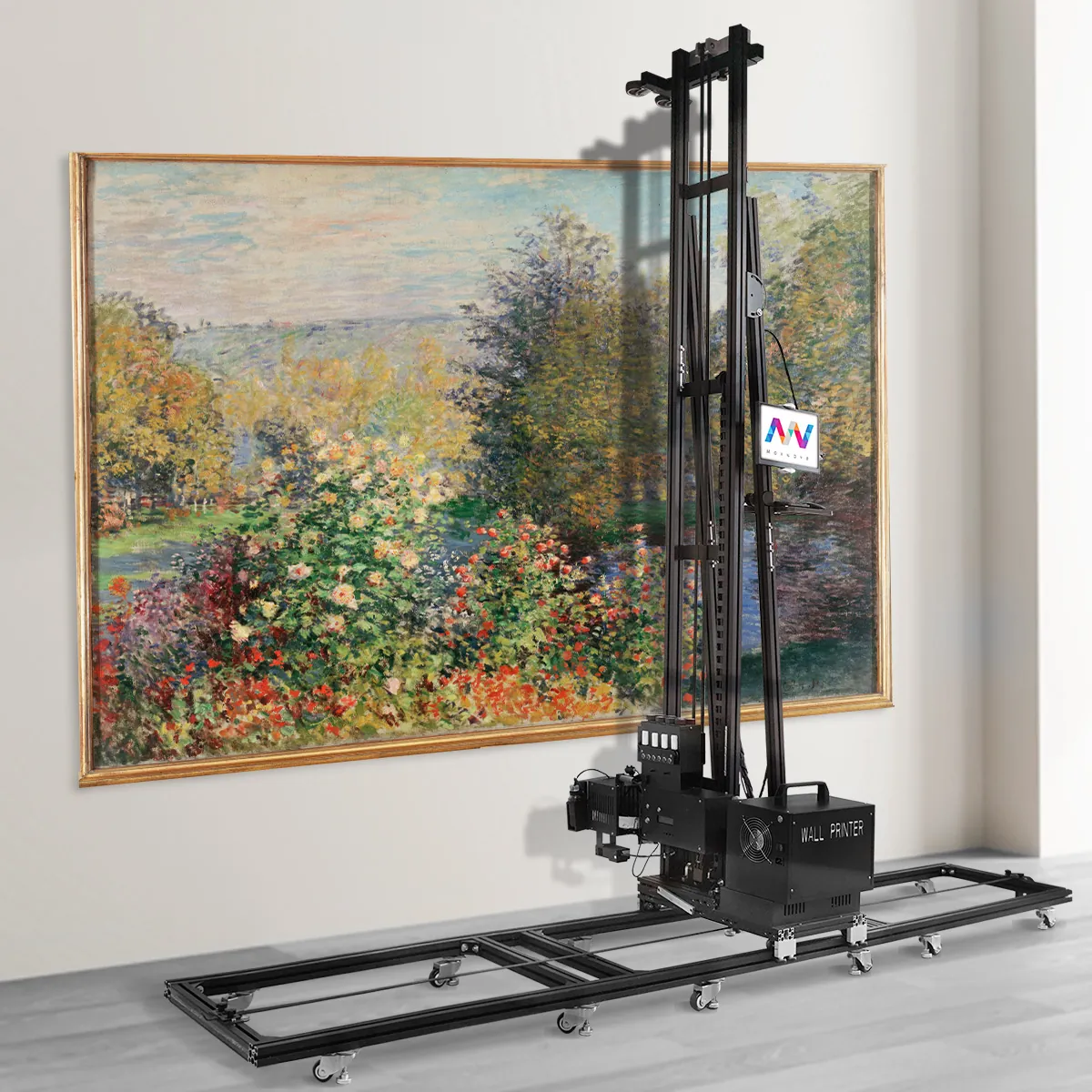
Garden painting printed inside a gold frame on a light room wall a decorating crew prepared, wall printer column in front

Partnerships with decorators and sign companies

Renovation contractors, painting contractors and sign shops already meet clients who want a feature wall but do not own a wall printer. Their crews prepare the wall and you print it at a trade rate: Model 04 below.

Every finished wall is the next piece of marketing: photograph it, add it to your portfolio and ask the client whether you can post it.

Walls in, machine out

Tell us which walls you want to sell, and their size

The reply is a recommended machine and a quotation for those walls.

Recommend My Machine

Your first client job, step by step

How You Serve a Client: One 15 m² Wall, Enquiry to Handover

One standard wall followed from your client's first message to the finished print, with the arithmetic for each step.

6 m2.5 m
2.5 m × 6 m = 15 m², the standard print area from one rail setup.
  1. The enquiry

    The client sends a photo of the wall and its size. Ask what the wall is made of and its colour: both change your setup and your ink.2.5 m high × 6 m wide
  2. The area

    Matches the standard print area, so one rail setup covers it. For a wider wall, join more rail sections and the print width extends with them.2.5 × 6 = 15 m²
  3. The file

    At least 300 dpi at wall size, in CMYK, as TIFF, PDF, JPEG or PNG. Send a proof of the design on a photo of the client's wall before you book the print day.≥ 300 dpi · CMYK
  4. On site

    Check the wall surface, prepare it where needed and set up the machine. Line up the image and choose the print mode.check · prepare · set up
  5. Print time

    Standard mode at 8 m²/h, high resolution at 5 m²/h. Setup, surface preparation and a white underbase not included.15 ÷ 8 ≈ 2 h · 15 ÷ 5 = 3 h
  6. Ink

    Standard mode with CMYK. Dark walls and dense artwork cost more: see the pricing table below.15 × $0.40 ≈ $6
  7. Curing and handover

    The LED UV lamp cures as the printhead passes: a water- and UV-resistant finish. Walk the wall with the client, photograph it and ask for a review or a referral.dry at the last pass
  8. Into your quotation

    Print time, setup and preparation, ink and travel go against your price per m², wall by wall. Record them after every job, so your quotes rest on your own figures.your own figures
Wall printer set up on site in front of the client's wall
Hand touching a freshly printed ocean mural that is already dry at handover

Tell us the wall sizes you quote most often, and we tell you how they fit the print area of each series. Send your wall sizes

Same area, different cost

Pricing a Wall Job: Height, Surface, Ink and Mode

Two walls with the same area can take very different time and ink. Price these variables in before you send a figure: tick what applies to the wall in front of you and see which costs it adds.
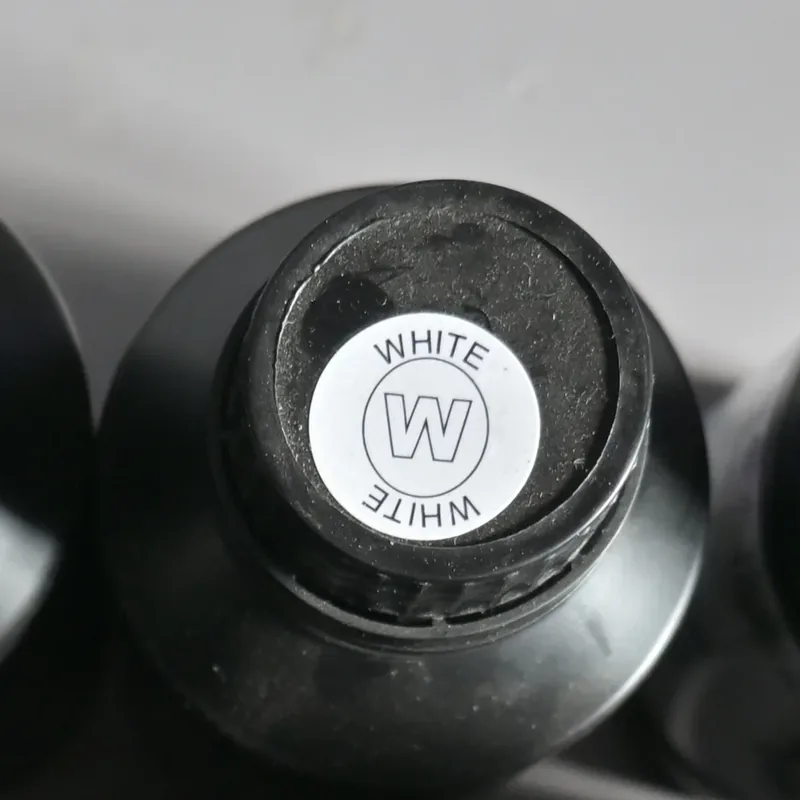
White UV ink bottle for the white underbase on dark walls
White underbase for dark walls
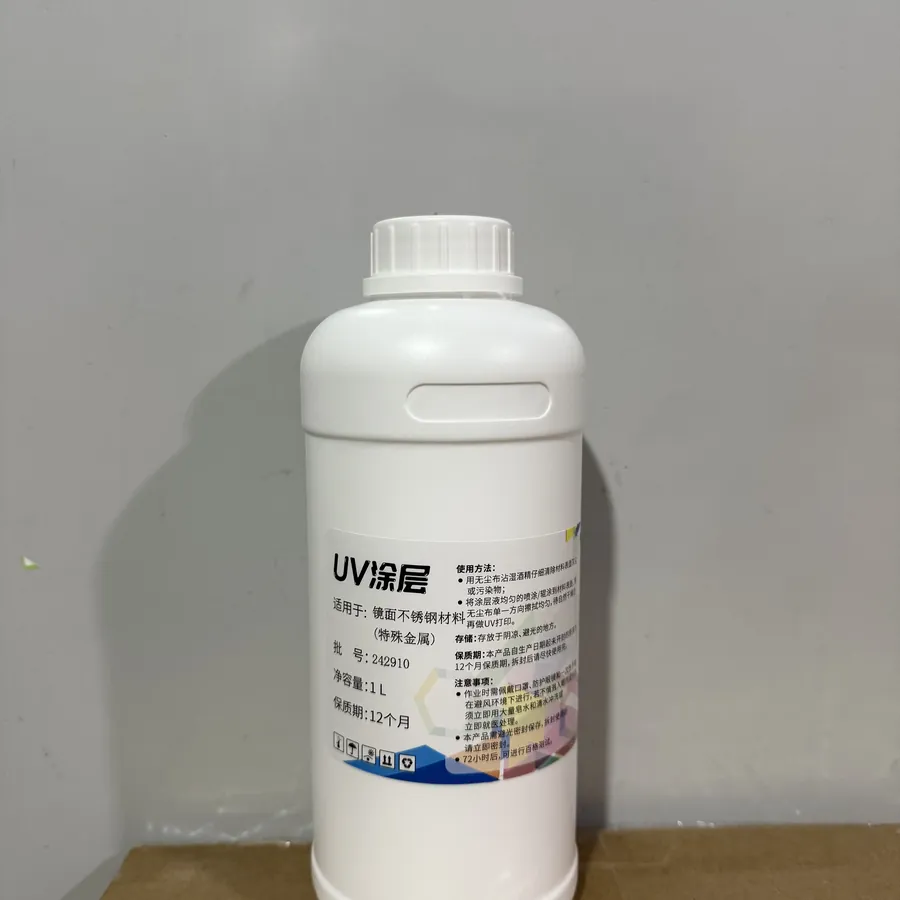
Coating bottle applied before printing on glass and glazed tile
Coating for smooth surfaces
Wall variables and the cost each one adds
This wall has…What to price inTimeInkConsumables
Standard print height is 2.5 m, the UP200P prints 2 m, 3 m is available on the GP200B and UP200, and the GP200B and UP200P can be built with a custom column up to 4 m. Above your machine: a custom column on your next machine, or a design that leaves the top band unprinted. The client agrees which.●––
Every machine leaves an unprinted strip: only 20 cm at the bottom on the GP200 with a 3 m rail, 20 cm top plus 40 cm bottom on the others. Price how you finish it.●––
CMYK + W setup: a white underbase, then the colour image. Extra ink on every square metre.–●–
Apply the matching coating first, or the print can come off over time. Coating is bought, applying it is time on site, so both go on the job.●–●
Far more ink than a logo on an open background. Price dense artwork above the standard-mode figure.–●–
The extra hour of high-resolution mode on a 15 m² wall belongs in the price.●––
Run a sample test first and count it in your first quote on that material.●●–

Send us photos of the walls you expect to quote, and we set the printhead, ink setup and print height of your machine to those jobs.

Before you accept a job

Site Conditions, Power and Transport Between Jobs

Check these conditions on the client's premises before you accept a job.
  • Power

    110–220 VSingle-phase AC, 50–60 Hz, 2000 W.
  • Temperature and wind

    10–35 °CWind up to force 5. Outside that, schedule a day or a time that falls inside it.
  • Getting the file in

    USB 3.0The GP200B also receives images over WiFi.

Net weight you move between jobs

  • GP20045 kg
  • GP200B60 kg
  • UP20070 kg
  • UP200P60 kg
  • The GP200B control box weighs 10 kg and is carried by hand; without its upright rail the machine is 40 cm tall and rides standing up.
  • The UP200P comes apart for transport and fits a trolley flight case.
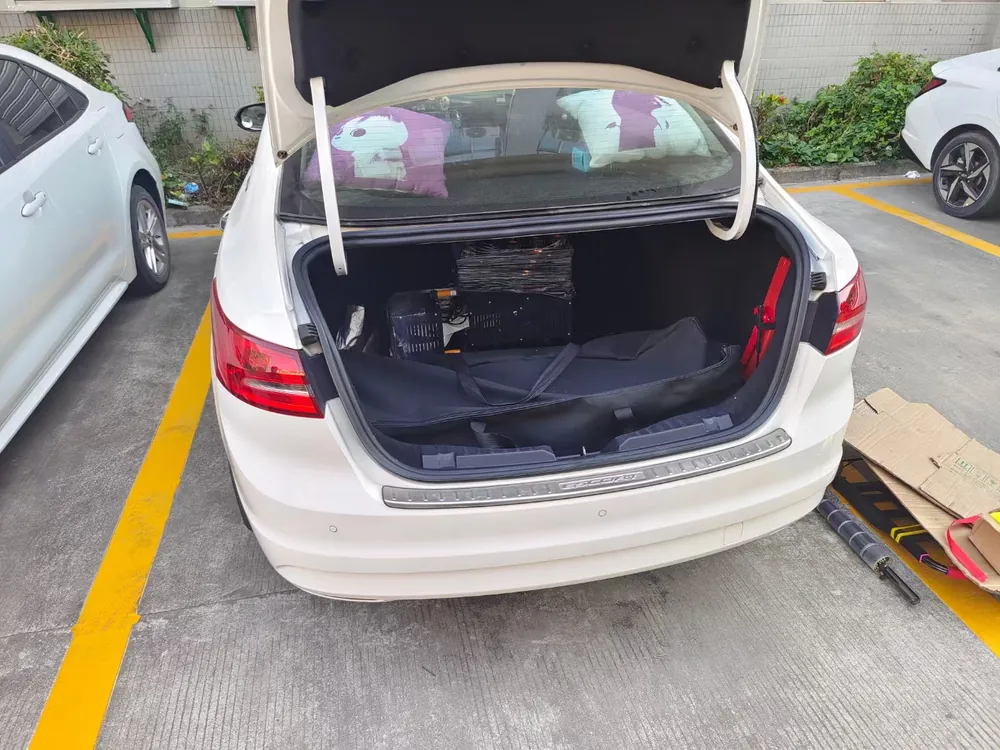
Wall printer parts packed into the boot of a saloon car, the transport to plan when you start a wall printing business
Name your van or car
Wall printer folded into a wheeled flight case
UP200P in its flight case
Aviation plug connections on the control box
Aviation-plug cable connections

Name your van or car and your usual wall heights, and we confirm how your series travels in it. Check my transport

WallPrintJet after-sales
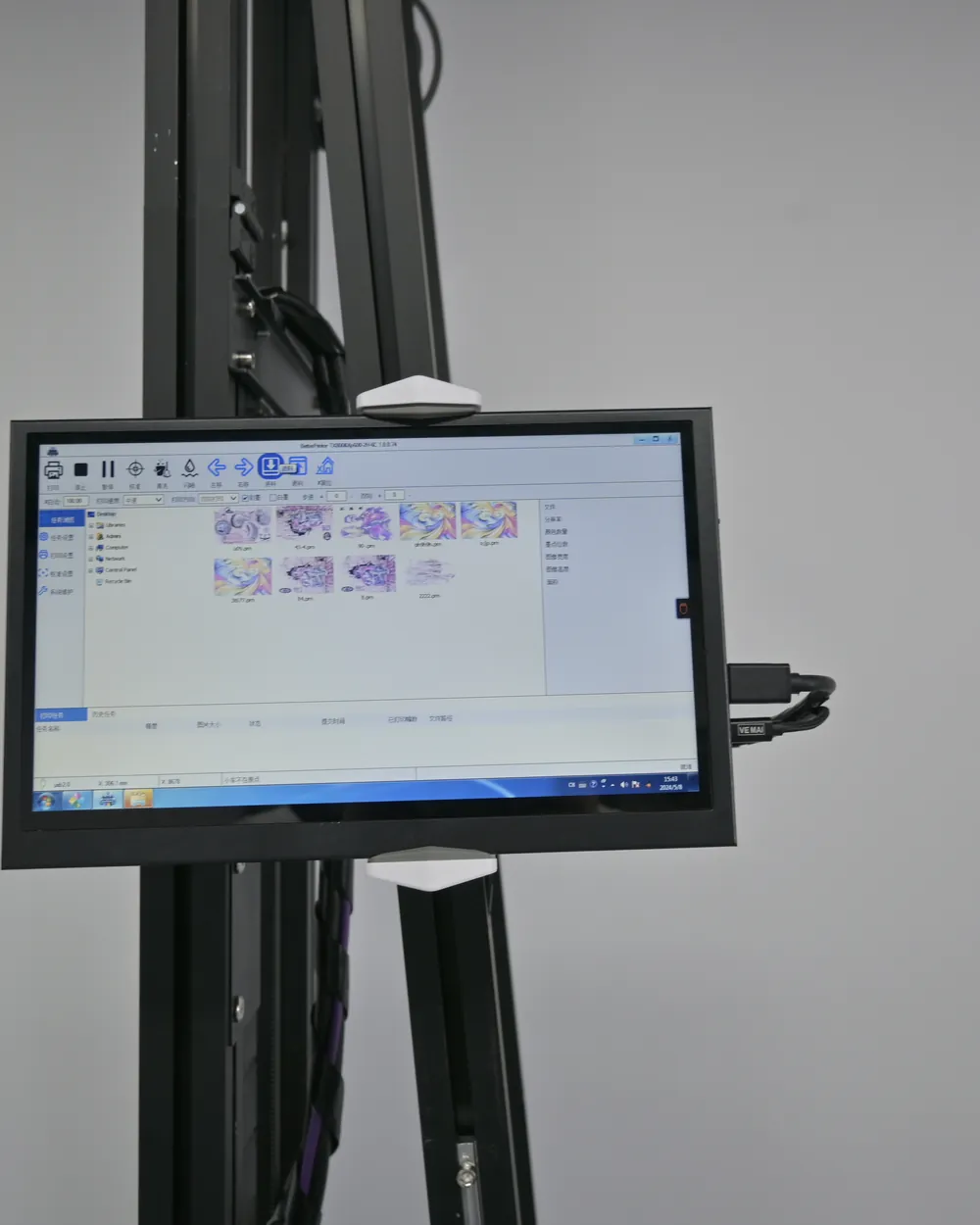
Photo of the wall printer touchscreen sent from a client site with a support questionOn a client's wall now: test lines are missing. Photo and clip attached.
Series, printhead, what happened and what I already tried
Got the test lines. Let's go through the fix together, step by step.

When a job goes wrong

Backup for Your New Business: How We Handle Problems on a Job

When something goes wrong in front of a client, you are not on your own: send photos or a short clip by email or WhatsApp, and an after-sales engineer guides you through it online.

  1. The machine misbehaves at the wall

    Missing lines, ink cutting out or soft edges usually trace back to printhead care or printhead-to-wall distance. The engineer reads your test lines and clip and takes you through the fix; each symptom is on our Wall Printer Troubleshooting page.
  2. The power drops mid-print

    The UP200 resumes the print instead of starting again; the GP200, GP200B and UP200P can run from a UPS that keeps the print going. Tell us the sites you expect, and your quotation includes the right power-loss setup.
  3. The colour does not match the file

    The engineer checks the ICC profile, print mode and ink with you, against the factory curves for your ink.
  4. A part is missing or worn

    Send your series and a photo, and we match the UV lamp, ink tube, data cable or printhead to your machine. Parts reach you by the same route as the machine.
  5. The wall is not a standard wall

    On brick and textured plaster the ultrasonic sensors follow up to 1.5 cm of relief. Send the wall photo before you quote, and we confirm the setup.

Faults outside the warranty still get online repair guidance. The 2-year warranty and how a claim runs through us are on our Wall Printer Training page.

From your plan to an order
Steps to Start a Wall Printing Business: Your Startup Quote

  1. Living-room wall with a printed car mural, the kind of wall photo to send with your plan

    Send your plan

    The business model you start with, your planned price per m², your usual wall sizes, the surfaces you print on and whether dark walls or floors are part of it.
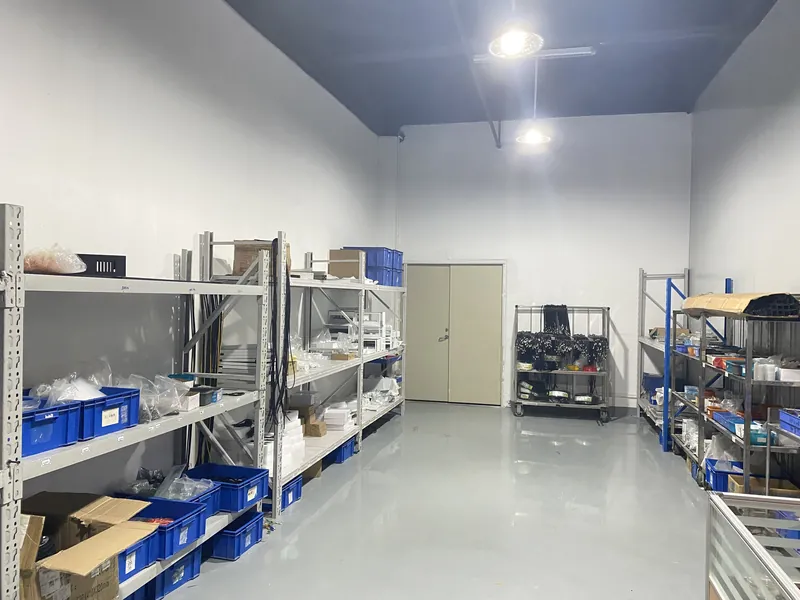
  2. Shelves of wall printer consumables and spare parts

    Get a configured quotation

    A series, a printhead and an ink setup for those jobs, quoted with its consumables. The certificate set comes with it.
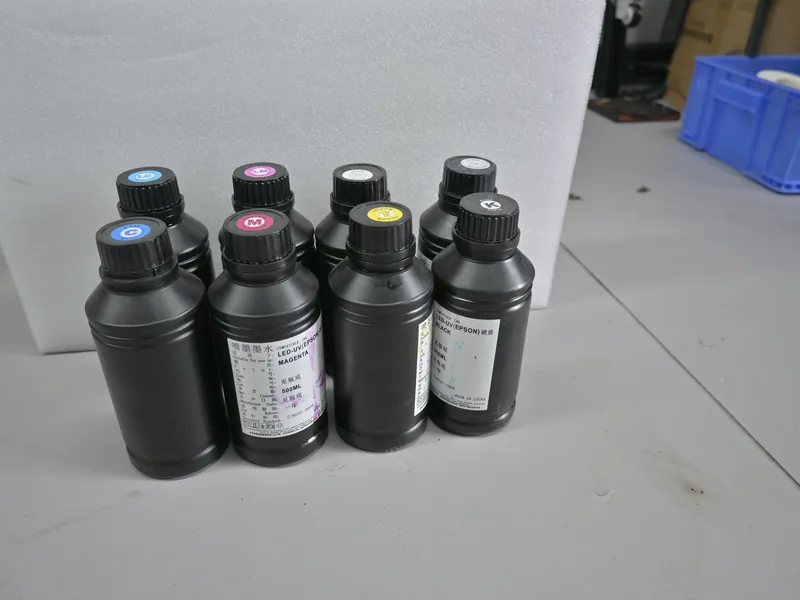
  3. UV ink bottles for the wall printing machine

    Check your numbers

    Put the quoted machine price and your own prices and costs into the payback formula before you order.
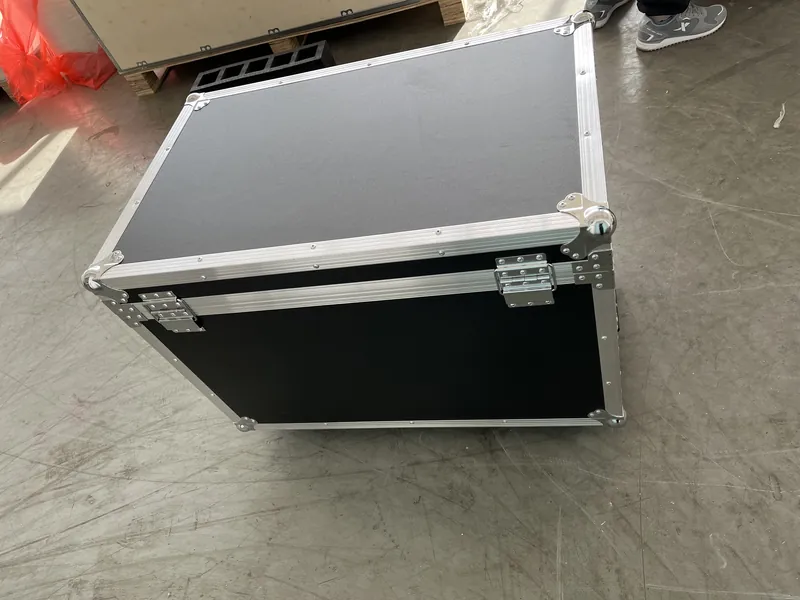
  4. Wall printer packed in a reusable flight case for shipping

    Order and receive

    The machine ships with the configuration on the quotation; you assemble it from the manual and send us the setup video for the remote check.

Startup quote

Get Your Startup Quote

Send a photo of the first wall you want to sell, with its width and height and a line about your business. The answer is the machine that wall needs, configured, with its quotation.

  1. Your details reach the sales team the moment you press send.
  2. The recommendation comes back with a machine price you can put into the payback formula.
  3. The certificate set for that series comes with it.

Tell us about your walls

Planned applications

Get a QuoteWhatsApp