Home Applications Mural artists and studios

For mural artists, studios and illustrators

Wall Art Printers for Mural Artists and Creative Studios

A wall art printer lets a mural artist or studio put the full composition on the wall in one print session, then finish it by hand, so you can accept larger commissions and more of them.
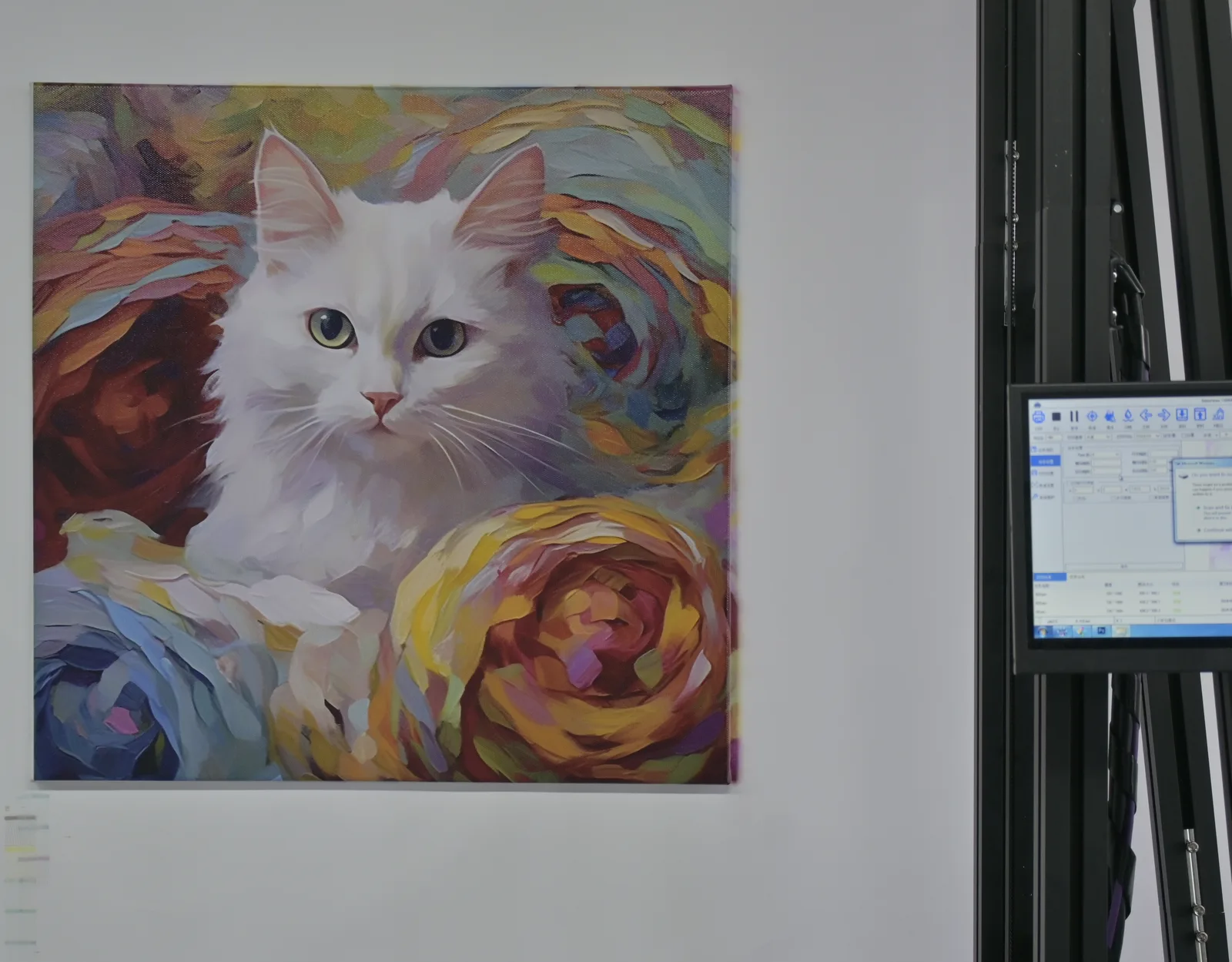
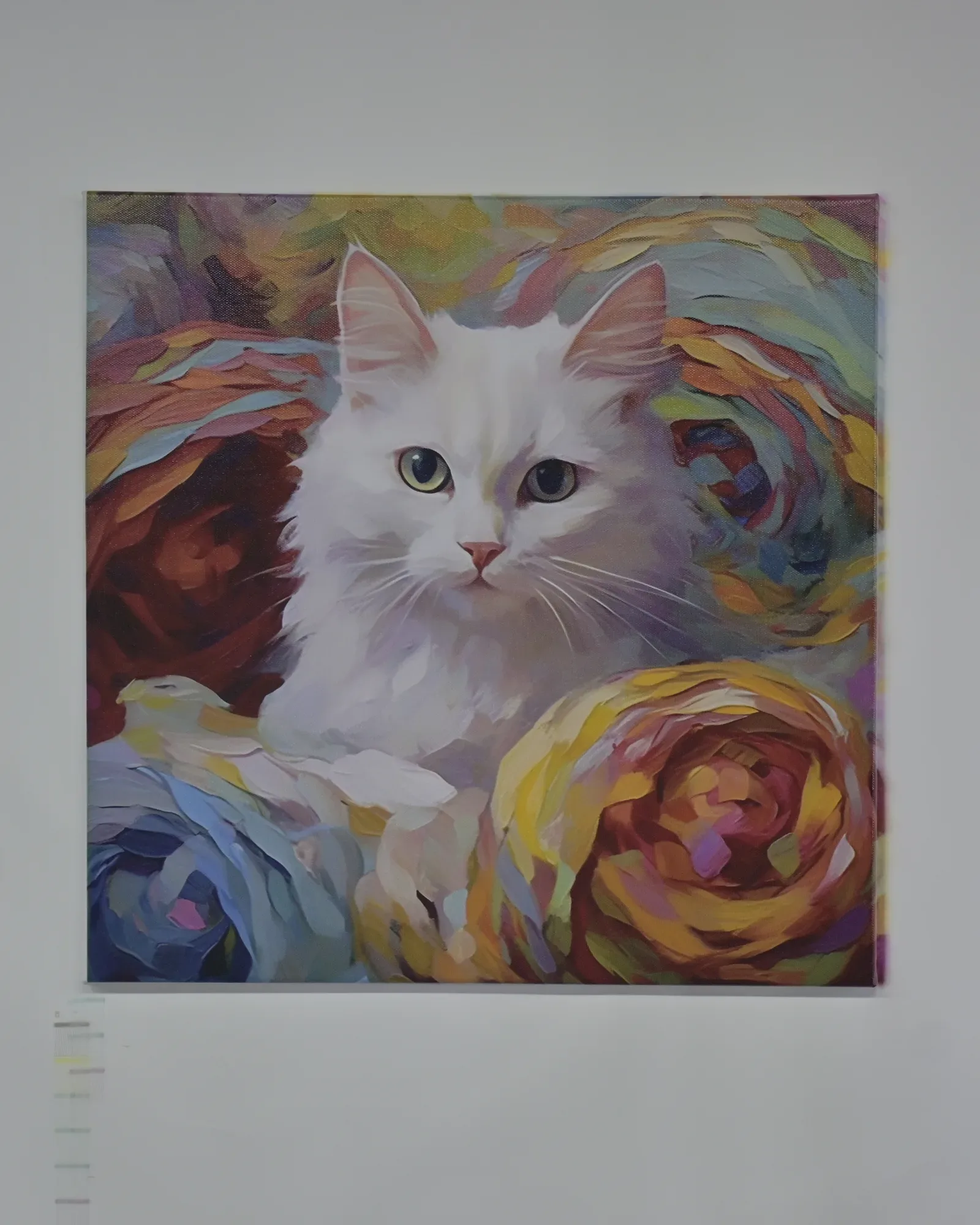
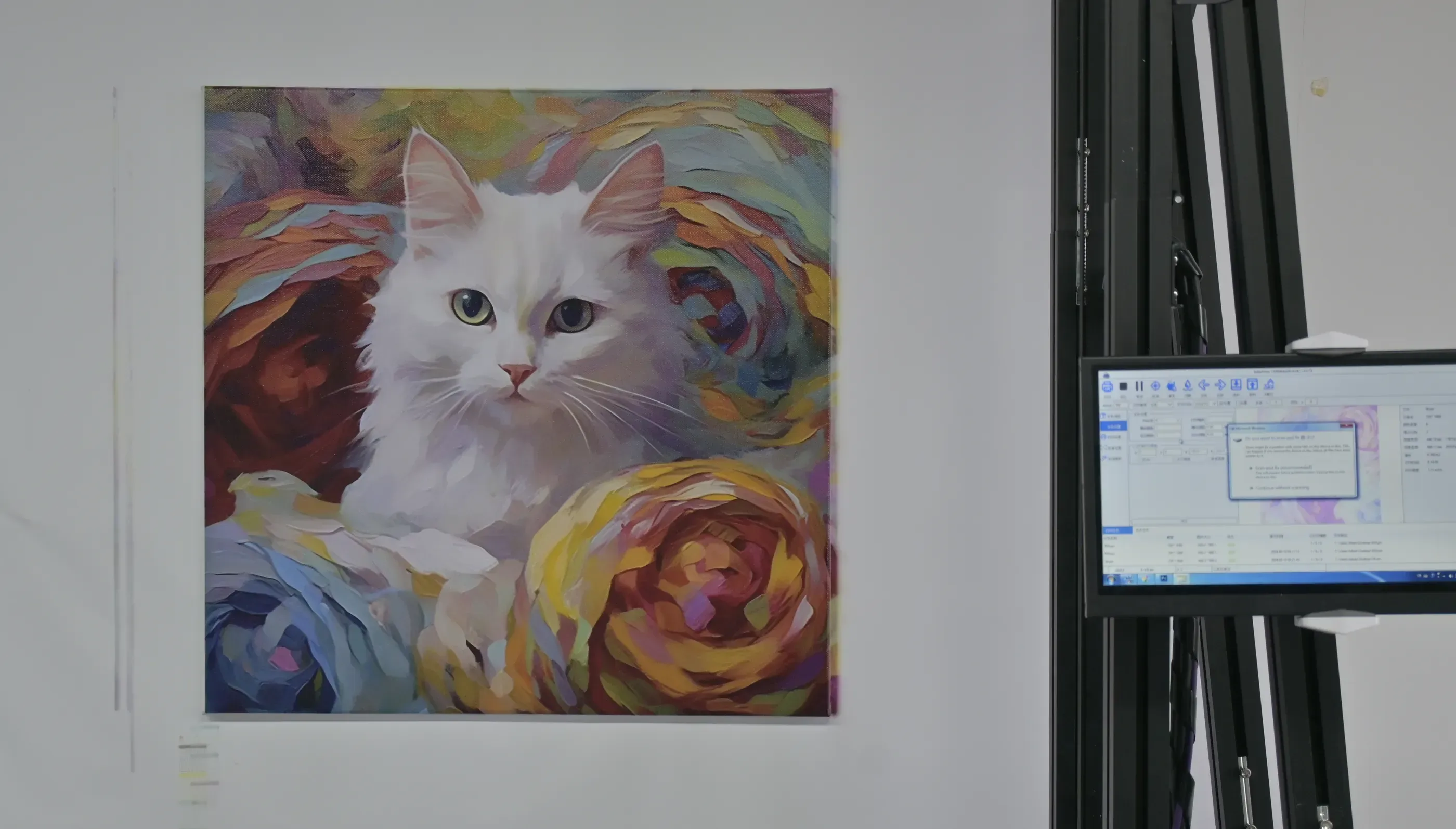
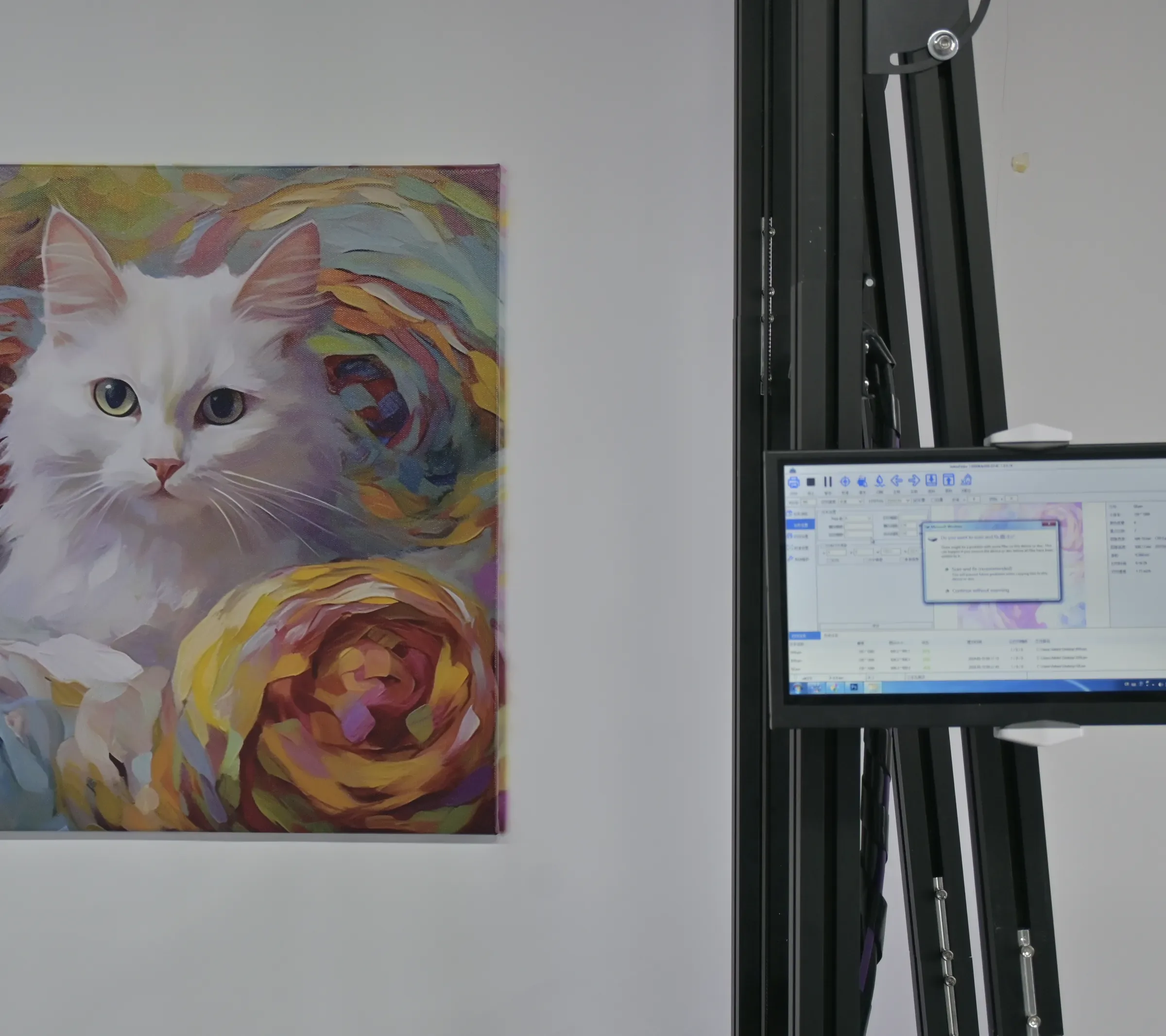
Wall art printer output: white cat among painted roses printed at wall size beside the printer touchscreen Wall · full size
Original · canvas6 × 5 grid

Five kinds of commission

Commissions a Wall Art Printer Supports

  • 01

    Printed underpainting

    The composition and main colours printed first, with brushwork added on top.

  • 02

    Full digital artwork

    Illustrators' and designers' finished files printed straight to the wall.
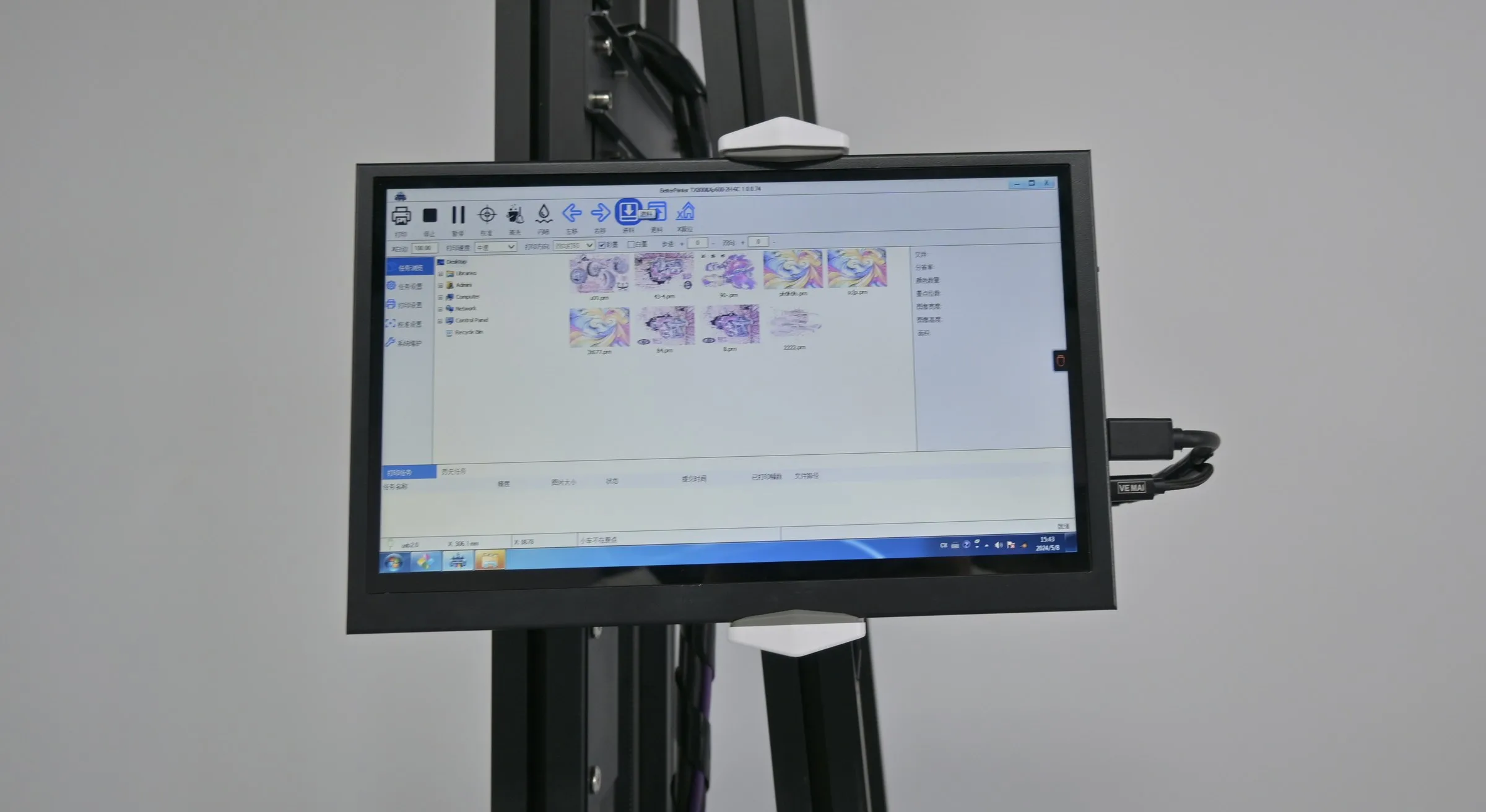
  • Wall art printer touchscreen showing artwork thumbnails ready to resize for another wall
    03

    One artwork, several walls

    The same design resized for a portrait wall, a wide wall or a second location.

  • 04

    Commercial commissions

    Brand murals for hospitality and retail clients alongside your studio work.
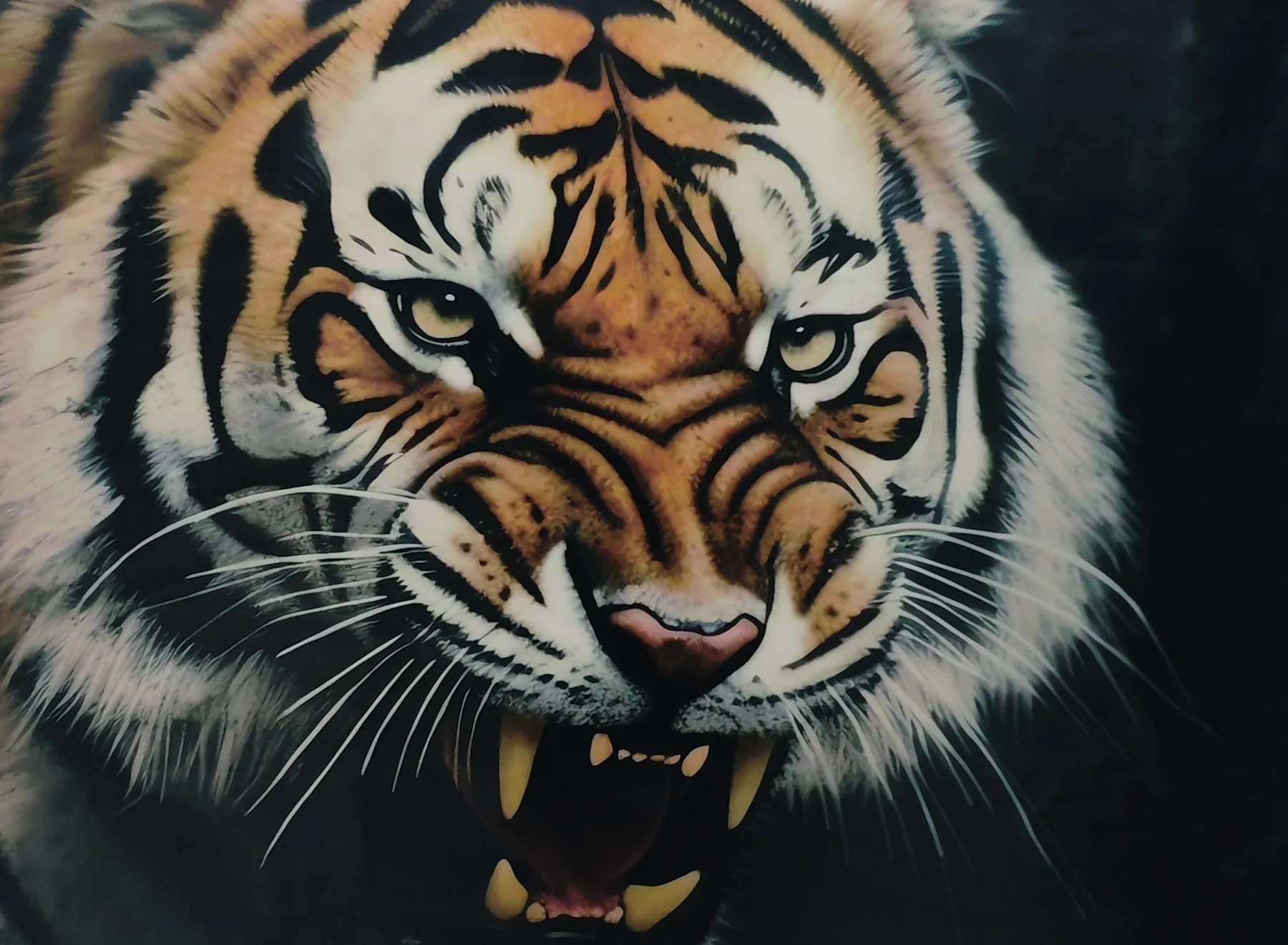
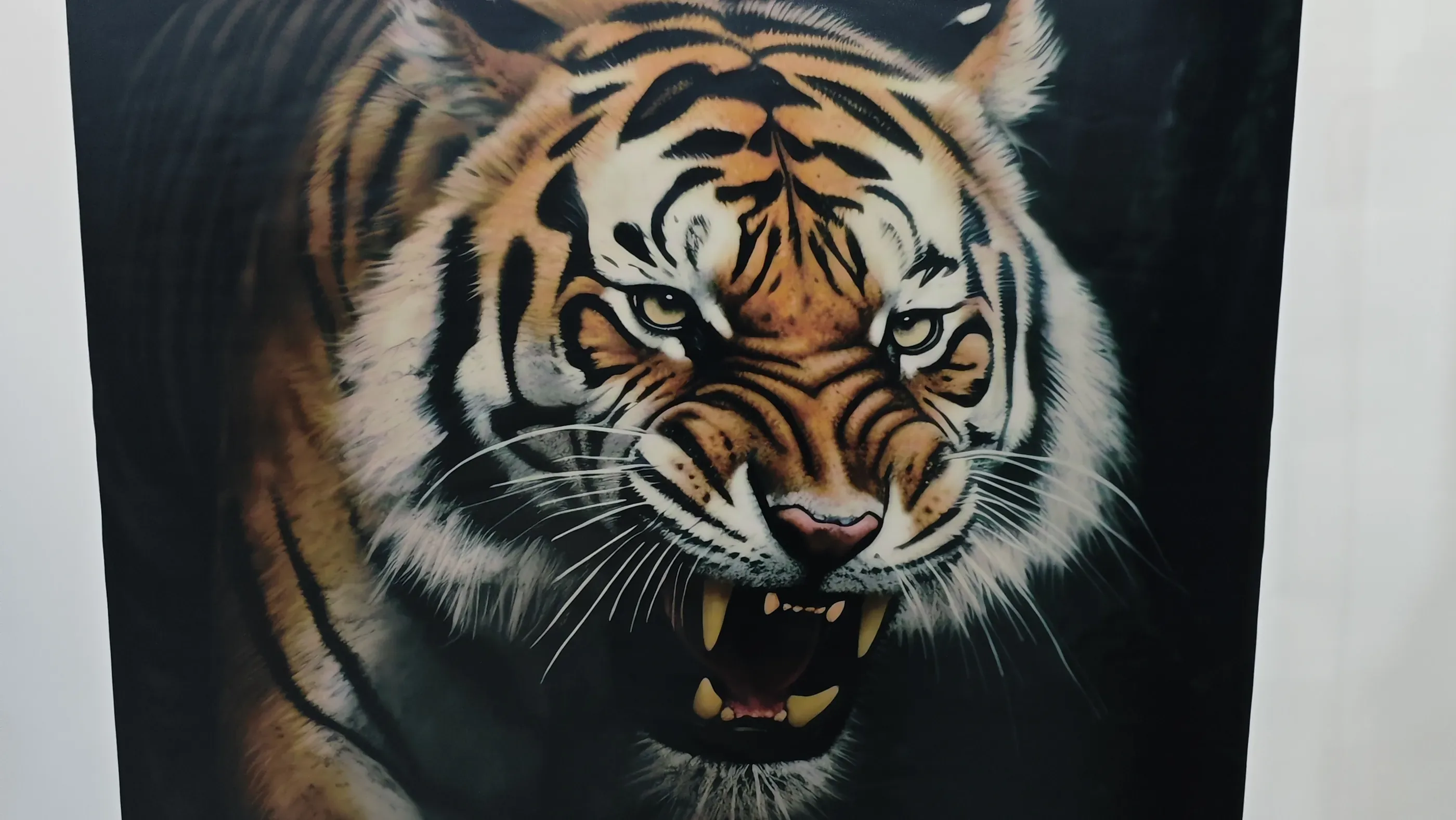
  • Tiger painting printed on a black panel with a white underbase
    05

    Dark walls and brick

    Artwork placed on black or brick backgrounds with a white underbase.

Real wall art printer output
Artwork Prints from MAXWAVE Machines

Wall art printer print: white cat among painted roses at wall size beside the printer touchscreen
No. 1A white cat among painted roses printed at wall size beside the printer touchscreen.
White cat artwork printed on a narrow portrait wall
The same white cat artwork printed on a wide wall beside the printer column
No. 2The same cat artwork printed on a narrow portrait wall and on a wide wall.
Tiger painting printed on a black panel by a wall art printer, individual fur strokes visible
No. 3A tiger painting printed on a black panel, with individual fur strokes visible.

Before your first wall art printer job

Artist Workflow Conditions

  1. 300 dpi scan

    Scan or photograph your original at 300 dpi at the final wall size.

  2. ICC colour match

    Colour is matched through the ICC profile for your ink setup, and test bars printed on the wall show how your RGB colours land in CMYK.

  3. Unticked layers

    Layers you untick in the print file stay blank on the wall for your brush.

  4. Edge bands by hand

    Every machine leaves an unprinted margin at the wall edges, 20 cm on each side on the GP200, so plan the outer band as brushwork.

Quoted from one file

Mural Artist Wall Printer Quote

One artwork file plus a photo of its wall is enough for us to recommend a configuration and quote it. Machine heights and printheads sit side by side on our Wall Printers page.

WhatsApp +86 15327155363 (best for site photos) Email [email protected] (best for artwork files)

Your practice and one artwork

Planned applications

Get a QuoteWhatsApp