UP200P · MW-UP200 · white portable
Value UP200P Wall Printer That Rolls Into Client Spaces in a Case
The UP200P is the value white wall printer in the WallPrintJet range, built for crews who print inside their clients' finished rooms.
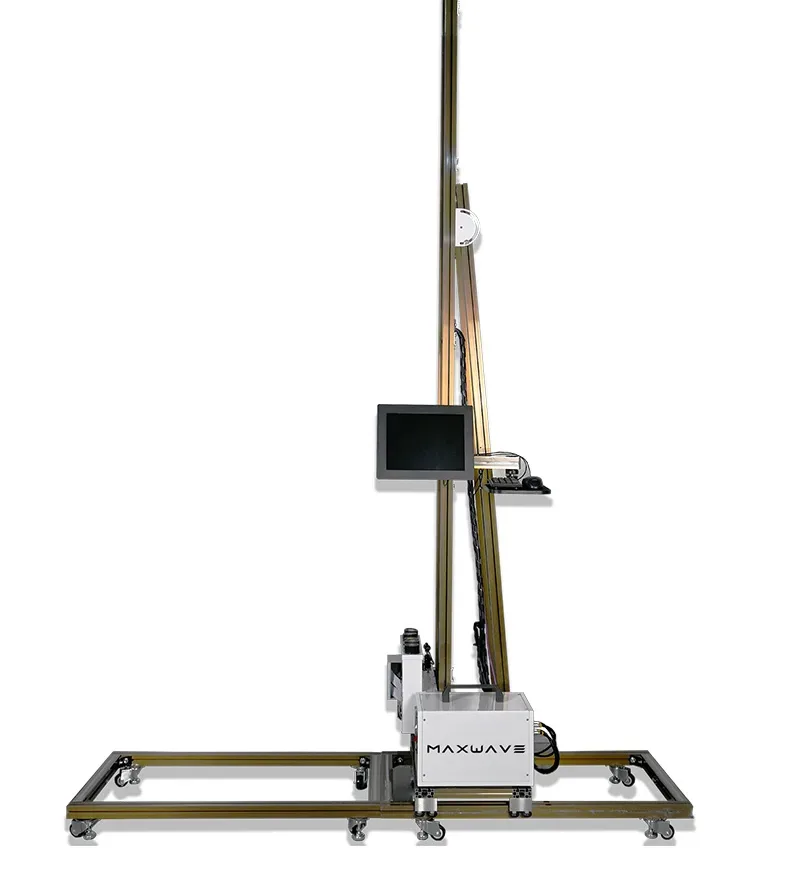
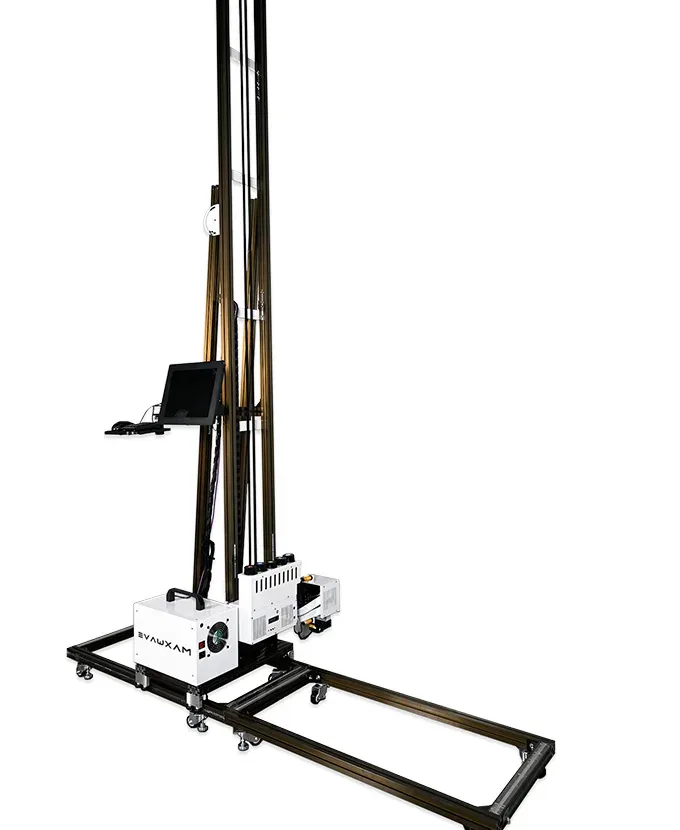
Its portable white control box, folding upright and 1 m floor rail sections pack into a pull-along flight case, so the machine rolls in through a hotel corridor or a mall service entrance, prints the wall and leaves the room clear.
- 2 m printcustom builds to 4 m
- 60 kgnet weight
- 8 m²/hstandard mode
- 2 yearsmachine warranty
UP200P · as it stands in the client's room
Who it is for
Crews, Sign Companies and Resellers Who Buy the UP200P Wall Printer
For buyers who want a well-priced machine that looks at home in a client's finished interior while it works.
-
 Hotels, malls and offices
Crews printing in finished interiors
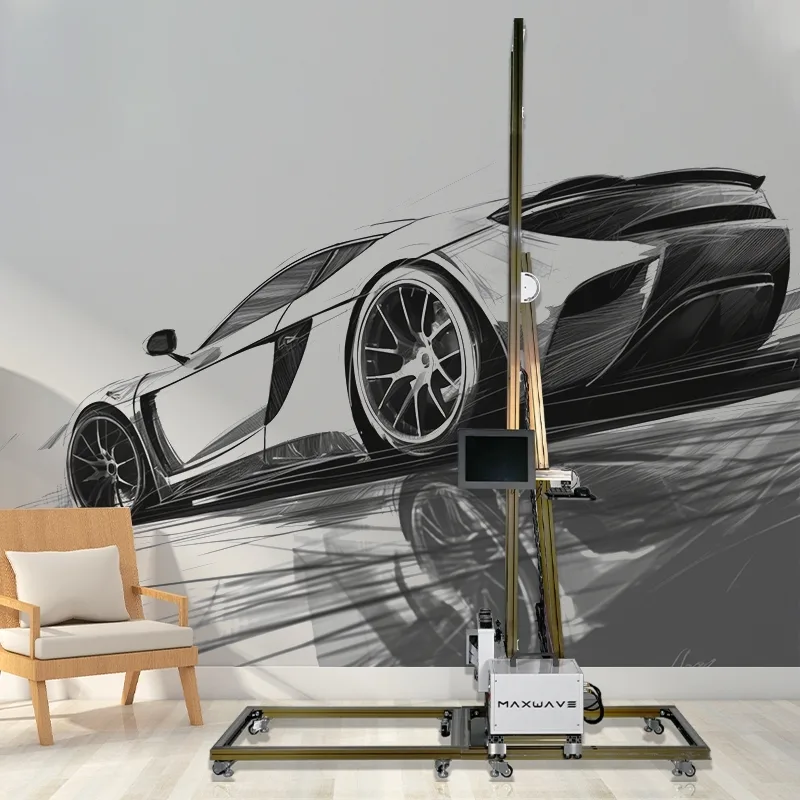
A feature wall in a hotel lobby, a brand wall in a mall unit or a reception wall in an office, often while the space is open. The slim white cabinet with its LED body light sits cleanly against marble, pale paint and white shopfitting, and the whole machine arrives and leaves in a case, so the client's corridor stays clear.Arrives and leavesin one case -
 Sign and graphics companies
Logo walls printed from your studio's artwork
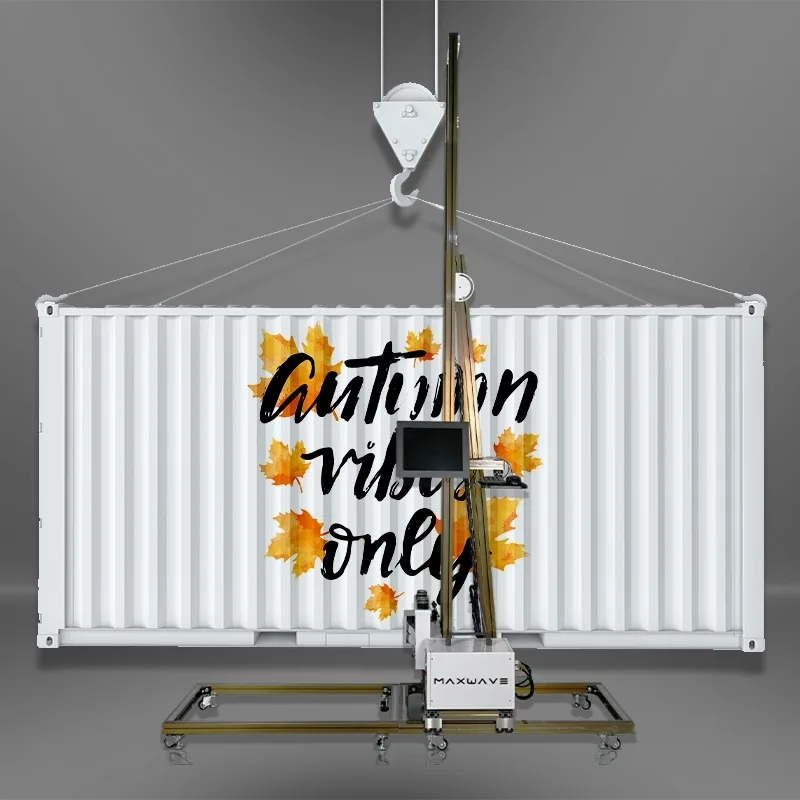
Your clients already order logo walls and interior graphics from you. The UP200P prints them in place from the artwork your studio prepares, at about $0.40 of ink per m² in standard mode, CMYK, and more with a white underbase or full coverage.Ink, standard modeabout $0.40 / m² -
 Distributors and resellers
A value model in a clean white body, under your name
You sell machines in your market under your own name and want a value model with a clean white body. The cabinet can carry your logo, set when the machine is built and listed under Options below.Logo on the cabinetset at the build
Planning a job in a client's room
A hotel lobby wall 2 m high and 4.5 m wide is 2 m × 4.5 m = 9 m².- Standard mode, 8 m²/h
- 1 h 08 min
- High-resolution mode, 5 m²/h
- 1 h 48 min
- Ink for the wall, 9 × $0.40
- $3.60
Print time and ink before setup, surface preparation and a white underbase. These are worked examples from the speed and ink figures, so you can tell the client how long the area stays closed; they are not a promised schedule.
All four of our machines are compared side by side on our Wall Printers page.
Specifications
UP200P Wall Printer Specifications
Model code MW-UP200 on the spec sheet.
Unprinted margin
First four figures
- 2 mprint height, custom to 4 m
- 60 kgnet, 140 kg packed
- 8 m²/hstandard mode
- 3.0 plink droplet
| Body and print area | |
|---|---|
| Model code on the spec sheet | MW-UP200 |
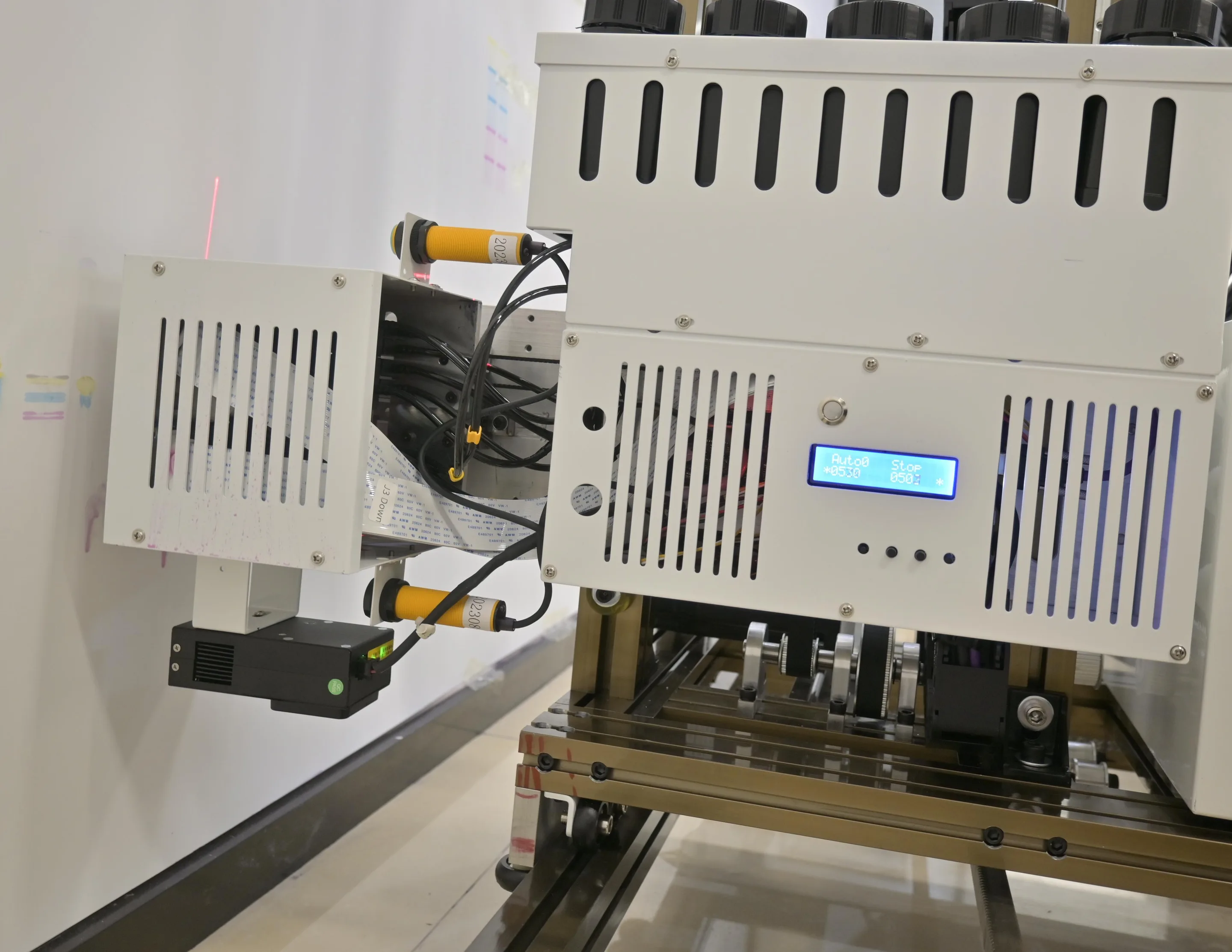
| Body | Slim white cabinet with HD touchscreen and LED body light |
| Print height | 2 m standard; 2.4 m machine height with the rail; custom builds up to 4 m |
| Print width | Extends by joining more rail sections |
| Unprinted margin | Top 40 cm, bottom 35-45 cm, left 17 cm, right 40 cm |
| Base | Floor rail, 6 sections of 1 m; folding upright rail |
| Control and software | |
| Software | BetterPrint control software and Ultraprint RIP, installed and calibrated at the factory; Russian available |
| Data interface | USB 3.0 |
| Printheads, ink and output | |
|---|---|
| Printheads | Dual Epson DX10, dual I1600U or dual I3200U |
| Colour mode | CMYK or CMYK + W |
| Ink | Wall UV ink, cured by LED UV lamp as it prints |
| Ink droplet | 3.0 pl |
| Precision (spec sheet) | 2880 dpi |
| Speed | Draft 8 m²/h, Standard 8 m²/h, High resolution 5 m²/h |
| Power, site and warranty | |
| Power | Single-phase AC 110-220 V, 2000 W, 50/60 Hz |
| Working environment | 10-35 °C, wind up to force 5 |
| Weight | 60 kg net, 140 kg packed |
| Warranty | 2 years on the machine from the date of purchase |
Key features
Key Features of the UP200P Wall Printer
The negative-pressure ink supply is the UP200P's own; the other seven are shared by all four series, shown here on the UP200P. What sets the machine apart is its case-ready build, below.
-
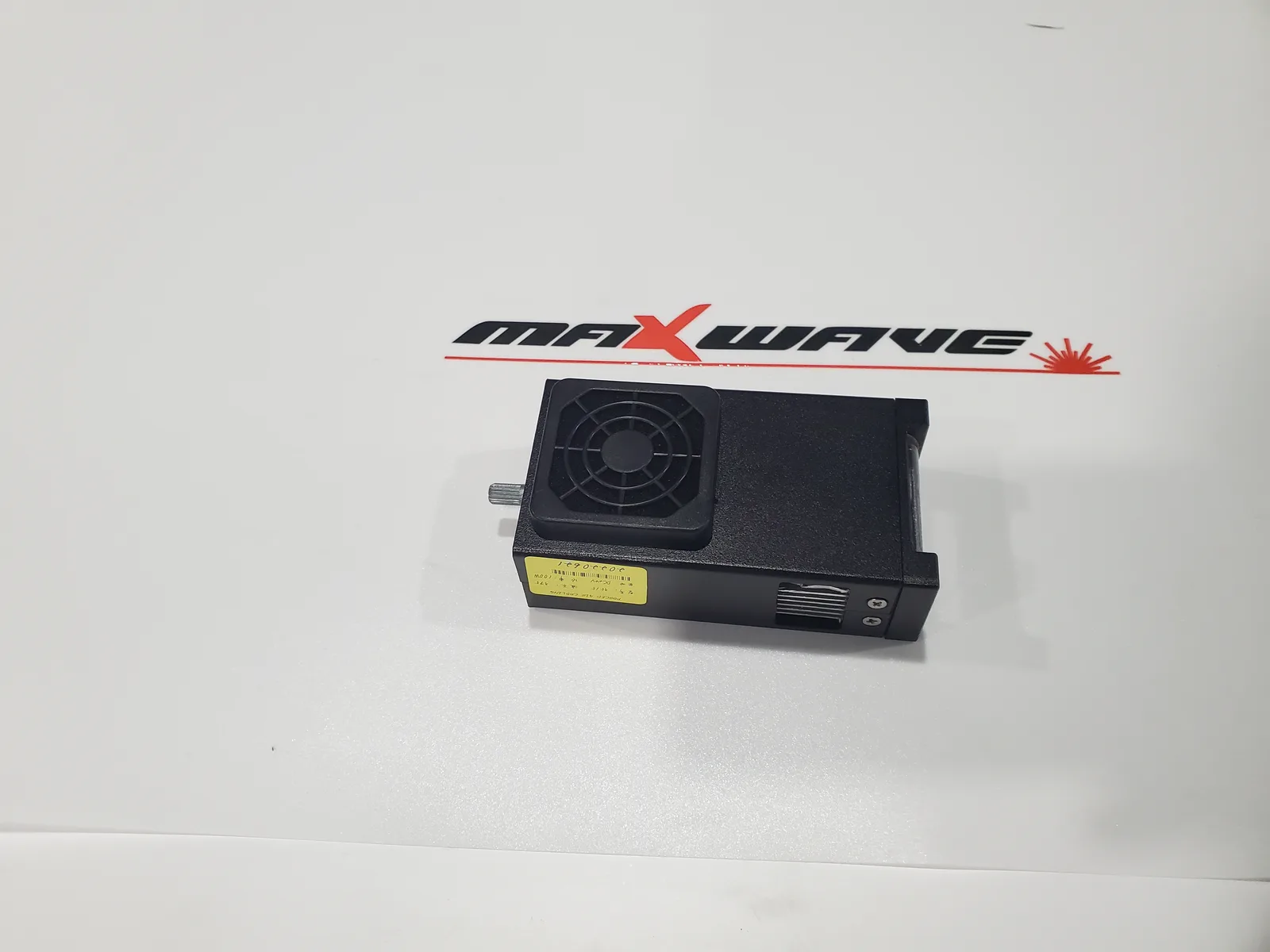
LED UV curing lamp
The lamp follows the printhead and cures each band as it prints, for a water- and UV-resistant finish. Glass and tile are coated first. -
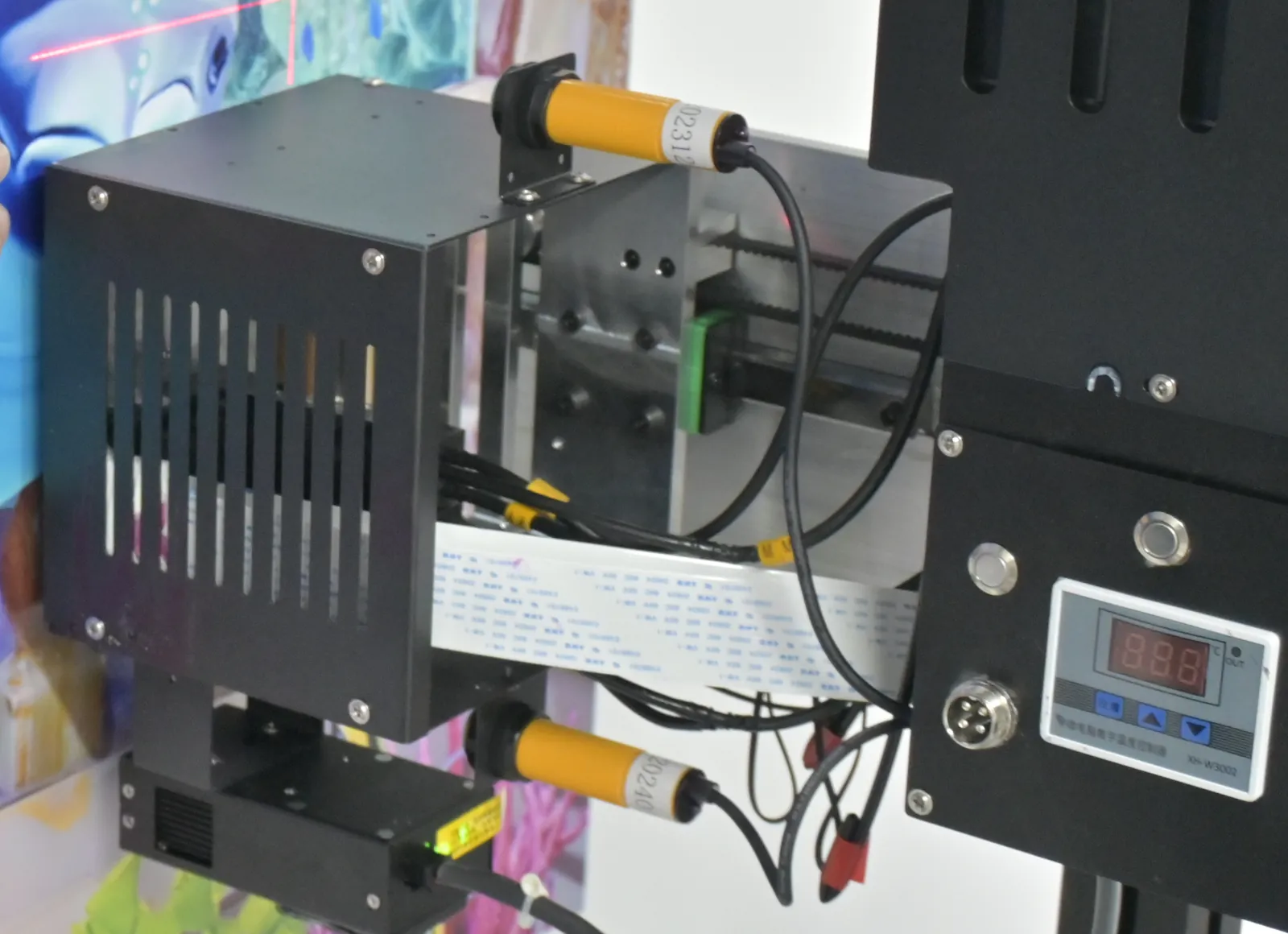
Ultrasonic distance sensing
The printhead moves in and out over uneven plaster and panel seams, with no hand adjustment. -
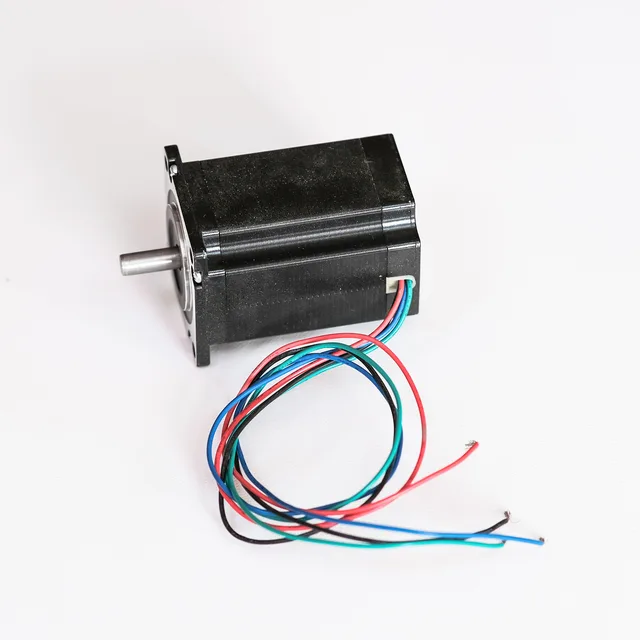
Servo motor drive
Servo motors move the carriage, so each band lands accurately beside the last one on a wall printed in many passes. -
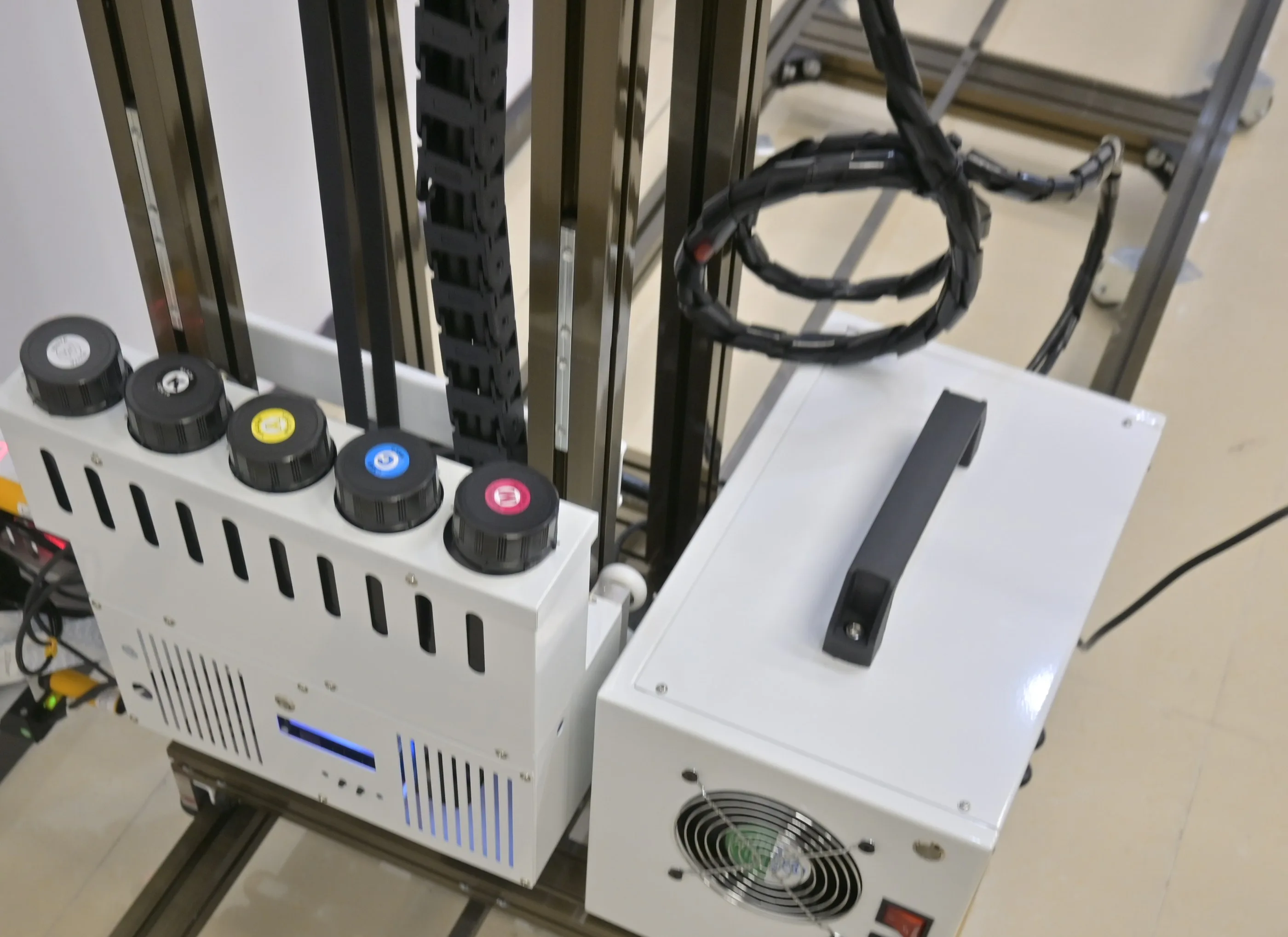
Negative-pressure ink supply
Each colour runs on its own supply, which keeps ink flowing evenly to the printheads through a long print. -
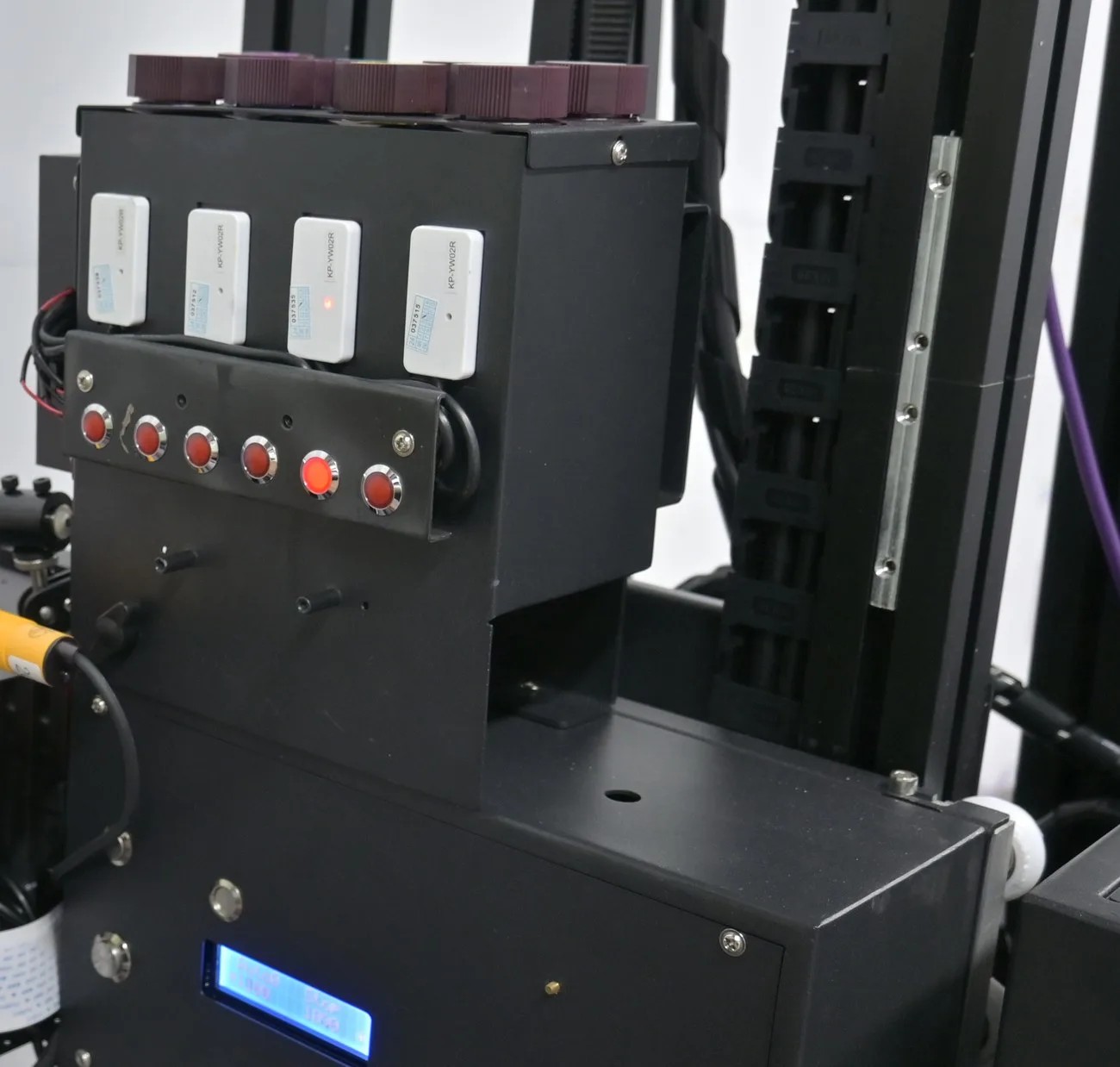
Ink system that warns and keeps itself ready
Warnings before a colour runs out, stirred white ink, a heated printhead and electric ink extraction. -
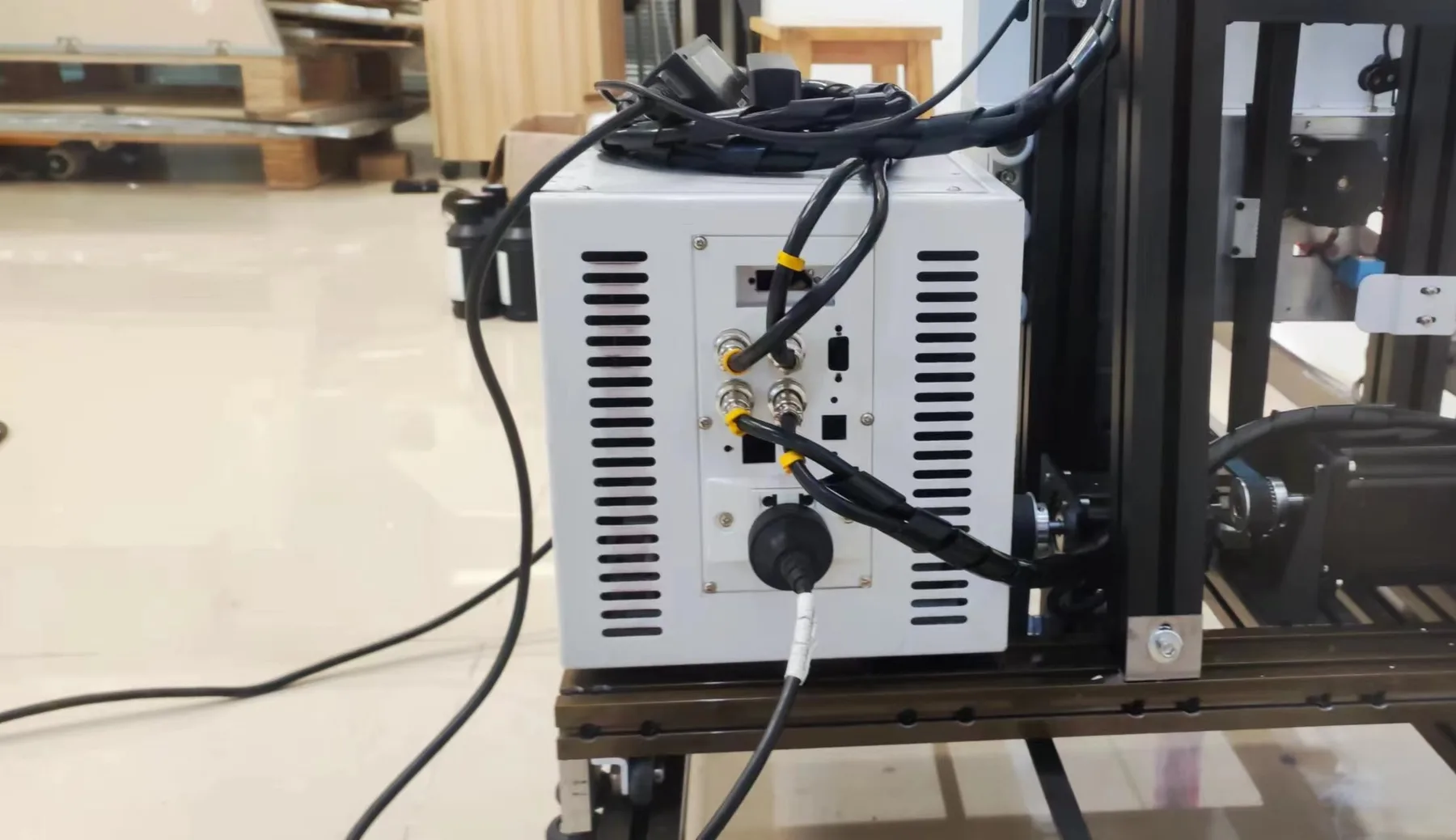
Aviation plug connections
External cables lock in with aviation plugs, so setup and pack-down are plug-in work. -
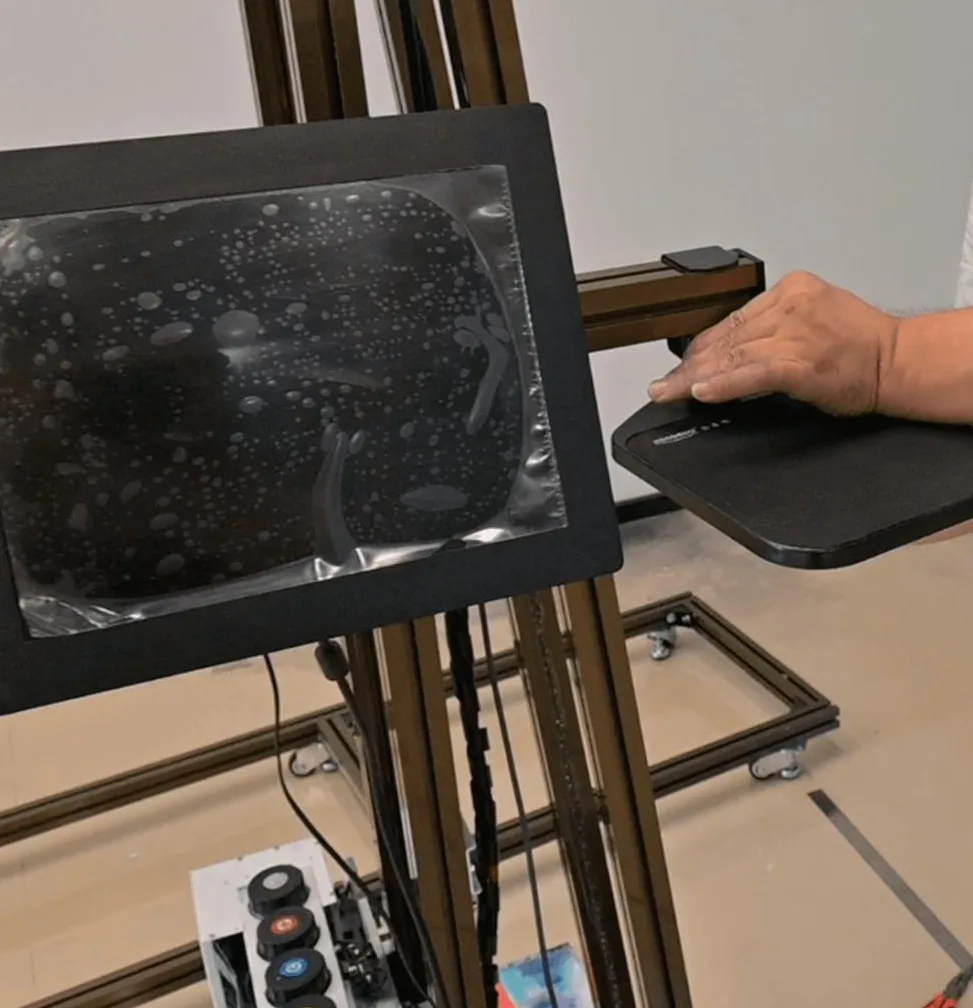
HD touchscreen with software ready to run
The machine arrives with its software installed and calibrated, and about 10 minutes is enough to learn the basic print workflow on the touchscreen. -
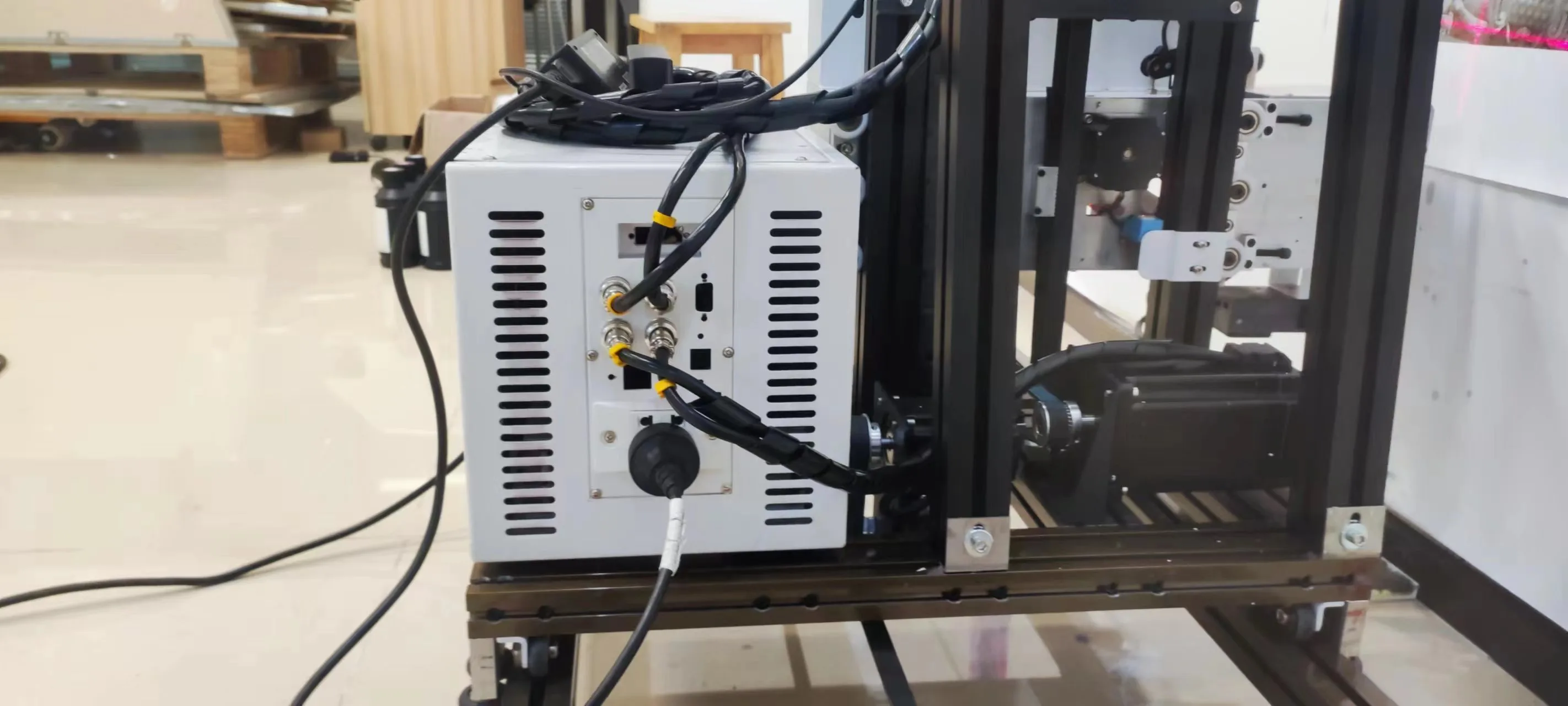
USB 3.0 data
Large image files go from your laptop to the machine over USB 3.0 at 300 dpi or more.- TIFF
- JPEG
- PNG
Unique configuration
Built to Come Apart Into Cases: Control Box, Folding Upright, Floor Rail
The UP200P's configuration has three parts that belong to this machine, and together they let one crew carry it in, set it up at the wall and take it away again.
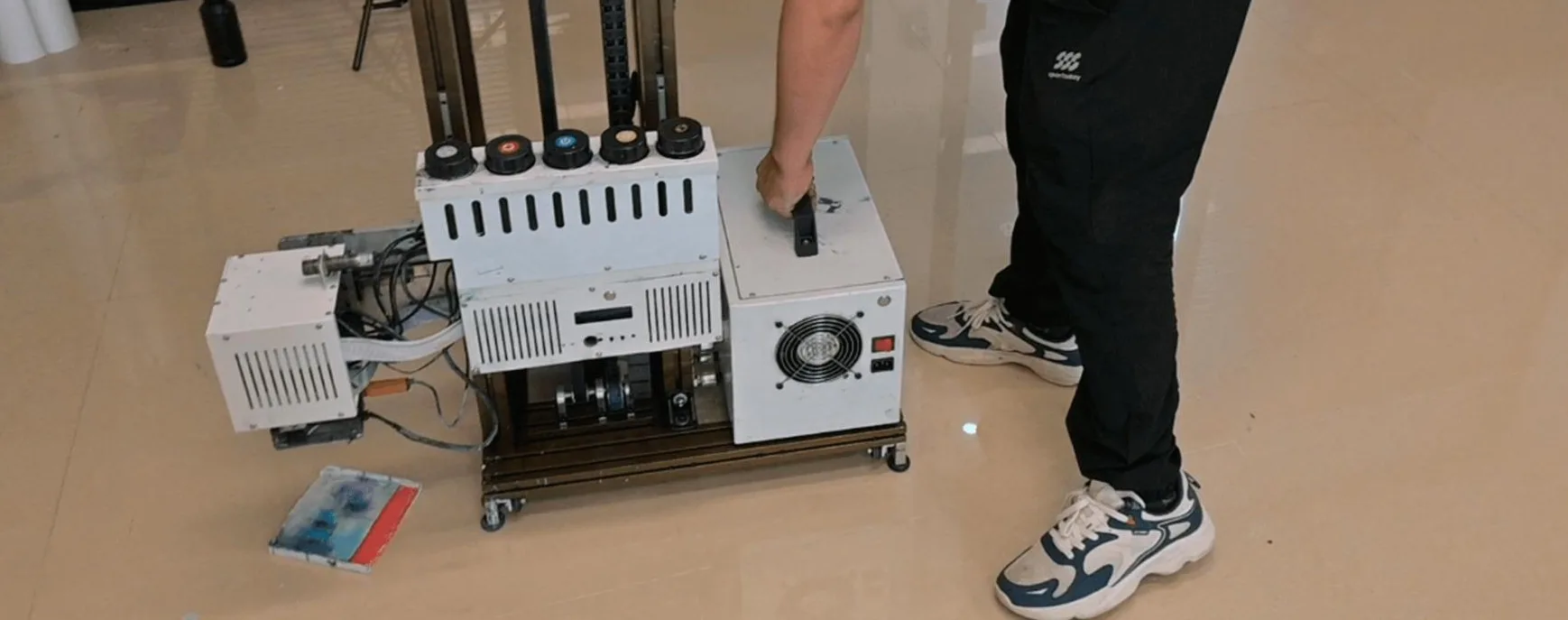
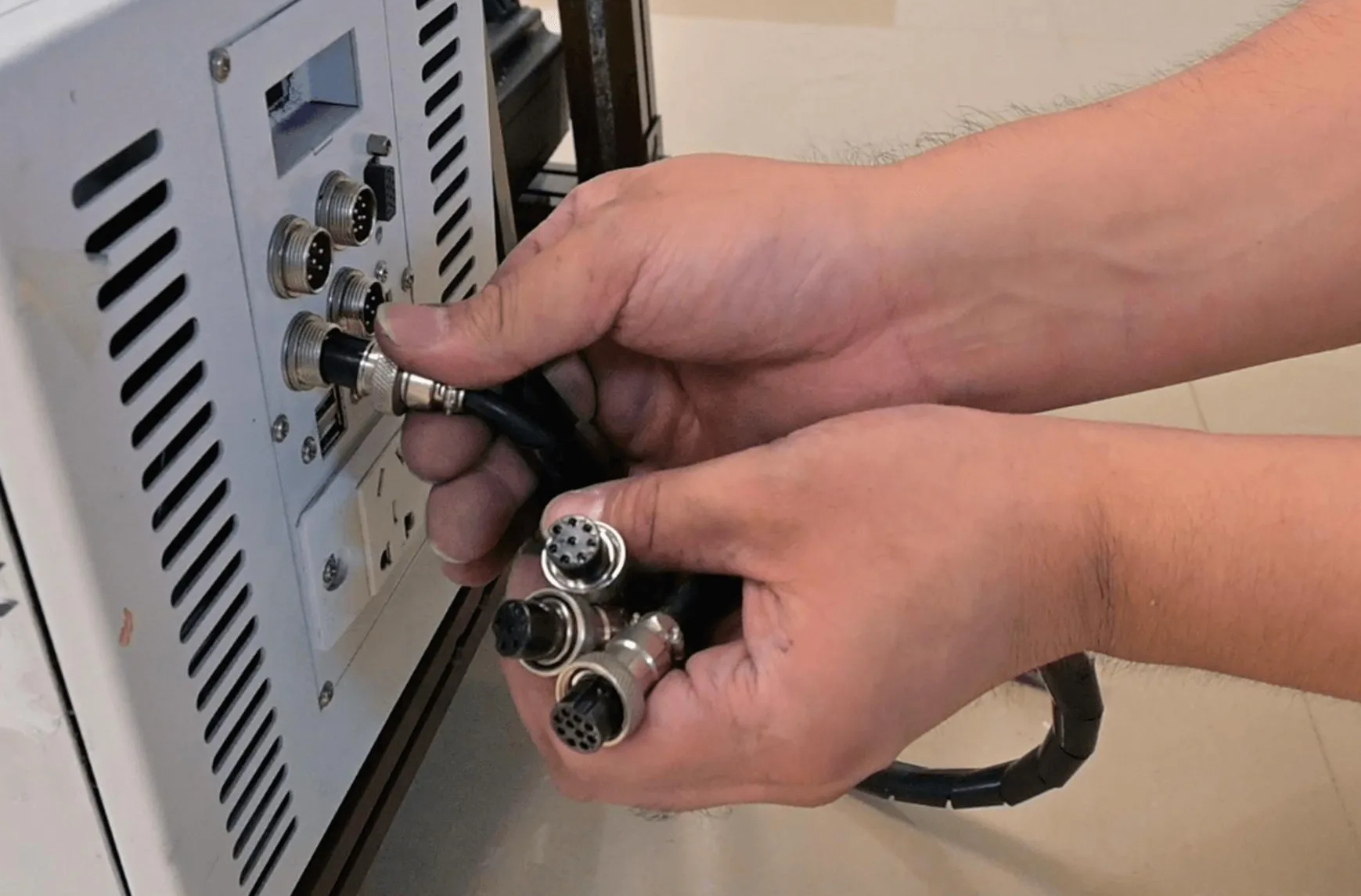
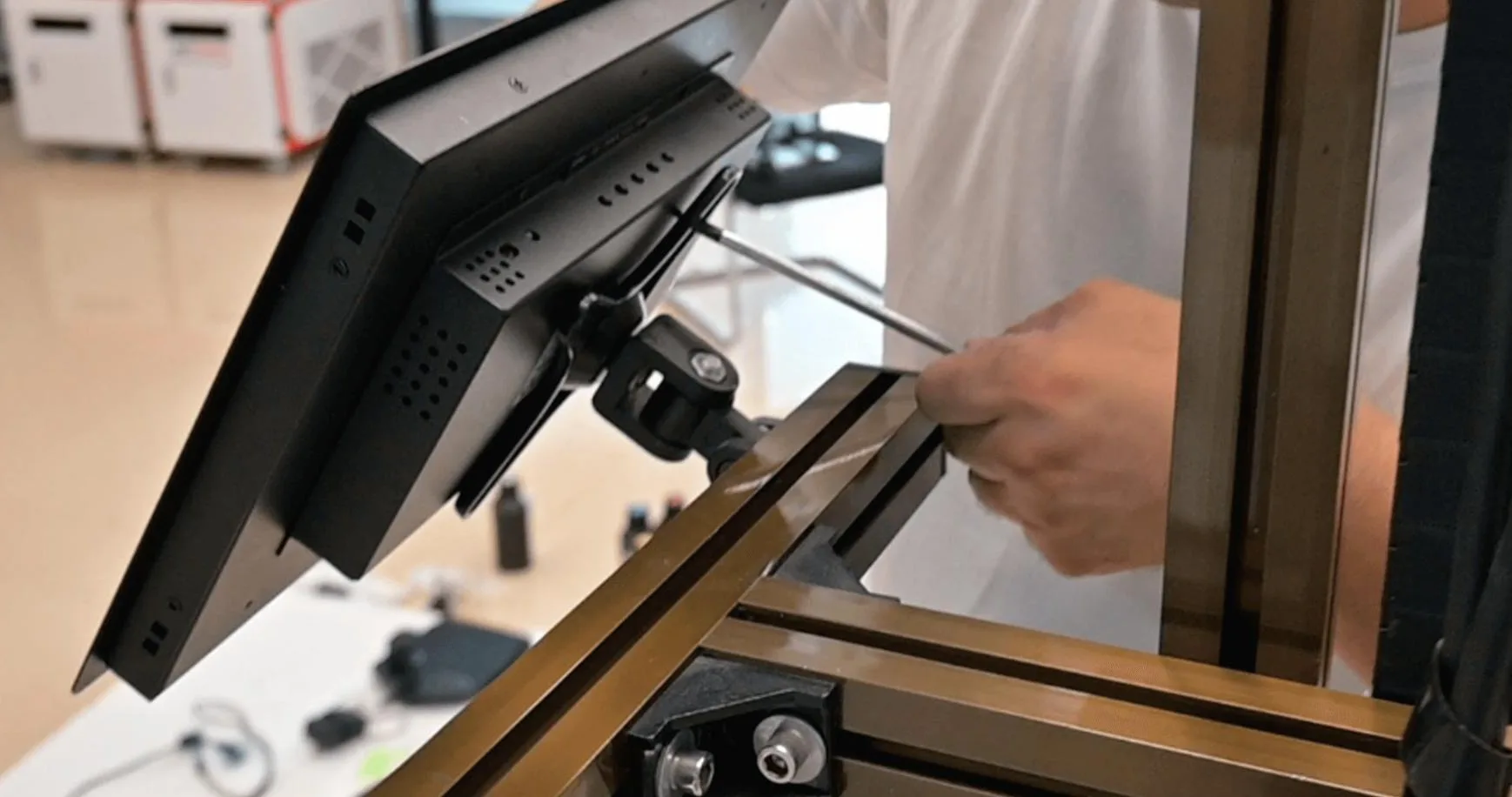
Portable white control box
The machine's electronics sit in a slim white control box that rides on a small carriage in the floor rail and lifts off the carriage for transport.- To the printerOne round multi-pin connector and a USB cable
- TouchscreenAdjustable bracket on the upright, connected by HDMI
- Beside itA keyboard and mouse tray
Folding upright rail
The upright locks at its fold with a steel strip and is tied to the base by two diagonal braces, so it stands square while the printhead travels up and down. For transport it folds down, so the tallest piece is shorter than the 2.4 m the machine stands at when printing.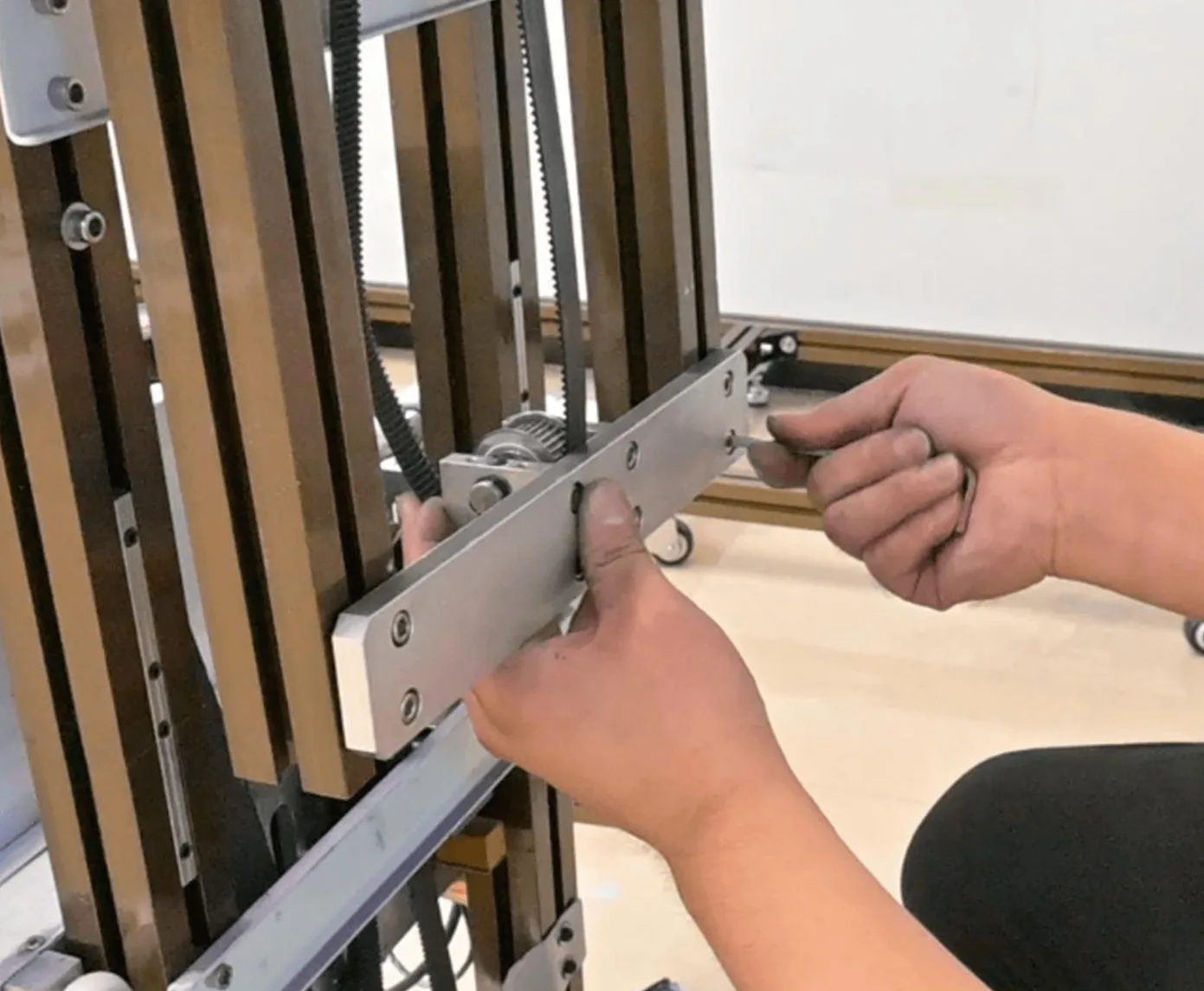
Floor rail, 6 × 1 m, in a pull-along flight case
Six 1 m sections join end to end, with a steel strip across each joint to hold the track straight, and a drive belt moves the machine along it from band to band. Rail, folded upright, control box, display and cables pack into a pull-along flight case.- Van
- Hotel corridor
- Mall service entrance
- Goods lift
- The wall
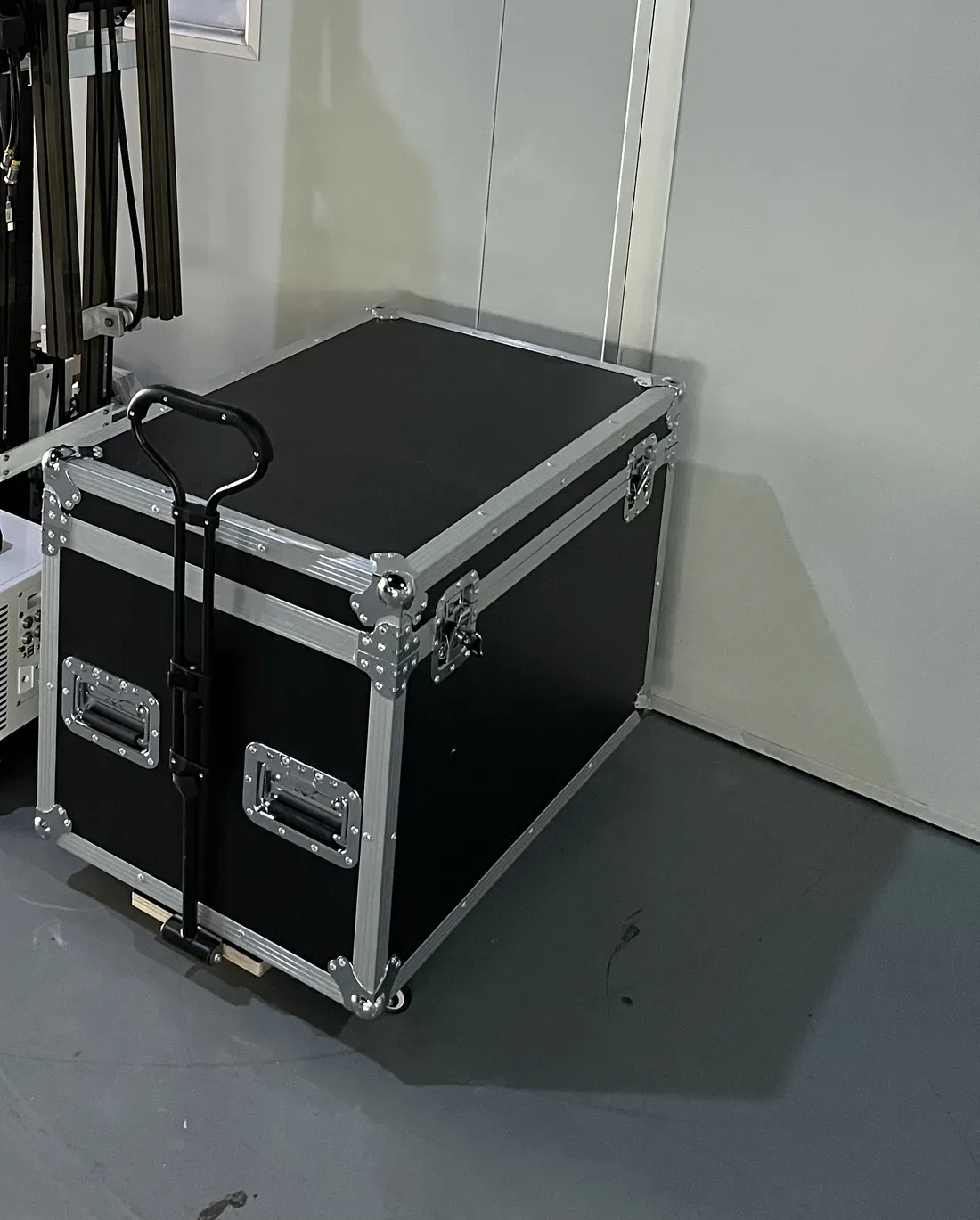
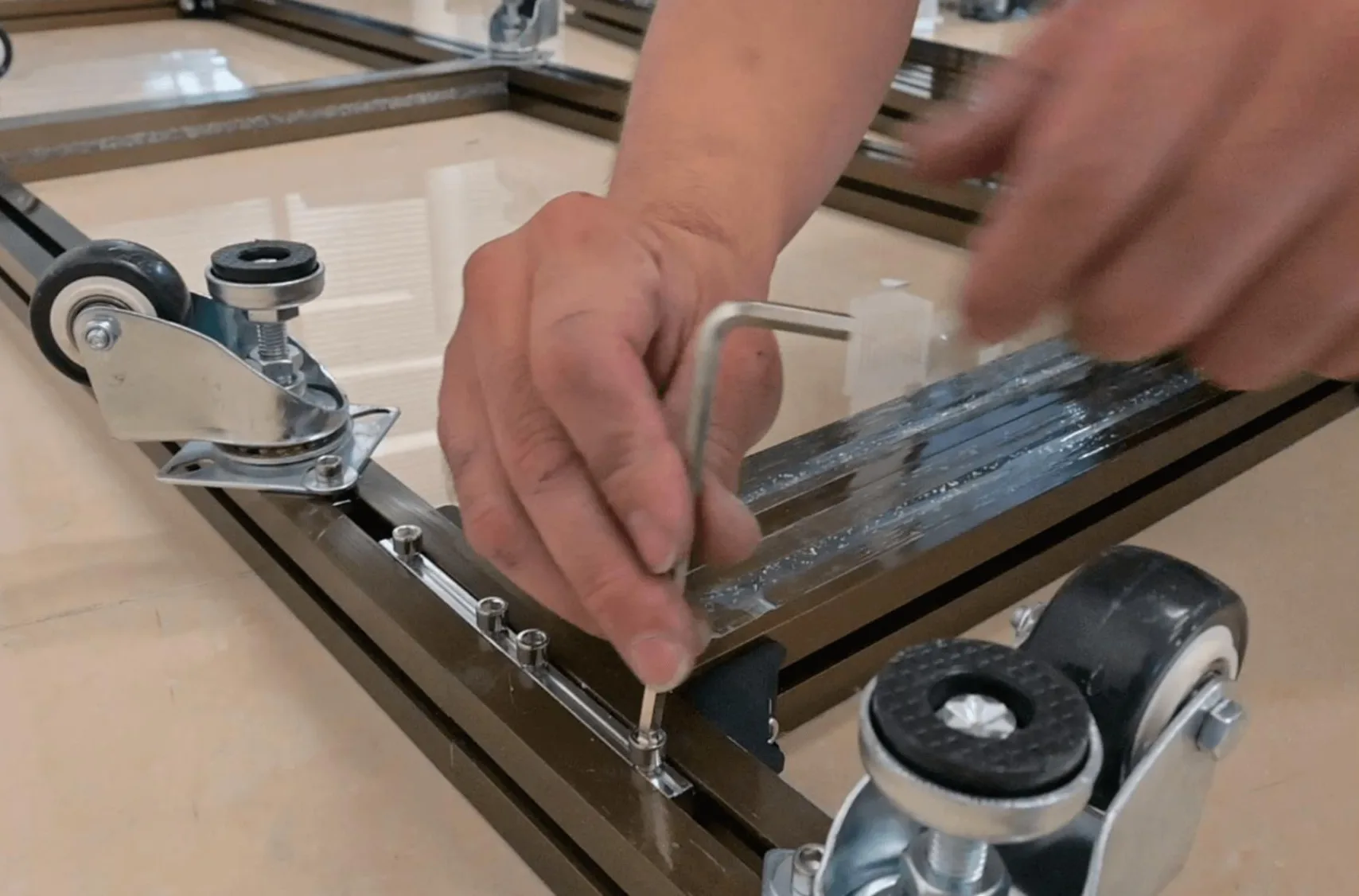
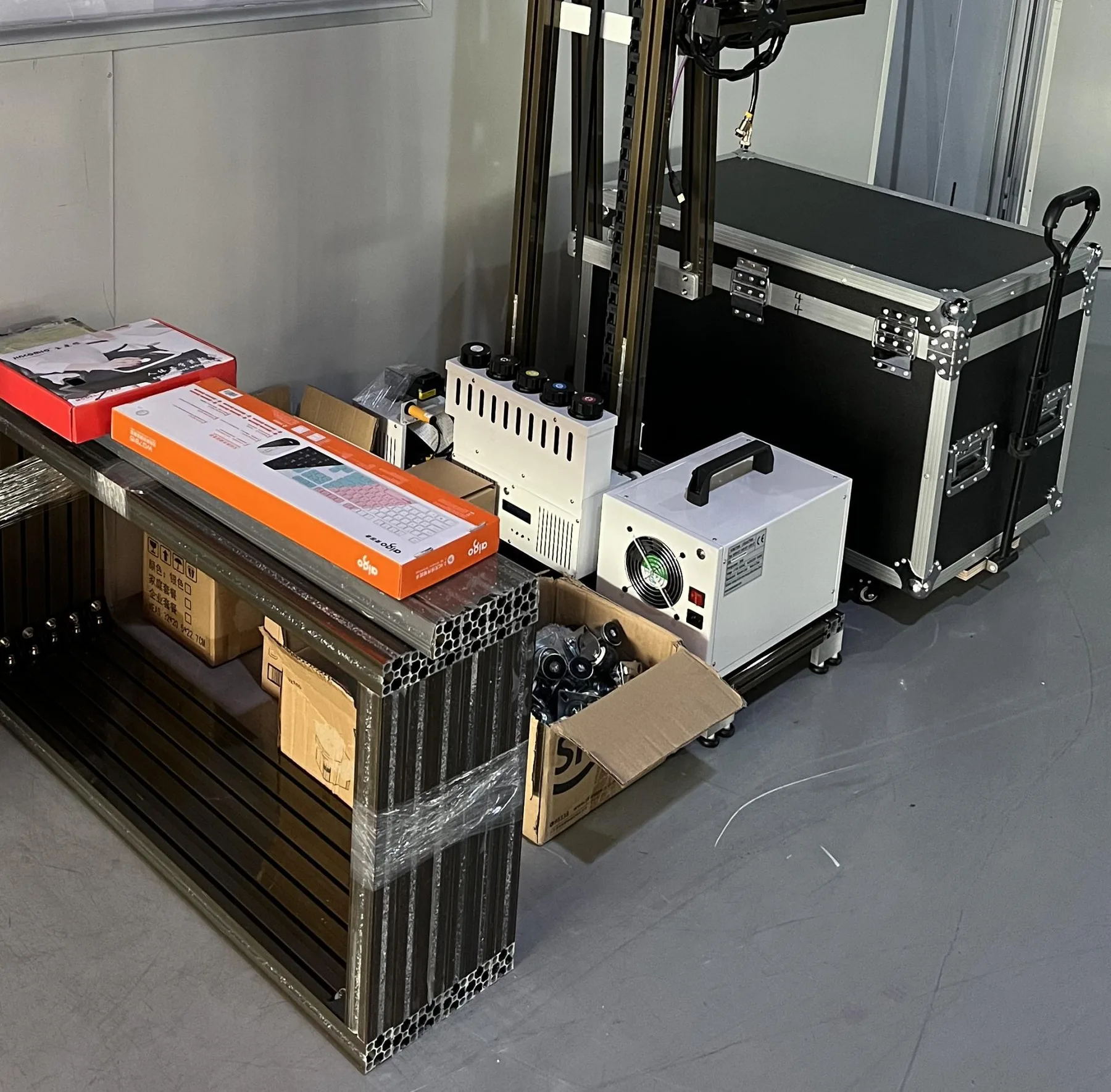
Our illustrated manual shows each stage of the assembly with photos. The full sequence is on our Training and Support page.
Options
UP200P Wall Printer Options: Printheads, 4 m Build, UPS, Logo and White Ink
Printhead · choose one
Build and add-ons · tick any
More on white underbase printing on the white ink wall printer page.
Quotation checklist
Six Details for a UP200P Quotation
Send us these details and we reply with the UP200P printhead setup, build height and options we recommend, and a quotation for that configuration.
Rooms and heights
The ceiling height of the rooms you print most and your tallest walls, to confirm the 2 m build or a custom build up to 4 m.Wall lengths
The longest wall on your job list, so we quote the floor rail it needs.Printhead and volume
Dual DX10, dual I1600U or dual I3200U, or the area you expect to print each month so we recommend one.Wall colours and surfaces
Dark or coloured walls call for CMYK + W; glass and tile are coated before printing.Logo and power
Your logo file, where on the cabinet it goes and whether every unit carries the same one, and whether you plan to print on a UPS.Software language and destination
The language your operators use and the country the machine ships to.
UP200P quote
Get Your UP200P Wall Printer Recommendation and Quotation
Send a photo of the room you print most, the height and length of its walls, and the logo you want on the cabinet. We reply with the printhead setup and build height we recommend, plus a quotation.
- Your details reach the sales team the moment you press send.
- The recommendation names the printhead setup, the ink setup and the build height.
- Each option you ask about, from the logo to the UPS connection, is priced in the quotation.