MW-GP200 · Rail wall printer
The Lightest Professional Wall Printer for Premium Murals on the Move
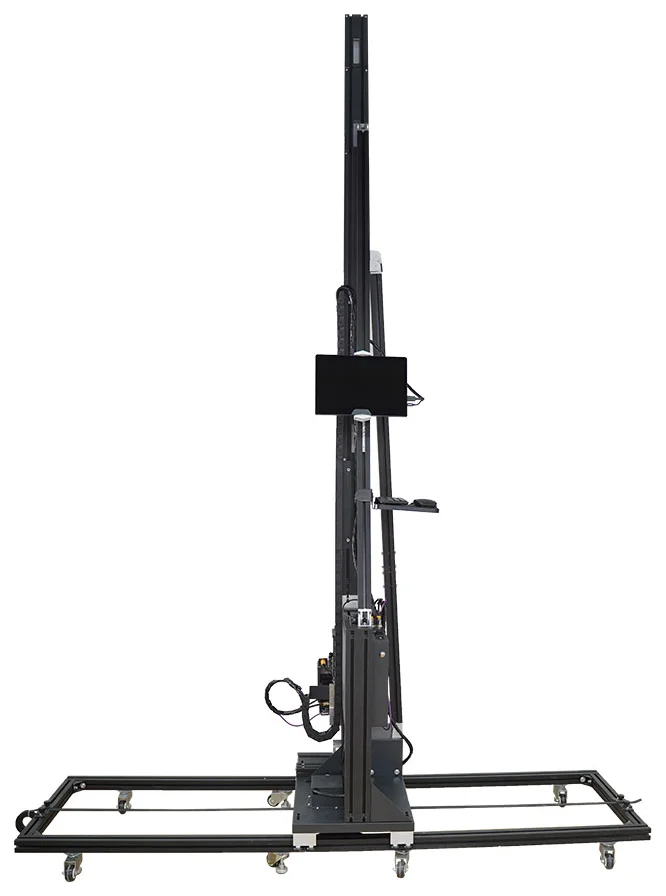
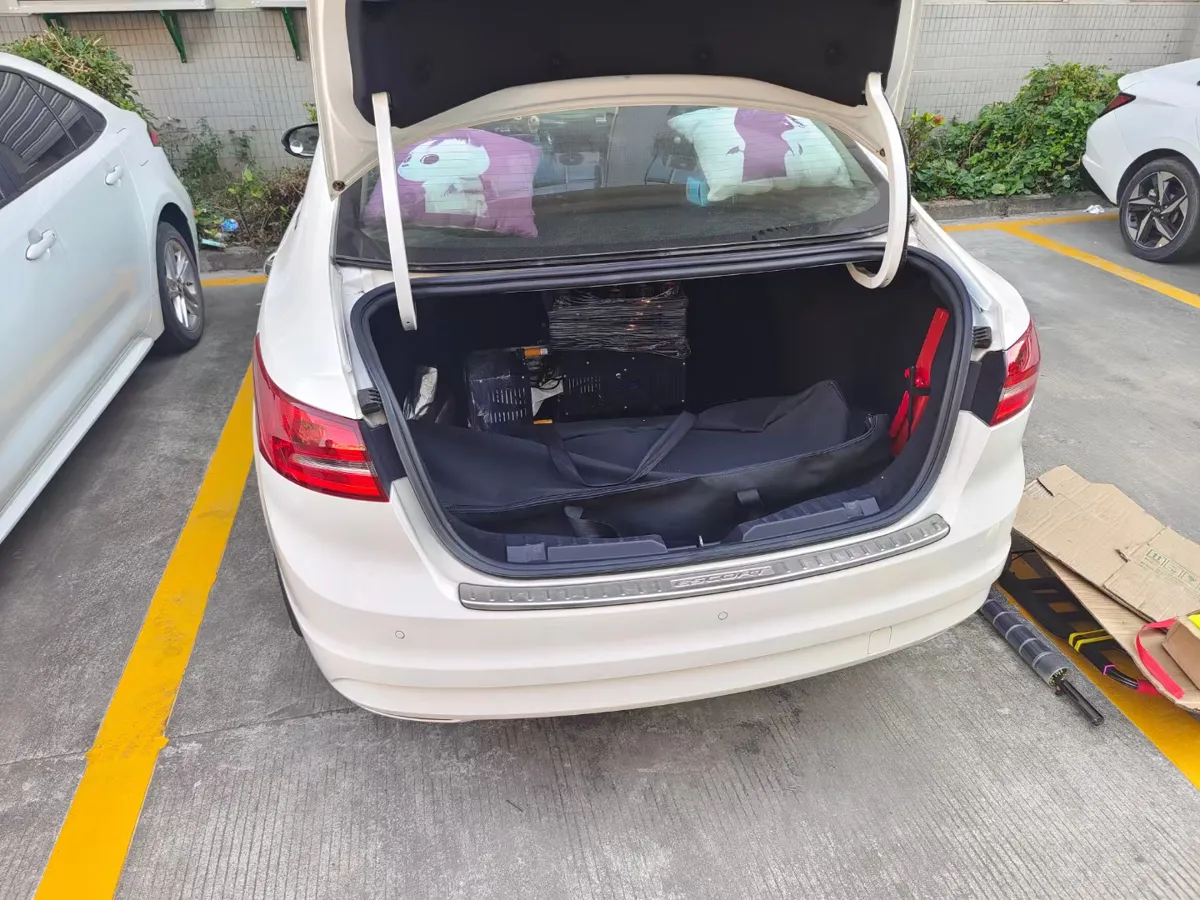
The GP200 is the lightest and most portable machine in the WallPrintJet range, and the one built for the finest, steadiest print. One person carries it in, sets it up and prints premium murals and art walls, then packs it into the car for the next address.
The printhead carriage runs on a rail and slider driven by a servo motor and takes Epson printheads up to dual I3200U. It prints 2.5 m high and as wide as the floor rail you lay.
- Weight
- 45 kg net machine
- Setup
- 10 min one person
- Print height
- 2.5 m on the 3 m rail
- Printheads
- Dual I3200U top setup, Epson
MW-GP20045 kg net · 7 parcels
Who it is for
Three Buyers for the GP200 Professional Wall Printer
The GP200 is for people who print alone, print often in different places, and sell the wall on how fine and even it looks.
-
 Solo operators
Several sites a week, no helper
You drive yourself from job to job, often in a van or an estate car, and set up without a helper. The GP200 comes apart into 7 parcels that one person carries, and goes back together with plugs and clips. -
 Mural studios and artists
Premium portraits, fine lines, art reproductions
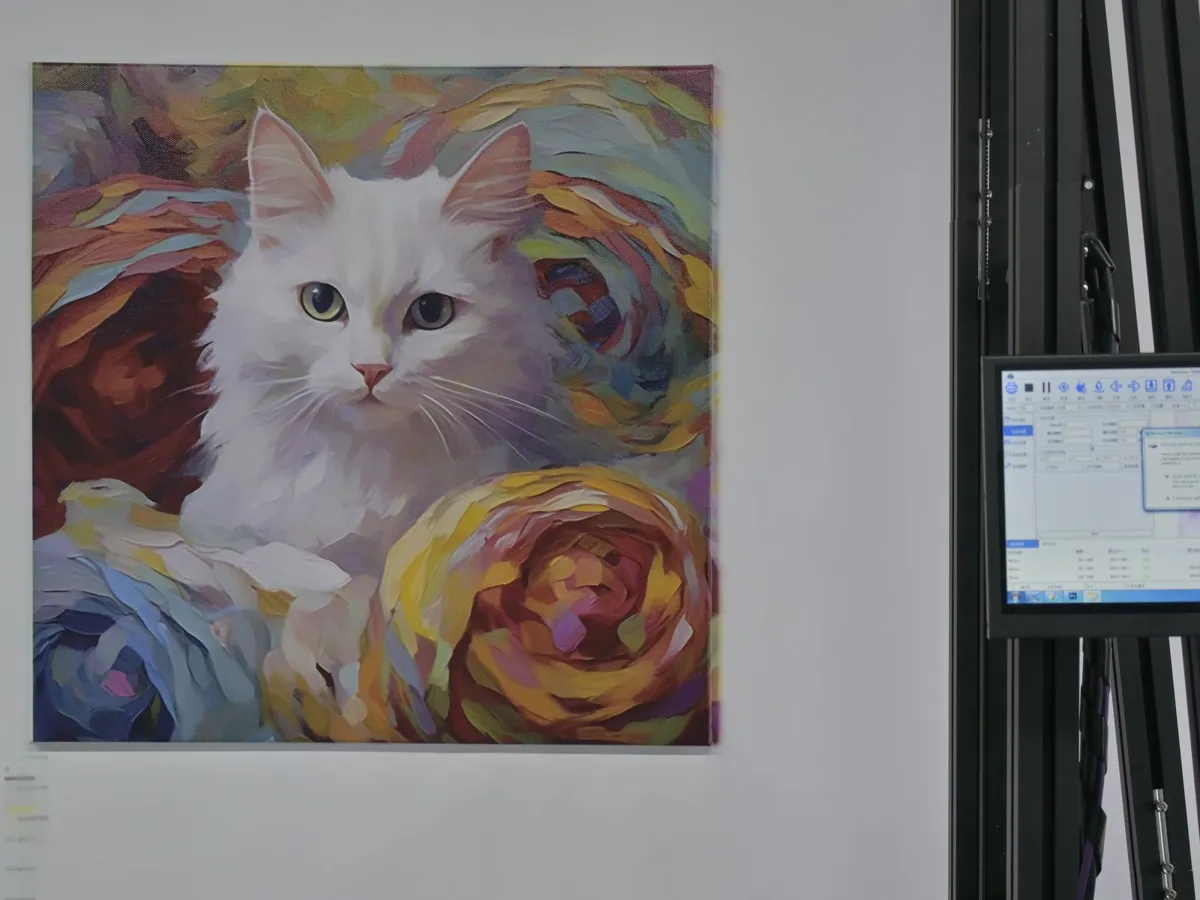
Clients pay for portraits, fine line work, gradients and art reproductions on feature walls (see wall printers for mural artists), in homes, show flats, hotel suites, galleries and museums. The servo-driven rail carriage and the I1600U and I3200U setups are aimed at this detail, and the same machine prints canvas for framed pieces. -
 Matching series of walls
The same line on every wall in the building
When a client orders a matching series of walls across a building, the rail and slider keep the carriage on the same line every pass, and the quieter running suits rooms that stay open or occupied while you print.
The other three machines in the range, including the wall-and-floor GP200B, are compared side by side on the Wall Printers page.
Specifications
GP200 Professional Wall Printer Specifications
| Print area | |
|---|---|
| Model code on the spec sheet | MW-GP200 |
| Print height | 2.5 m |
| Upright rail | 3 m, five sections: 1 m + 1 m + 0.5 m + 0.3 m + 0.2 m, quick-plug |
| Machine height on the 3 m rail | 320 cm |
| Print width | 6 m on the standard floor rail; extends by joining more rail sections |
| Unprinted margin | 20 cm on each of the four sides |
| Base | Floor rail (6 sections of 1 m) or wheeled base, switchable |
| Carriage and printheads | |
| Carriage motion | Rail and slider, servo motor |
| Printhead setups | Dual DX7, dual DX10, single I1600U, dual I1600U, dual I3200U (Epson) |
| Surface tracking | Dual ultrasonic sensors, follow unevenness up to 1.5 cm |
| Positioning | Digital positioning, red-light positioning, image partition printing |
| Printhead carriage weight | 6.9 kg, detachable |
| Ink and output | |
| Ink | Wall UV ink, CMYK or CMYK + W |
| Ink droplet | 3.0 pl |
| Precision (spec sheet) | 2880 dpi |
| Default print resolution | 720 × 1200 with I1600 and I3200; 720 × 1080 with DX10 |
| Speed | Draft 8 m²/h, Standard 8 m²/h, High resolution 5 m²/h |
| Curing | LED UV lamp, cures as it prints, brightness adjustable |
| Transport, power and site | |
| Transport | 7 parcels |
| Weight | 45 kg net, 110 kg packed |
| Power | Single-phase AC 110-220 V, 2000 W, 50-60 Hz |
| Working environment | 10-35 °C, wind up to force 5 |
| Software, files and warranty | |
| Data interface | USB 3.0 |
| Software | BetterPrint control software, Ultraprint RIP; Maintop also supported |
| Image files | 300 dpi or higher, CMYK; TIFF, PDF, JPEG or PNG |
| Warranty | 2 years on the machine from the date of purchase |
Key features
Key Features of the GP200 Professional Wall Printer
The first four are what set the GP200 apart: one-person setup, the lightest load in the range and the steadiest carriage. The last four are shared by all four series, shown here on the GP200.
-
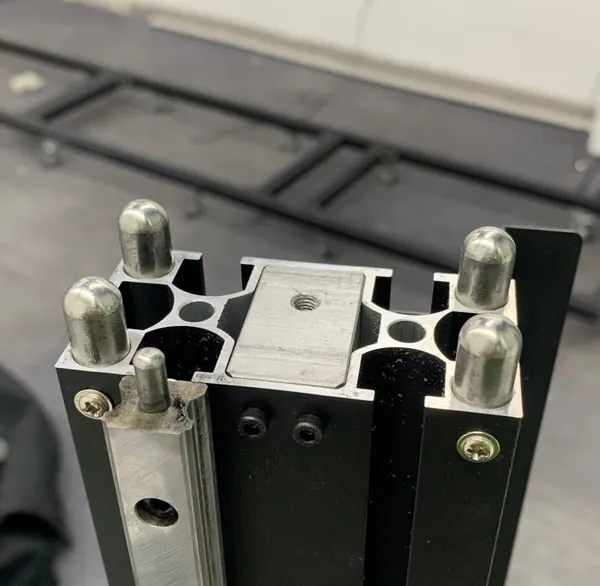
One-person assembly in about 10 minutes
The joints are custom modules that close with plugs and clips, or a single screw, and the printhead carriage goes on and comes off by hand. Common practice on other wall printers: two people and about 30 minutes. -
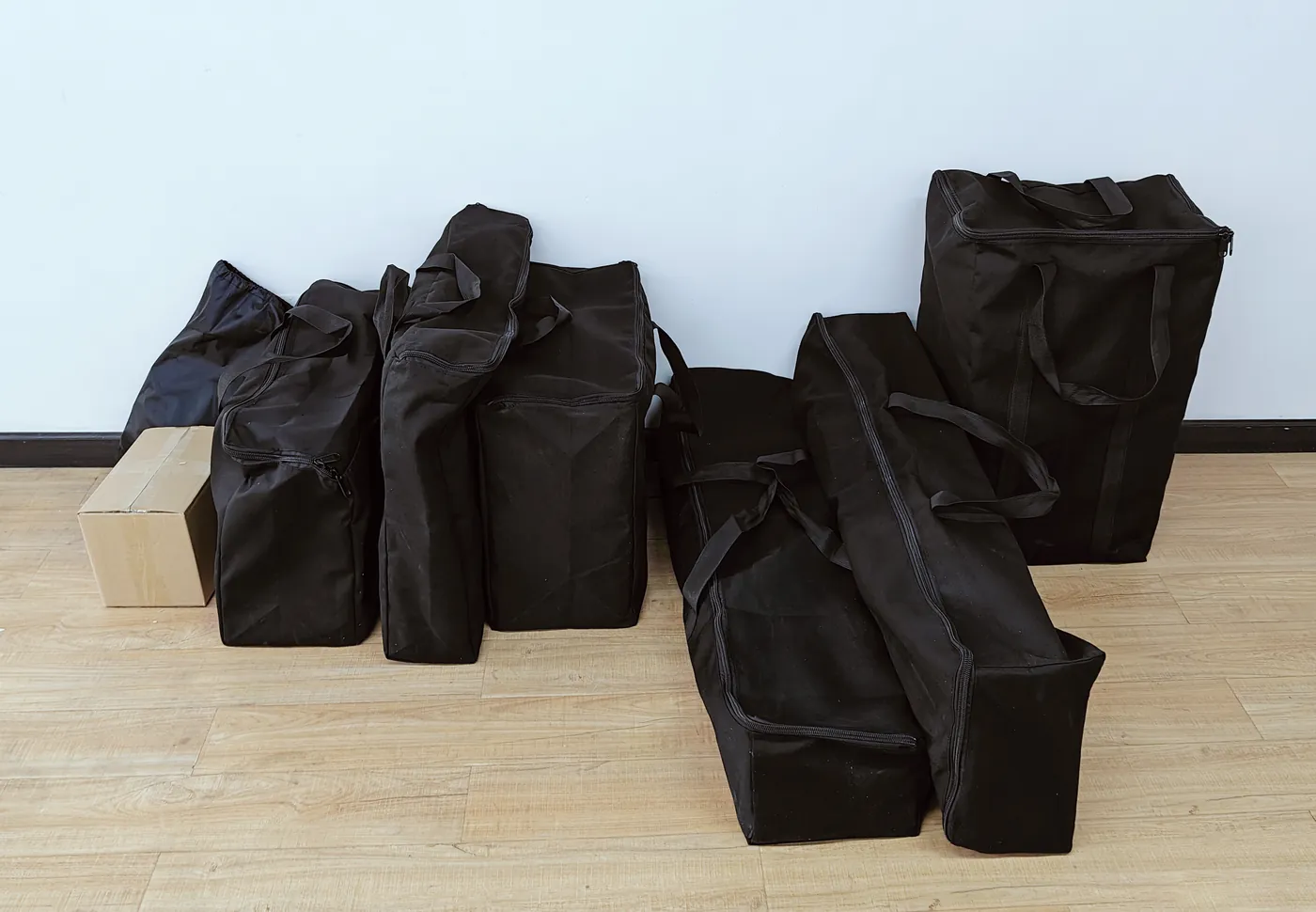
Seven parcels and a 6.9 kg carriage
The machine splits into 7 small, separately packed parcels that one person carries. It is about 15 kg lighter than a common wall-and-floor machine, so it travels in an ordinary car and costs less to ship. -
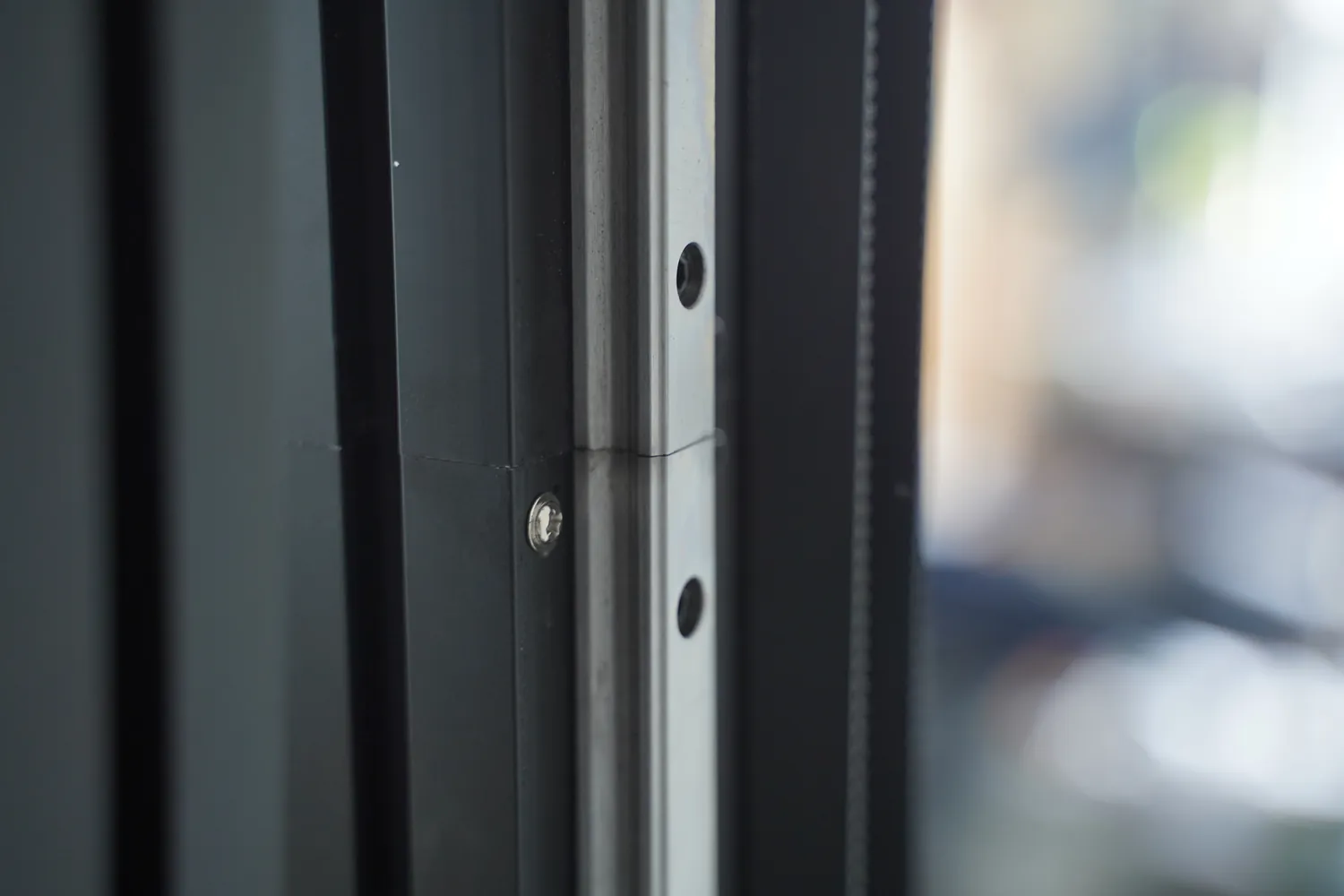
Rail and slider carriage
The carriage slides on a guide rail instead of rolling on plastic wheels, which gives higher positioning precision, lower running noise and fewer parts that wear out. -
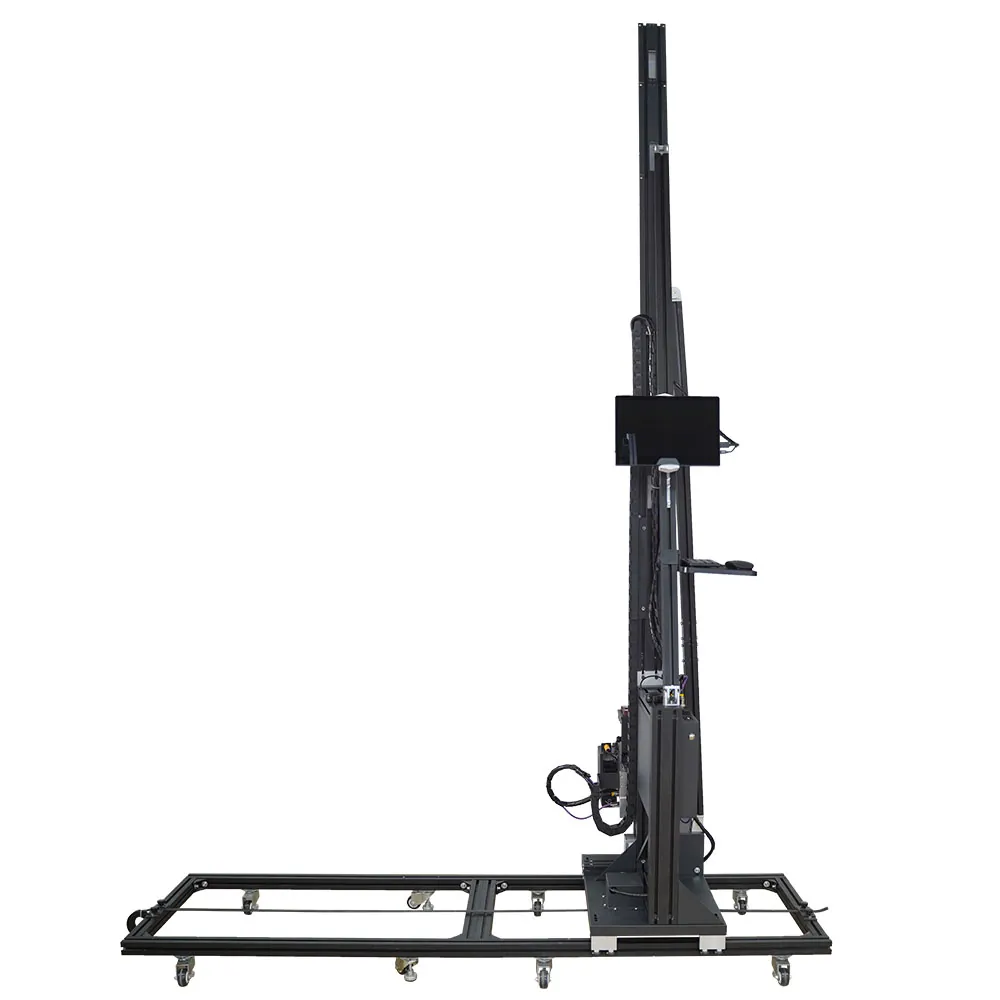
Laser-cut upright rail with a servo drive
The rail sections are laser cut, so every joint lines up and the carriage runs smoothly over it. The servo motor holds the carriage position as it moves, which keeps fine lines and gradients clean. -
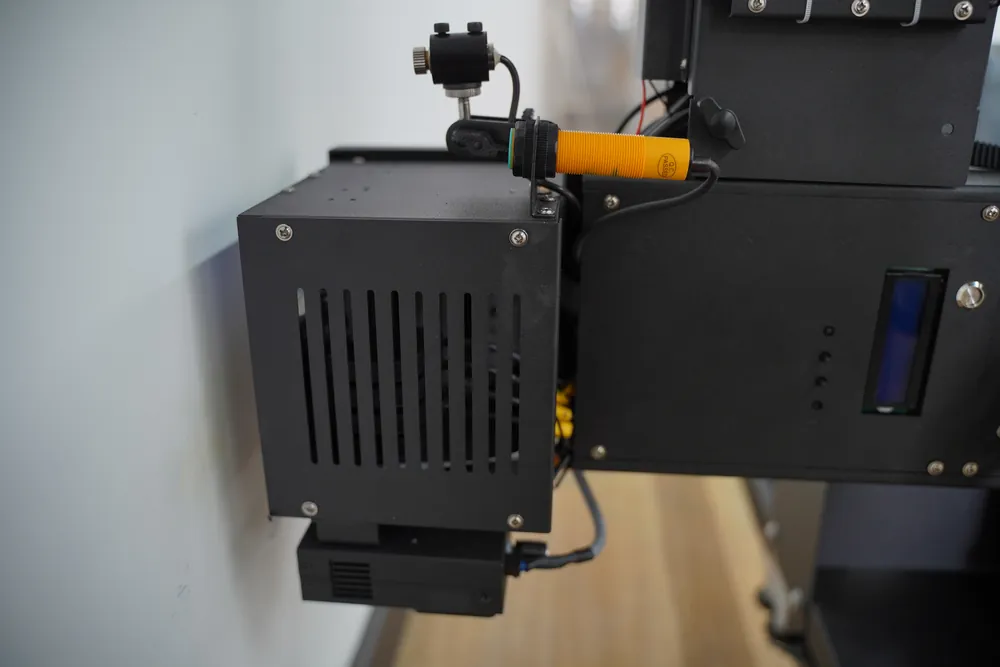
Dual ultrasonic surface tracking
The printheads move in and out over bumps and dips of up to 1.5 cm. Digital and red-light positioning place the image where you marked it; partition printing splits a large design into sections. -
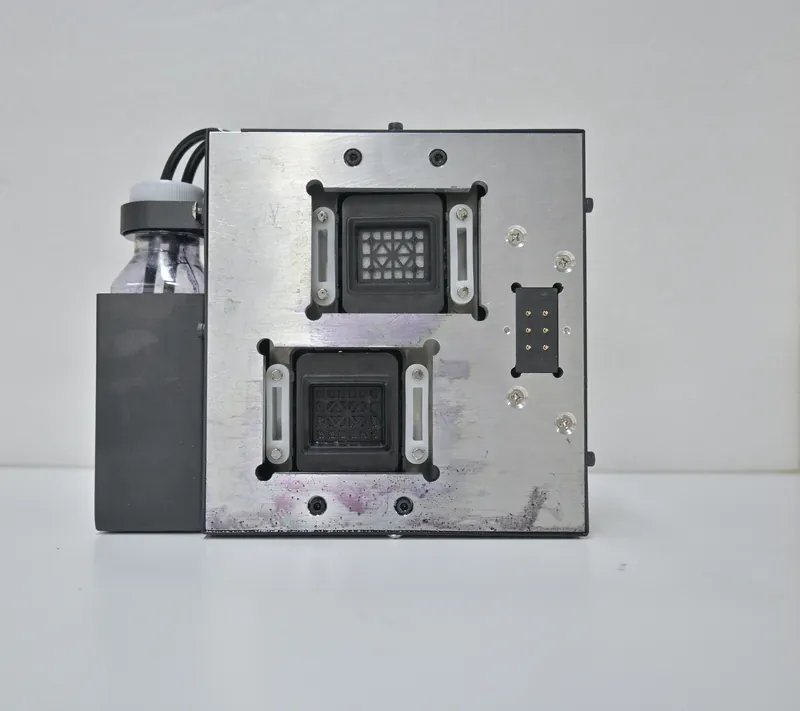
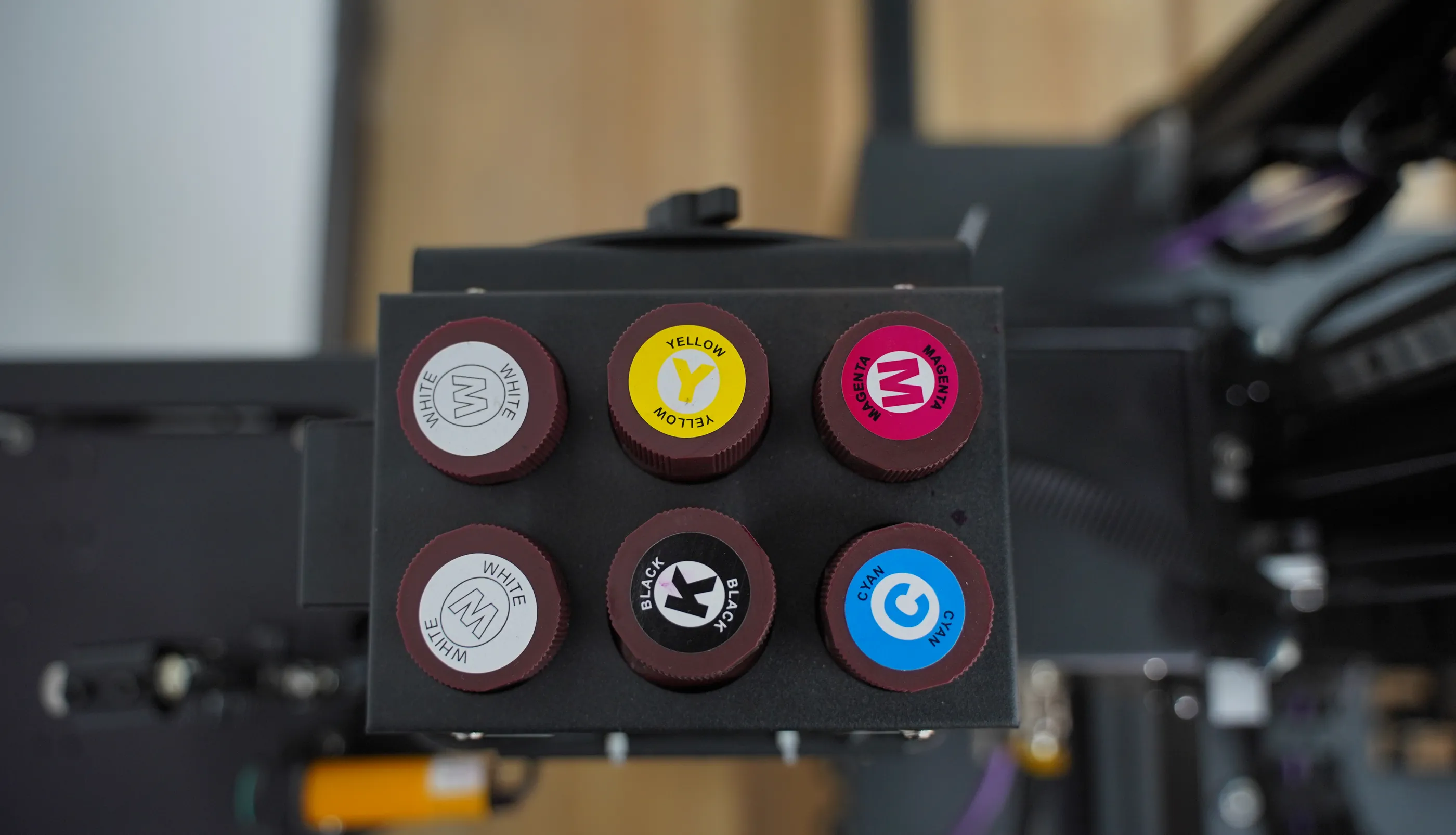
Electric ink suction and printhead heating
The absorber fits onto the printhead by magnet and draws ink faster than a hand pump; heating keeps the heads at working temperature in cold rooms. -
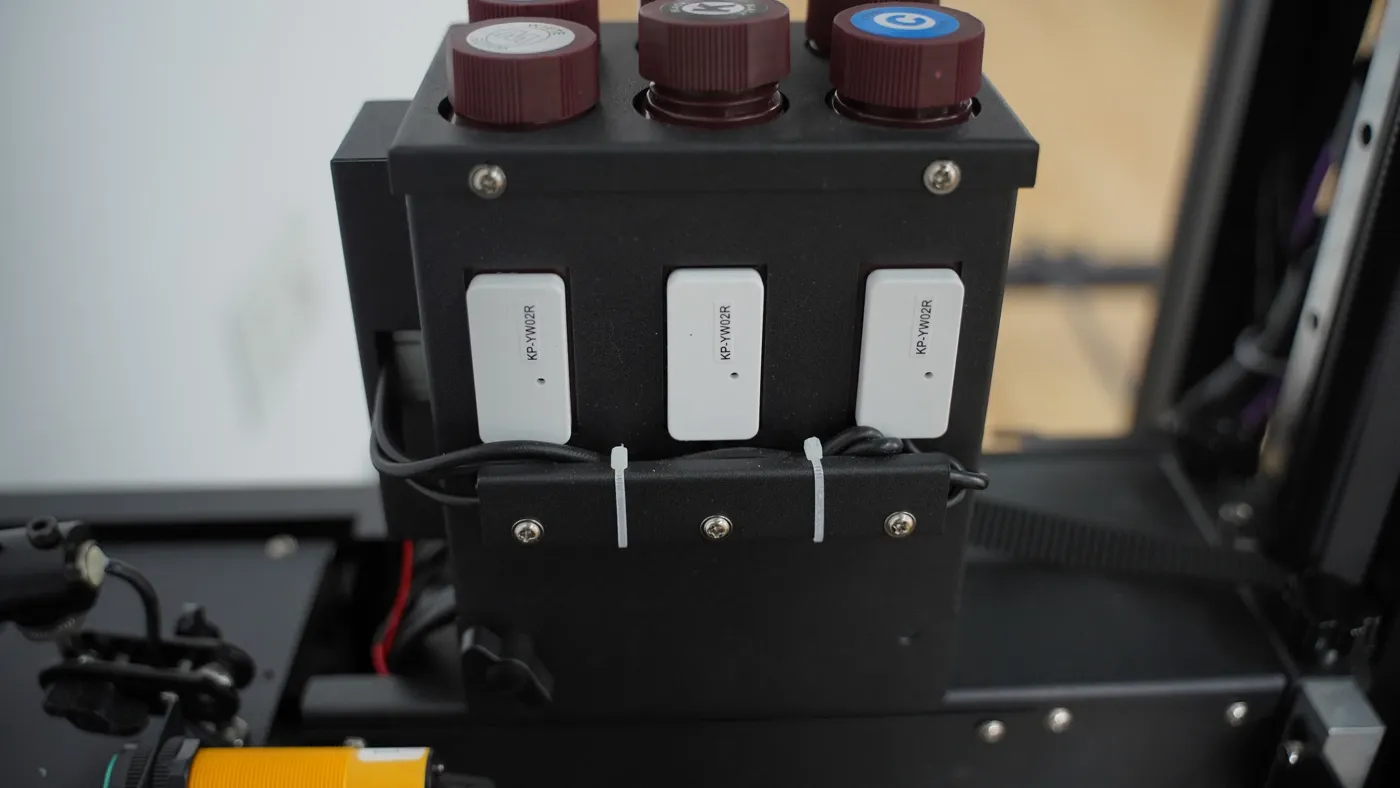
White ink stirring and low-ink alert
White ink keeps moving so it does not settle in the nozzles, and the alert warns you before a pass runs dry. -
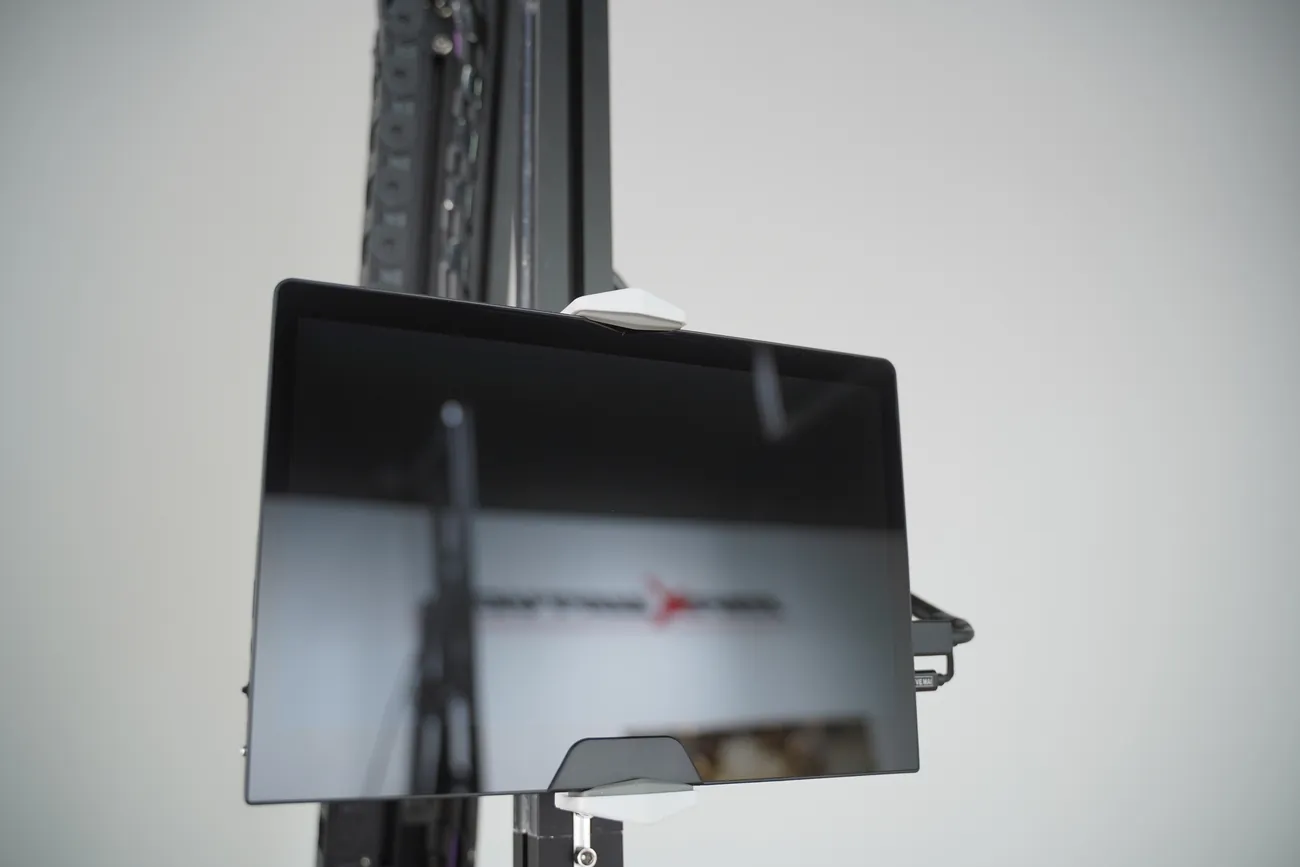
Touchscreen and factory-calibrated software
BetterPrint and the Ultraprint RIP arrive calibrated to the ink; about 10 minutes teaches the basic print workflow, in English, Chinese or Russian.
Unique configuration
Three Parts Built Only Into the GP200
Three parts of the GP200 build are specific to this machine: the switchable base, the five-section upright and the 20 cm margin all round.
Switchable base
The GP200 stands either on the floor rail, six 1 m sections laid along the wall, or on a wheeled base, and you change between the two on site. The floor rail keeps the machine on one line along a long wall and joins on more sections for longer walls. The wheeled base moves quickly between short walls at the same address, with nothing to lay first.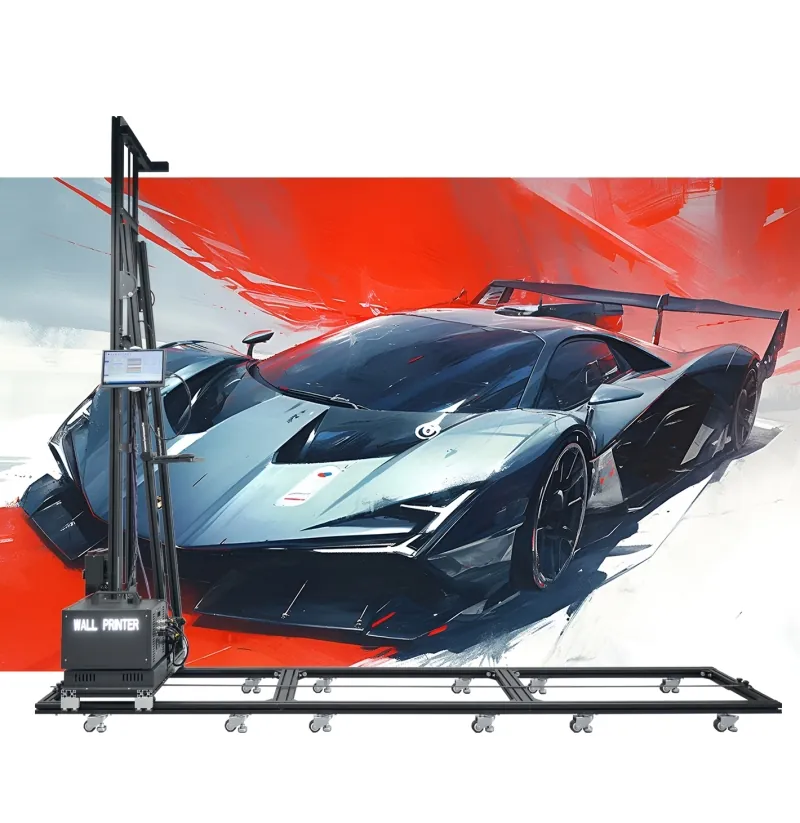
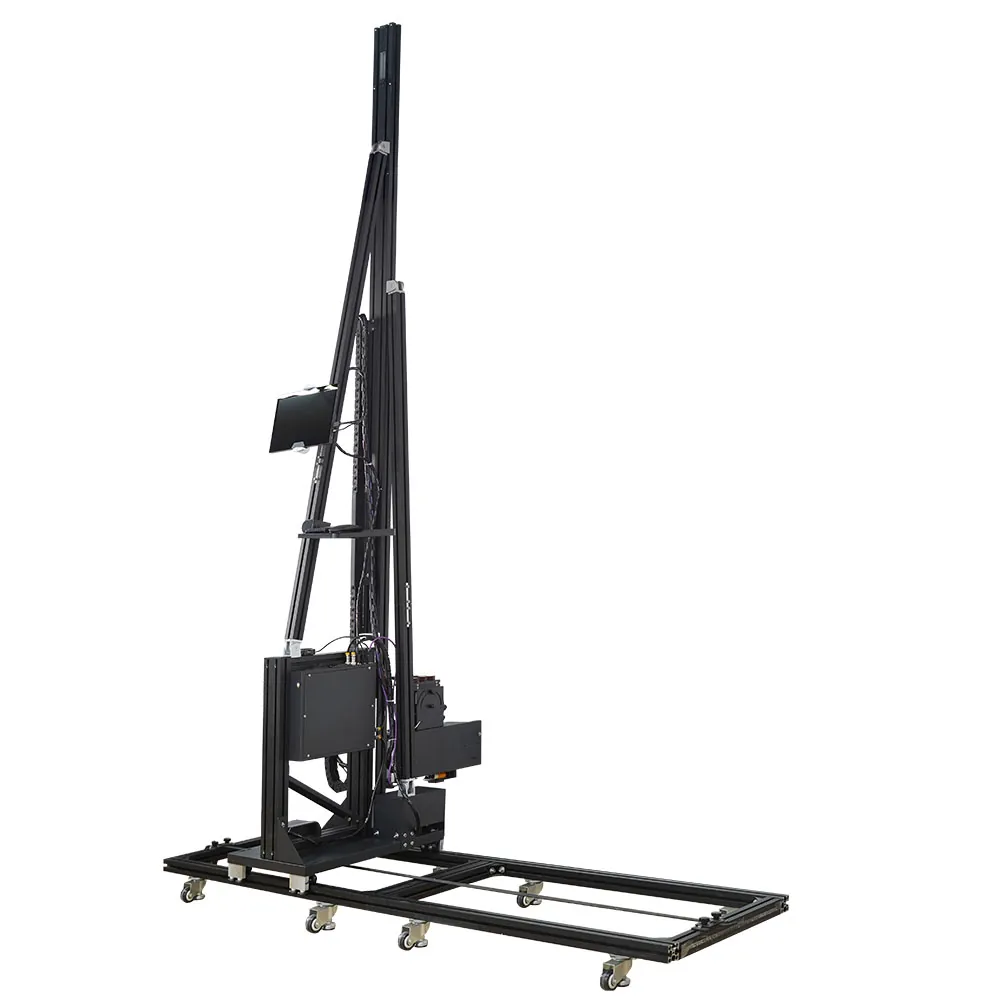
Five-section upright
The 3 m upright rail is built from five sections, 1 m, 1 m, 0.5 m, 0.3 m and 0.2 m, which plug together. You fit only the sections a room needs, from a low ceiling up to the full 3 m upright.- 3 mfull upright
- 320 cmmachine height
- 2.5 mprint height
20 cm margin on all four sides
The GP200 leaves 20 cm unprinted at the top, the bottom, the left and the right. On the other machines in the range the bottom margin is 35 to 50 cm and the right-hand margin is 40 to 45 cm. On the GP200 the image runs closer to the skirting board and into the corners, so more of each wall is printed.- GP200 print area, 20 cm in from every edge
- Other machines: bottom 35-50 cm, right 40-45 cm
Options
GP200 Options: Printhead, Ink and Power
Every printhead is an original Epson part. Prices for each option come with the quotation.
Printhead setups
-
Dual DX7
A pair of 1440-nozzle Epson printheads for everyday colour walls.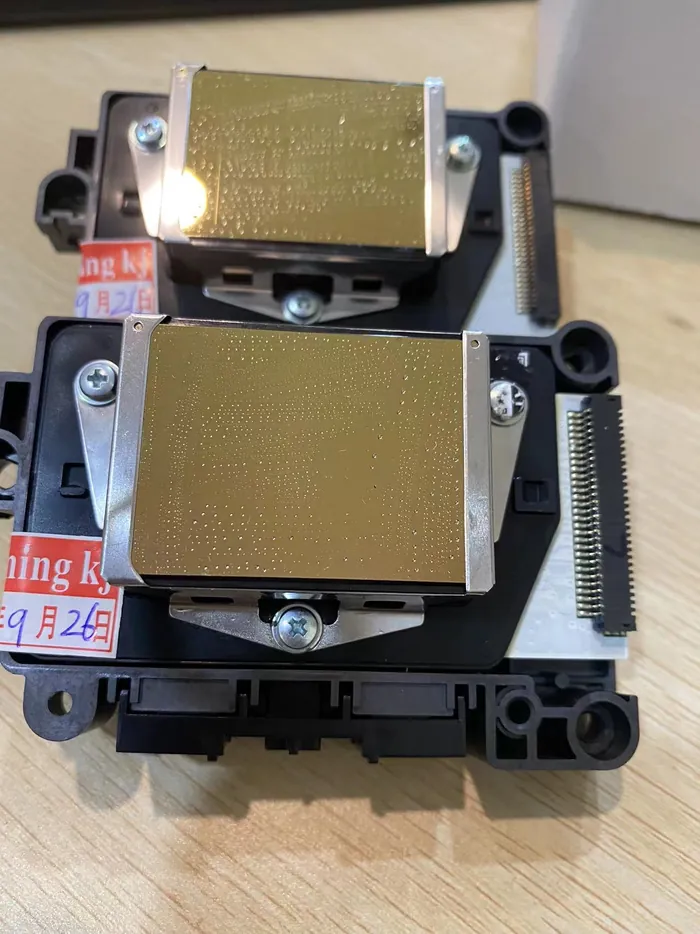
-
Dual DX10
The DX10, also sold as the TX800, has 1080 nozzles, prints at 720 × 1080 by default and is moisturised with the electric ink absorber.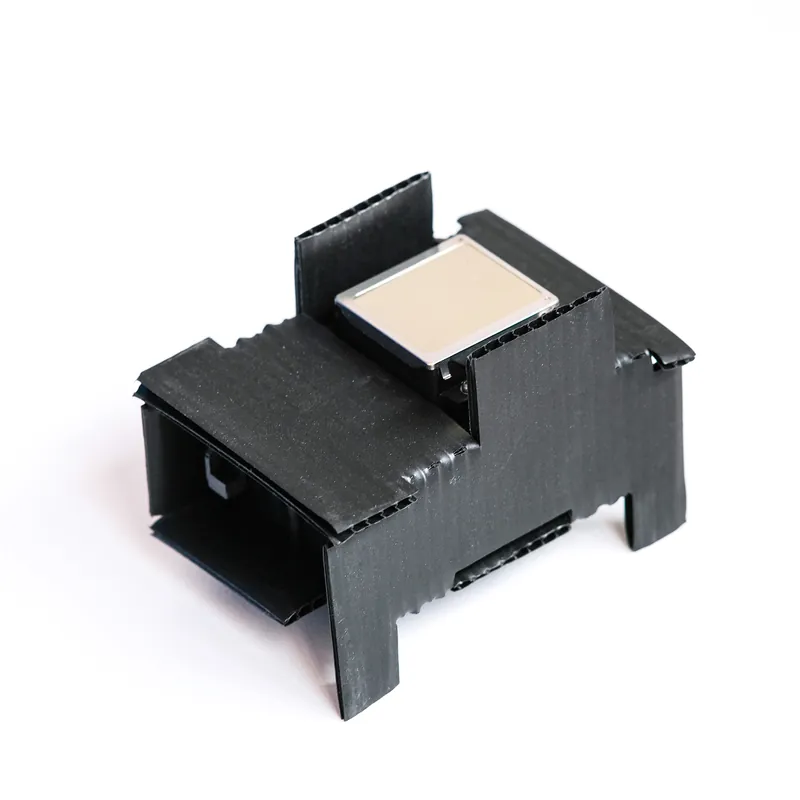
-
Single I1600U
One Epson I1600U head with 1600 nozzles and larger nozzle openings, which resist clogging and fire steadily, and purge air in a single pass.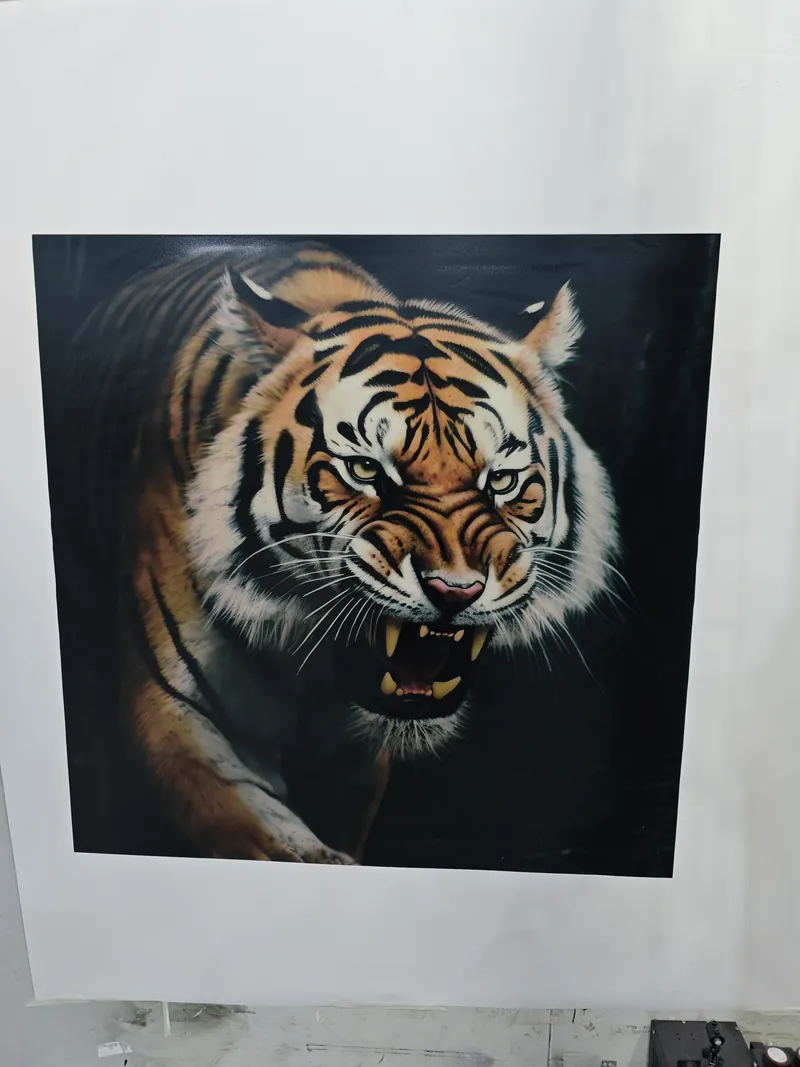
-
Dual I1600U
The same head in a pair, printing at 720 × 1200 by default, for higher output on detailed work.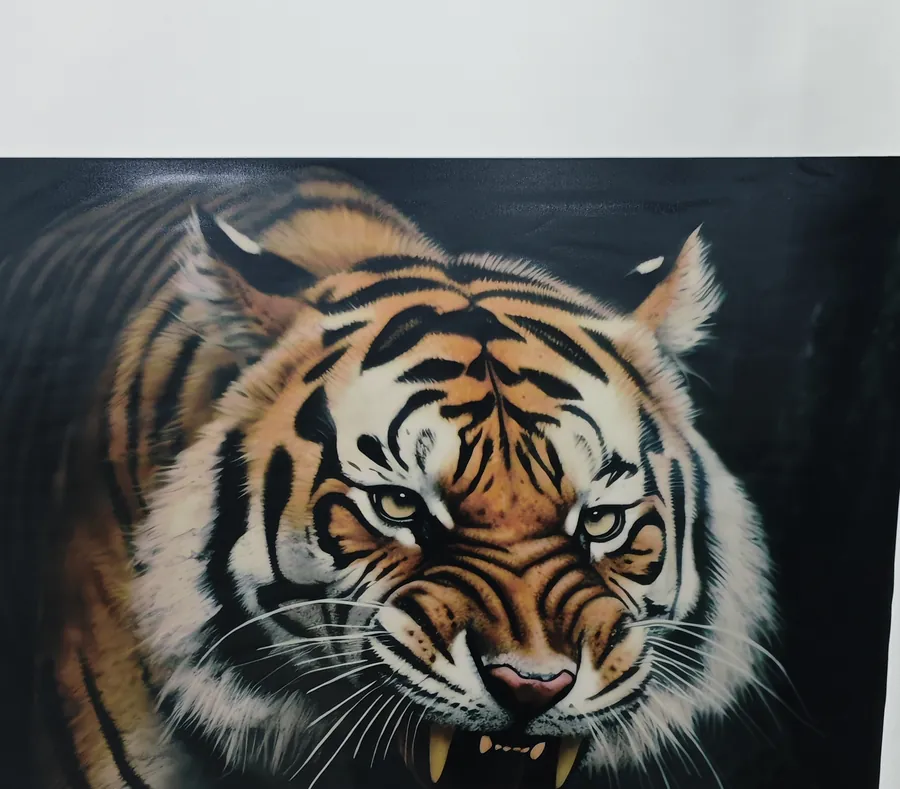
-
Dual I3200U
Top setup The top setup for the GP200, printing at 720 × 1200 by default, for buyers whose work is premium murals and art reproductions.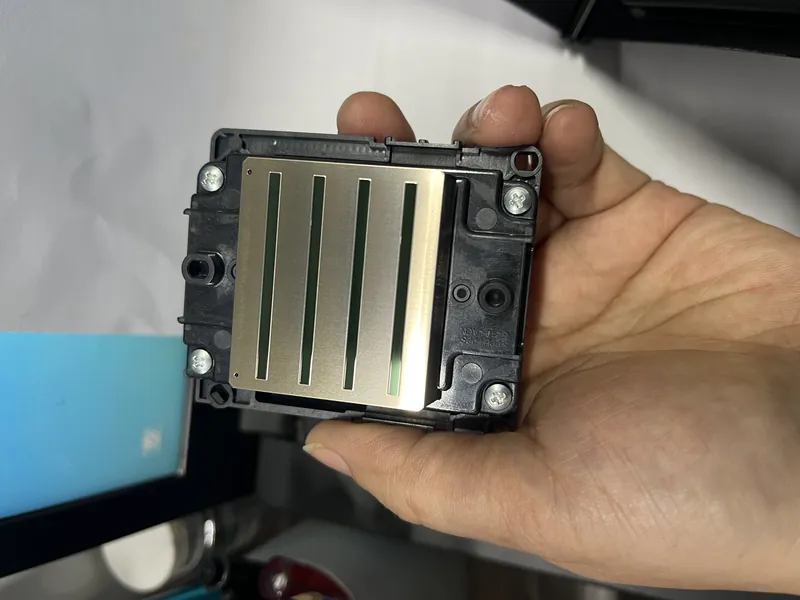
Ink and power
-
Ink option
CMYK + W white ink
Adds a white ink channel that lays a white underbase on dark walls, so colours print true on dark backgrounds. More on the white ink wall printer page.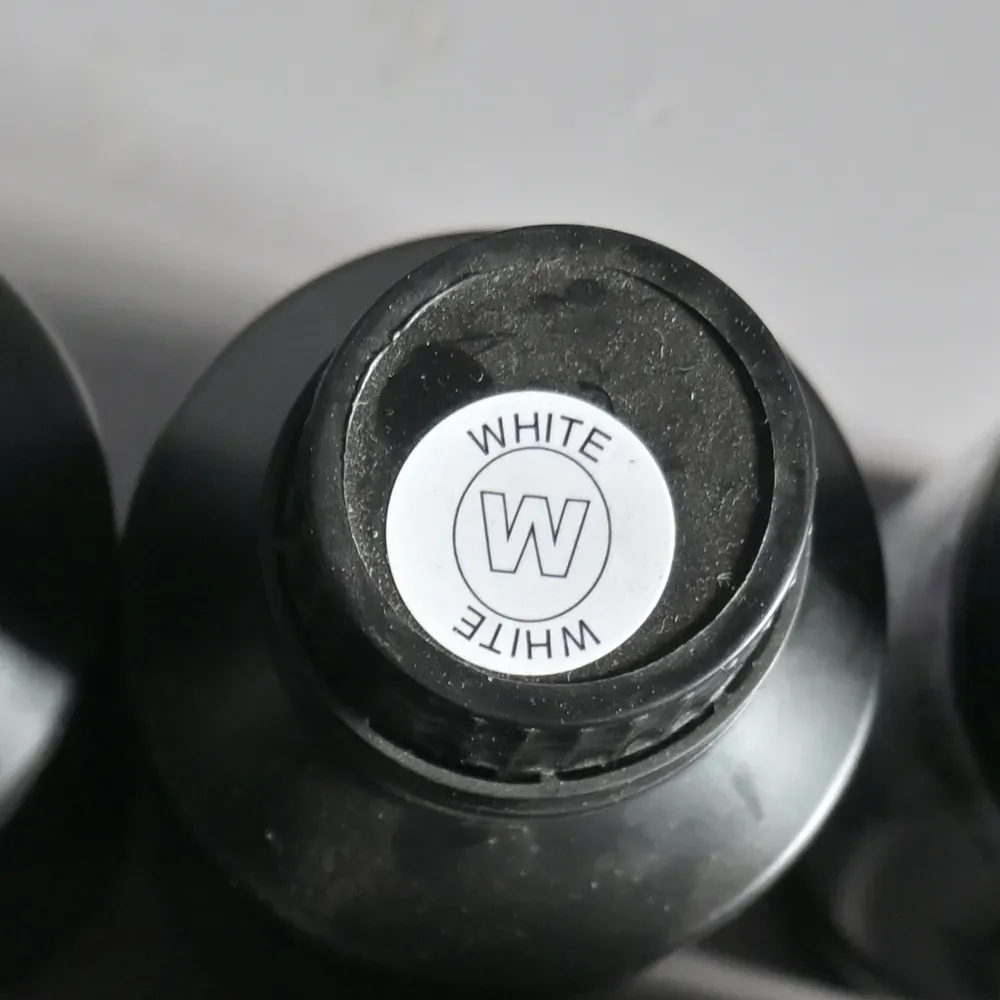
-
Power option
Custom UPS power supply
Keeps the machine running and lets the print resume after a power cut, for sites where power is shared or unreliable.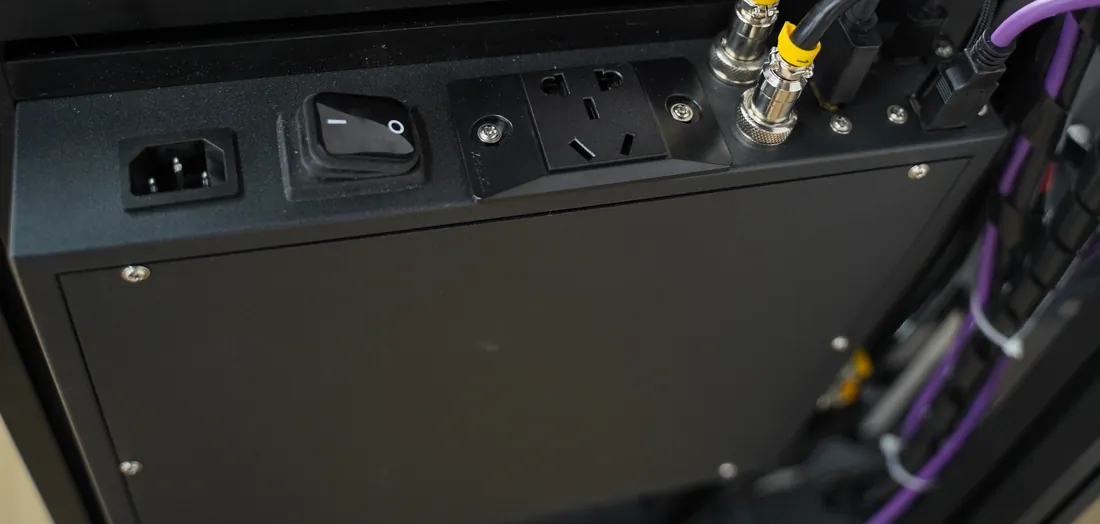
Quotation checklist
Six Details for a GP200 Quotation
Send these details and the reply names the GP200 printhead setup, ink setup and base for your work, with a quotation for that configuration.
Room and wall heights
The lowest and highest rooms you print in, so we confirm which upright sections to fit and how high each combination prints.Wall lengths
The longest wall you expect, so the quotation includes enough floor rail.Floors and layout
Long single walls or several shorter walls at one address, and whether the floors are flat, to choose between the floor rail and the wheeled base.Volume
Typical wall size, how many walls you take a month and how much fine detail your designs carry, to set the printhead setup.Wall colours and surfaces
Dark walls call for CMYK + W. Glass, tile or metal take a coating before printing.Power on site
Whether you print where power is shared or unreliable, so we include the UPS option.
Setup training and after-sales support are covered on the Training and Support page.
GP200 quote
Get Your GP200 Recommendation and Quotation
Send your room heights, longest wall and walls per month. The reply names the GP200 printhead setup, ink setup and base, plus a quotation.
- Your details reach the sales team the moment you press send.
- The recommendation names one printhead setup, one ink setup and one base.
- The certificate set for that configuration comes with the quotation.