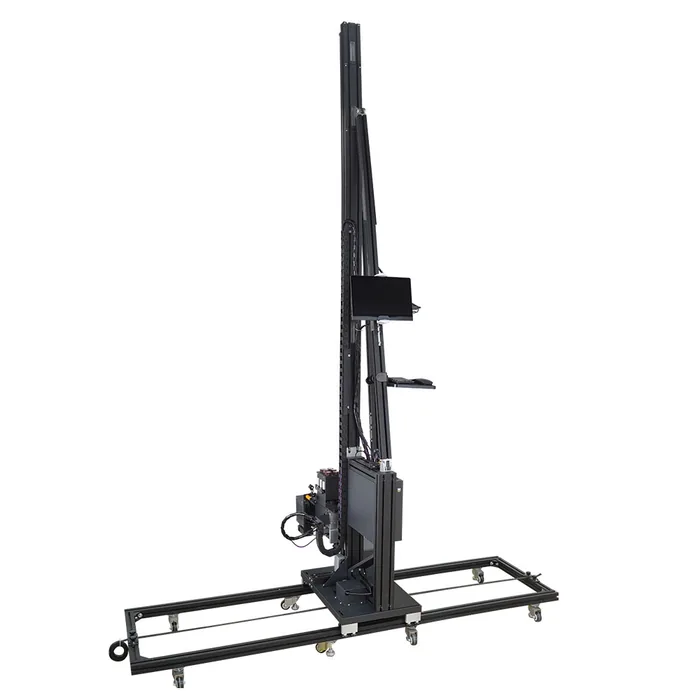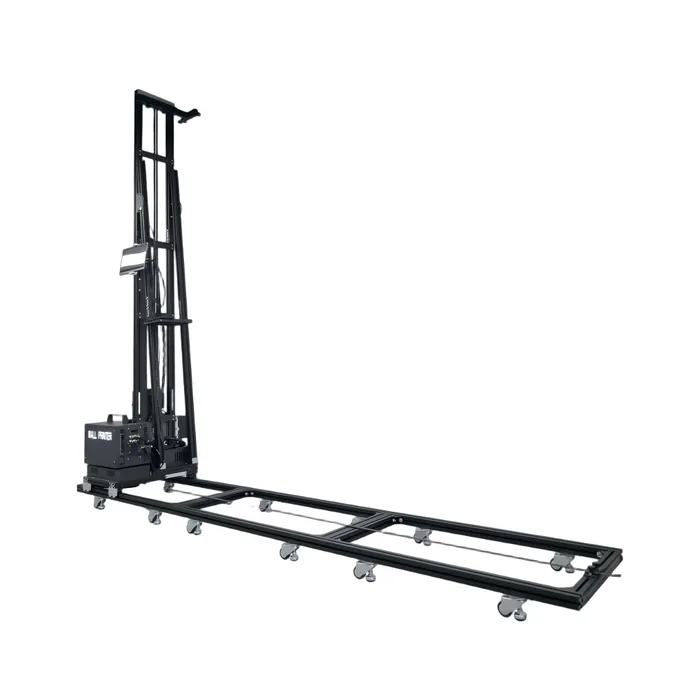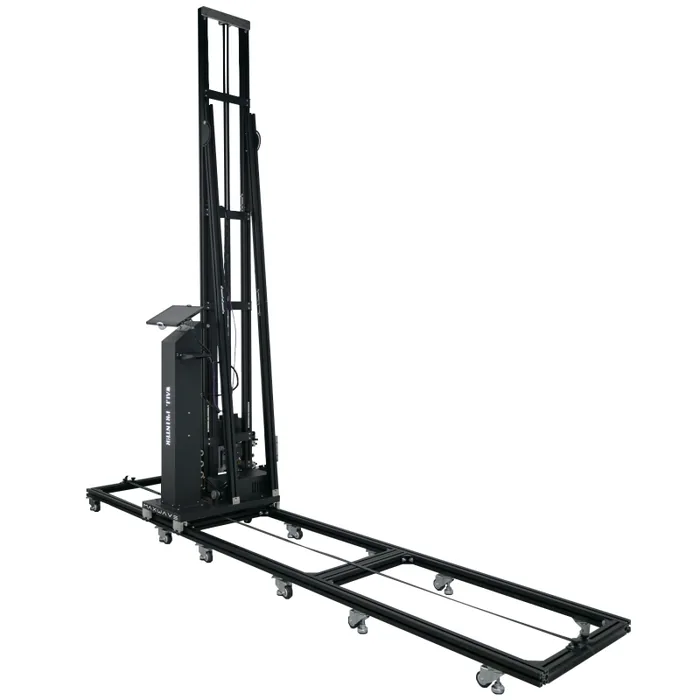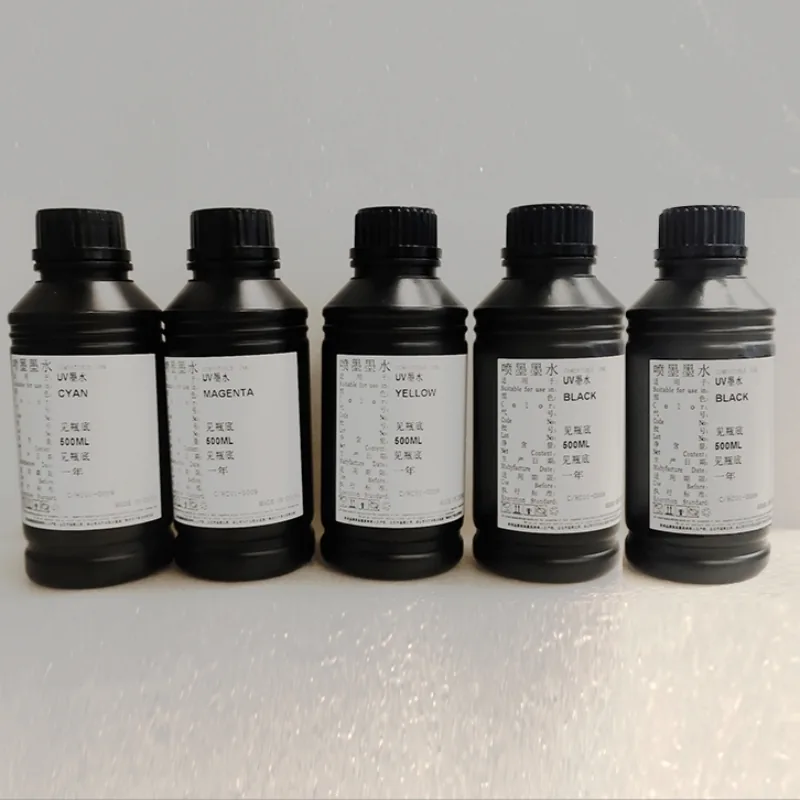
CMYK
Prints the colour image directly onto the wall. On white and light walls, the wall itself acts as the white behind the image.
- Channels
- Cyan, magenta, yellow, black
- Suits
- White and light painted walls
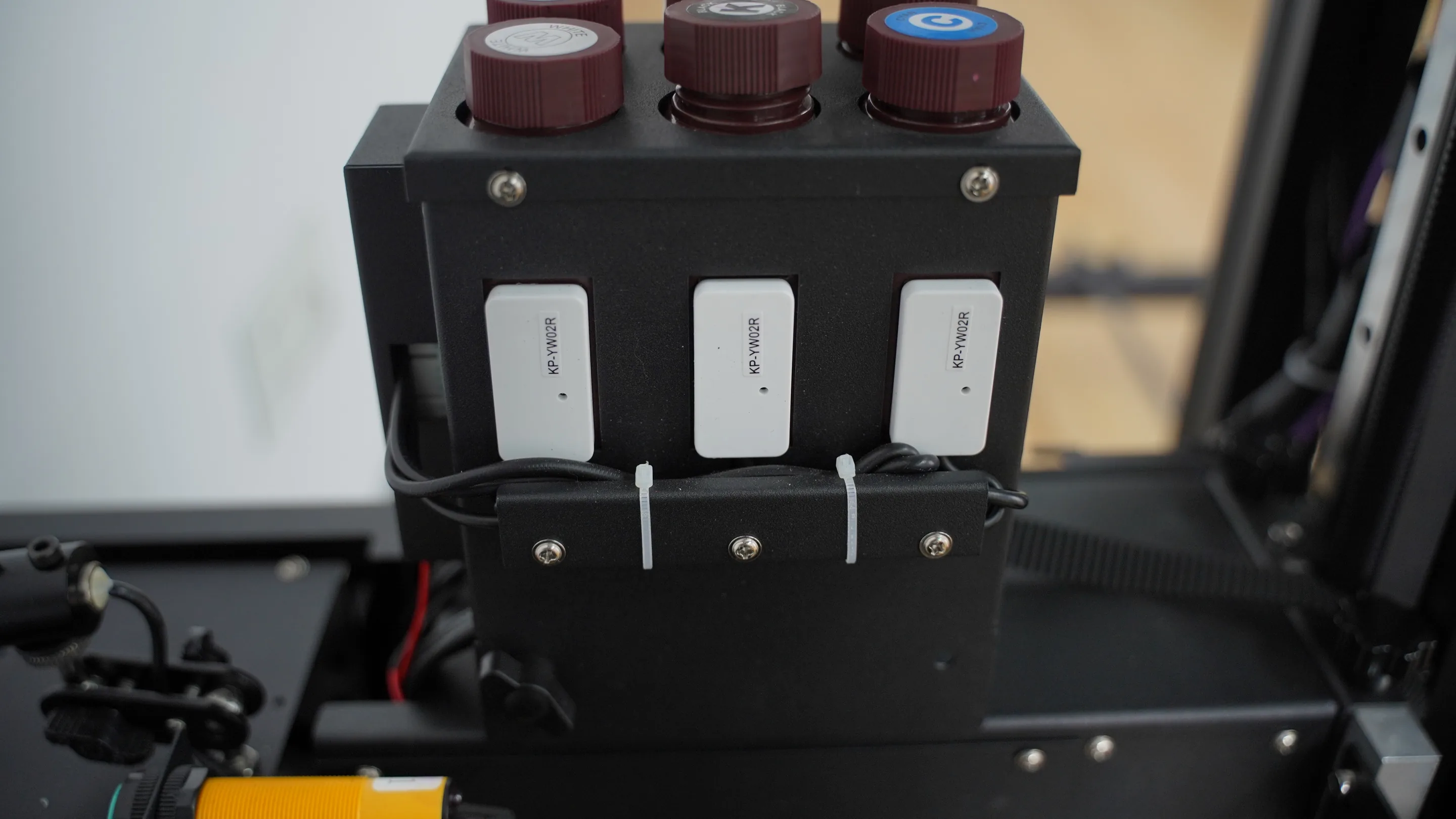
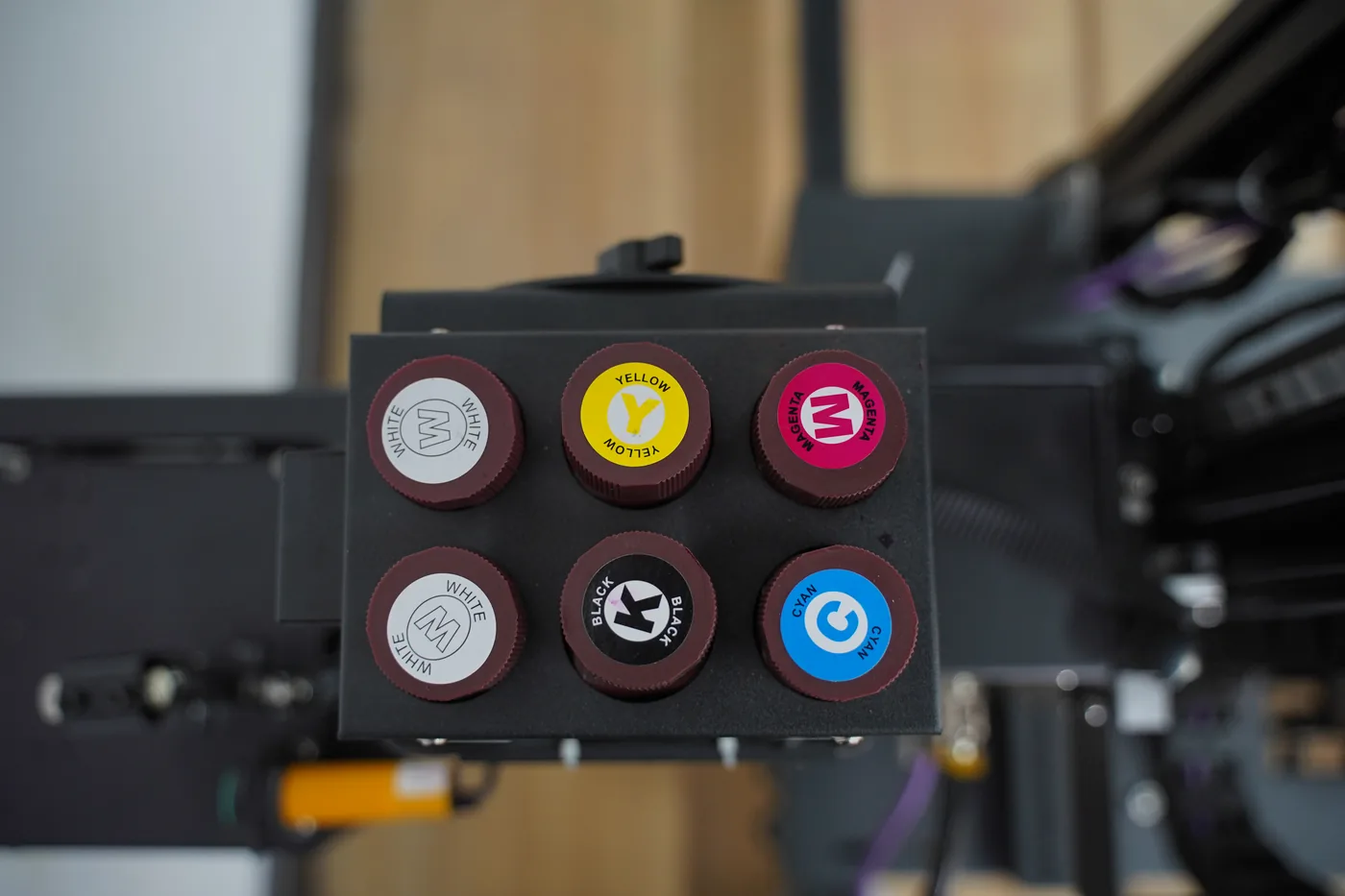
CMYK + W ink setup
A white ink wall printer lays a layer of white beneath the colour image, so the same artwork goes onto charcoal paint, brand-coloured walls and coated glass as well as onto white walls. All four series from WallPrintJet, MAXWAVE's wall printer brand, are available with CMYK + W.
Built for new wall printing businesses that want to say yes to dark-wall jobs, sign and print companies, mural studios, and owners moving up to a machine that prints white.
CMYK onlyColour sits straight on the dark paint
CMYK + WWhite goes down first, colour on top
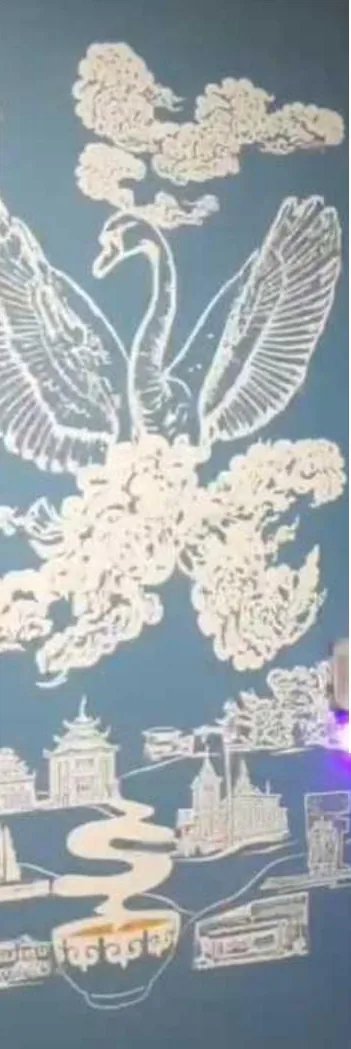
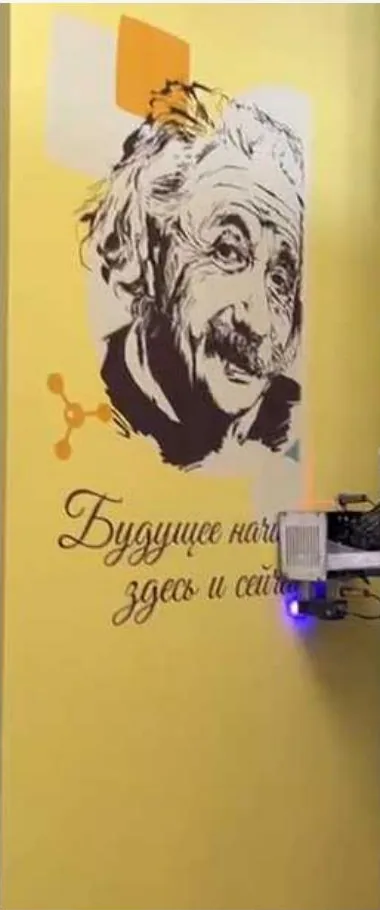
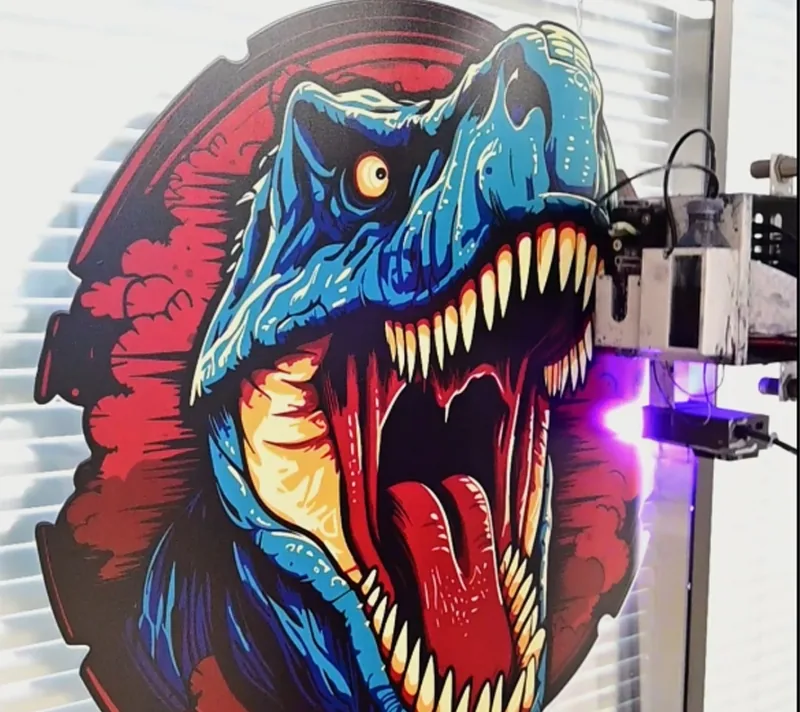


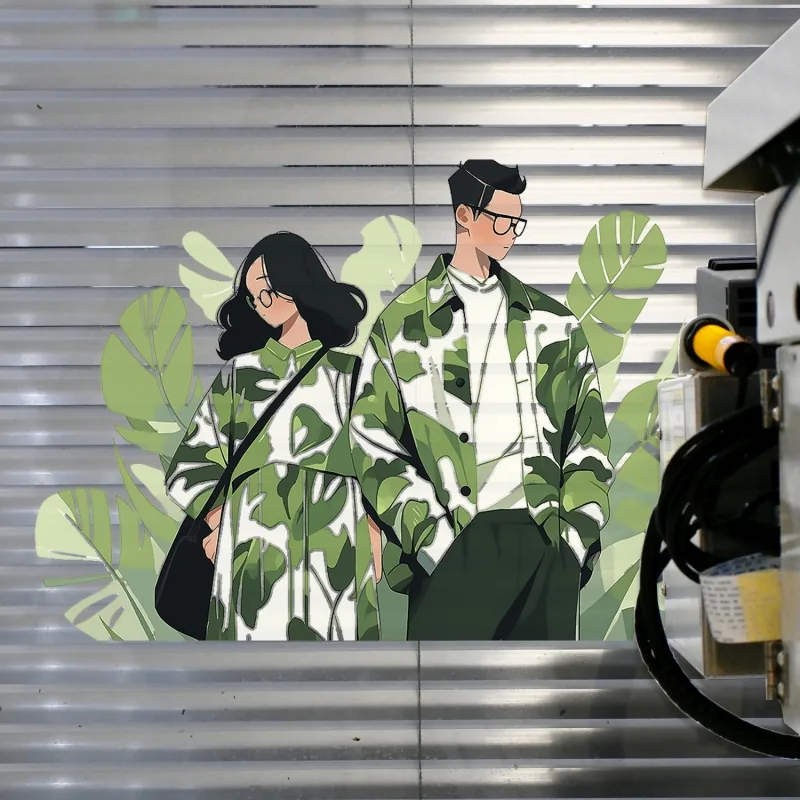
Two ink setups
Every machine prints with wall UV ink, cured by the LED UV lamp as it prints. The only choice is whether a white channel sits beside cyan, magenta, yellow and black.
Prints the colour image directly onto the wall. On white and light walls, the wall itself acts as the white behind the image.
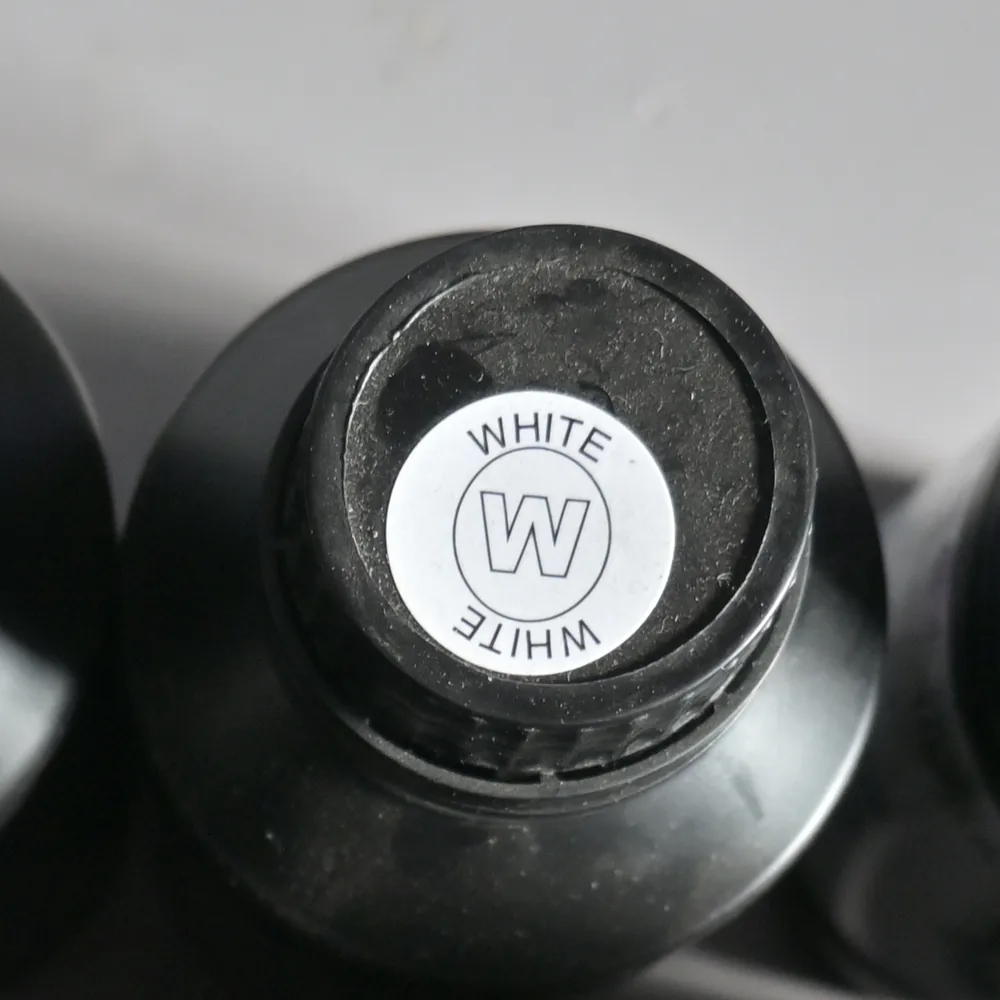
Adds a white ink channel. The machine lays down a white base layer and prints the colour image on top of it, so the same artwork goes onto a dark wall, a coloured wall or a sheet of glass.
| Surface | Ink setup | Before printing |
|---|---|---|
| White and light painted walls | CMYK | Sample patch on new materials |
| Dark painted walls, dark brick | CMYK + W, white underbase | Sample patch on the wall |
| Coloured painted walls | CMYK + W, white underbase | Sample patch on the wall |
| Glass and other smooth surfaces | CMYK + W, white underbase | Matching coating, then a sample patch |
How white works
On a dark wall, colour ink would otherwise sit directly on the dark paint. With the underbase, it sits on white. That is the whole job of the white channel, and it is why CMYK + W is the setup for dark and coloured surfaces.
The white layer is printed under the image, not on top of it, so the colours read as they do on a white wall.
A white underbase uses more ink than a CMYK print of the same area and adds print time. The wall colour and the image decide how much, so print a sample patch on each new wall.
Printing white and colour together has a dedicated lesson in the video library, learned with the rest of the daily routine.
The main reason to order white
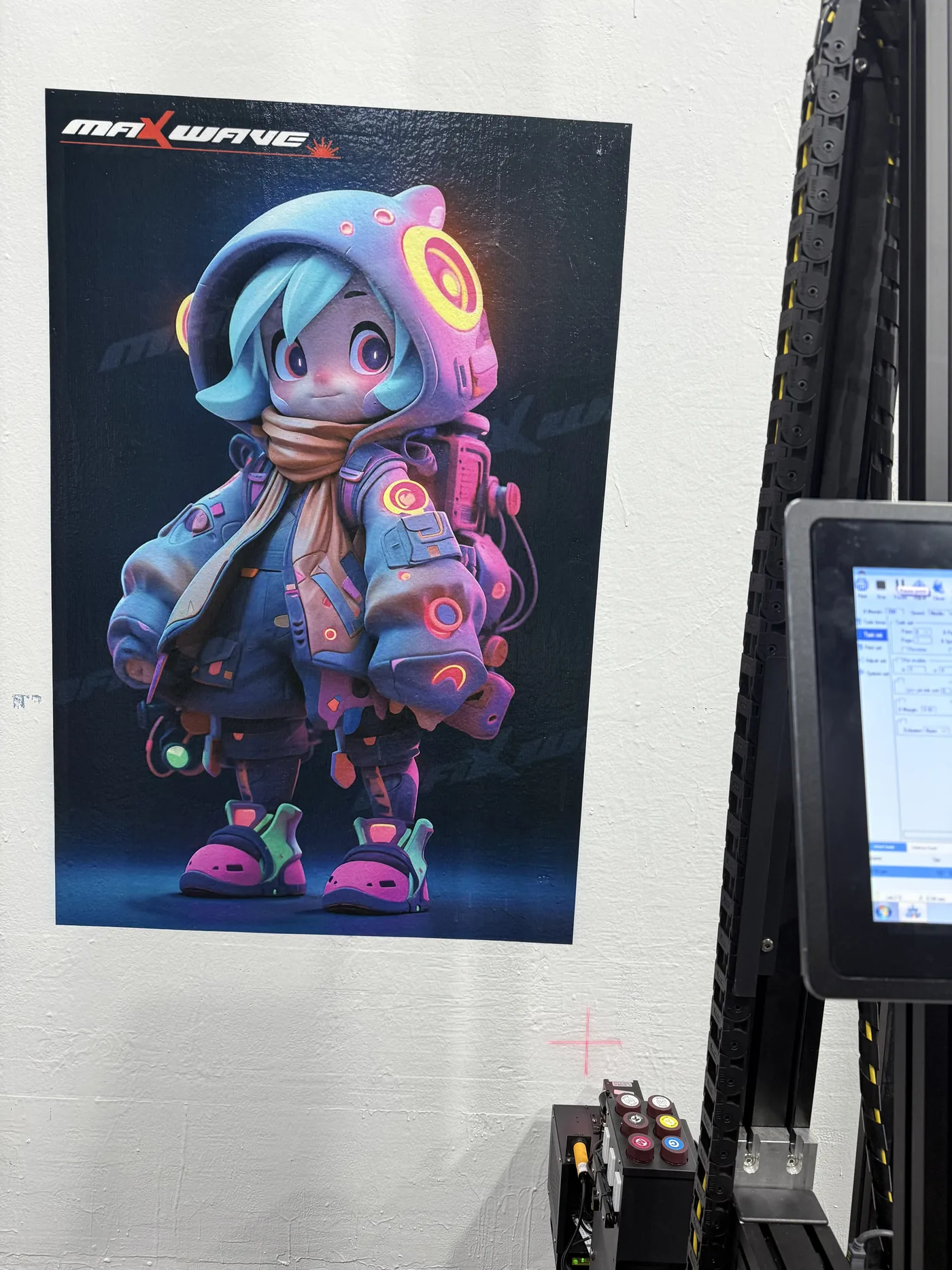
Dark painted walls are the main reason buyers order CMYK + W. Feature walls in restaurants, bars, gyms, shops and offices are printed with the white underbase beneath the image.
Brand colours and painted rooms
Coloured walls take the same CMYK + W approach as dark walls. A brand-colour wall in a shop, a painted classroom wall or a coloured office corridor can carry a full image when the white underbase goes down first.
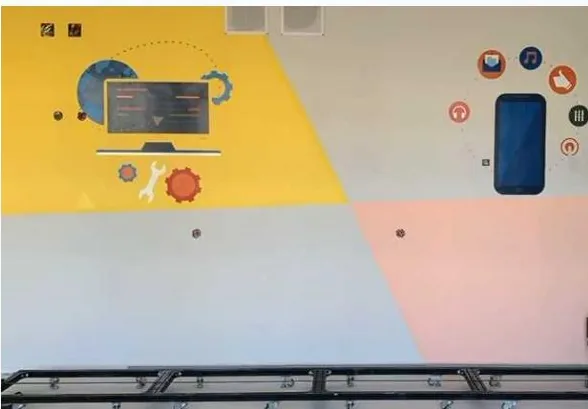
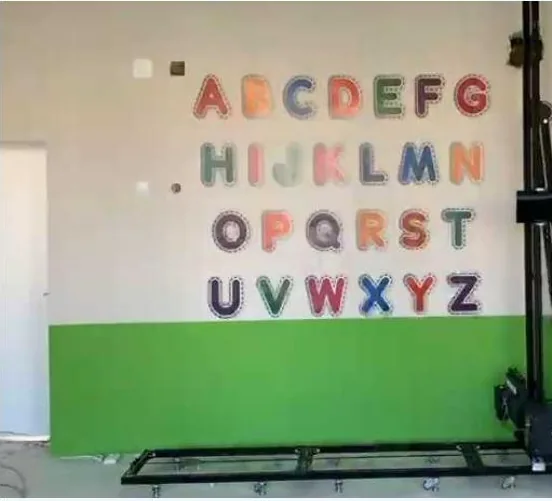
If your clients repaint walls in their brand colours, or you plan to sell printing on walls that are already painted, CMYK + W keeps those jobs open. Send photos of the wall colours you see most often with your quotation request.
Glass partitions, doors, shop windows, glazed tile
Ink does not key into glass the way it does into a painted wall. Without the coating, the print can come off the surface over time, so smooth surfaces take one extra step before printing.
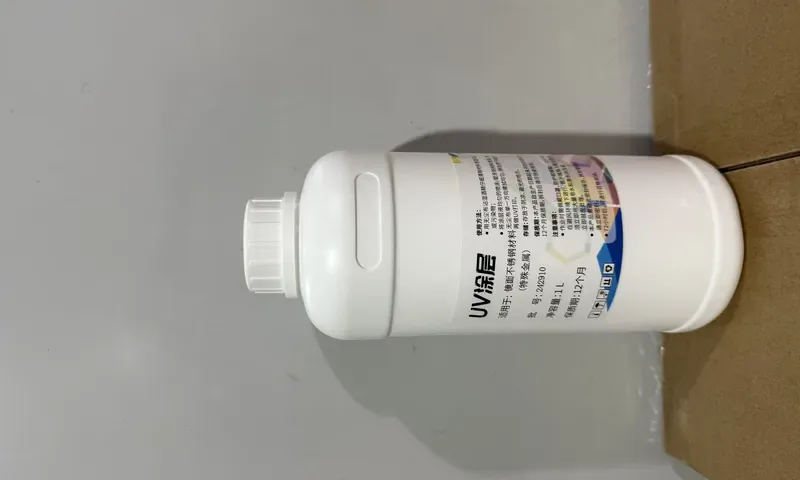
Dark, coloured or glass
Photograph the dark walls, the coloured walls and the glass you expect to take on, with a rough width and height for each. The reply names the series, the printhead setup and the ink setup for that work on one quotation.
Ink system
White ink is made with a heavy white pigment. Left standing, the pigment settles. The machines keep the white moving, and stirring is part of the ink system on all four series.
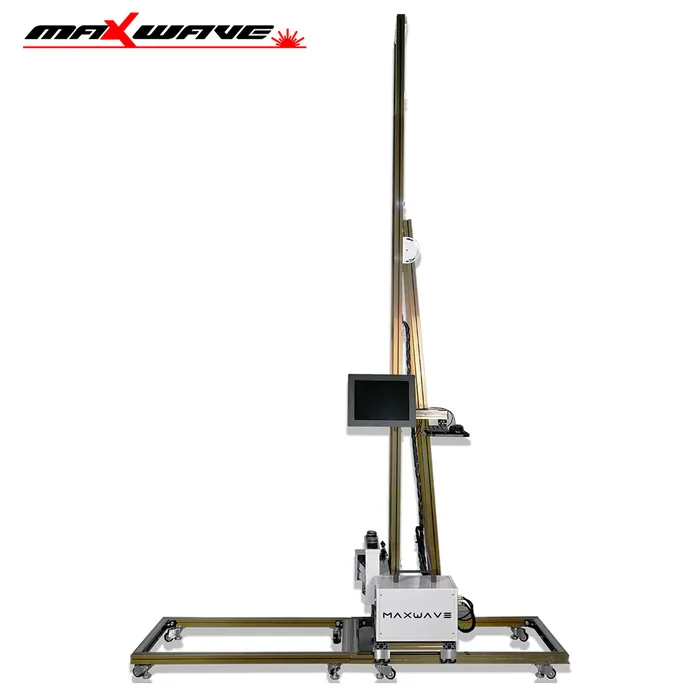
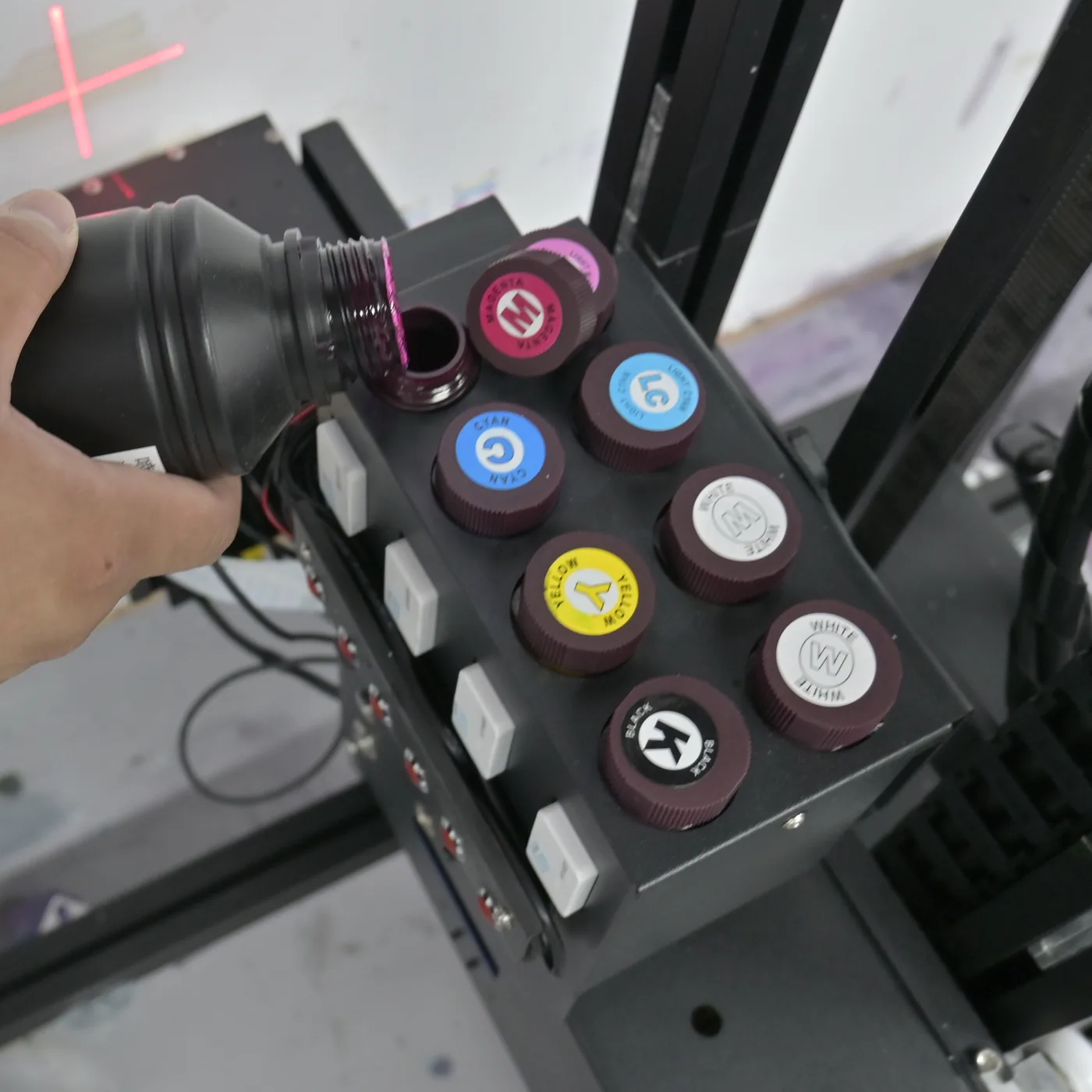
On a multi-day job, where every band on a dark wall carries a white underbase, the stirring keeps the white mixed in the system through the job. The low-ink alarm warns you before a colour runs out, white included.
End of the working day
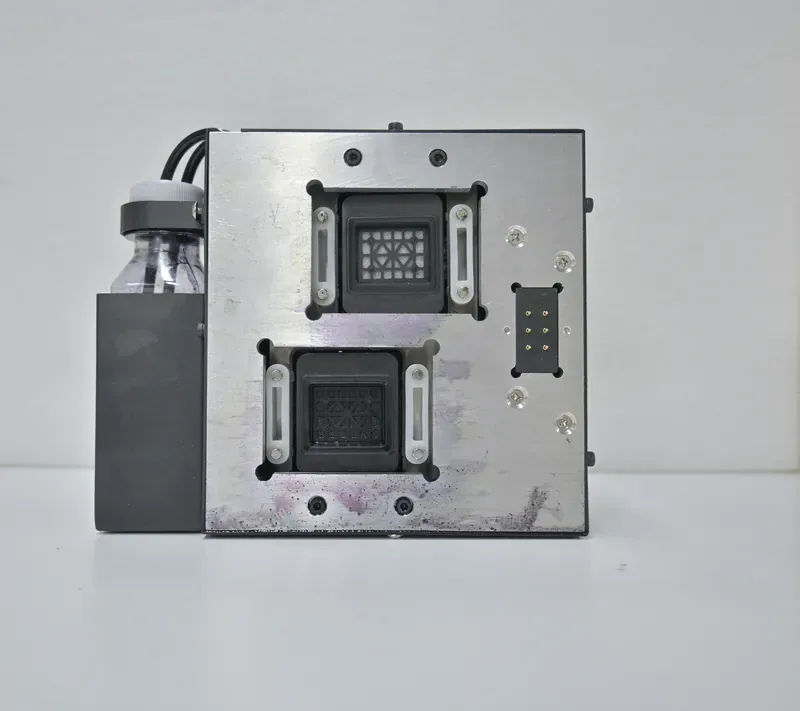
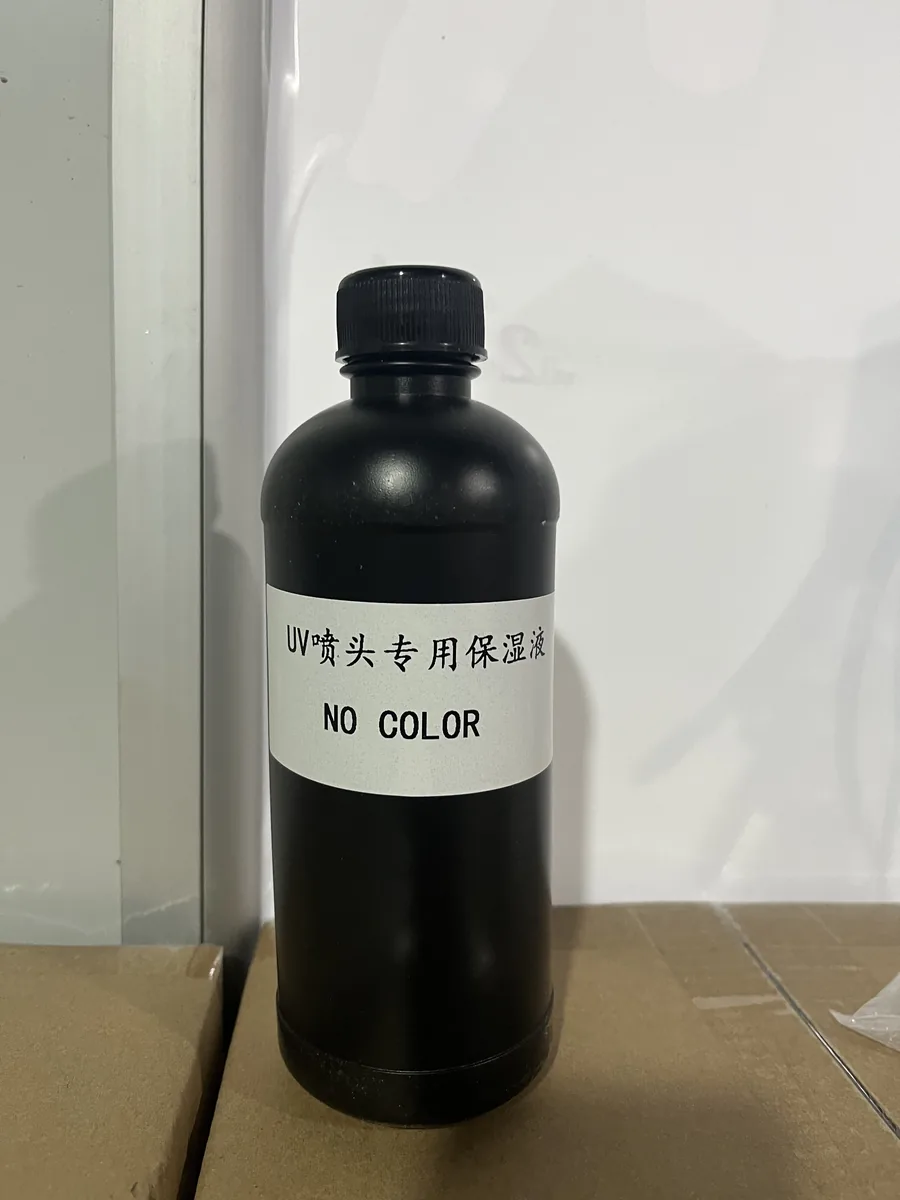
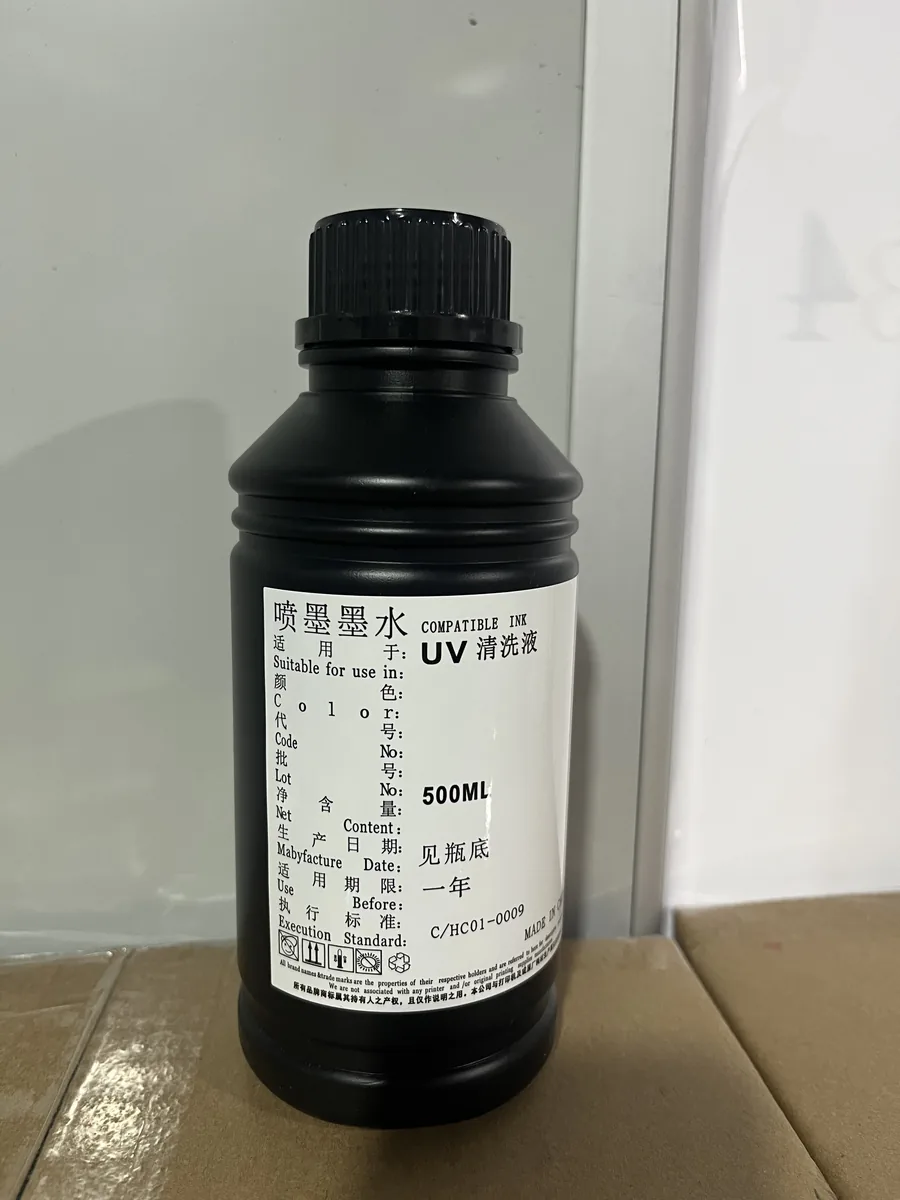
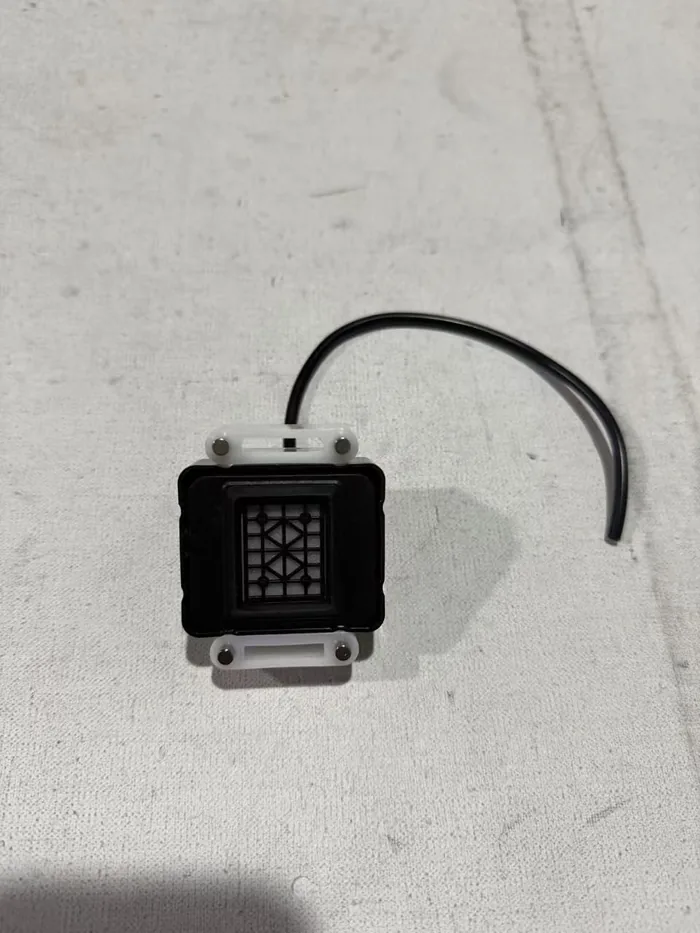
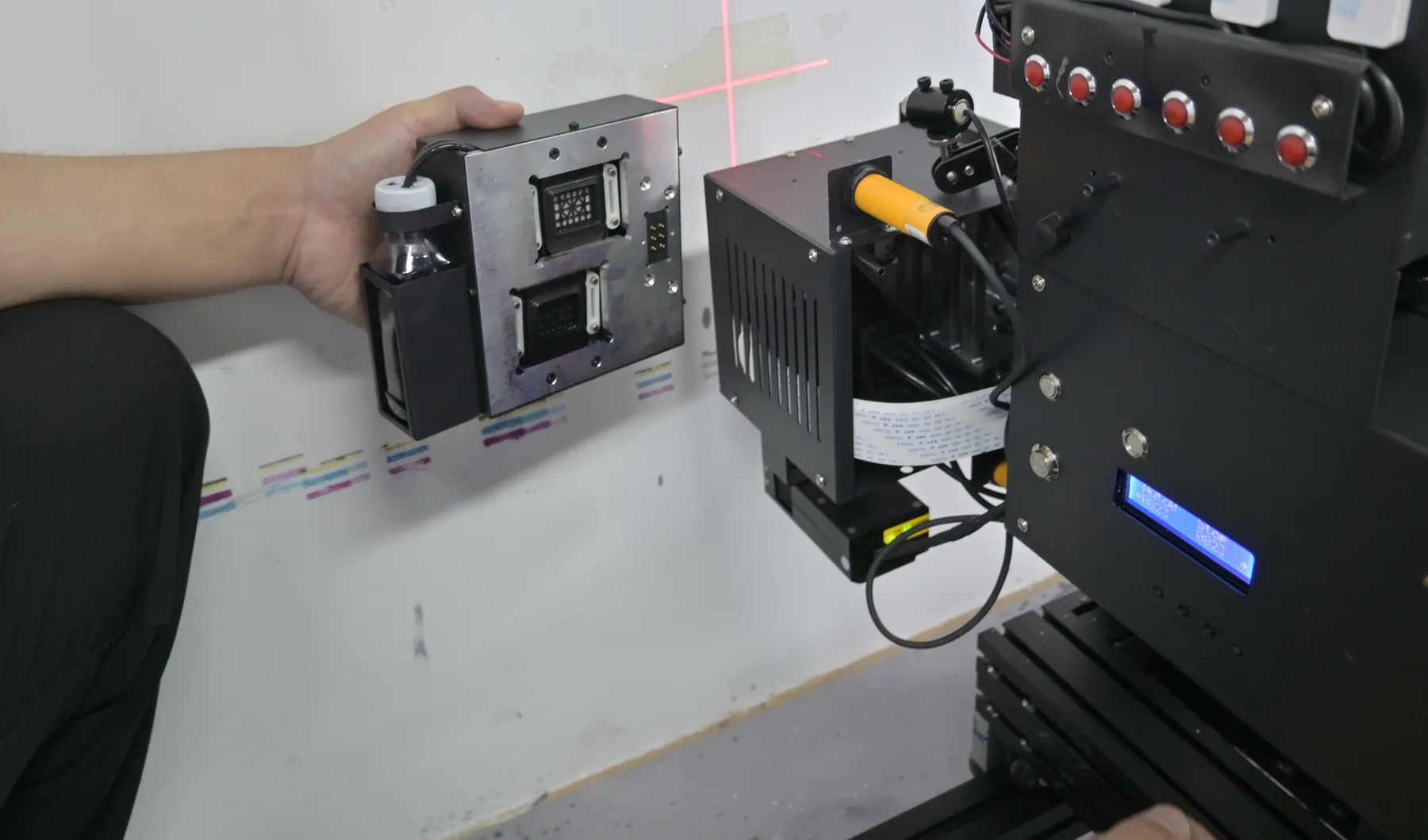
White ink adds care steps at the end of each working day, and the machines are built for them. How the printheads stay moist overnight depends on the printhead type.
Moisturising liquid, cleaning liquid, an electric ink suction unit, ink bags and a manual ink syringe; refills come with your ink orders from Ink and Parts. The full care routine is on Consumables and Maintenance.
Ink and printhead connectors are not covered by the 2-year machine warranty, so daily care is the part of running a white ink machine that sits with you.
Four series, one choice of ink
All four series are offered with CMYK or CMYK + W. Pick the series by how you work, then add white.
| Series | Ink setups | Printhead options | White ink stirring |
|---|---|---|---|
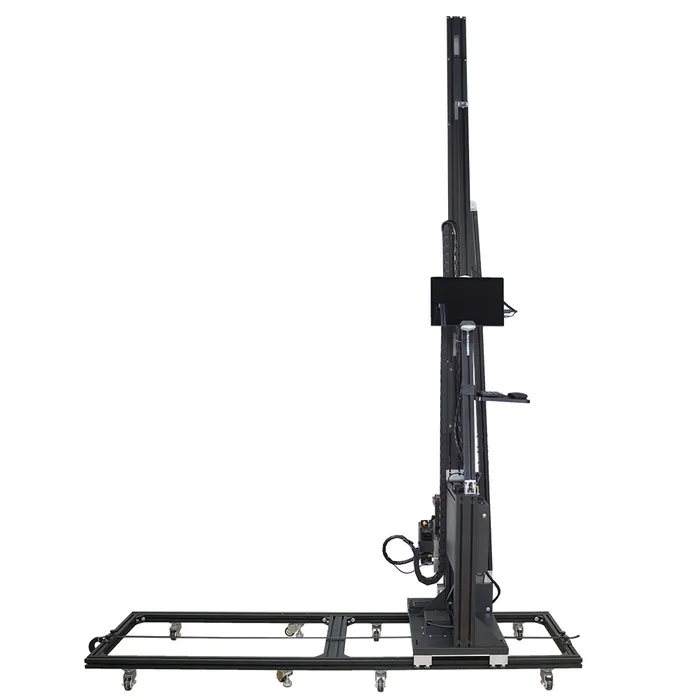 GP200Rail machine | CMYK or CMYK + W | Dual DX7, dual DX10, single I1600U, dual I1600U, dual I3200U | Built in |
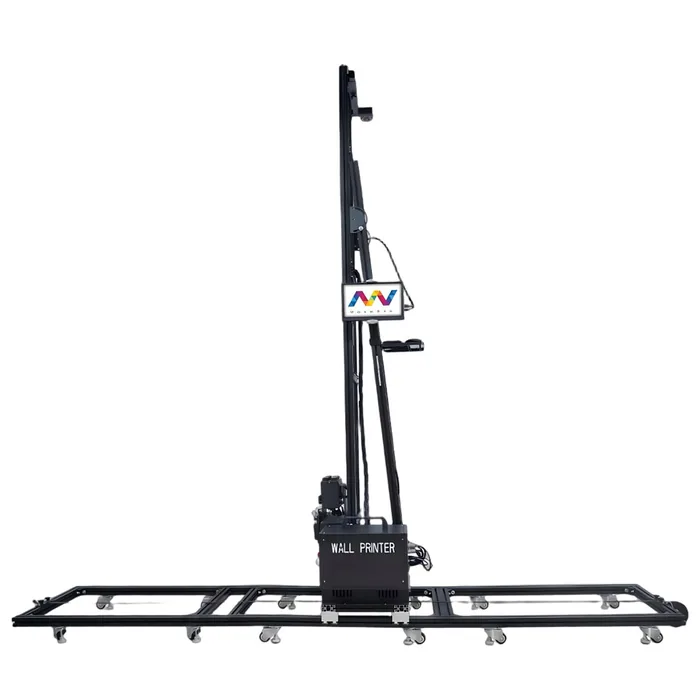 GP200BWalls and floors | CMYK or CMYK + W | DX10, DX7, I1600, I3200 | Built in |
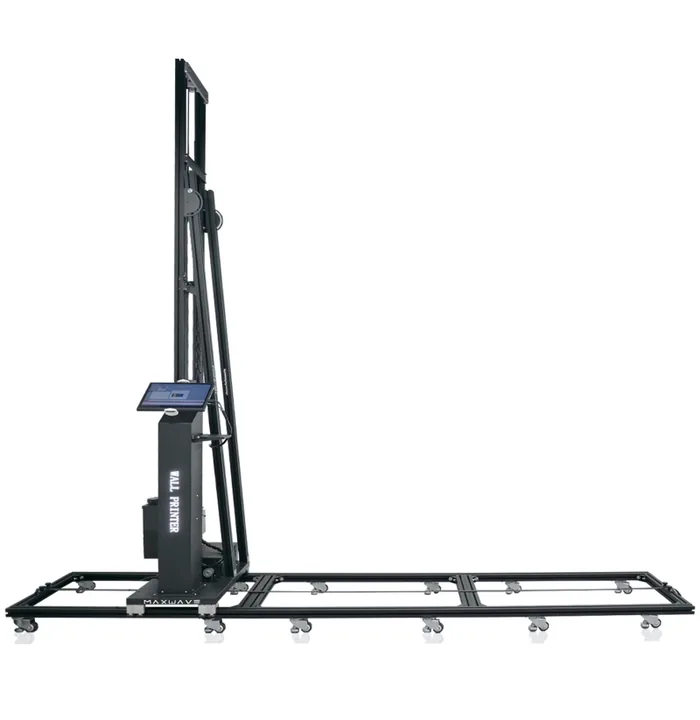 UP200Column on rails | CMYK or CMYK + W | DX10, DX7, I1600 | Built in |
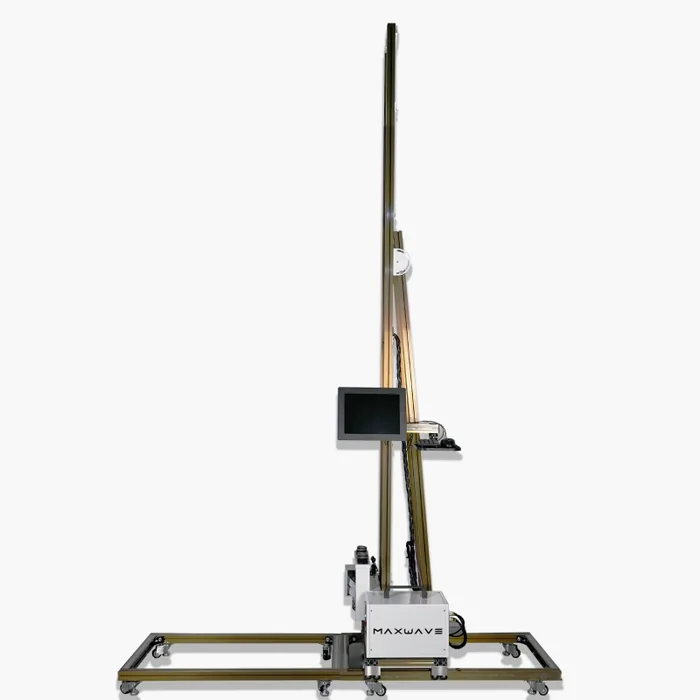 UP200PWhite portable cabinet | CMYK or CMYK + W | Dual DX10, dual I1600U, dual I3200U | Built in |
Heights, weights and transport for each series are compared on the Wall Printers page.
Per square metre
Rated print speed is 8 m²/h in standard mode and 5 m²/h in high-resolution mode. Here is how a standard print area adds up before white.
15 m² ÷ 8 m²/h = about 2 h · 15 m² ÷ 5 m²/h = about 3 h · 15 m² × $0.40 = about $6 of ink (about 2 ml per m²)
These figures do not include setup, surface preparation or the white underbase. A white underbase on a dark or coloured wall uses more ink per square metre, and full-coverage images use more again.
Configuration
The ink setup is part of the machine configuration. It is fixed per machine at the quotation, together with the series and the printhead setup, and written on the quotation you receive.
Already own a wall printer from WallPrintJet and want to print with white ink? Send your series and printhead setup, and the reply covers what is possible for your machine.
The certificate set for your configuration comes with the quotation; the CE certificates list the model codes they cover.


Also in the set: attestation of conformity M.2023.206.C83822 and SGS report GZHL2303007145OT. The MSDS for the UV ink is available on request.
Files and software
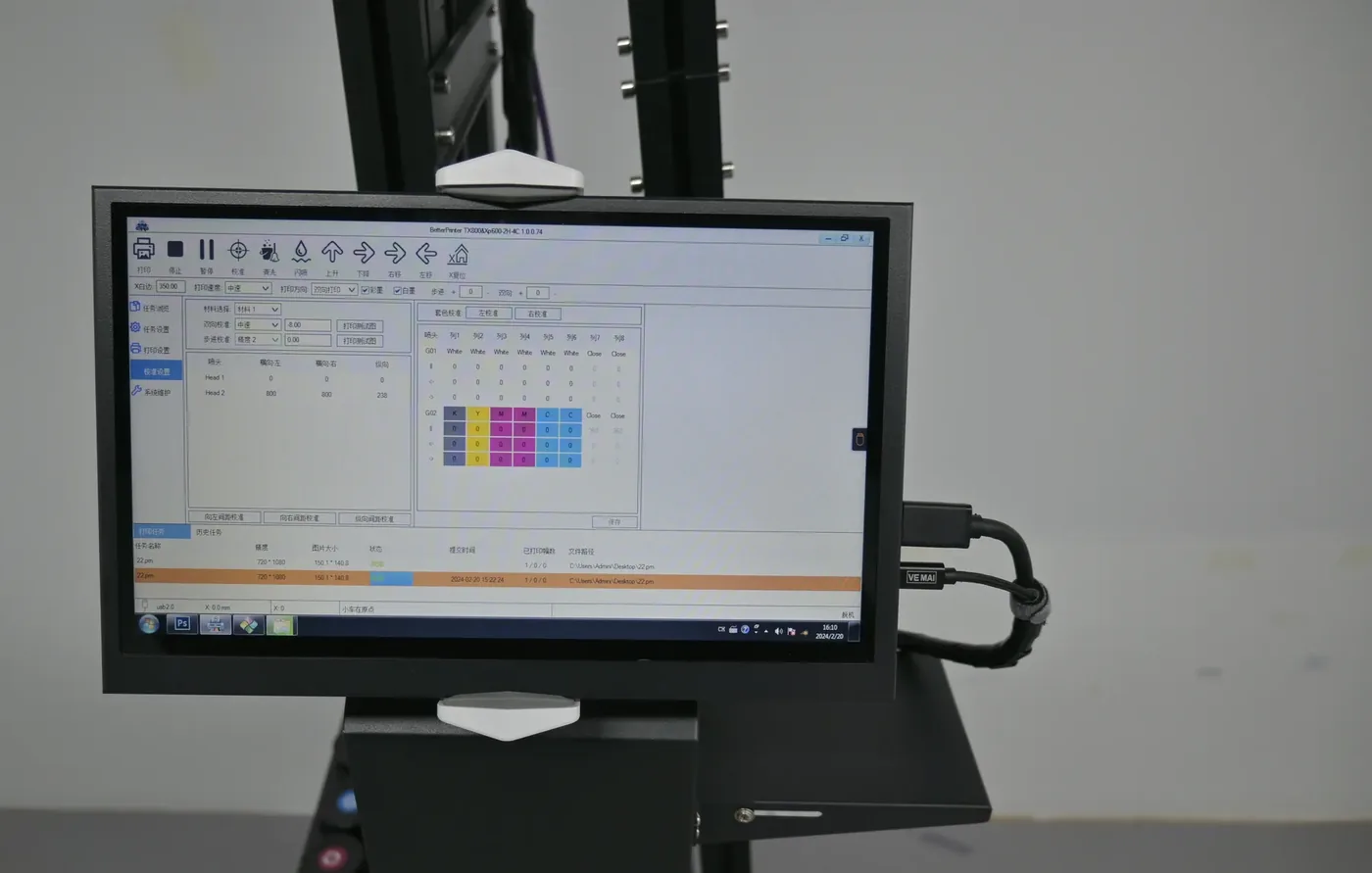
Artwork for white ink jobs follows the same file rules as any wall print. How the white layer is set up for a job is part of the white-and-colour workflow covered in training and in the video lesson.
Training and after-sales
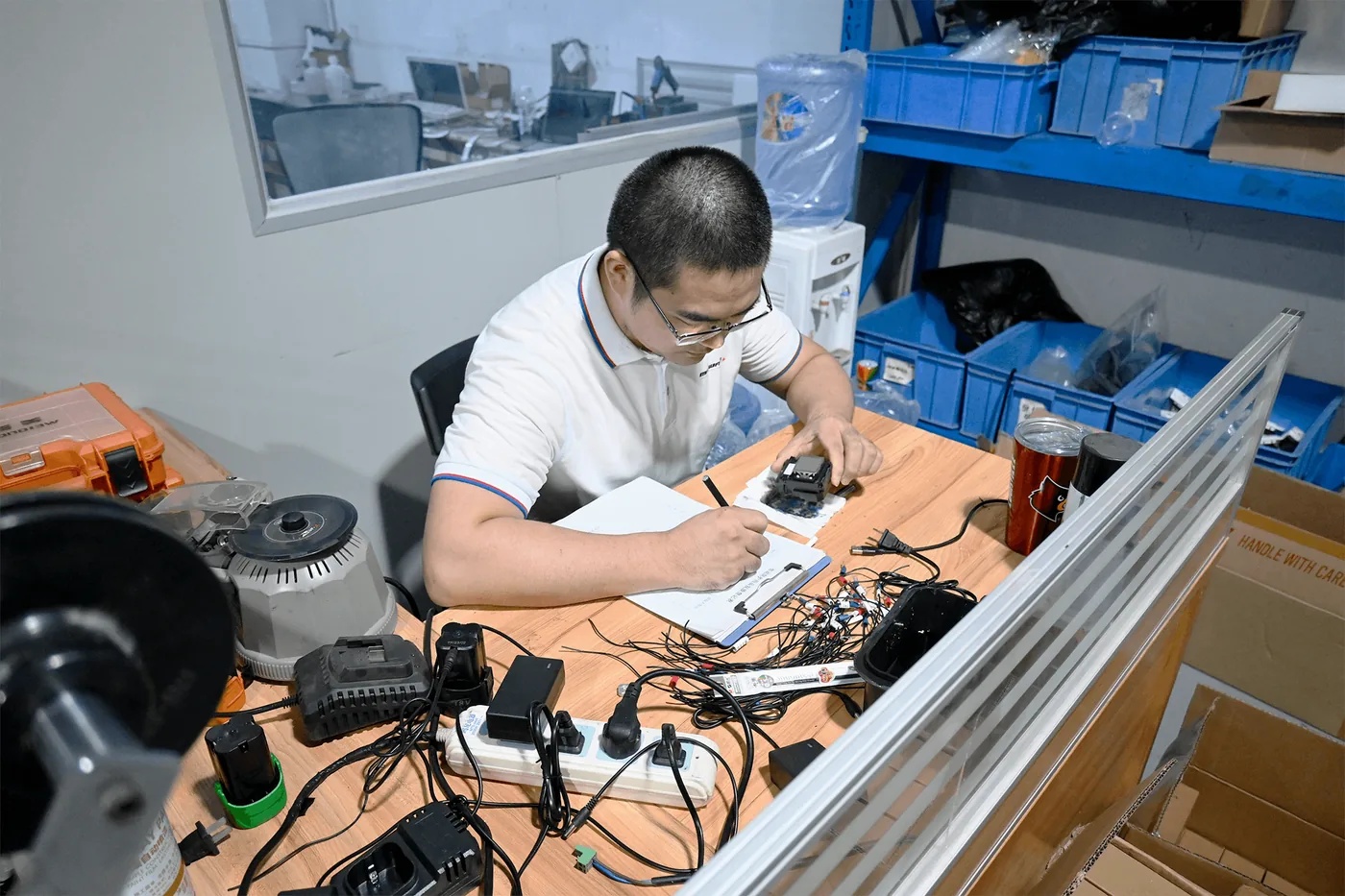
Remote training covers printing white and colour together alongside the machine, the software and daily care. The full training and after-sales plan is on Training and Support.
Your enquiry
Send these and the reply names the series, the printhead and the ink setup on one quotation.
The dark, coloured and light walls you plan to print, with their approximate width and height.
The colours you see most often on your jobs.
Painted wall, brick, glass, tile, wood or metal, so the coating is included where needed.
The series you are considering, or how you will move the machine between sites.
Your preferred printhead, or your expected job volume.
A sample file, if you have one.
CMYK + W quotation
Tell us the walls you print, their colours and the surfaces. The quotation names the series, the printhead setup and the ink setup.