Welcome to the WallPrintJet blog. It is written by the team that handles model selection, quotations and after-sales support for the MAXWAVE wall printers we supply: the GP200, the GP200B, the UP200 and the UP200P. Every machine is built and tested on the manufacturer’s production line before it ships, and the questions in these articles are the ones buyers send us before and after that point.
Most people who write to us are not printer engineers. They are starting a wall printing business, adding a wall printing service to a sign shop or a decorating company, or a mural artist who wants a machine to carry the large areas. This blog is for them.
Who This Blog Is For
If you are still deciding whether wall printing is a business for you, the articles here start from the work, not the machine: which walls people pay to have printed, what a job looks like from the first photo to the handover, and which costs are yours. If you already run a machine, you will find notes on printhead care, ink and the everyday routine that keeps a printer ready for the next job.
Our full startup plan — budget, first jobs and the steps to an order — is on the Start a Wall Printing Business page. The blog goes deeper into one question at a time.
Start From the Walls You Want to Sell
The right machine depends on the walls you print most often. A café mural, a classroom wall, a hotel corridor, an office logo wall and a gym graphic ask different things of the printer: height, how the machine travels between sites, whether you also print floors, and how dark or smooth the surface is.
That is why the first thing we ask for is a photo of the wall with its width and height. It tells us more than a list of features, and it is the fastest way to a recommendation that fits.
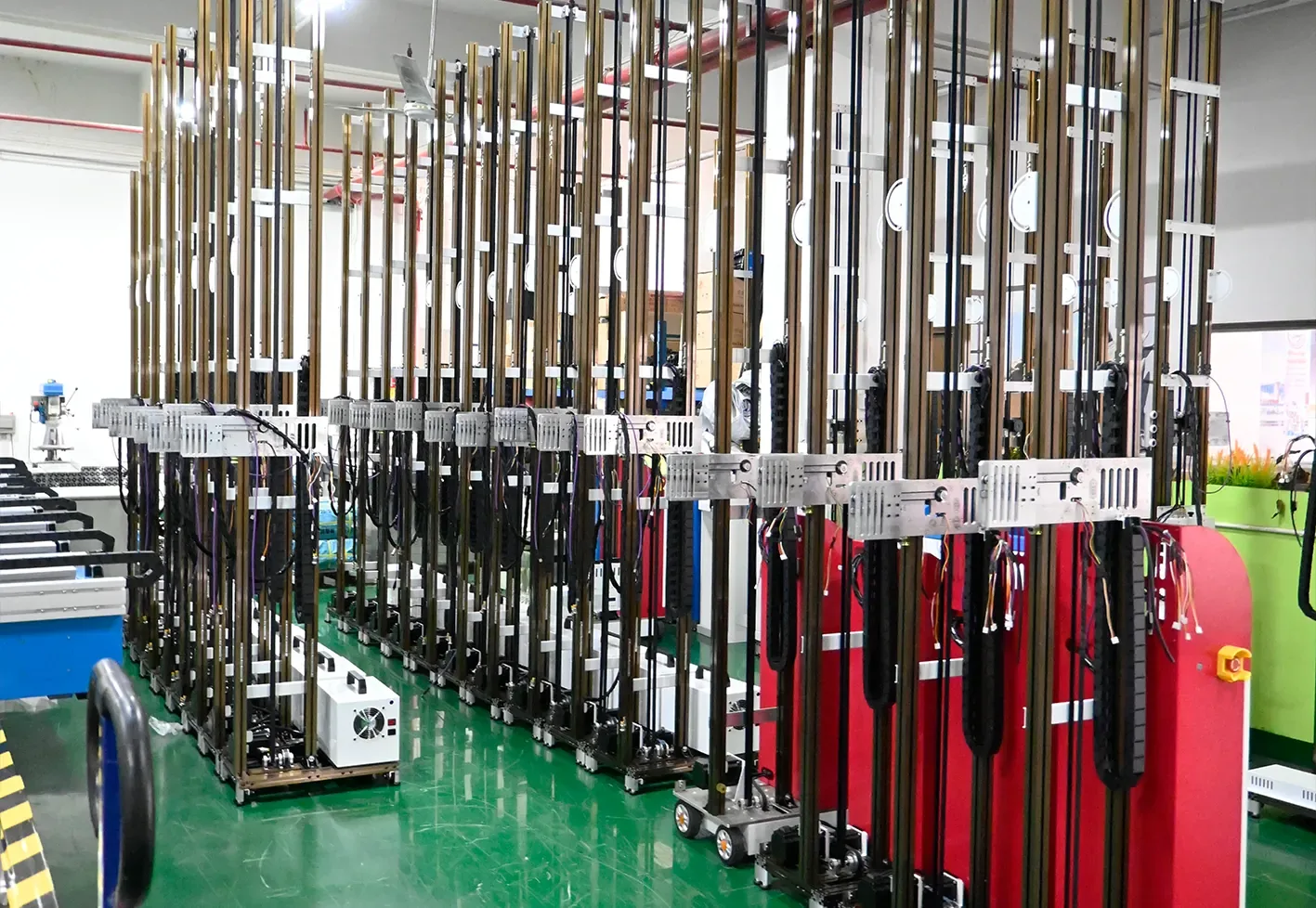
Four Checks Before You Choose a Machine
Articles in the Wall Printer Buying Guide category will come back to these four checks again and again.
Print area and print time
The standard print area is 2.5 m high × 6 m wide, and the width extends by joining more rail sections; the UP200P prints 2 m high. All four series print 8 m²/h in Standard mode and 5 m²/h in High resolution mode. A 15 m² wall is therefore about 2 hours of printing in Standard mode and about 3 hours in High resolution mode, before setup, surface preparation and any white underbase. The wall printer comparison puts the four series side by side.
Printhead
All four series print with Epson printheads. Nozzle count is the difference that matters: the I1600 has 1600 nozzles, the DX7 1440 and the DX10 1080. From I1600 to DX7 to DX10, fewer nozzles mean slower printing, a shorter printhead life, a lower printhead price and less resistance to clogging.
White ink and dark walls
Every series is offered in CMYK or CMYK + W. A dark wall needs the white ink configuration, because the white underbase goes down first and the colour prints on top of it.
The surface
Two ultrasonic sensors on the printhead follow up to 1.5 cm of relief. Smooth materials such as glass, acrylic and metal take the matching coating first, then the print. Results always depend on the surface, so send a wall photo before you quote a client and we confirm the setup.
The Money Side: One Sum With Your Own Numbers
Ink costs about $0.40 per m² in Standard mode with CMYK ink, based on roughly 2 ml per m². A white underbase or a full-coverage image raises it. The area that covers the machine comes from one sum:
machine price ÷ (price per m² − ink per m² − other costs per m²) = m² that cover the machine
The machine price comes from the quotation for your configuration. Your price per m², labour, travel and wall preparation are yours to set. Put your own figures into the sum before you order; we will not promise a payback period for you.
What Happens After the Machine Arrives
Learning the basic print workflow takes about 10 minutes, and remote training runs from your first print. Once the machine is assembled, you film it and send us the video; an after-sales engineer reviews the setup. Every machine carries a 2-year machine warranty, with each claim handled through WallPrintJet, and technicians answer whether you bought the machine three months ago or three years ago. What comes in the crate and how training runs are on the Wall Printer Training and Support page.
What Comes Next on the Blog
Coming articles will take one buyer question at a time: choosing between the four series for a given set of walls, printhead care between jobs, preparing difficult surfaces, and pricing a wall so the sum above works for you. If there is a question you want answered first, send it with a photo of your wall — it may become the next article.